What is Intraday Channel Breakout Indicator?
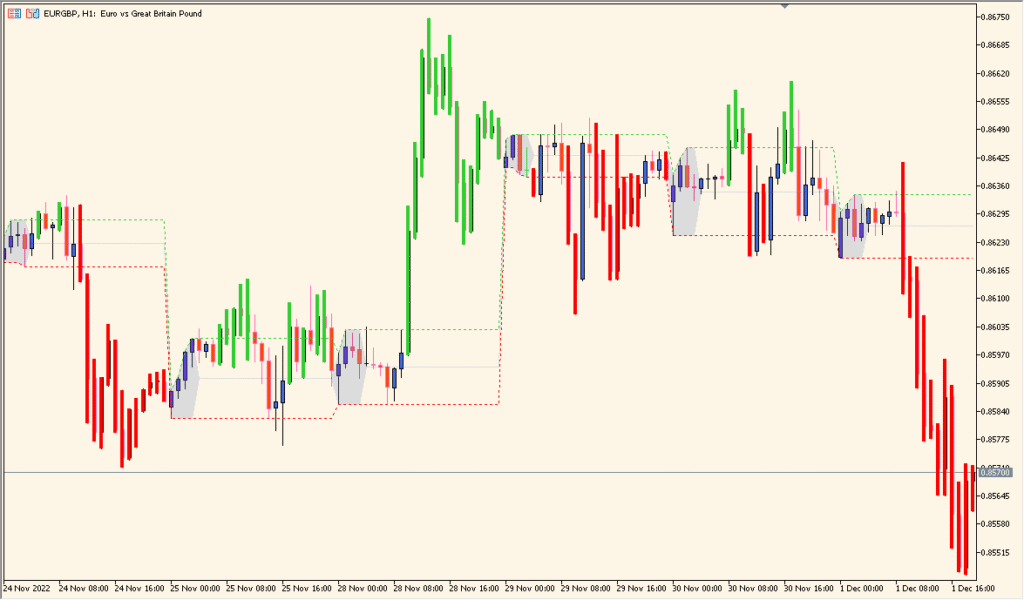
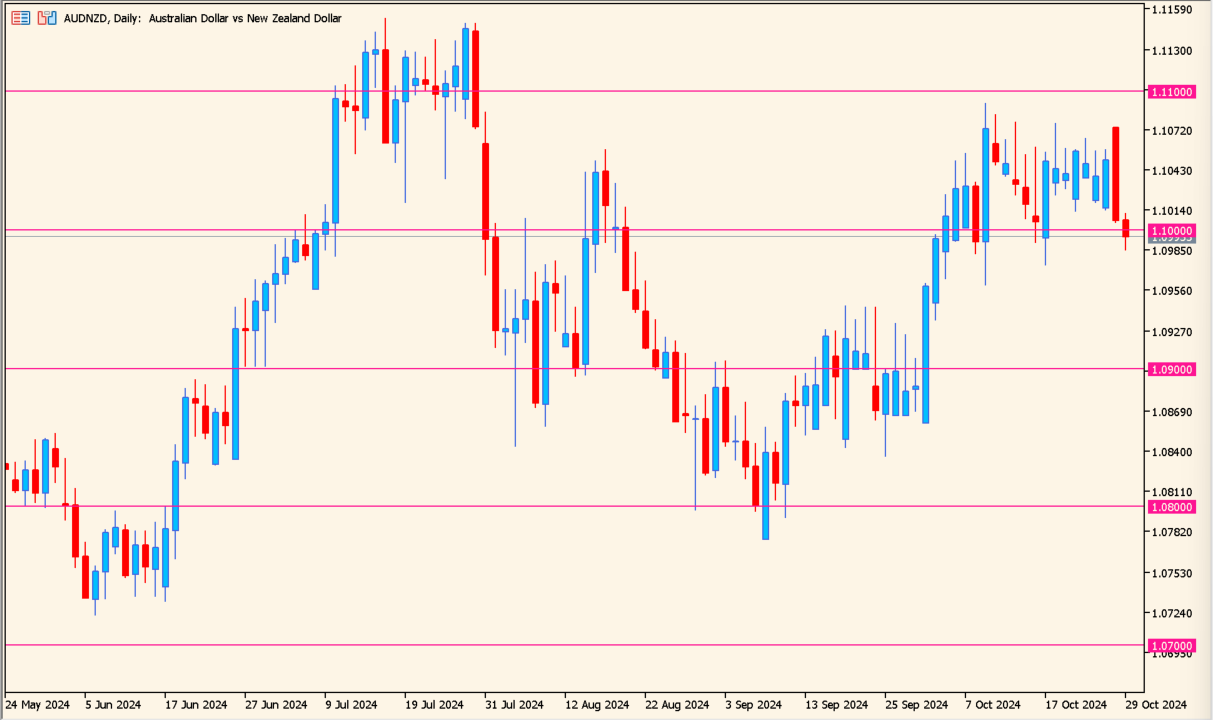
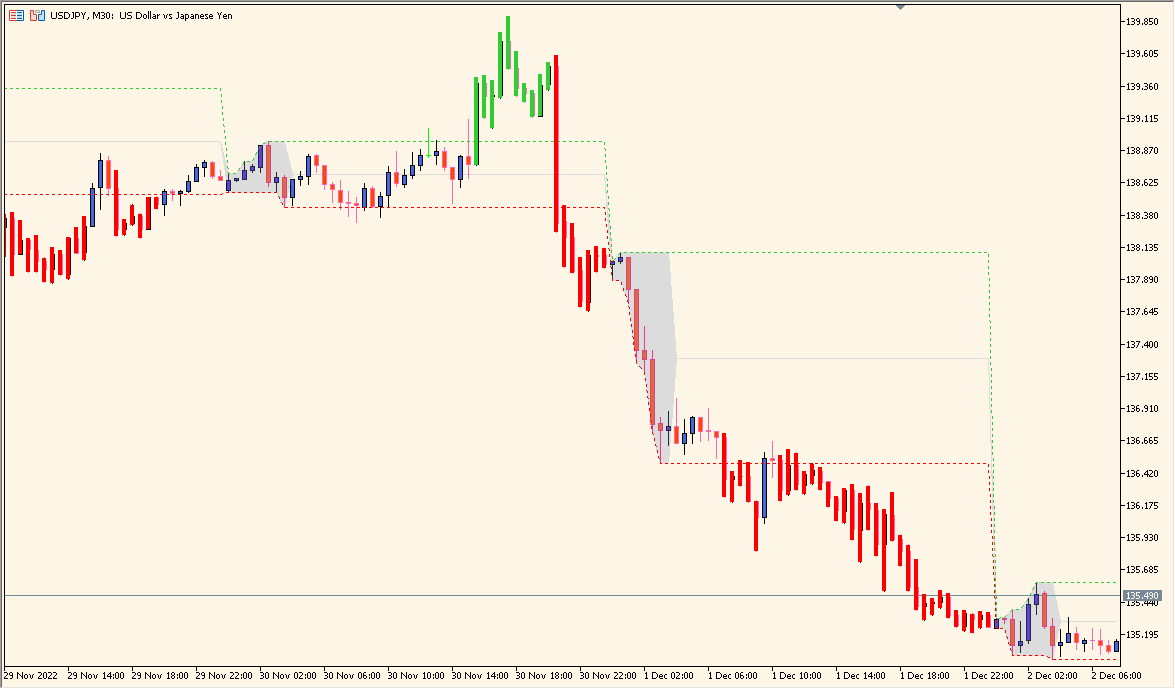
The Intraday Channel Breakout indicator for MT4 automatically marks the high and low of a selected time range and extends those levels across the trading session. When price breaks above or below these predefined boundaries, it signals potential intraday breakout opportunities. This tool helps traders visualize key early-session ranges, making it easier to identify breakout points and momentum setups.
It is particularly effective for traders who focus on London or New York session breakouts, or those using range-based strategies where the early market structure defines the day’s volatility potential.
How to Use It in Practice
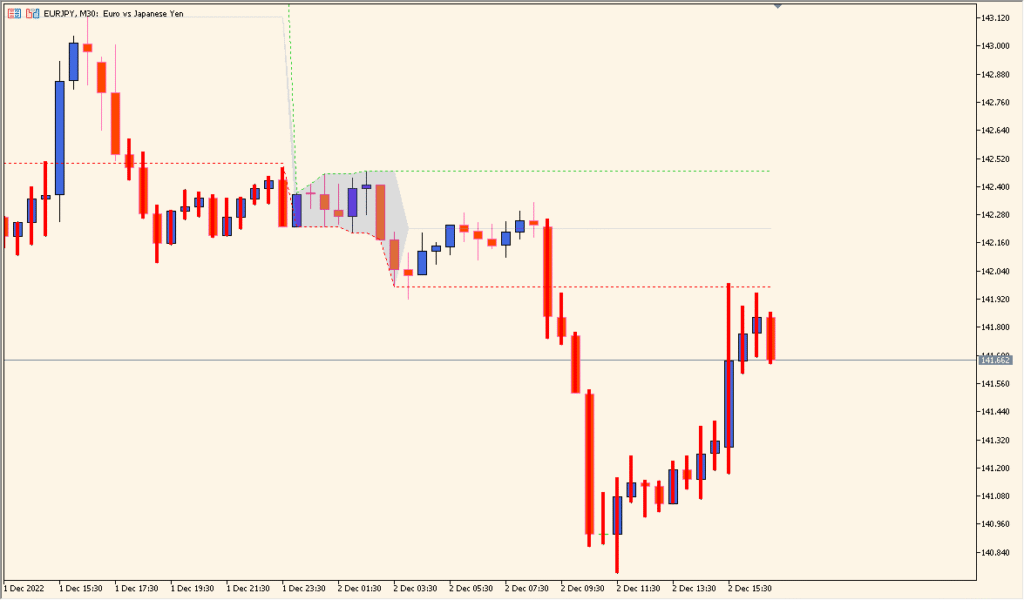
In practical use, traders can apply the Intraday Channel Breakout indicator to:
- Identify the price range formed during a specific early trading period.
- Wait for a breakout above or below the defined channel to confirm potential trade entries.
- Use the range width as a reference for stop-loss or take-profit levels.
- Combine it with volume or momentum indicators to filter false breakouts.
This indicator works well on intraday timeframes and complements breakout or volatility-based trading systems.
Best Settings & MT5 Parameters for intraday-channel-breakout
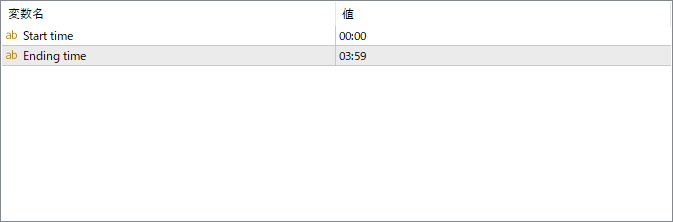
Start time
Specifies the beginning of the time window used to define the intraday range. The indicator records the high and low from this point.
Ending time
Sets the end of the time range. The high and low between the start and end time form the breakout channel displayed on the chart.