What is MA_Difference Indicator?
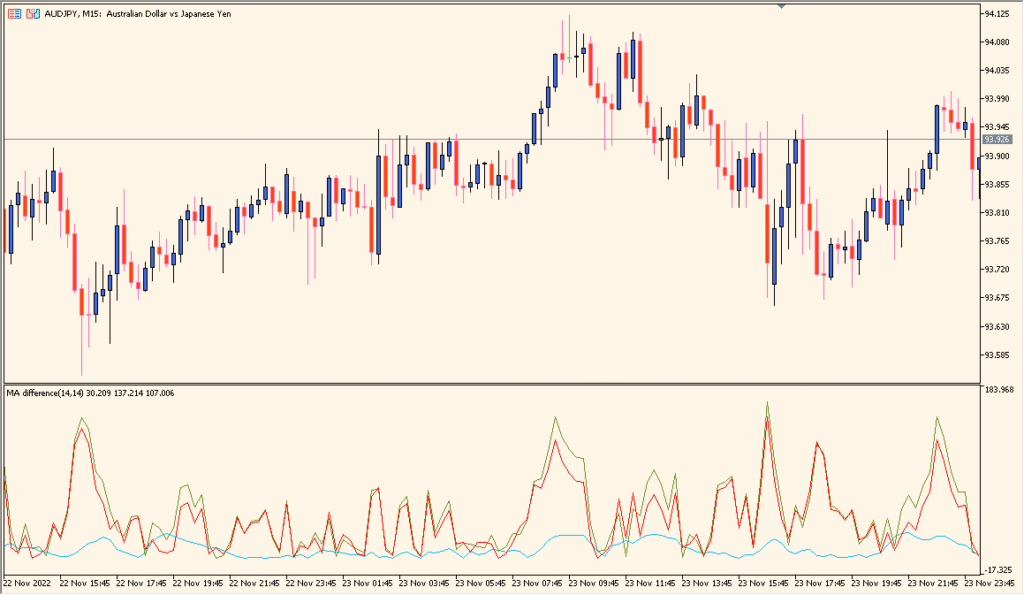
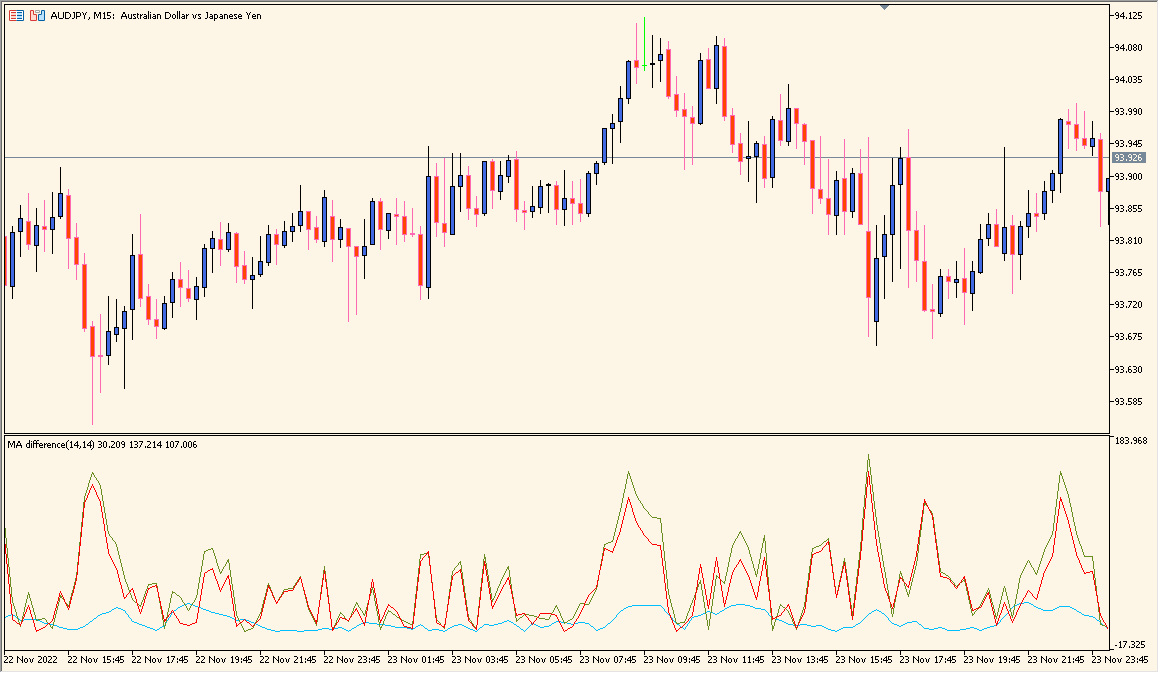
The MA_Difference indicator for MT4 calculates and displays the difference between two moving averages. It helps traders visually identify when the gap between a fast and a slow moving average is widening or narrowing — a useful signal for recognizing trend strength or potential reversals.
It plots three lines in a separate window: one for each moving average and one showing their difference. When the difference expands, it indicates increasing momentum; when it contracts, it signals potential slowdown or a shift in trend direction.
How to Use It in Practice
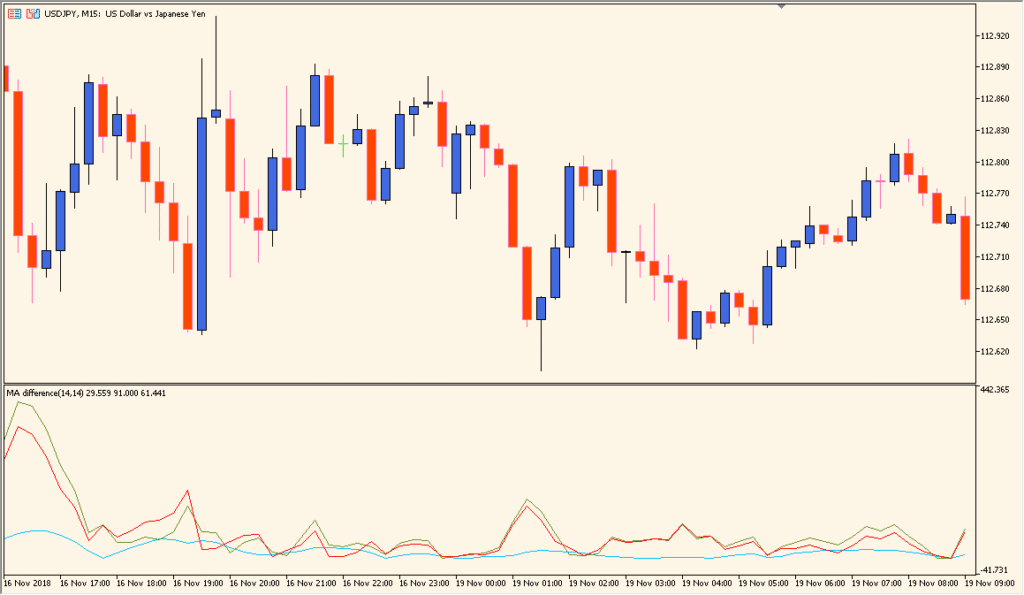
In live trading, the MA_Difference indicator can be used to:
- Confirm the strength of an ongoing trend by observing the size of the difference line.
- Detect potential reversals when the difference line crosses zero or changes direction.
- Filter false breakouts by checking whether momentum (difference) supports the price move.
- Combine with other tools like RSI or MACD for stronger confirmation signals.
This indicator works well for both trend-following and momentum-based strategies, providing a clear, visual measure of market energy.
Best Settings & MT5 Parameters for MA_Difference
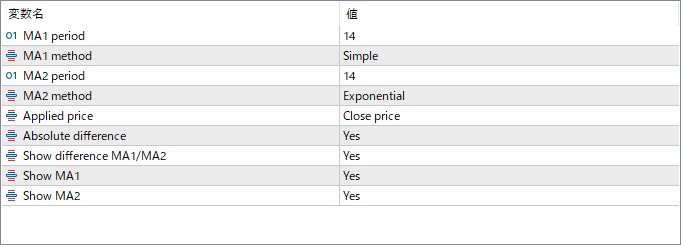
MA1 Period
Sets the period of the first moving average. Usually represents the faster MA used to capture short-term market movement.
MA1 Method
Defines the calculation type of the first moving average (e.g., Simple, Exponential, Smoothed, or Linear Weighted).
MA1 Applied Price
Specifies which price data to use for the first moving average (Close, Open, High, Low, etc.).
MA2 Period
Sets the period of the second moving average. Usually represents the slower MA used to identify longer-term trends.
MA2 Method
Defines the calculation type of the second moving average, similar to MA1.
MA2 Applied Price
Specifies the price type for the second moving average calculation.
Difference Color
Sets the color of the line that represents the difference between the two moving averages.
MA1 Color
Defines the display color of the first moving average line for clear distinction.
MA2 Color
Defines the display color of the second moving average line.