What is Specified_Time_Range_Candles Indicator?
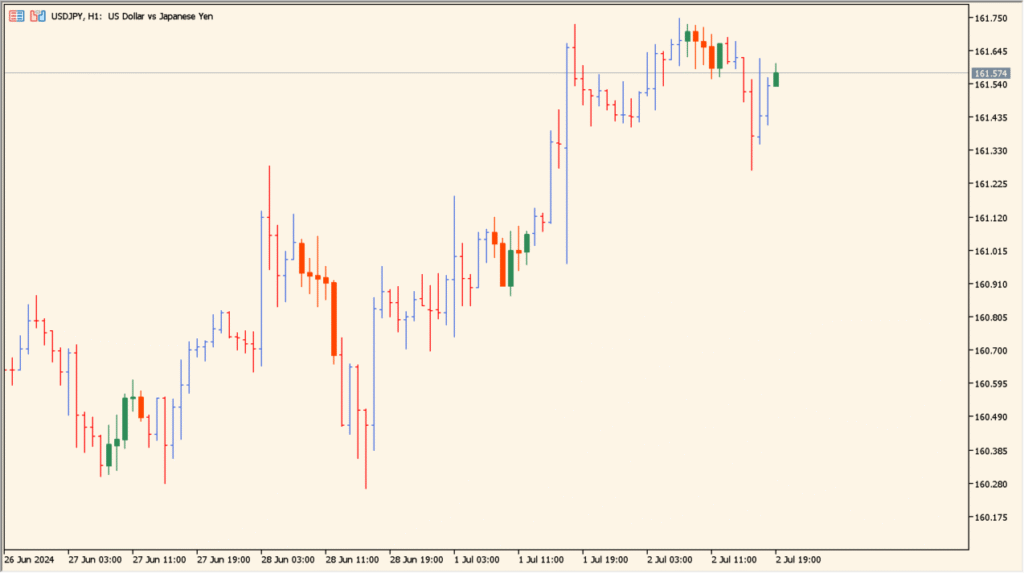
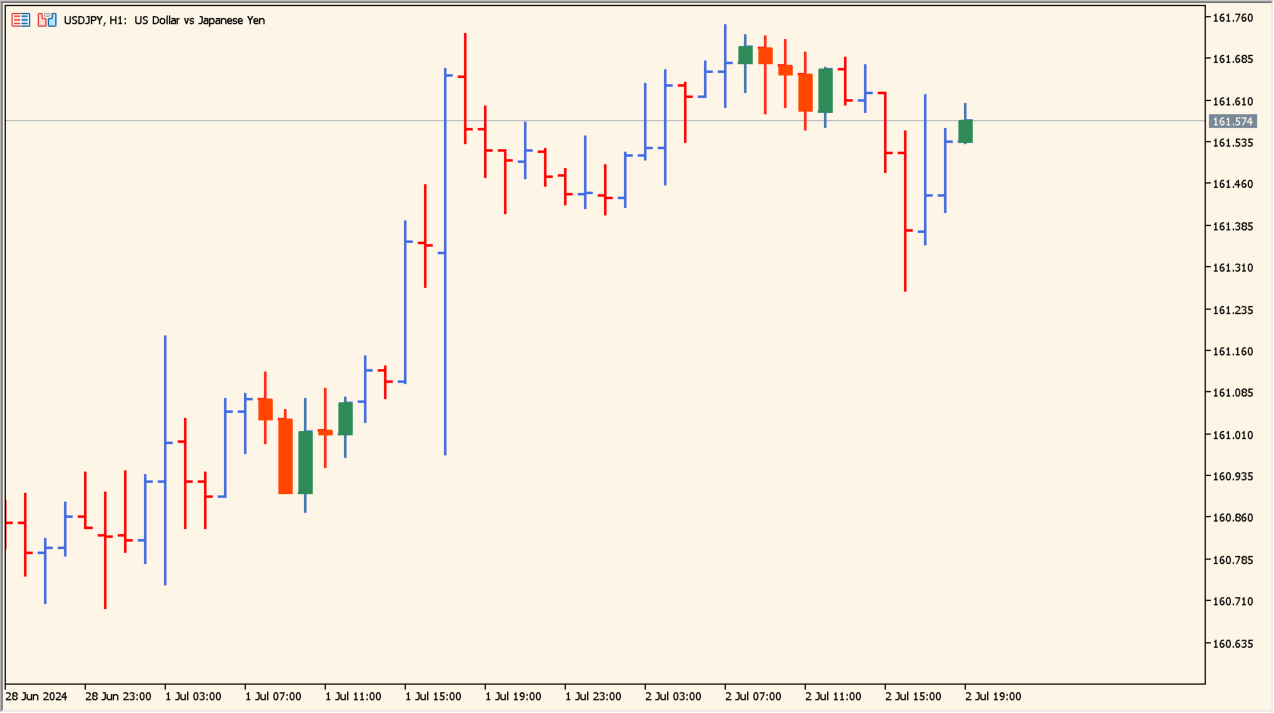
The Specified Time Range Candles indicator highlights price action that occurs within a defined time window of the trading day. Instead of analyzing the full 24-hour market, it allows you to focus only on a specific session, such as the Asian, London, or New York hours.
By visually isolating candles from a chosen time range, the indicator helps traders better understand session-specific behavior, volatility, and directional bias.
How to Use It in Practice
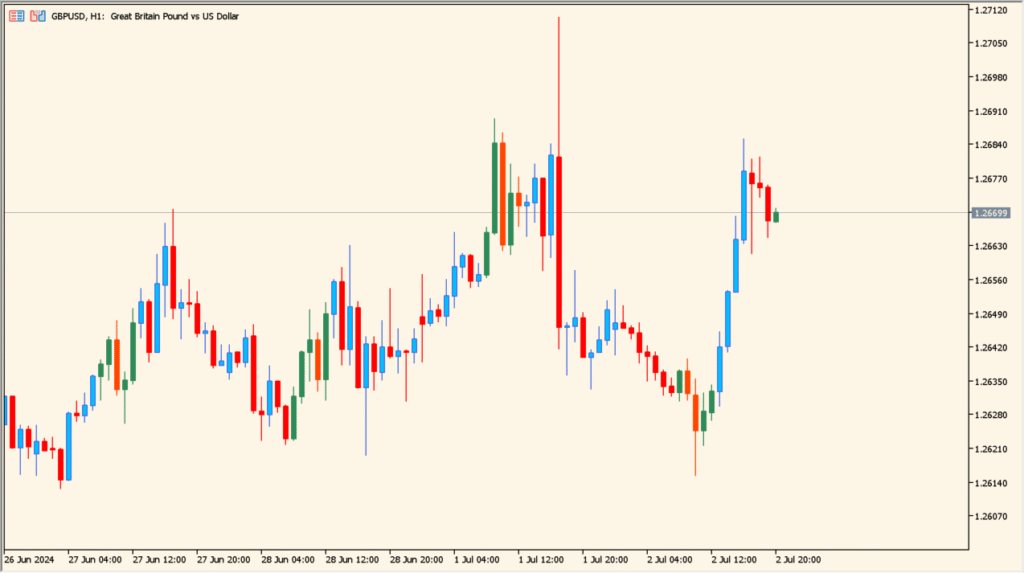
In practical trading, this indicator is mainly used as a contextual and analytical tool:
- Analyze how price behaves during a specific trading session.
- Compare session ranges to identify high-activity or low-volatility periods.
- Mark important intraday ranges that may act as reference levels later in the day.
- Support time-based strategies that rely on session opens or closes.
This makes it especially useful for intraday traders who build strategies around specific market sessions rather than continuous price movement.
Best Settings & MT5 Parameters for Specified_Time_Range_Candles
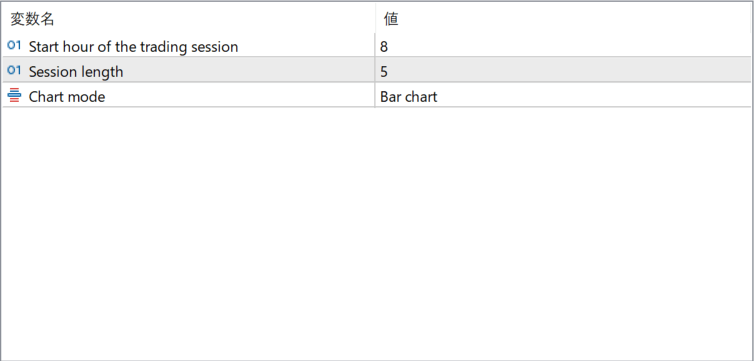
Start hour of the trading session
Defines the hour at which the highlighted trading session begins. This determines when the indicator starts marking candles.
Session length
Sets the duration of the trading session in hours. Only candles within this time span are emphasized on the chart.
Chart mode
Specifies how the candles are displayed during the selected time range, such as bar chart or other supported chart styles.