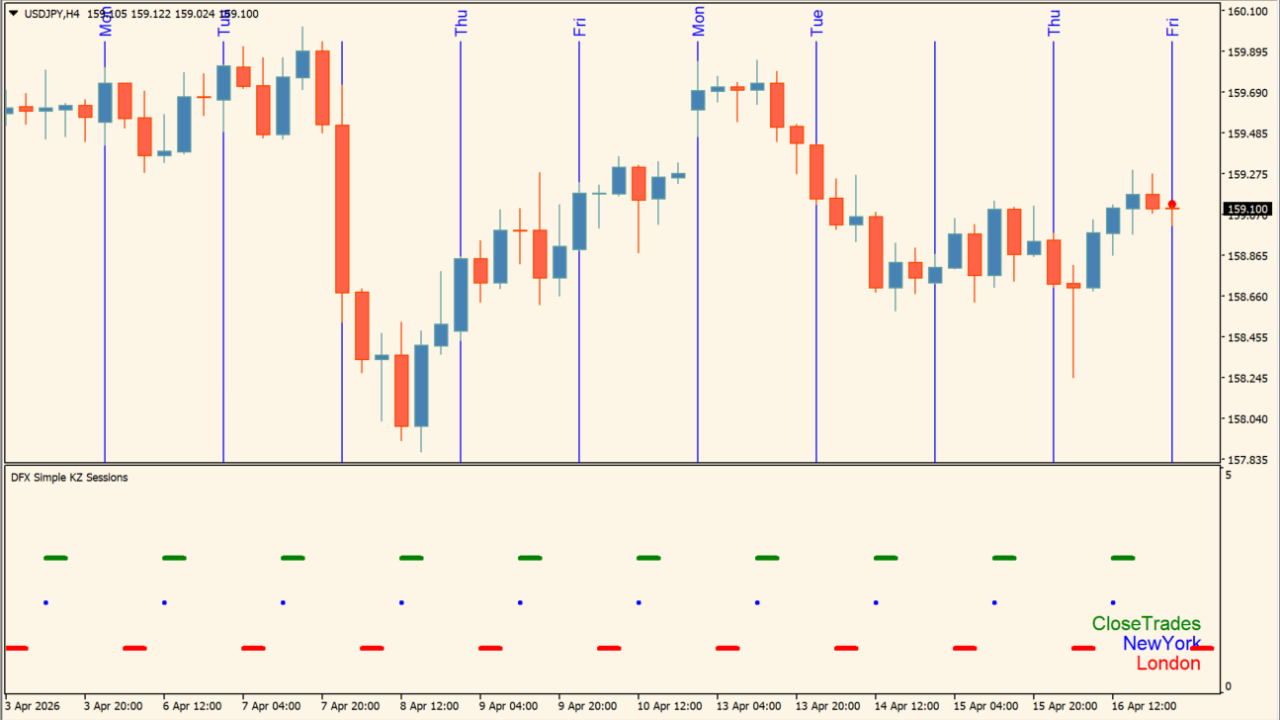
What is asian-session?
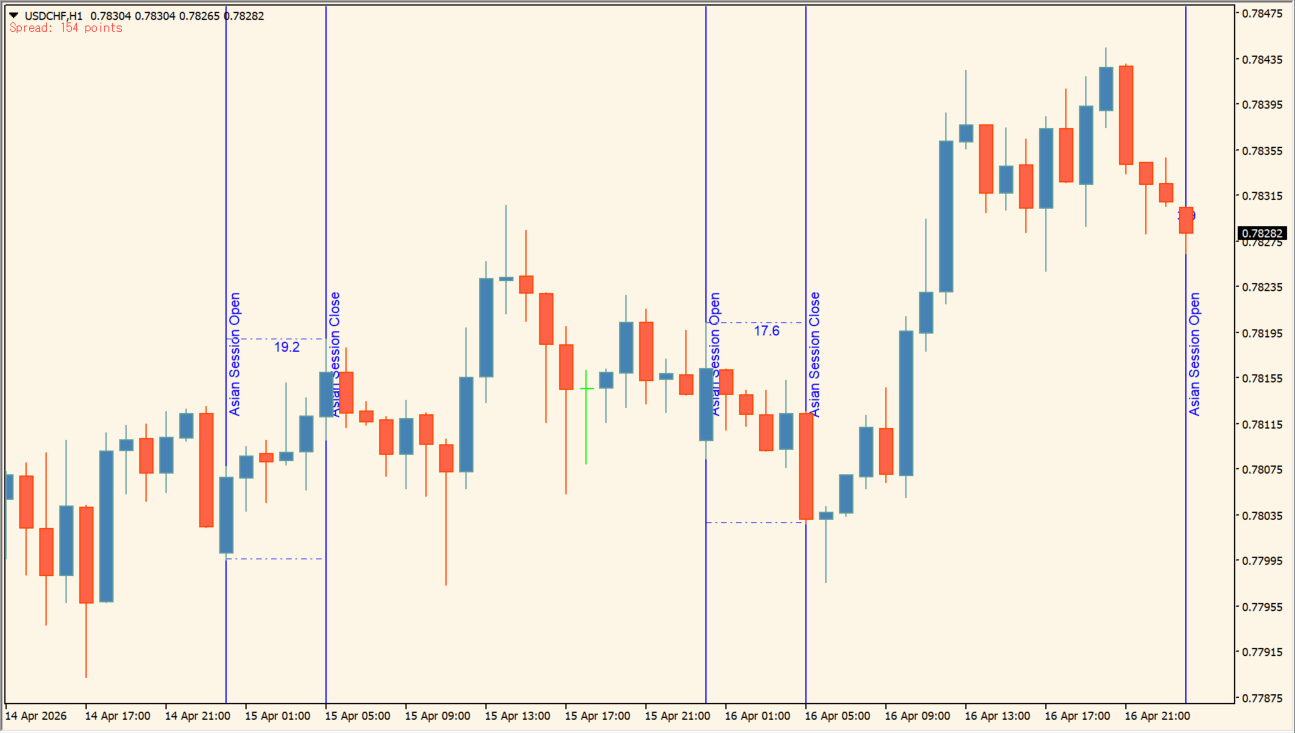
The Asian Session indicator suite maps the Asian session range, kill-zone windows, session boundaries, weekdays, and current spread on MT4 charts.
Its included DFX tools cover session ranges, kill-zone timing, day-of-week display, session lines, pip-movement alerts, and spread information.
How to use asian-session
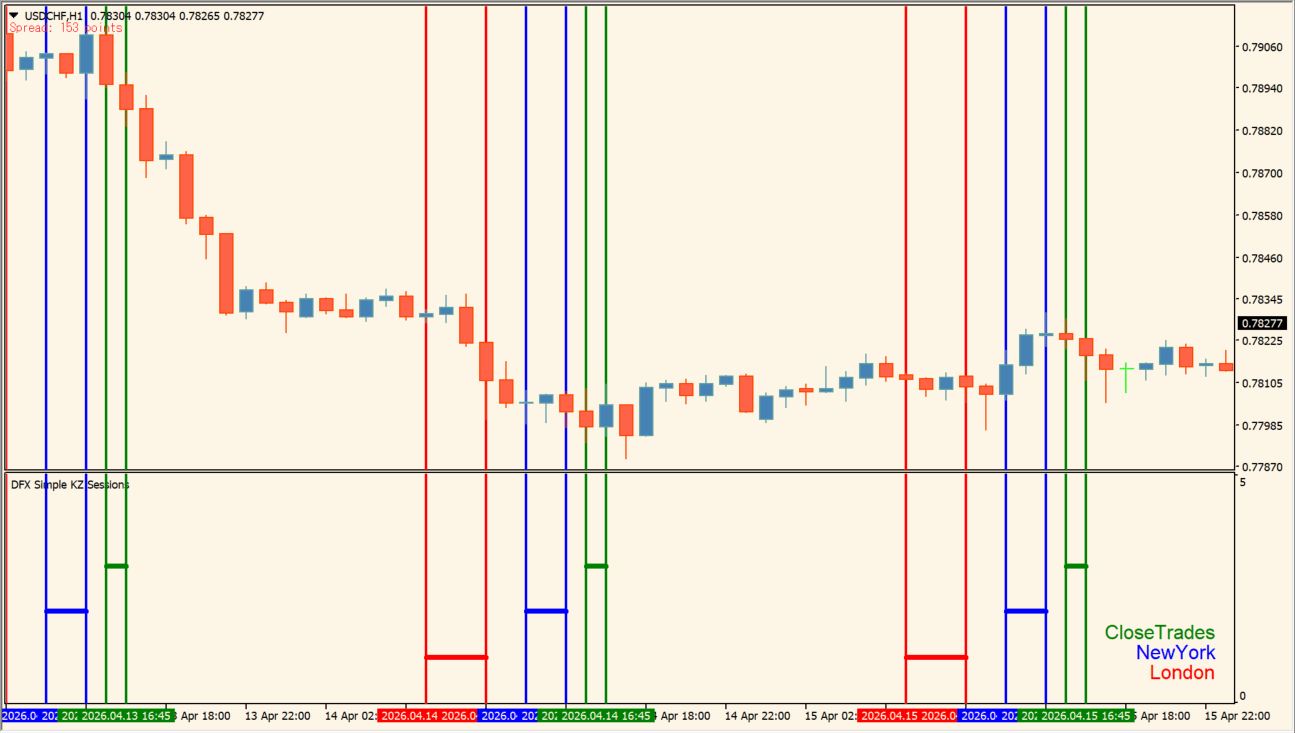
Copy the included DFX .ex4 files to the MT4 MQL4\Indicators folder, then attach the tools you need to a chart. Use DFX Asian Session to review the Asian-session high, low, and range, and use DFX Kill Zone Sessions or DFX Session Lines to mark the relevant time windows.
DFX Day Of Week adds weekday context, DFX IPA Notify alerts when movement exceeds its pip threshold, and DFX Spread shows the current spread.
Where it helps
The DFX Asian Session tool marks the Asian high, low, and range for chart review.
Kill-zone and session-line tools make important time boundaries easier to see.
Weekday, pip-movement, and spread displays add timing context to the chart.
MT4 Indicator Parameters
This indicator suite includes multiple .ex4 files: DFX Asian Session, DFX Day Of Week, DFX IPA Notify, DFX Kill Zone Sessions, DFX Session Lines, and DFX Spread. Copy all .ex4 files to your MQL4\Indicators folder.
How to Install .ex4 Indicator in MetaTrader 4
- Download the ZIP file and extract it.
- In MT4, select File → Open Data Folder.
- Open MQL4 → Indicators and copy the EX4 or MQ4 file into it.
- If the package includes library files, copy them to MQL4 → Libraries. Copy TPL files to the top-level templates folder.
- Restart MT4, find the indicator in the Navigator, and drag it onto a chart.
Test the tool on a demo account first. File contents and required folders can vary between packages.


