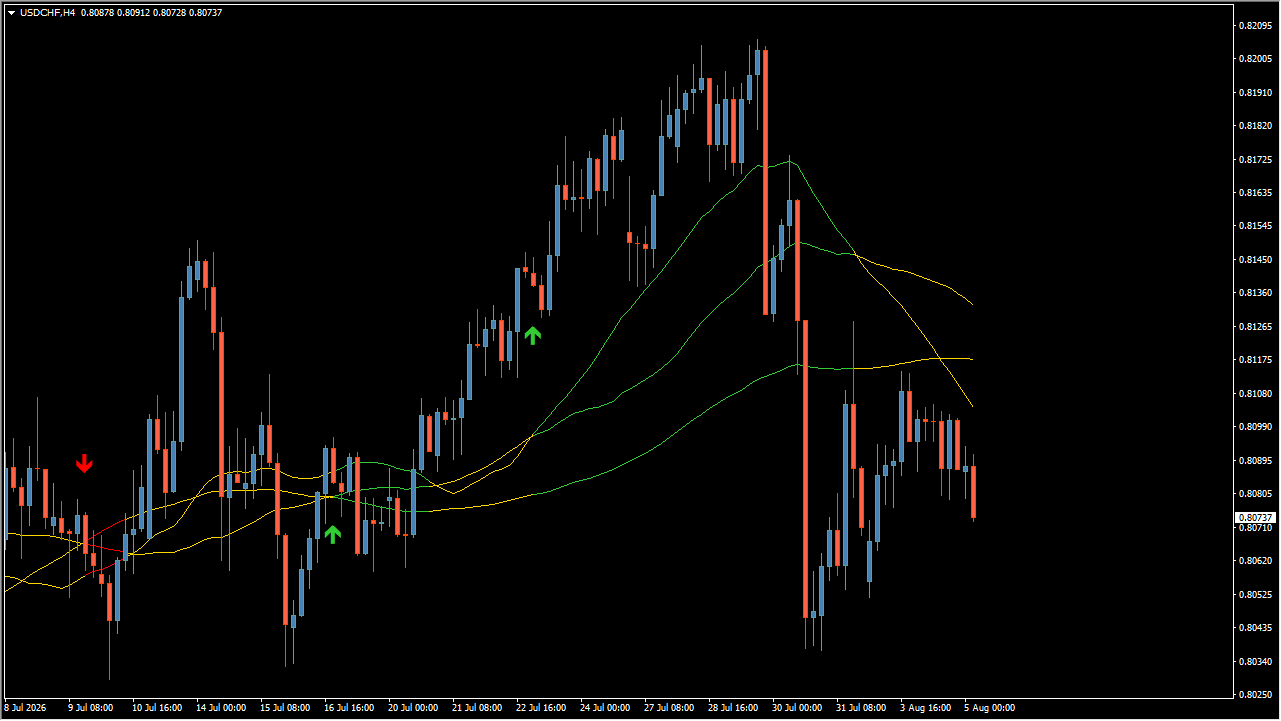
What is Fibonacci Progression With Breaks?
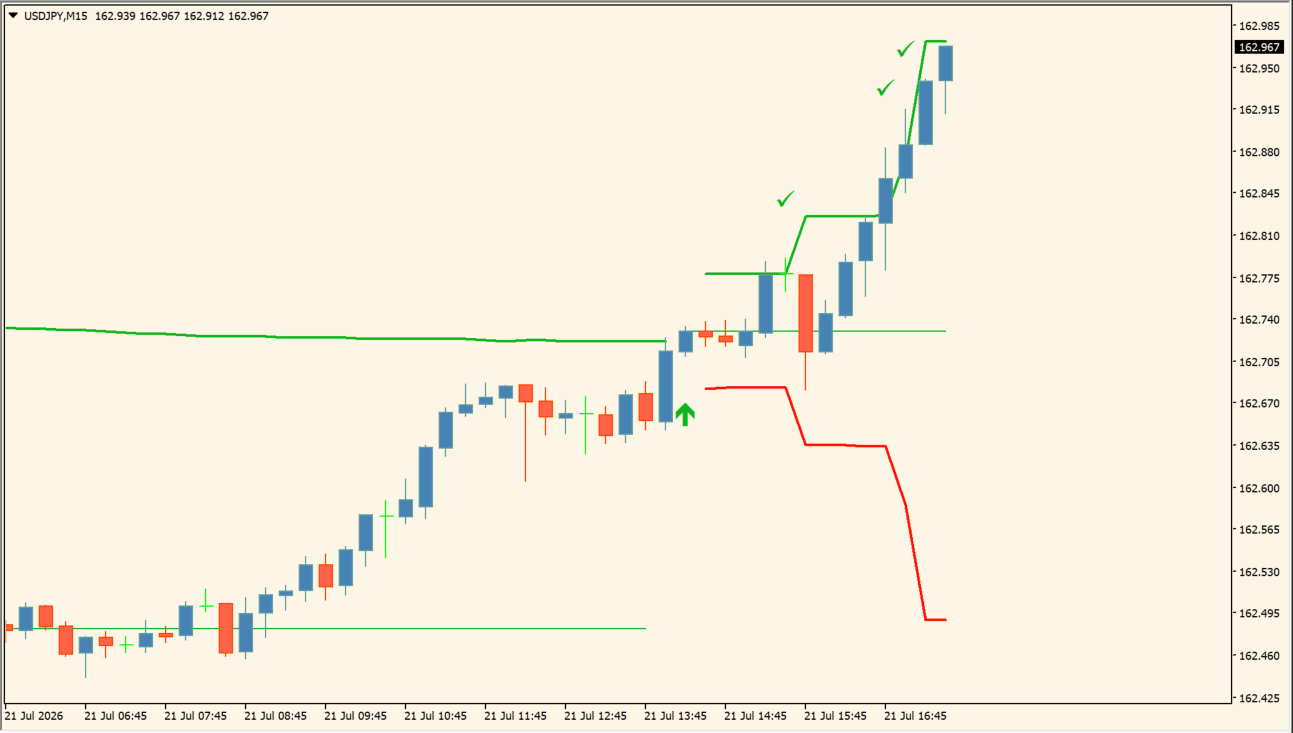
Fibonacci Progression With Breaks is an MT4 indicator that combines volatility such as ATR with Fibonacci progression to draw break lines and entry signals on the chart. Green and red step lines extend when price moves beyond a calculated range, while arrows and chart markers are also displayed.
How to use Fibonacci Progression With Breaks
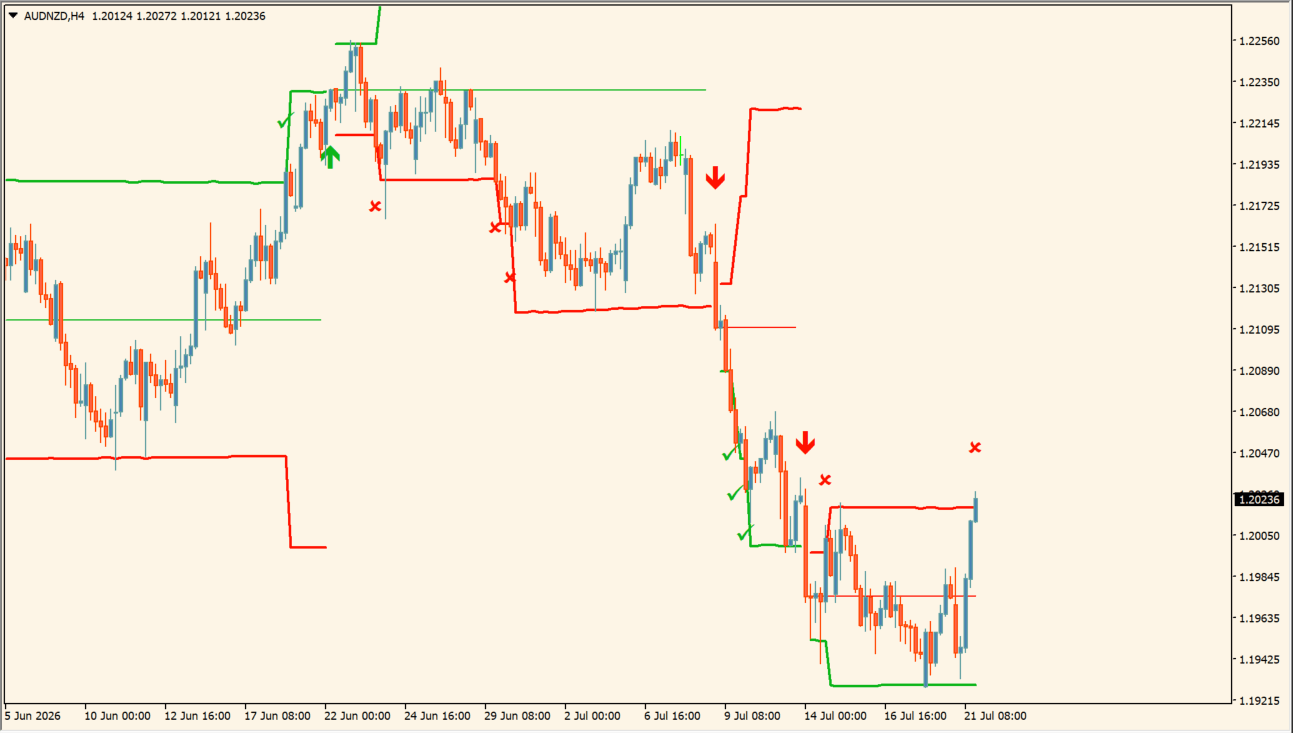
Green buy-consideration arrows and red sell-consideration arrows appear when price breaks above the upper green step line or below the lower red step line. After a break, the step line can serve as the displayed support or resistance reference; a green check marks target-arrival context and a red X marks exit or turning-point context.
Where it helps
MT4 Indicator Parameters
The table below lists the available MT4 indicator parameters. You can customize these options in the MetaTrader Inputs dialog to match your trading preferences.
| Parameter | Description |
|---|---|
| Method | Selects the volatility calculation method used for the lines. Default: ATR. |
| Size | Sets the multiplier used to adjust calculated line width or sensitivity. Default: 1.0. |
| Sequence Length | Sets the progression stage or extent used for the Fibonacci sequence lines. Default: 3. |
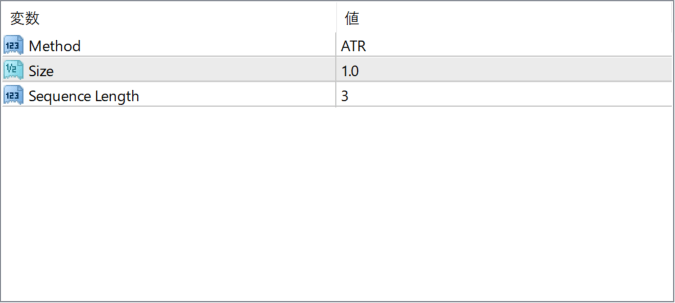
The screenshot above shows the default input parameters in the MT4 settings window.
How to Install .ex4 Indicator in MetaTrader 4
- Download the ZIP file and extract it.
- In MT4, select File → Open Data Folder.
- Open MQL4 → Indicators and copy the EX4 or MQ4 file into it.
- If the package includes library files, copy them to MQL4 → Libraries. Copy TPL files to the top-level templates folder.
- Restart MT4, find the indicator in the Navigator, and drag it onto a chart.
Test the tool on a demo account first. File contents and required folders can vary between packages.