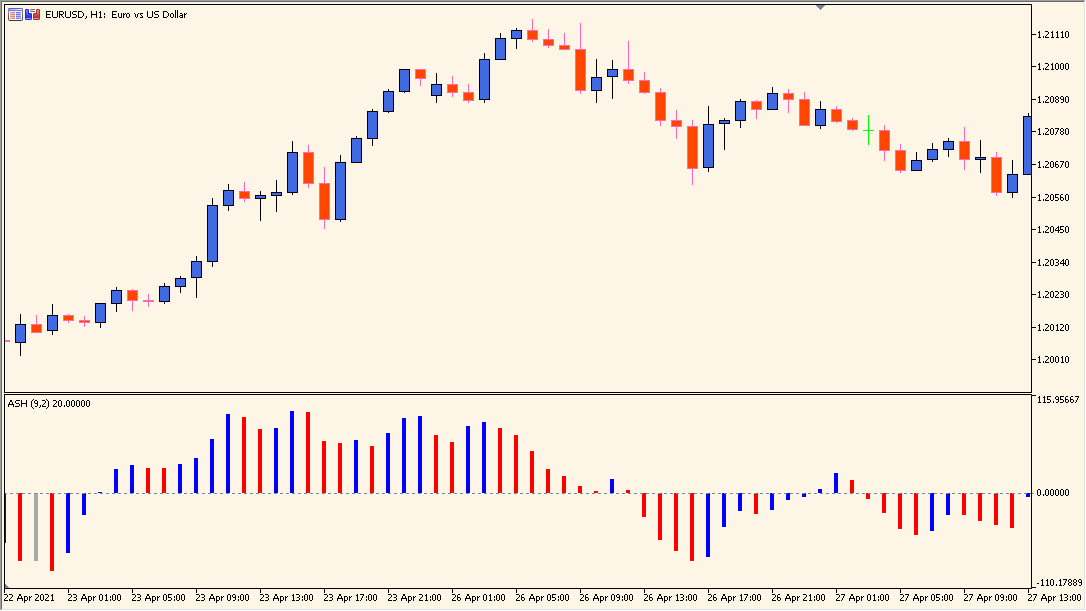
What is ASO Indicator?
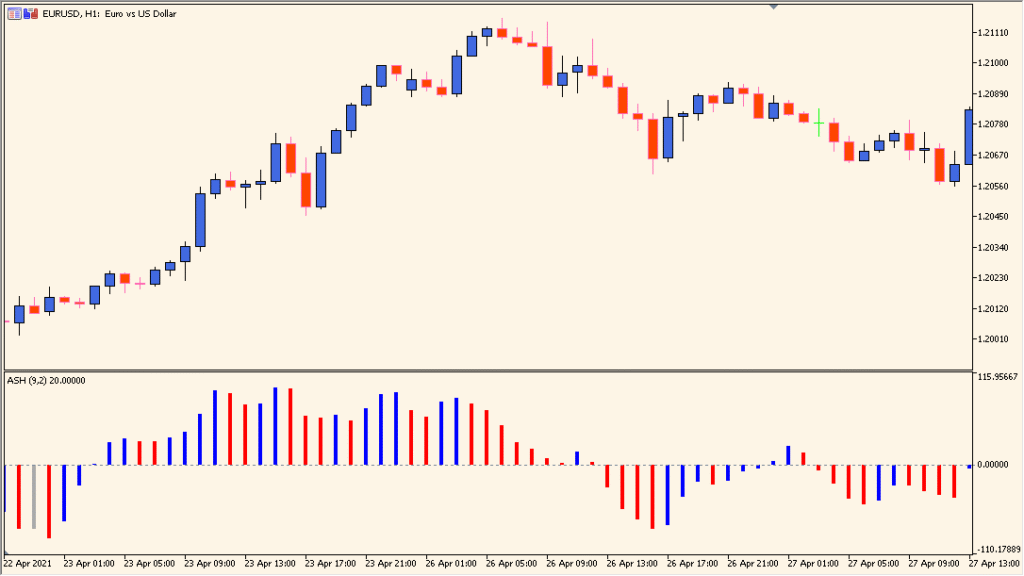
ASO, the Average Sentiment Oscillator, displays a histogram around a central zero line in an MT5 subwindow. Bar position above or below zero shows the strength state.
Method selects RSI or Stochastic for the bar color: blue marks an increasing selected oscillator and red marks a decreasing one.
How to Use It in Practice
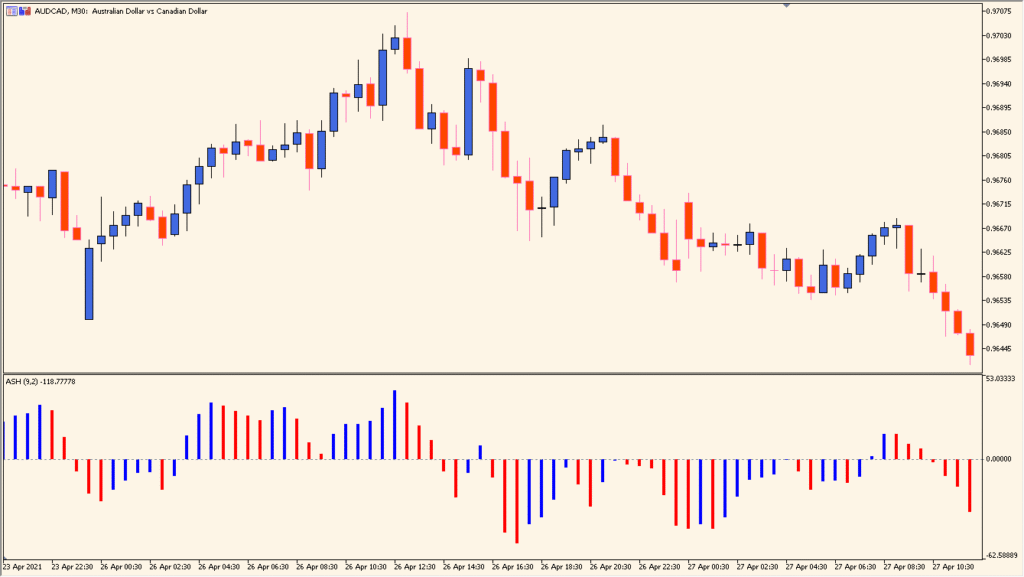
ASO uses bar length around the zero line for the displayed strength measure: bars above zero are shown as a stronger state and bars below zero as a weaker state. Its color comes from the selected secondary oscillator, with blue for an increasing reading and red for a decreasing reading.
- Compare bar height and position relative to zero with the blue and red color state in the subwindow.
- Select RSI or Stochastic in Method to choose the oscillator that supplies the bar color.
- Read the selected oscillator with its source definition in mind: Stochastic compares the current price with a period’s high-low range, while RSI compares average gains and losses.
Momentum is presented in a compact histogram, color changes make shifts easier to scan, and the calculation and smoothing settings can be adjusted for different chart views.
MT5 Indicator Parameters
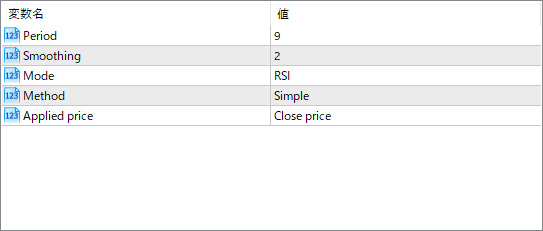
The screenshot above shows the default input parameters in the MT5 settings window.
| Parameter | Description |
|---|---|
| Period | Sets the number of bars used for calculating the base momentum value. Shorter values make it more reactive, while longer values smooth it out. |
| Smoothing | Defines how much smoothing is applied to the momentum calculation. Higher values create a more stable histogram but may lag slightly. |
| Mode | Selects the momentum type used as input. “RSI” applies the Relative Strength Index. Other modes might be available in the code. |
| Method | Specifies the type of moving average used for smoothing — for example, Simple or Exponential. |
| Applied price | Determines which price feed is used in the calculation, such as close, open, high, or low. |


