What is delta-force?
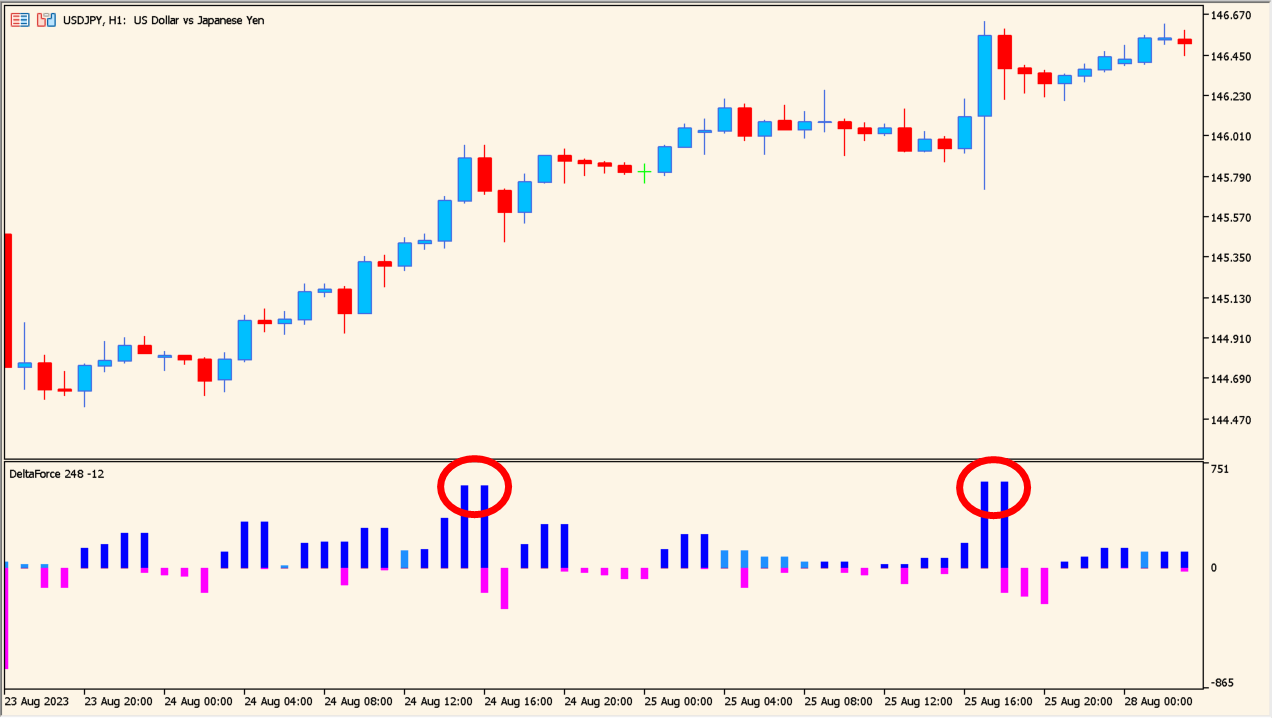
The pane draws bars above and below a zero level.
delta-force draws the force behind each candle as a histogram in a separate MT5 pane. Blue bars appear above the zero level and pink bars below it.
The pane presents two things: the color of a bar and its height. There is no fixed overbought or oversold level, so the readings a given pair and timeframe produce have to be taken from the chart itself. Horizontal shift of the indicator in bars moves the display along the pane.
How to use delta-force
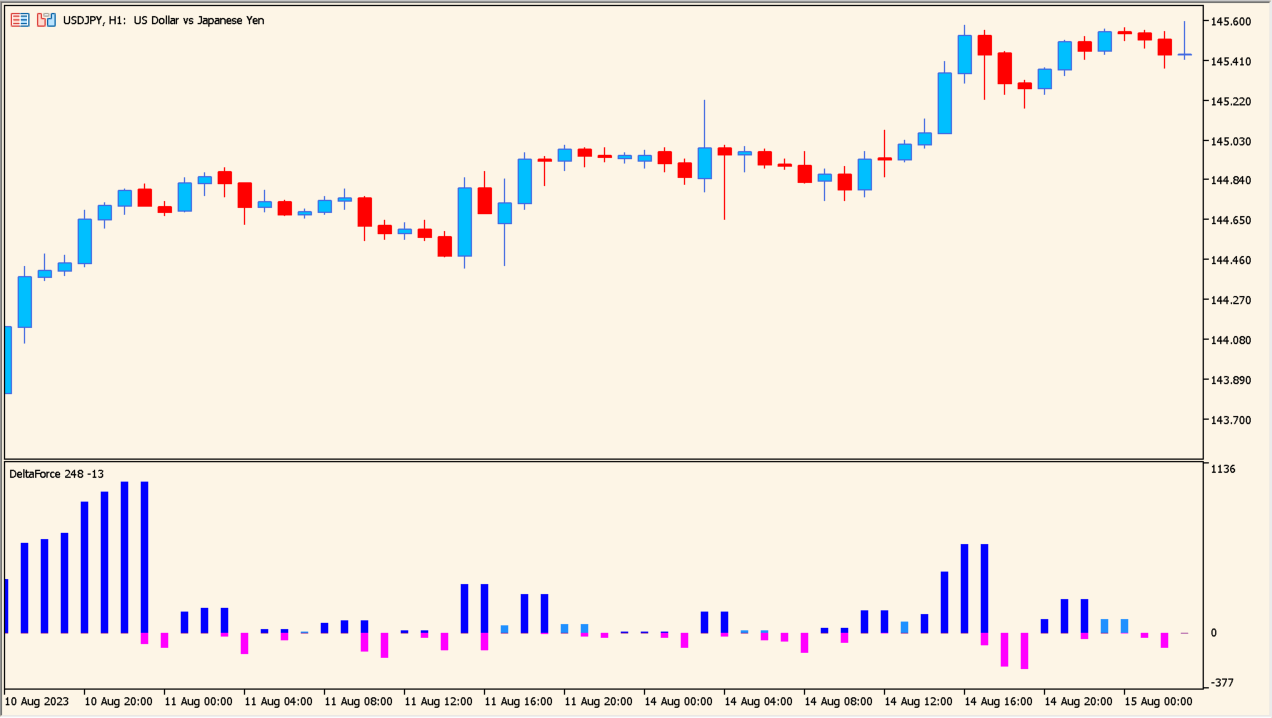
The bars stay short and the colors alternate frequently.
Add the indicator below an MT5 chart and compare the height of the bars with the size of the current price movement. A change between blue and pink marks a change in the histogram state.
With no fixed reference level in the pane, look back over earlier charts to see what range of readings your pair and timeframe normally produce.
Where it helps
The reading occupies its own pane, so the size of a move can be compared without measuring the candles directly.
Color carries the histogram state and height carries the size, so the two are read separately.
There is no fixed overbought level, so the readings that matter come from the pair and timeframe you actually trade.
MT5 Indicator Parameters
The table below lists the available MT5 indicator parameters. You can customize these options in the MetaTrader Inputs dialog to match your trading preferences.
| Parameter | Description |
|---|---|
| Horizontal shift of the indicator in bars | Sets the horizontal display shift. |
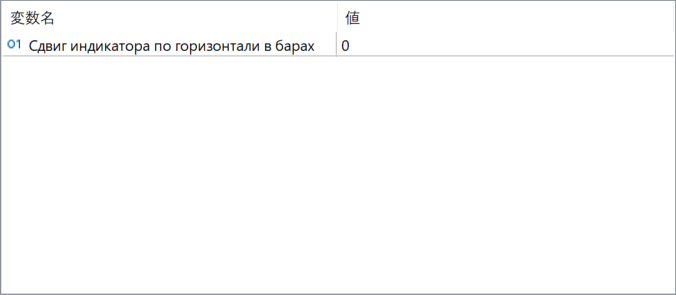
The screenshot above shows the default input parameters in the MT5 settings window.
How to Install .ex5 Indicator in MetaTrader 5
- Download the ZIP file and extract it.
- In MT5, select File → Open Data Folder.
- Open MQL5 → Indicators and copy the EX5 or MQ5 file into it.
- If the package includes library files, copy them to MQL5 → Libraries. Copy TPL files to the top-level templates folder.
- Restart MT5, find the indicator in the Navigator, and drag it onto a chart.
Test the tool on a demo account first. File contents and required folders can vary between packages.