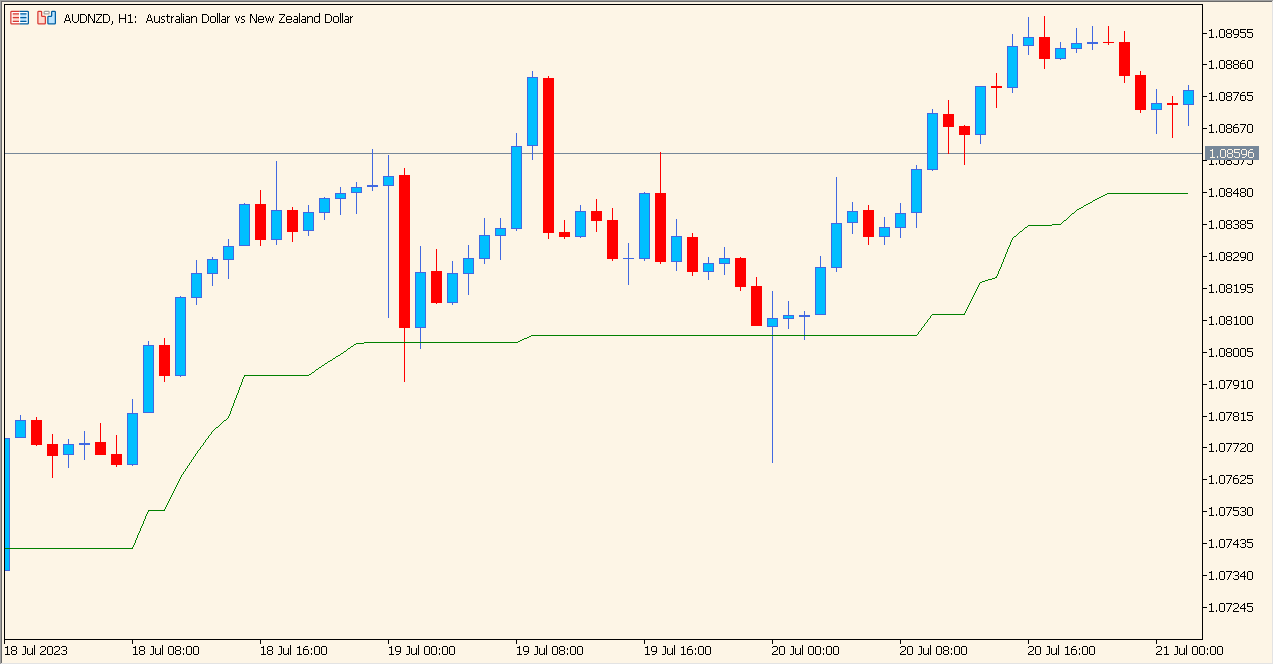
What is ATR Trailing Stop MT5 Indicator?
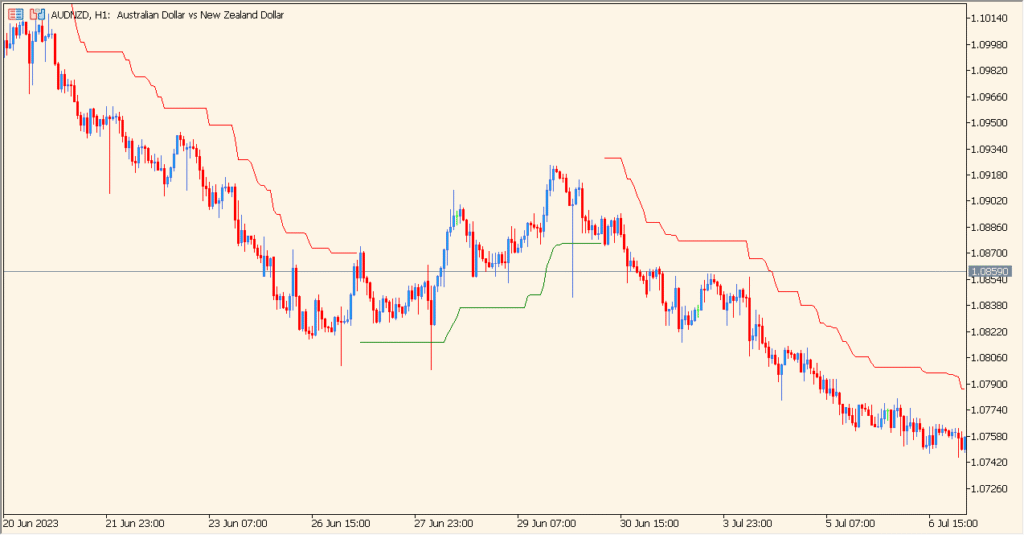
ATR Trailing Stop MT5 Indicator displays a line whose distance from price is based on Average True Range. Period and coefficient settings control the volatility sample and displayed distance.
The line provides a visual reference for comparing price with changing range conditions. It is chart context for review, not an automatic order or exit instruction.
How to Use It in Practice
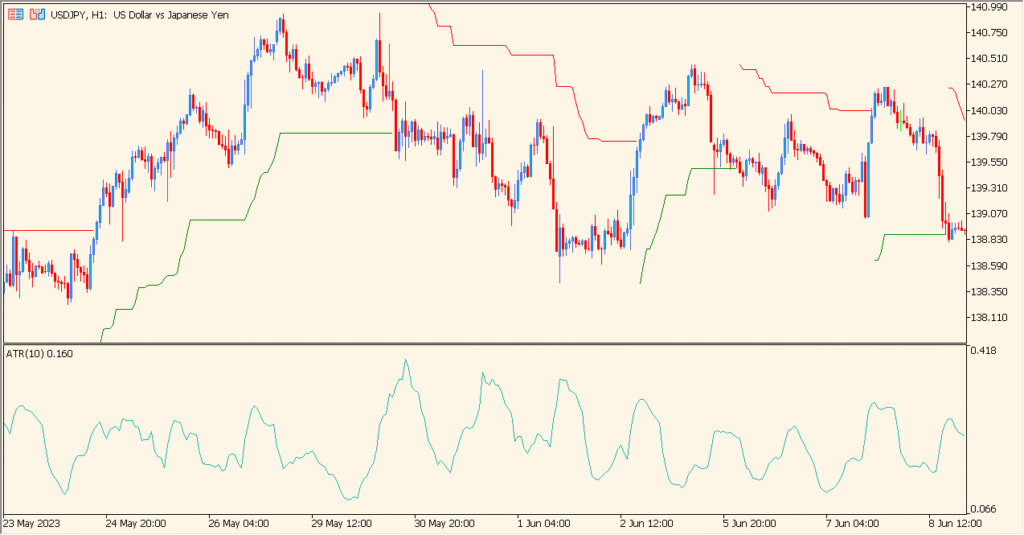
Inspect the ATR-derived line as a changing price-distance display. It is green below price during the displayed rise and red above price during the displayed decline; the color change follows a move opposite to the preceding direction while reflecting relative volatility.
- Compare the green or red line with the current candles and note when its position and color change.
- Use Coefficient to change the displayed distance between candles and the line; it is the setting most directly tied to the line's spacing.
- Adjust Period while observing the resulting ATR sample rather than expecting it to behave like a moving-average period.
- Keep the line as a volatility-based location reference, not as an automatic instruction.
ATR adapts the displayed distance to recent range conditions, while two simple inputs make the reference easy to compare.
MT5 Indicator Parameters
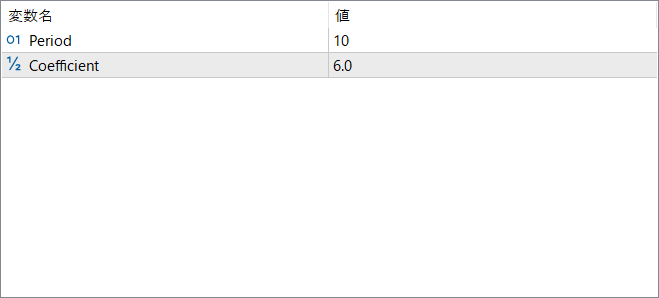
The screenshot above shows the default input parameters in the MT5 settings window.
| Parameter | Description |
|---|---|
| Period | Sets the ATR period used for volatility calculation. Shorter periods react quickly, while longer periods provide smoother stop levels. |
| Coefficient | Defines how far the trailing stop is placed from the price. Larger values produce wider stop distances, while smaller values keep the stop closer. |


