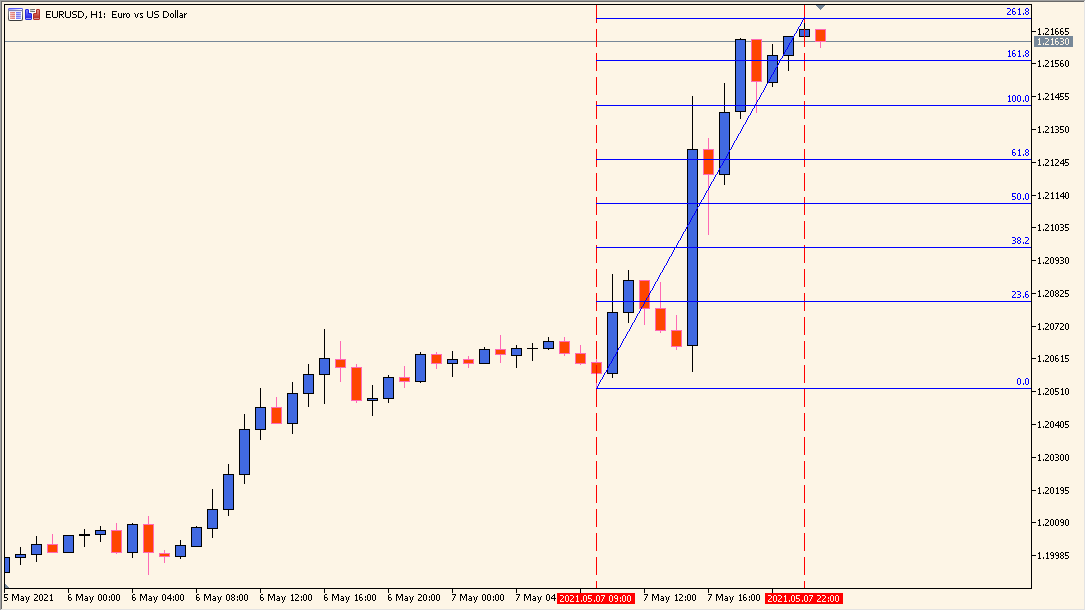
What is Auto Fibonacci Indicator?
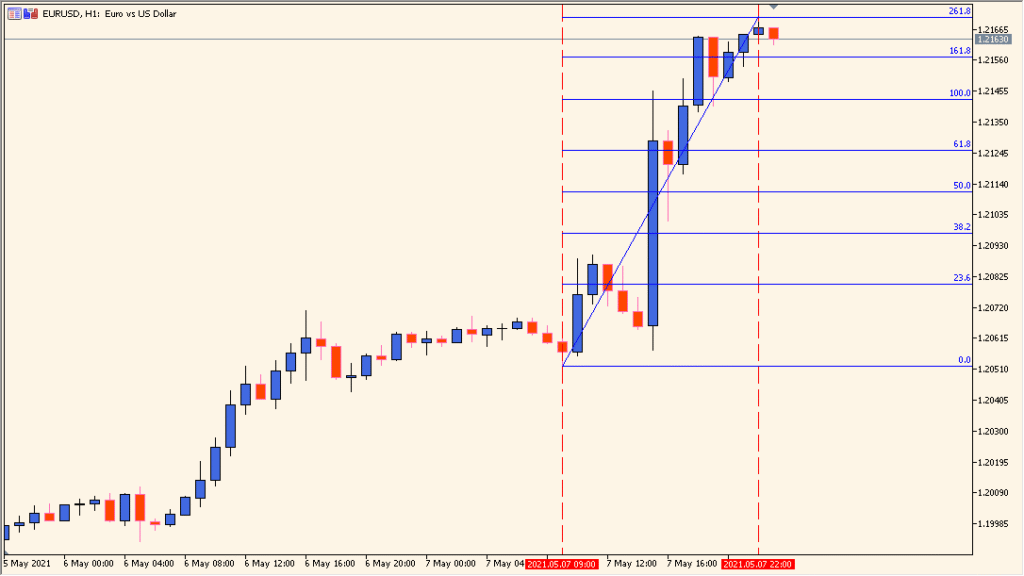
The Auto Fibonacci Indicator for MT5 draws Fibonacci levels from a recent swing high and low. The HighToLow setting controls the drawing direction, while the custom level inputs define which percentages appear on the chart.
StartBar and BarsBack control where the swing scan begins and how far it looks back. The Pause setting controls automatic updating, so the displayed references can be kept in place while the chart is reviewed.
How to Use It in Practice
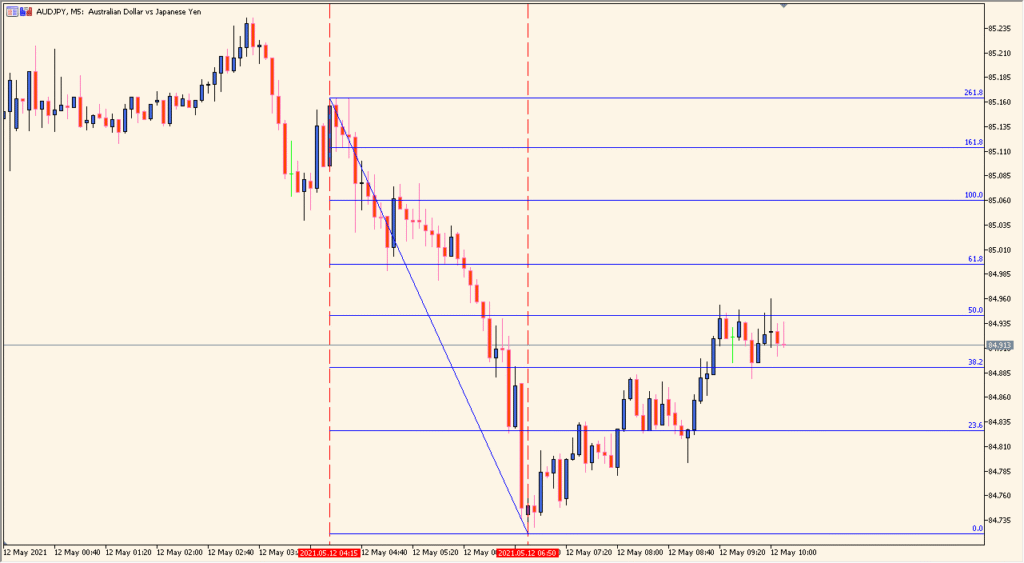
Use the indicator to review Fibonacci references around the selected swing:
- Add the indicator and review the swing points and displayed Fibonacci levels.
- Set HighToLow to match the direction of the swing reference you want to display.
- Adjust StartBar, BarsBack, and the custom Fibonacci level inputs in the existing settings.
- Use Pause when you want to keep the current drawing visible while comparing later price action.
Recent swing levels can be drawn automatically, custom percentages are available, and the scan and update controls make the reference easier to adjust during chart review.
MT5 Indicator Parameters
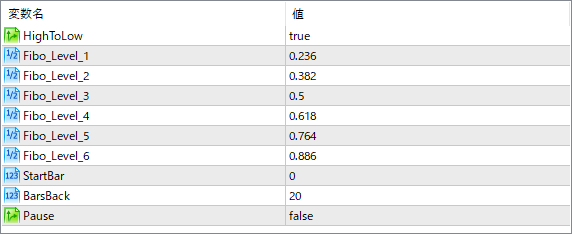
The screenshot above shows the default input parameters in the MT5 settings window.
| Parameter | Description |
|---|---|
| HighToLow | Determines the direction of the Fibonacci drawing. When set to true, the indicator draws from the highest to lowest price (for a downtrend). If false, it draws from low to high (for an uptrend). |
| Fibo_Level_1 | Sets the first custom Fibonacci level. Often used for 23.6% retracement. |
| Fibo_Level_2 | Defines another custom retracement level, usually for 38.2%. |
| Fibo_Level_3 | Typically the 50% retracement level, which is commonly watched by traders despite not being a “true” Fibonacci number. |
| Fibo_Level_4 | Used for setting the 61.8% retracement, one of the most important Fibonacci levels. |
| Fibo_Level_5 | Another optional level, often set to 76.4% for deep pullbacks. |
| Fibo_Level_6 | Used to display the 88.6% retracement, which some advanced Fibonacci traders monitor. |
| StartBar | Specifies from which bar the indicator starts scanning for highs and lows. Useful for adjusting the starting point of the Fibonacci swing. |
| BarsBack | Sets how many bars back the indicator looks to define the recent swing high and low. This helps determine the anchor points for the Fibonacci levels. |
| Pause | Enables or disables automatic updating of the Fibonacci levels. When set to true, the levels will stop refreshing. |


