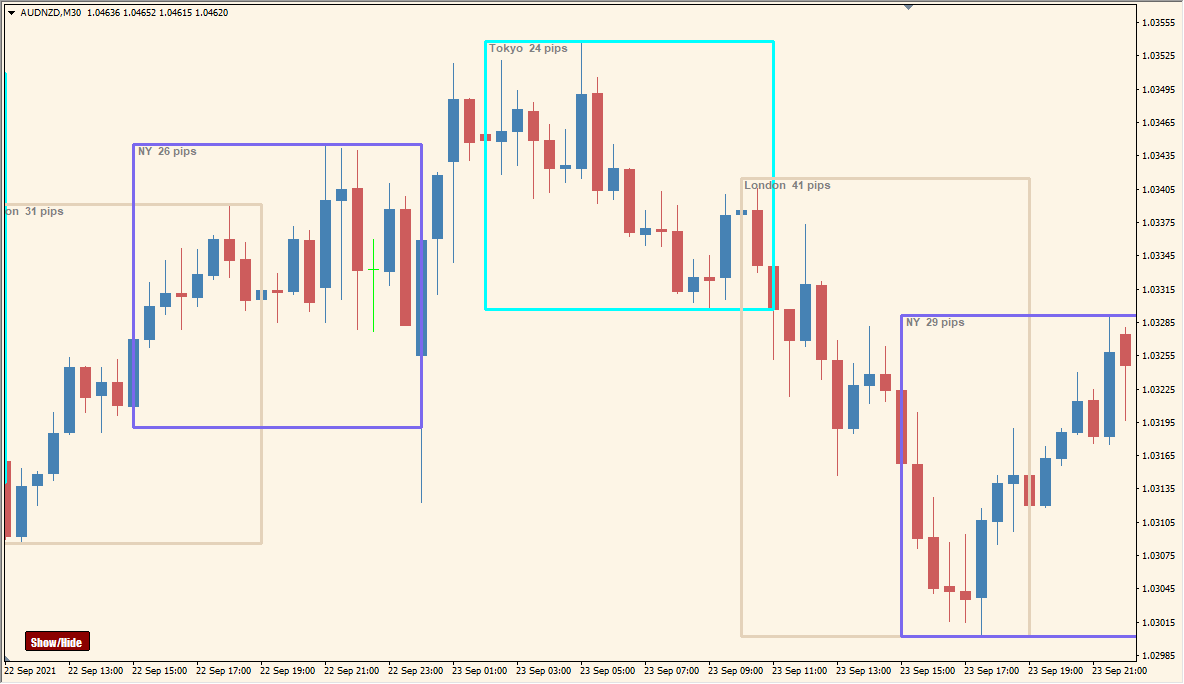
What is Auto Sessions Indicator?
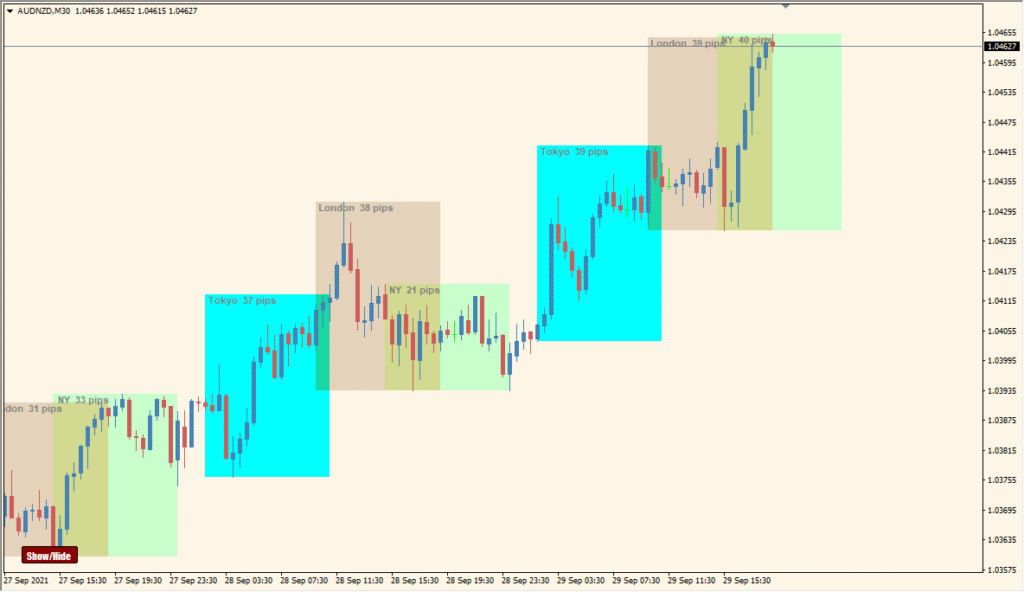
Auto Sessions v2.91 Button for MT4 marks selected trading-session ranges directly on the chart and displays the related pip count. The session blocks provide a compact view of price movement within each configured period.
Session times, timezone or broker-time settings, colors, labels, pip display, and the on-chart button are controlled through the existing settings. The panel can be shown or hidden according to the preferred chart layout.
How to Use It in Practice
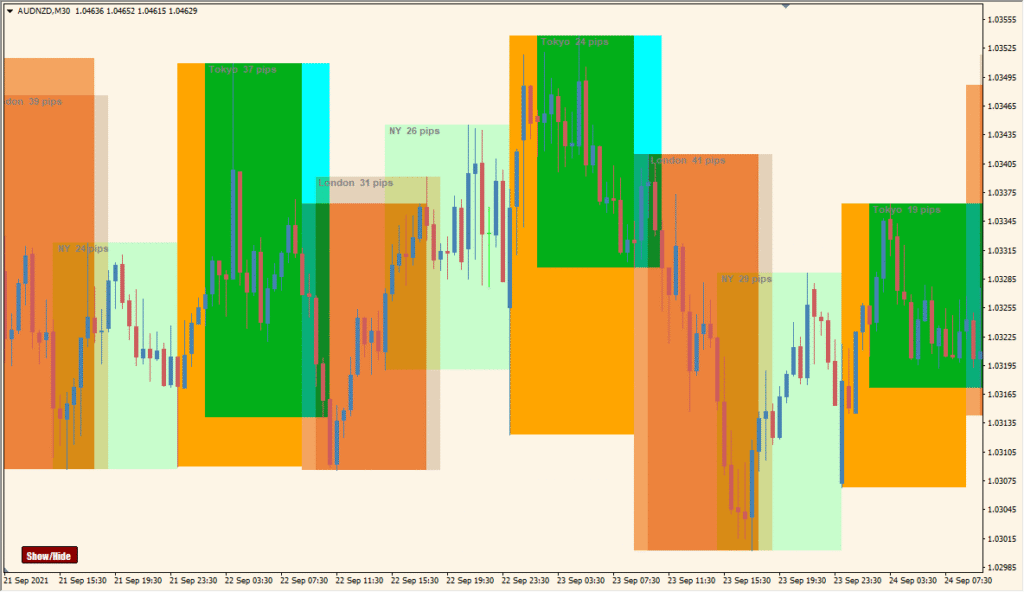
Auto Sessions v2.91 button divides up to five named sessions into chart rectangles and uses the lower-left chart button to toggle the complete display.
- Read the session rectangles by their configured names, such as Tokyo, London, and New York, and note that adding too many sessions can make the chart hard to distinguish.
- SessionNames through ShowPips are five slash-separated fields, ordered Sydney/Tokyo/Frankfurt/London/New York by default.
- In ShowBoxes, 0 hides and 1 displays the correspondingly positioned session; the default enables London and New York while the other three are off.
- Use Offset for the time setting and the chart button when the rectangle layer needs to be hidden without removing the indicator. Japanese session names are not supported.
Session ranges and pip counts share one display, time and color settings are configurable, and the on-chart button provides quick visibility control.
MT4 Indicator Parameters
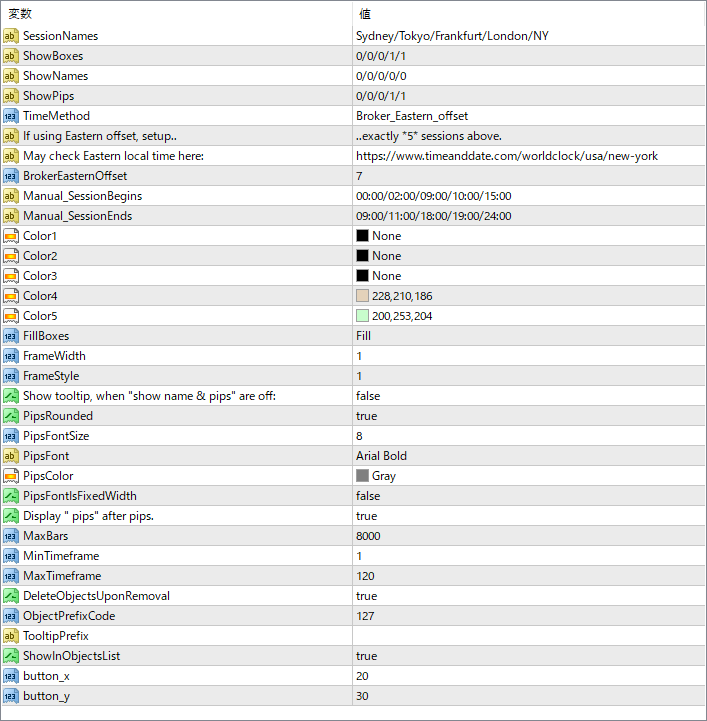
The screenshot above shows the default input parameters in the MT4 settings window.
| Parameter | Description |
|---|---|
| SessionNames | Defines the session labels to display (e.g., Sydney, Tokyo, etc.). |
| ShowBoxes | Controls whether to show session boxes for each session. |
| ShowNames | Toggle to display session names on the chart. |
| ShowPips | Shows the number of pips moved during each session. |
| TimeMethod | Sets the method used to calculate time — either using the broker’s time or custom offset. |
| BrokerEasternOffset | Offset used when selecting the Eastern time method. |
| Manual_SessionBegins | Manually set session start times (in HH:MM format). |
| Manual_SessionEnds | Manually set session end times (in HH:MM format). |
| Color1–Color5 | Sets the fill colors for different sessions. |
| FillBoxes | Chooses whether boxes are filled with color or just framed. |
| FrameWidth | Sets the width of the session box outline. |
| FrameStyle | Defines the line style of the box frame. |
| PipsFontSize | Font size for the pip count display. |
| PipsFont | Font type used to show pip values. |
| PipsColor | Font color for the pip label text. |
| Display “pips” after pips. | When true, the text “pips” is added after the number (e.g., “56 pips”). |
| MaxBars | Controls how many bars back the indicator will calculate sessions for. |
| MinTimeframe | Sets the minimum chart timeframe allowed for this indicator to run. |


