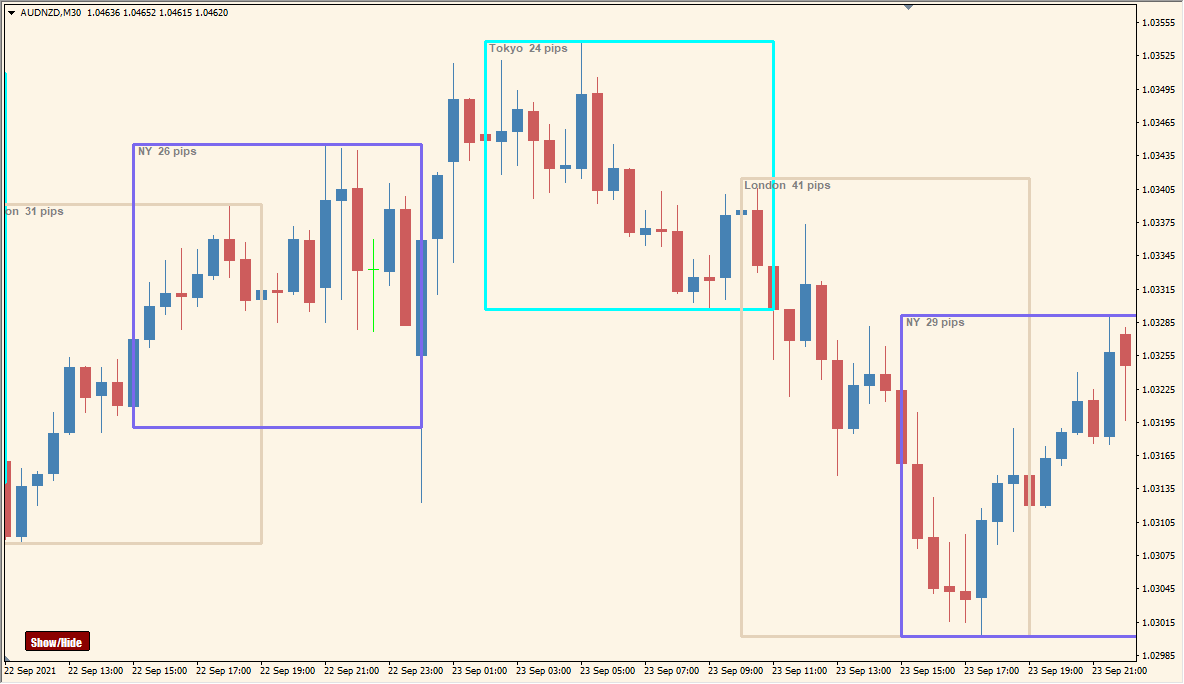
What is Auto Sessions Indicator?
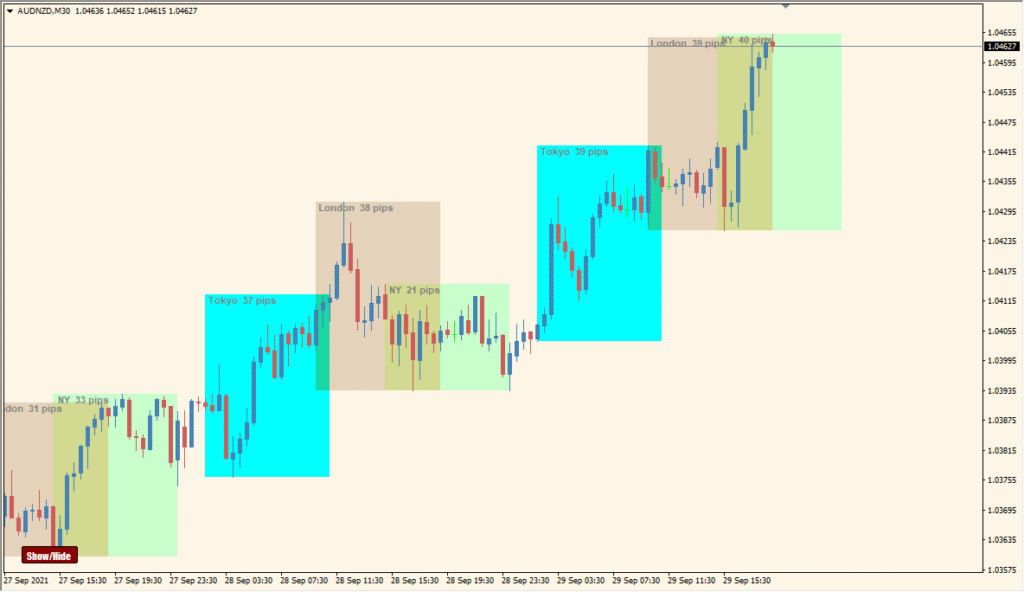
The Auto Sessions indicator for MT4 visually highlights trading sessions such as Sydney, Tokyo, Frankfurt, London, and New York directly on the chart. It displays colored boxes around each session and can also show pip movement within those sessions. This helps traders easily identify when and how much price action occurred in each market session.
It’s useful for those who want to understand market activity based on time zones and compare volatility between sessions without switching charts or calculating ranges manually.
How to Use It in Practice
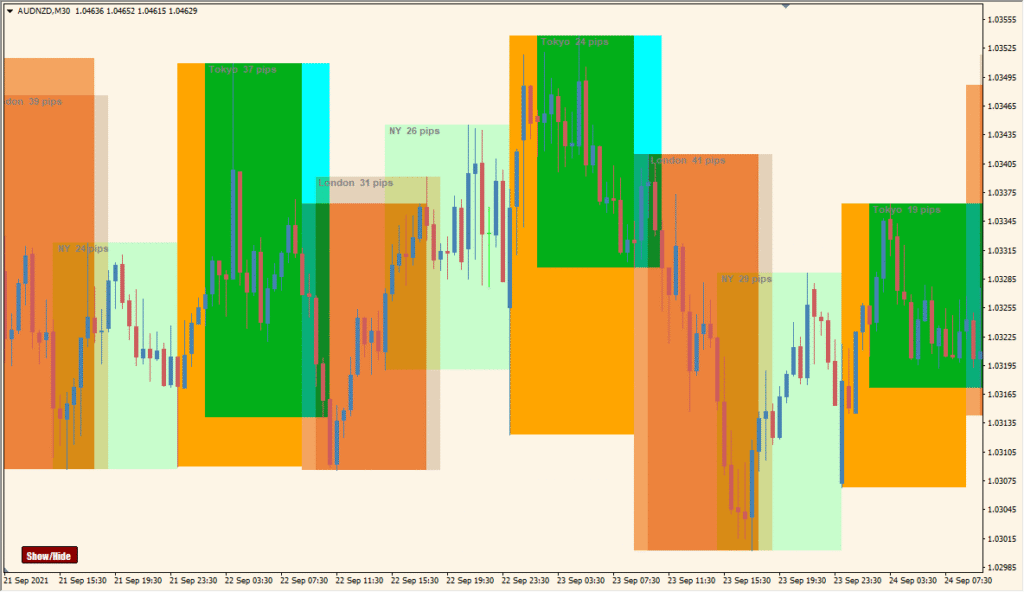
In live trading, the Auto Sessions indicator helps you:
- Track pip movement per session to identify high-volatility periods.
- Compare price behavior across different global trading hours.
- Identify overlapping sessions for potential breakout opportunities.
- Adjust your strategy based on session-specific behavior.
This tool is ideal for traders who base decisions on time-based activity, such as London breakout traders or New York reversal traders.
Best Settings & MT4 Parameters for Auto_Sessions_v2.91_button
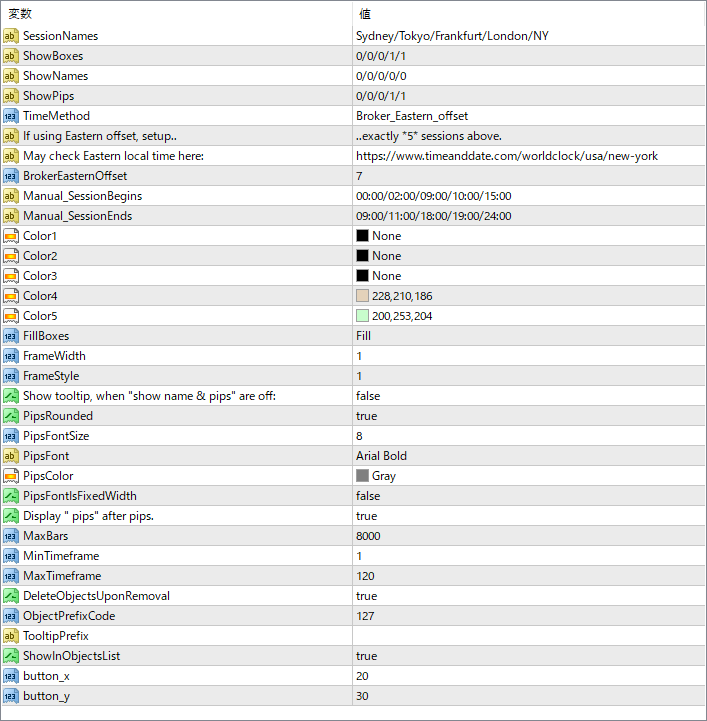
SessionNames
Defines the session labels to display (e.g., Sydney, Tokyo, etc.).
ShowBoxes
Controls whether to show session boxes for each session.
ShowNames
Toggle to display session names on the chart.
ShowPips
Shows the number of pips moved during each session.
TimeMethod
Sets the method used to calculate time — either using the broker’s time or custom offset.
BrokerEasternOffset
Offset used when selecting the Eastern time method.
Manual_SessionBegins
Manually set session start times (in HH:MM format).
Manual_SessionEnds
Manually set session end times (in HH:MM format).
Color1–Color5
Sets the fill colors for different sessions.
FillBoxes
Chooses whether boxes are filled with color or just framed.
FrameWidth
Sets the width of the session box outline.
FrameStyle
Defines the line style of the box frame.
PipsFontSize
Font size for the pip count display.
PipsFont
Font type used to show pip values.
PipsColor
Font color for the pip label text.
Display “pips” after pips.
When true, the text “pips” is added after the number (e.g., “56 pips”).
MaxBars
Controls how many bars back the indicator will calculate sessions for.
MinTimeframe
Sets the minimum chart timeframe allowed for this indicator to run.


