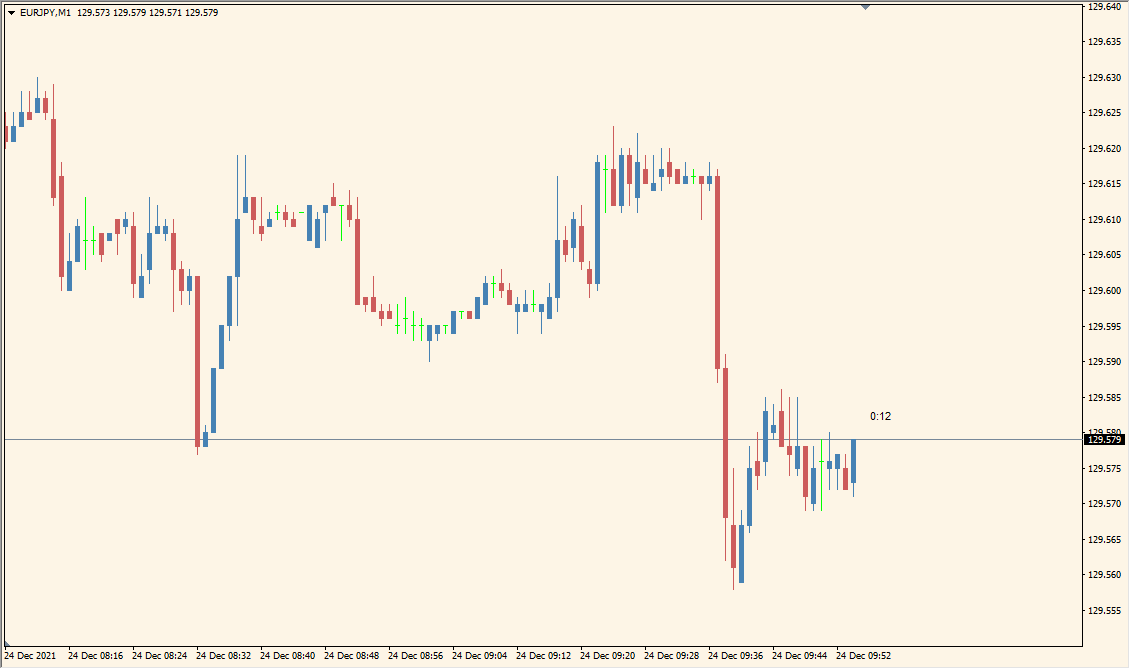
What is b-clockl_mtf_nmc Indicator?
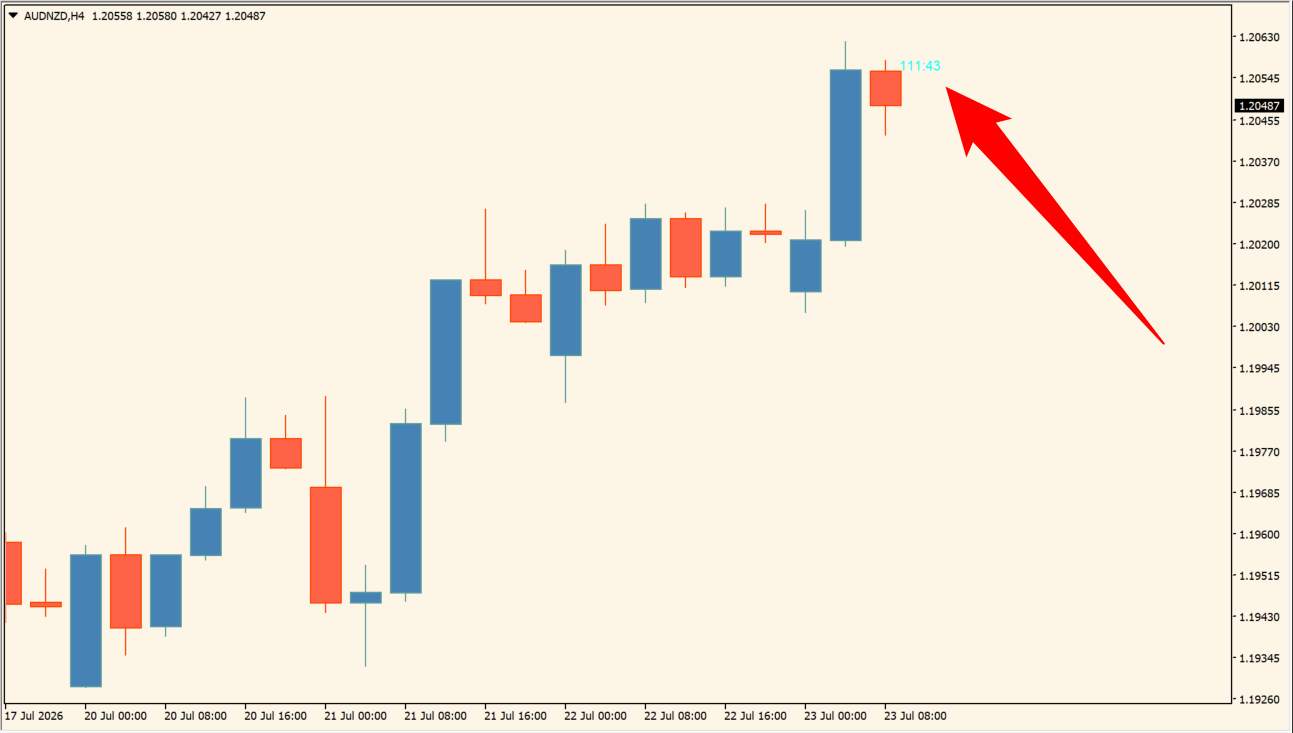
B Clock MTF NMC for MT4 displays countdown text for the current candle across selected timeframes. The clock labels are arranged on the chart so candle-cycle timing can be checked without changing the active chart.
ClockColor, textGap, TimeFrame, and TimeFrames control the label appearance and the periods included in the overlay. A single timeframe or a selected group can be shown according to the existing settings.
How to Use It in Practice
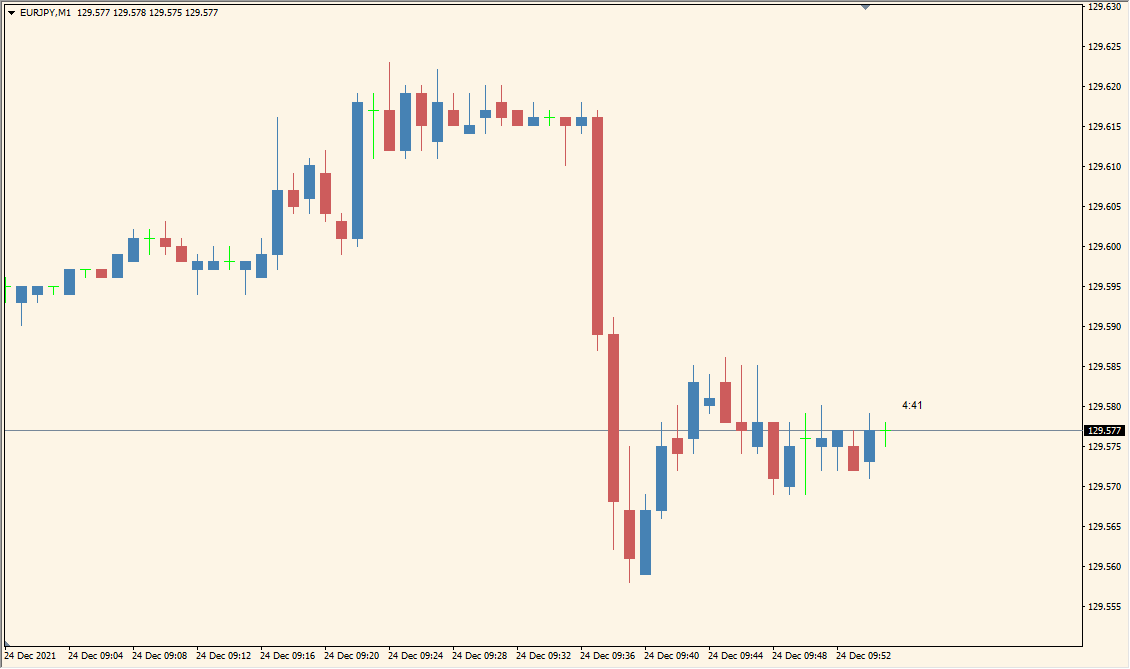
The overlay places a small remaining-time countdown above the newest candle and can show that countdown for a different timeframe from the active chart.
- Read each countdown label above the newest candle; on an M1 chart this can be a five- or fifteen-minute countdown.
- Enter the countdown timeframe in minutes with TimeFrame: 5 for M5, 60 for H1, or 1440 for D1.
- Increase textGap to move the timer farther above the candle body.
- The default lettering is very small and its size cannot be changed, so keep the overlay where the labels remain legible.
Several candle countdowns are visible in one overlay, the displayed periods are configurable, and color and spacing settings help keep the labels readable.
MT4 Indicator Parameters
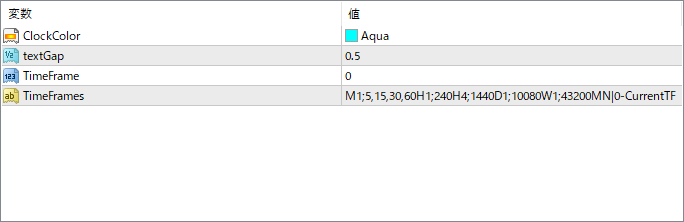
The screenshot above shows the default input parameters in the MT4 settings window.
| Parameter | Description |
|---|---|
| ClockColor | Sets the font color for the countdown clocks displayed on the chart. |
| textGap | Controls the vertical spacing between the clocks of each timeframe. |
| TimeFrame | If set, the indicator will show only this specific timeframe’s countdown. A value of 0 means all selected timeframes in the next setting are used. |
| TimeFrames | Defines which timeframes to include in the countdown. Accepts standard MT4 period codes separated by semicolons (e.g., M1;5;15;30;H1…). |


