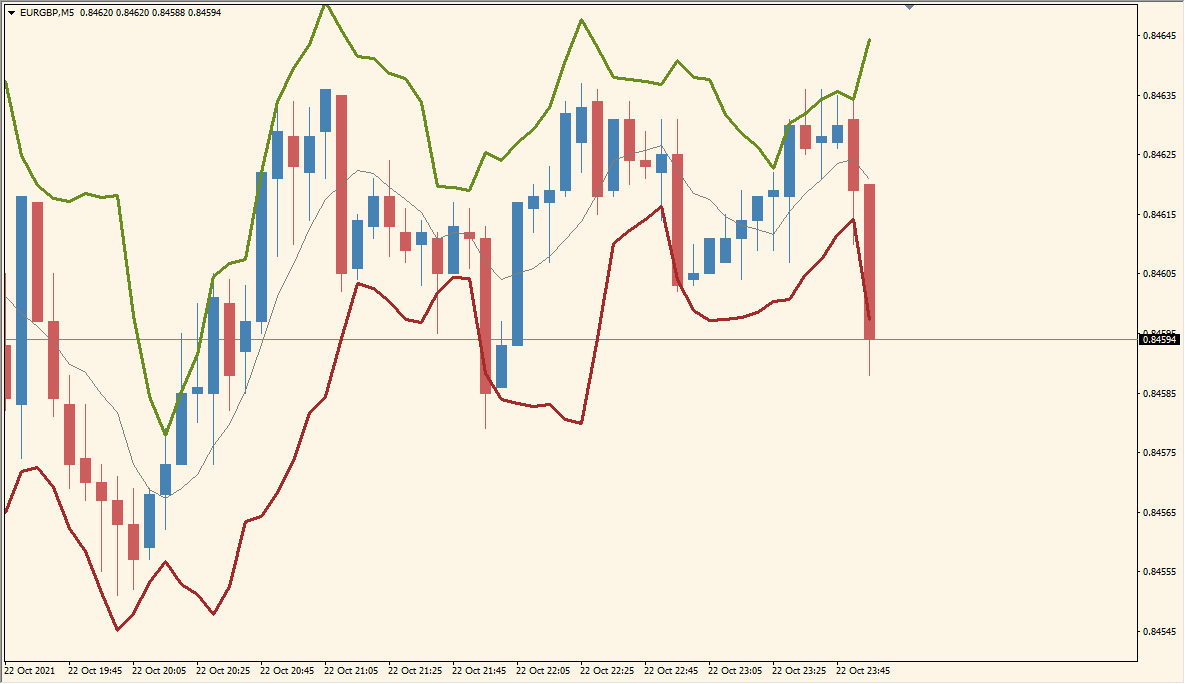
What is BandsR2a Indicator?
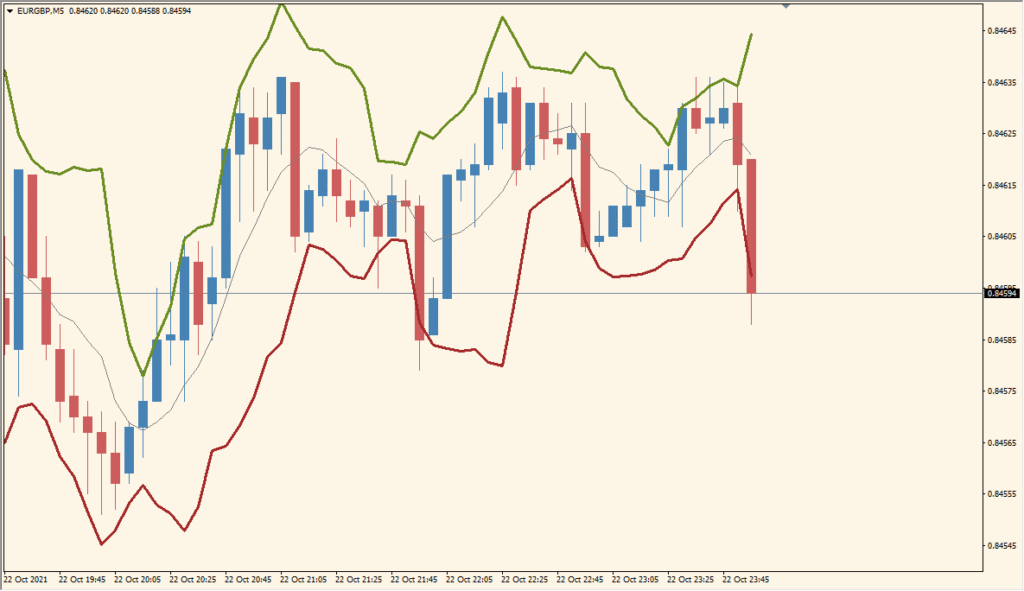
The BandsR2a indicator is a customizable Bollinger Band-style tool with added alert functions and visual flexibility. It calculates upper and lower bands based on standard deviation and a moving average, highlighting volatility zones. The indicator provides visual cues and sound alerts when price hits or crosses the bands, helping traders quickly react to potential overbought or oversold conditions.
What makes BandsR2a unique is its configurable alert system, customizable MA types, and the ability to apply different price sources and band behaviors.
How to Use It in Practice
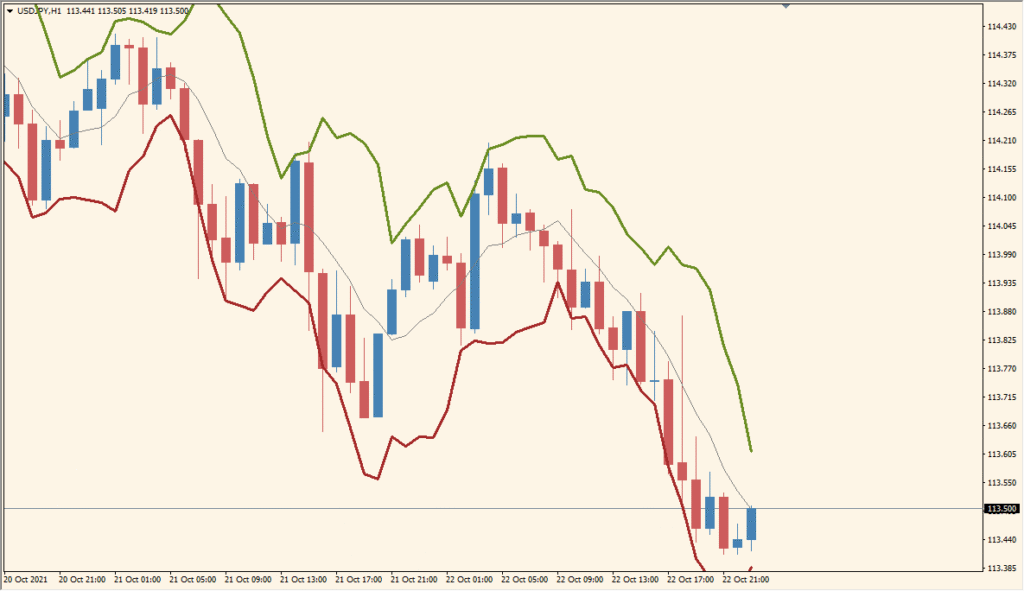
Traders can use BandsR2a to:
- Identify overbought and oversold zones with the upper and lower bands.
- Set audio alerts for potential reversal points.
- Adjust band behavior based on different moving average types and applied prices.
- Monitor price volatility using deviation-based band expansion.
This indicator is well-suited for traders who want a flexible band system with signal alerts to help manage entries and exits more efficiently.
Best Settings & MT4 Parameters for BandsR2a
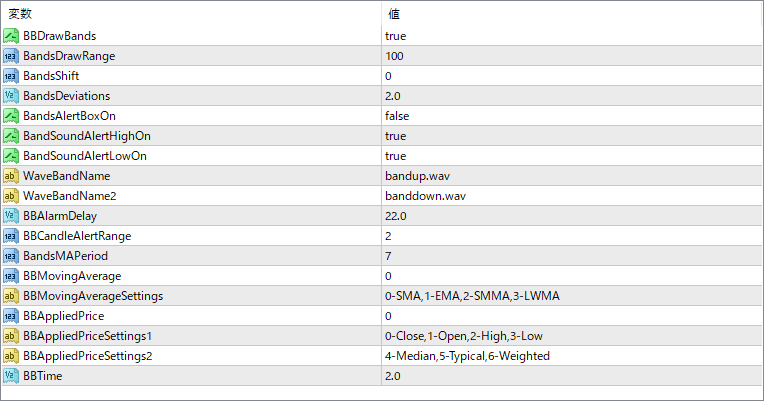
BBDrawBands
Specifies the number of bands to draw on the chart.
BandsDrawRange
Defines how many bars back the bands will be displayed.
BandsShift
Shifts the entire band forward or backward on the chart.
BandsDeviations
Sets the number of standard deviations used to calculate the bands.
BandsAlertBoxOn
Enables or disables pop-up alerts when price crosses a band.
BandSoundAlertHighOn
Turns on sound alerts for upper band touches.
BandSoundAlertLowOn
Turns on sound alerts for lower band touches.
WaveBandName
Sets the sound file for the high band alert.
WaveBandName2
Sets the sound file for the low band alert.
BBAlarmDelay
Controls the delay between repeated alerts, in seconds.
BBCandleAlertRange
Defines how many candles to consider for triggering alerts.
BandsMAPeriod
Sets the moving average period used for the base of the bands.
BBMovingAverage
Selects the moving average method to be used.
BBMovingAverageSettings
Provides reference numbers for MA types (e.g., 0 for SMA, 1 for EMA).
BBAppliedPrice
Specifies which price data is used for the calculations.
BBAppliedPriceSettings1
Provides reference for applied price options like Open, High, Low, etc.
BBAppliedPriceSettings2
Additional applied price options including Median, Typical, and Weighted.
BBTime
May be used internally for managing time-based features or alerts (purpose can vary).


