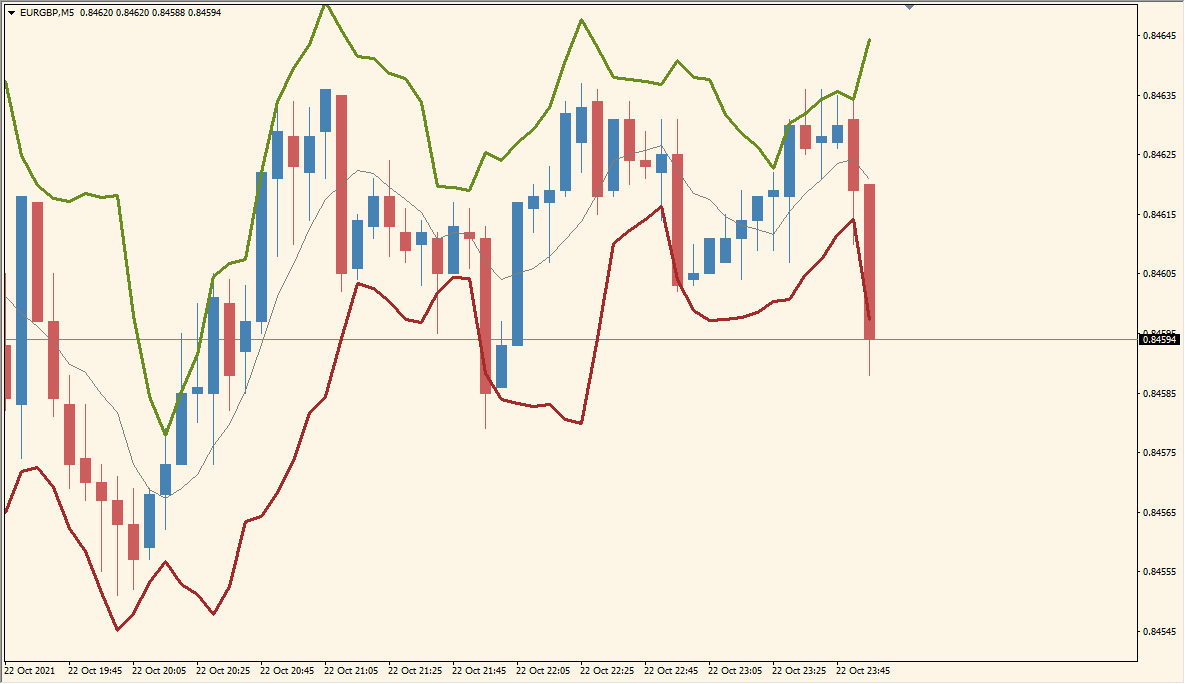
What is BandsR2a Indicator?
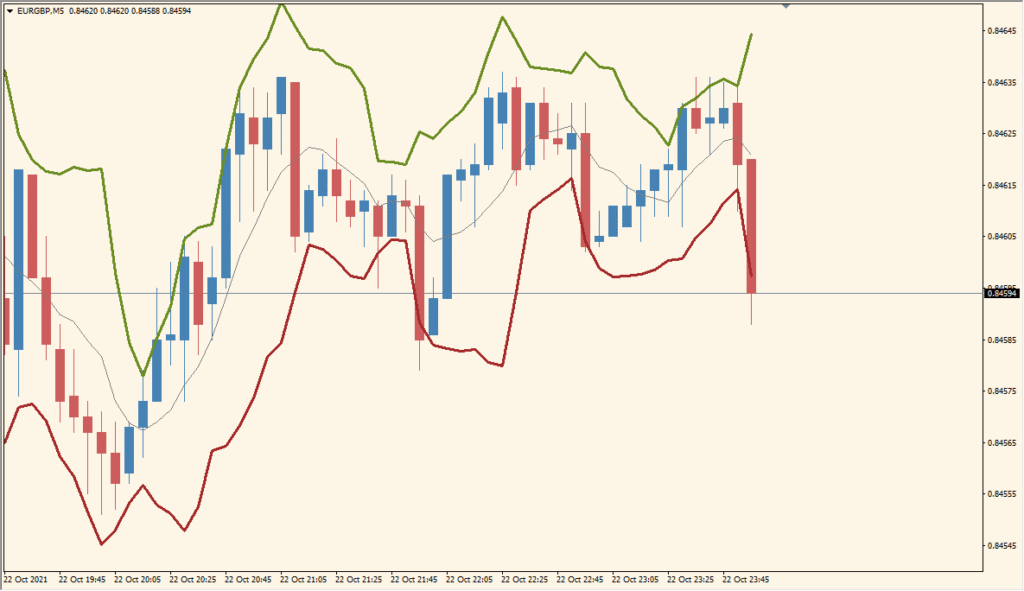
BandsR2a for MT4 displays upper and lower bands around a moving-average reference. The band width is based on deviation, and optional notifications can be used when price reaches or crosses a band.
Band count, range, shift, deviation, moving-average type, applied price, colors, and alert settings are available in the existing Inputs. The result can be adjusted from a compact band view to a broader historical display.
How to Use It in Practice
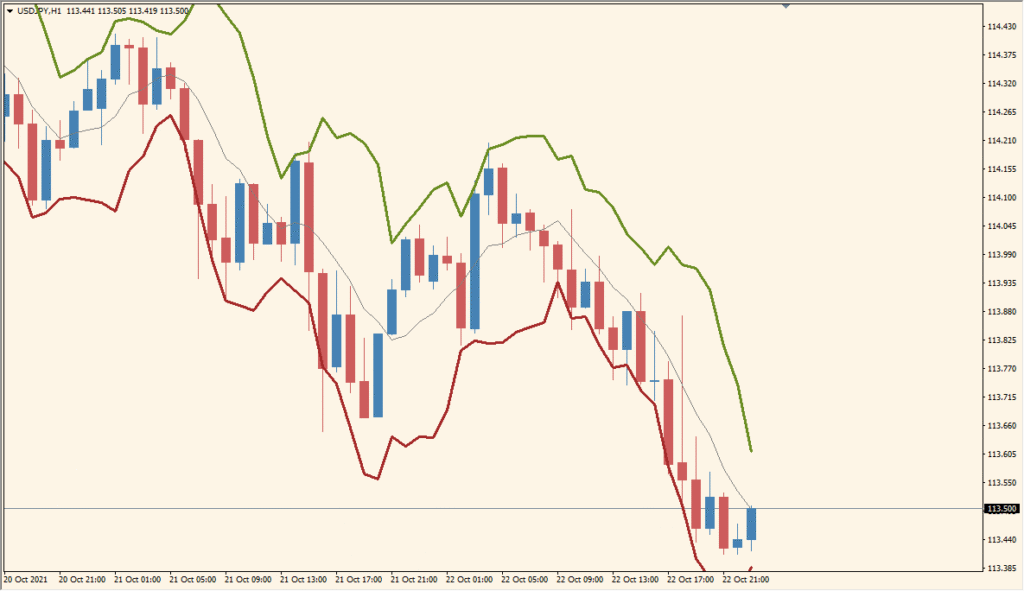
BandsR2a surrounds its centre moving average with deviation bands, and the centre can be switched among four moving-average calculations instead of being fixed to a simple average.
- Compare the centre line and its two surrounding bands after selecting the moving-average type with BBAppliedPrice: 0 SMA, 1 EMA, 2 SMMA, or 3 LWMA.
- Increase BandsDrawRange when the default historical drawing length is too short.
- Use BandsShift to change the band response and BandsDeviations to set the deviation multiple such as 2σ or 3σ.
- A highly responsive choice such as LWMA can make the band expansion look excessive, so check the resulting width on the chosen timeframe.
Envelope bands and deviation width are configurable, multiple display options are available, and popup and sound notifications can be enabled separately.
MT4 Indicator Parameters
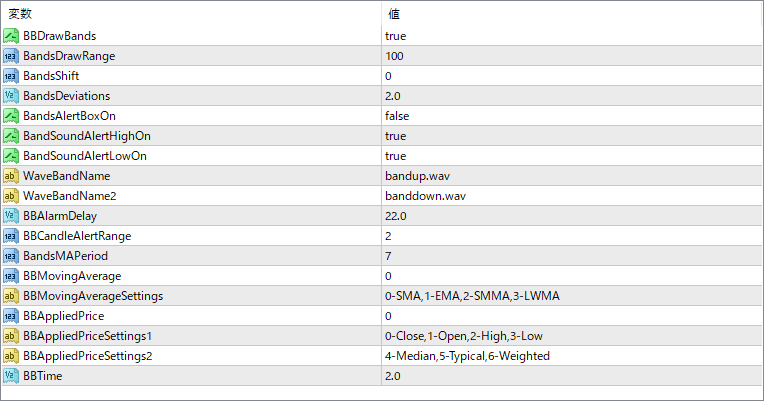
The screenshot above shows the default input parameters in the MT4 settings window.
| Parameter | Description |
|---|---|
| BBDrawBands | Specifies the number of bands to draw on the chart. |
| BandsDrawRange | Defines how many bars back the bands will be displayed. |
| BandsShift | Shifts the entire band forward or backward on the chart. |
| BandsDeviations | Sets the number of standard deviations used to calculate the bands. |
| BandsAlertBoxOn | Enables or disables pop-up alerts when price crosses a band. |
| BandSoundAlertHighOn | Turns on sound alerts for upper band touches. |
| BandSoundAlertLowOn | Turns on sound alerts for lower band touches. |
| WaveBandName | Sets the sound file for the high band alert. |
| WaveBandName2 | Sets the sound file for the low band alert. |
| BBAlarmDelay | Controls the delay between repeated alerts, in seconds. |
| BBCandleAlertRange | Defines how many candles to consider for triggering alerts. |
| BandsMAPeriod | Sets the moving average period used for the base of the bands. |
| BBMovingAverage | Selects the moving average method to be used. |
| BBMovingAverageSettings | Provides reference numbers for MA types (e.g., 0 for SMA, 1 for EMA). |
| BBAppliedPrice | Specifies which price data is used for the calculations. |
| BBAppliedPriceSettings1 | Provides reference for applied price options like Open, High, Low, etc. |
| BBAppliedPriceSettings2 | Additional applied price options including Median, Typical, and Weighted. |
| BBTime | May be used internally for managing time-based features or alerts (purpose can vary). |


