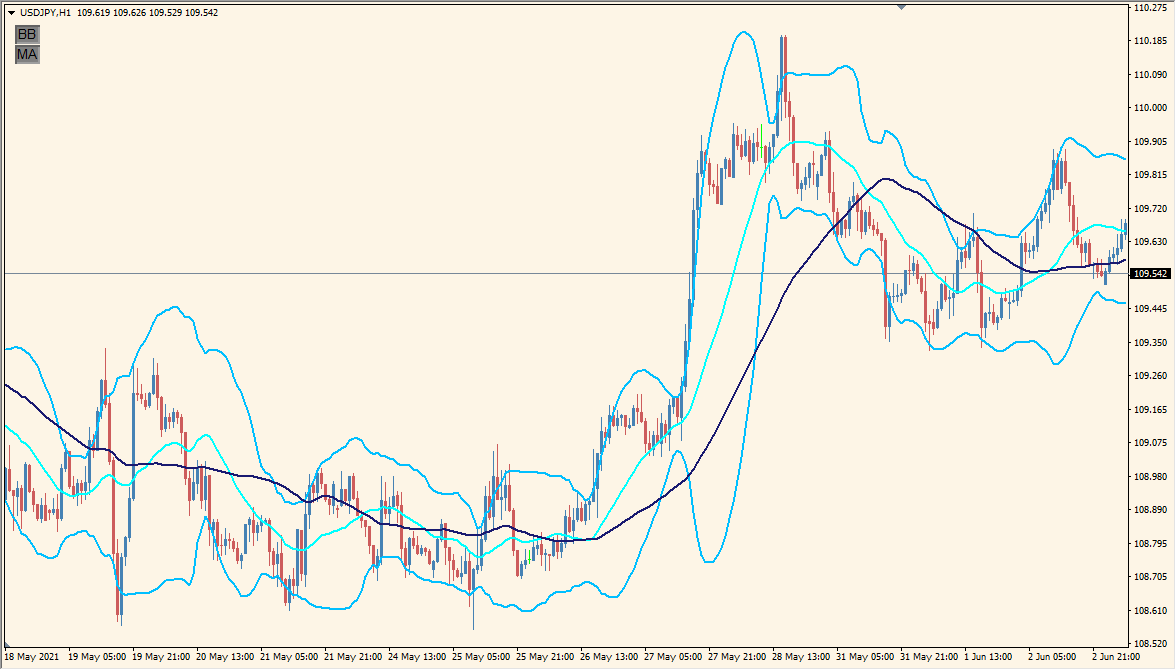
What is BB_MA_toggle Indicator?
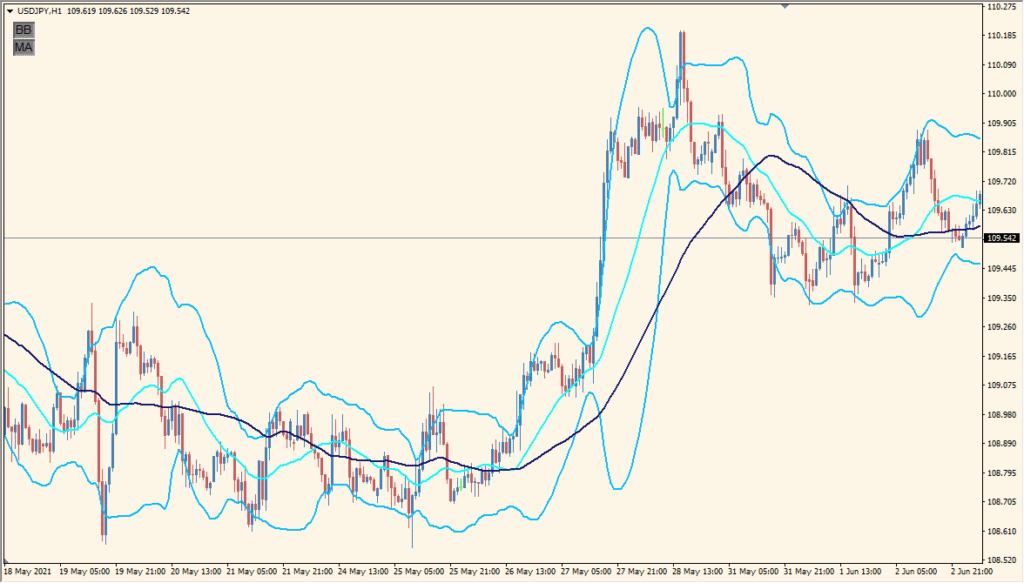
BB_MA_toggle is an MT4 indicator that places Bollinger Bands and a moving average on the same chart. The available controls let you manage the overlays and adjust their periods, colors, widths, and line styles.
A small control panel can be positioned on the chart to support quick display changes. The bands and moving average provide volatility and trend context without changing the underlying price data.
How to Use It in Practice
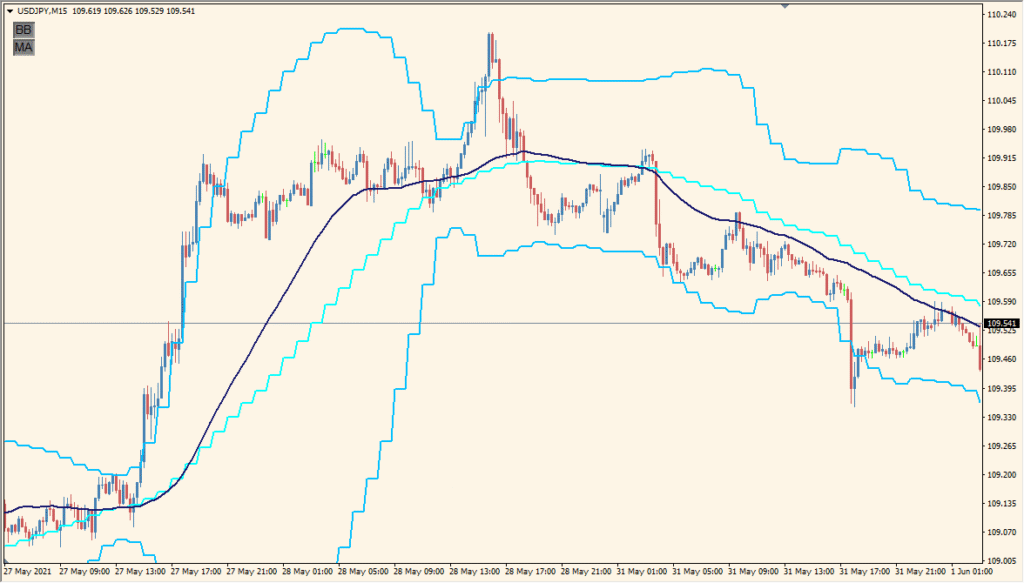
Use the overlays as visual references while reviewing the chart:
- Add BB_MA_toggle to an MT4 chart and review the Bollinger Bands and moving average.
- Set the timeframe, period, and deviation inputs for the Bollinger display in the existing settings.
- Adjust the moving-average period and method when a different reference is needed.
- Use the panel position and line-style options to keep the chart readable.
Bollinger Bands and a moving average are available in one chart view, display controls can reduce clutter, and line settings support a layout suited to the selected chart.
MT4 Indicator Parameters
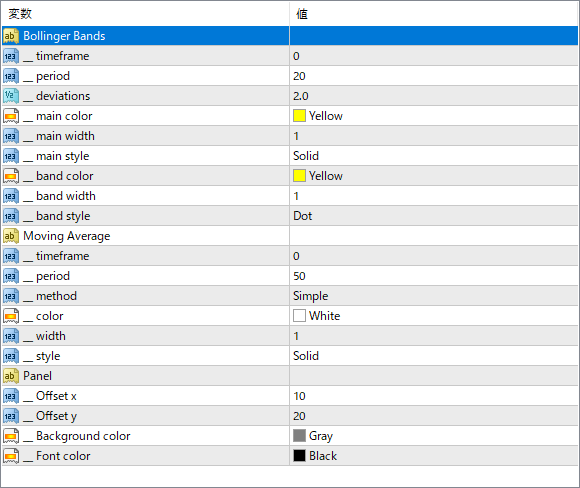
The screenshot above shows the default input parameters in the MT4 settings window.
| Parameter | Description |
|---|---|
| __timeframe | Sets the timeframe for calculating Bollinger Bands or Moving Average. Set to 0 to use the current chart timeframe. |
| __period | The number of bars used to calculate the Bollinger Bands or Moving Average. |
| __deviations | Specifies the number of standard deviations for the Bollinger Bands. Affects the width between upper and lower bands. |
| __main color | The color of the central Bollinger Band line. |
| __main width | The thickness of the Bollinger Band’s central line. |
| __main style | Line style of the central Bollinger Band (e.g., Solid, Dashed). |
| __band color | The color used for the upper and lower Bollinger Bands. |
| __band width | Line width of the upper and lower bands. |
| __band style | Line style for the upper and lower Bollinger Bands (e.g., Dot, Dash). |
| period | The period for the Moving Average line. |
| method | The type of Moving Average (e.g., Simple, Exponential). |
| color | Color of the Moving Average line. |
| width | Thickness of the Moving Average line. |
| _style | Line style for the Moving Average (e.g., Solid). |
| Offset x | Horizontal position of the control panel on the chart. |
| Offset y | Vertical position of the control panel on the chart. |
| Background color | Background color of the control panel. |
| Font color | Text color used in the control panel. |


