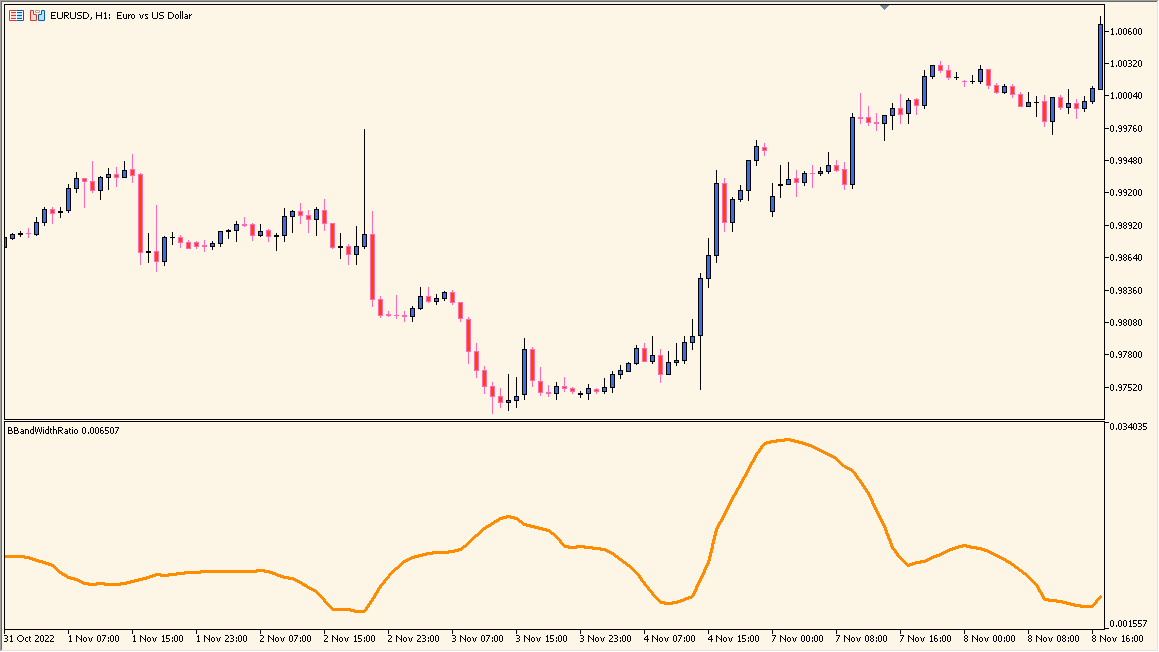
What is BBandWidthRatio Indicator?
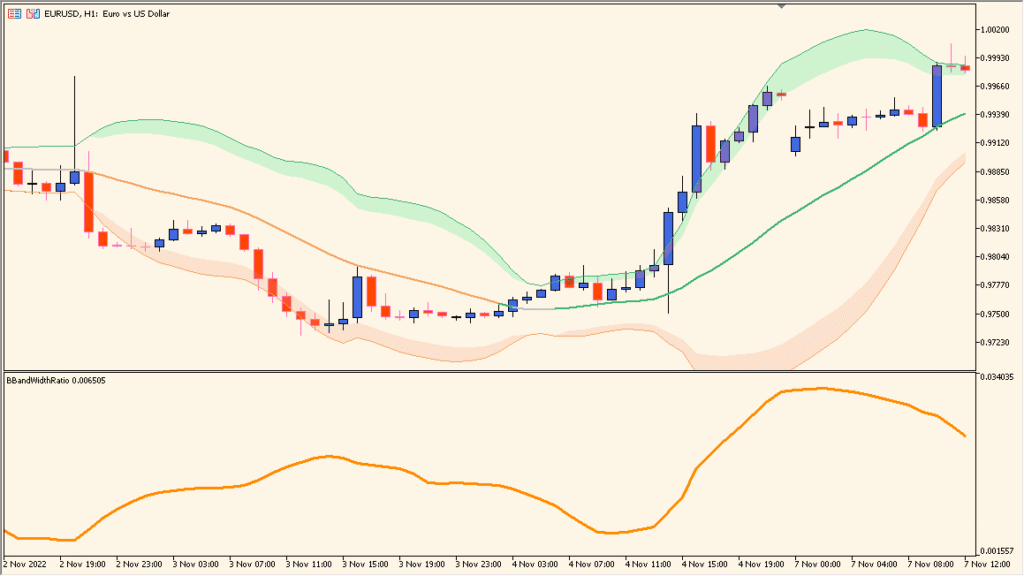
BBandWidthRatio is an MT5 subwindow indicator that displays the relative width of a Bollinger Band calculation as a line. Period, deviation, price source, and display settings control the measurement.
Higher and lower readings provide visual context for comparing wider and narrower displayed ranges. The line describes recent volatility and does not establish what price will do next.
How to Use It in Practice
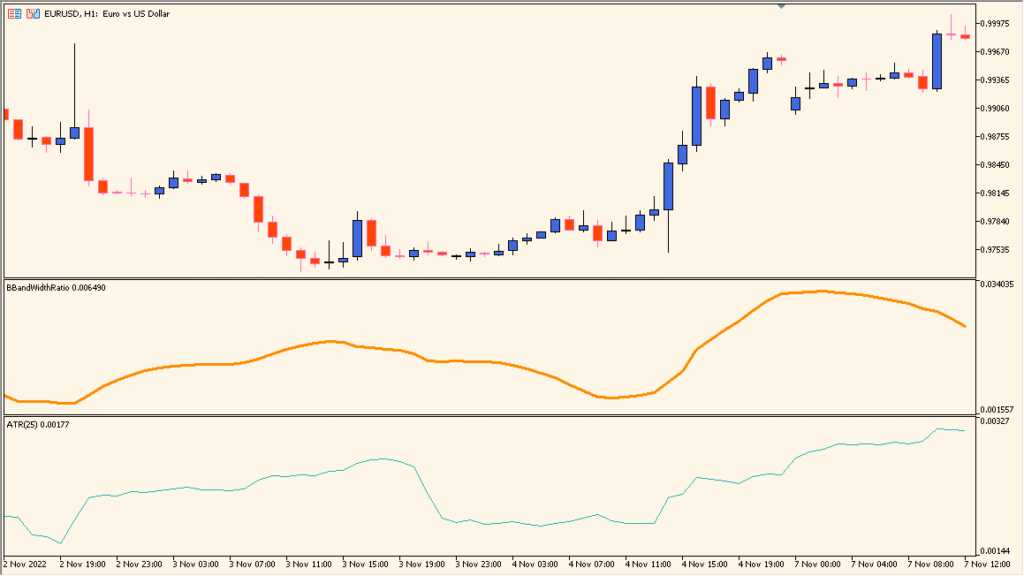
Compare the subwindow line with the simultaneously displayed Bollinger Bands, using its height to inspect how their width changes across the chart:
- Compare the width line with an ATR pane if desired; the two move similarly, but BBandWidthRatio responds more readily to smaller changes.
- Use BBands Period to change the width calculation sample.
- Keep the Standard Deviation input in mind: changing it produces little visible response.
Band width is reduced to one readable line, making volatility comparisons easier across different chart sections.
MT5 Indicator Parameters
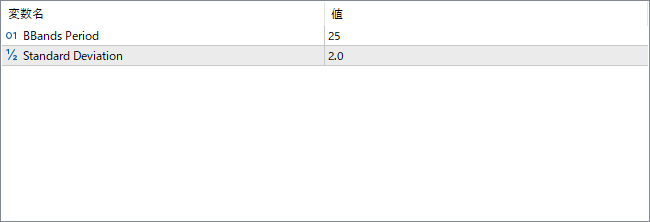
The screenshot above shows the default input parameters in the MT5 settings window.
| Parameter | Description |
|---|---|
| BBands Period | Sets the number of periods used to calculate the Bollinger Bands. A longer period smooths the ratio curve and focuses on broader volatility trends, while a shorter period reacts more quickly to price changes. |
| Standard Deviation | Defines the number of standard deviations used for the Bollinger Band calculation. Increasing this value widens the bands and can affect the sensitivity of the width ratio to price volatility. |


