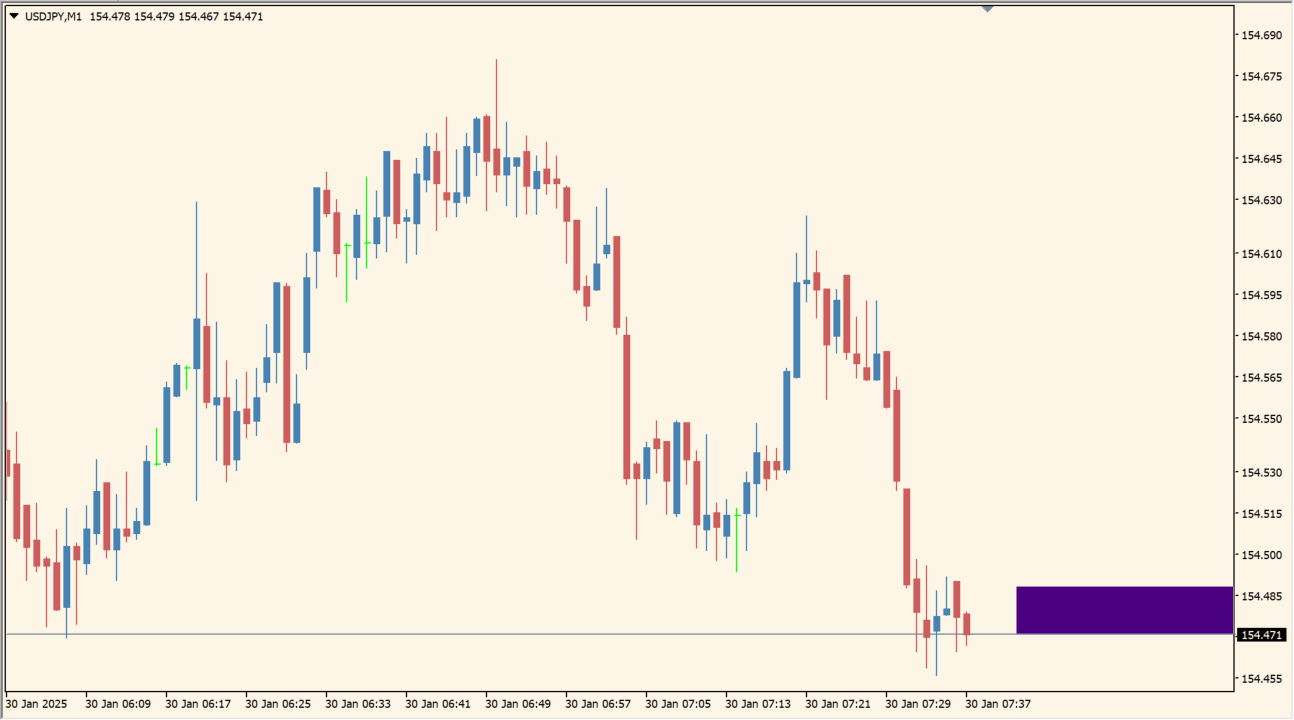
What is BlueSpread+?
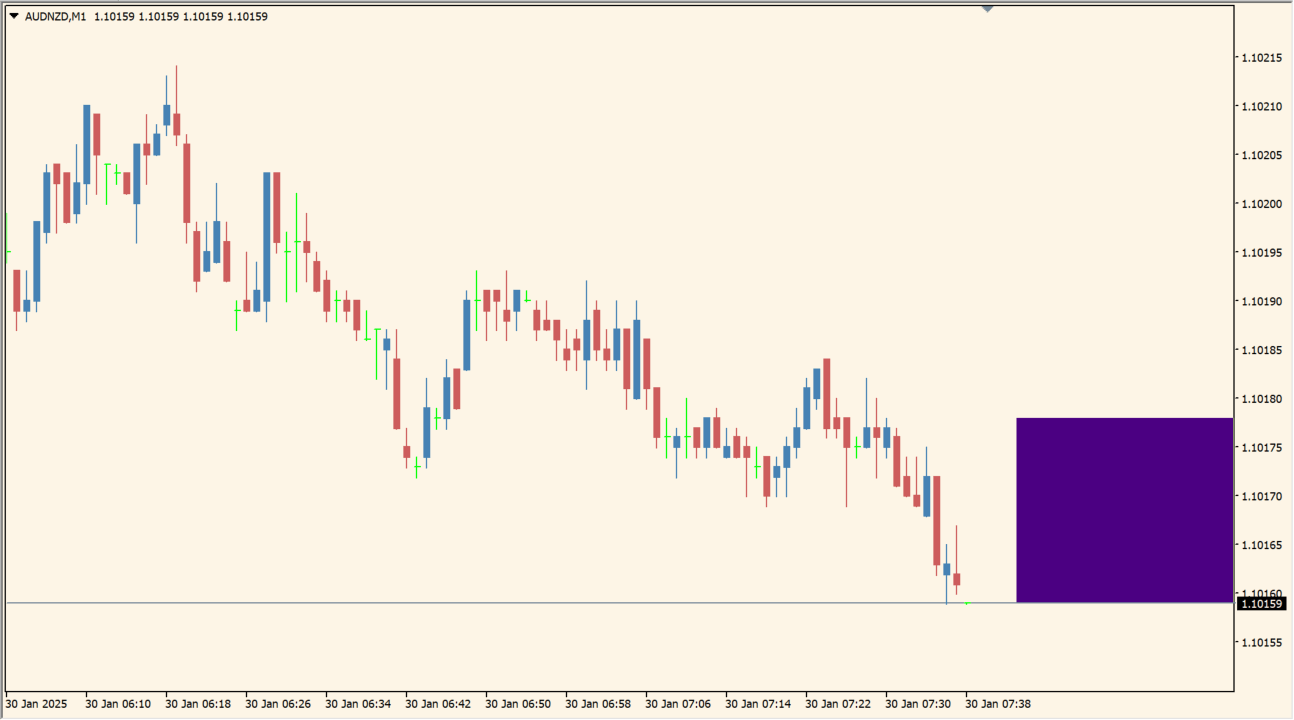
BlueSpread turns the normally hidden spread cost into a visible bar. The bar represents the distance between Bid and Ask, making a changing spread easier to notice while watching a chart.
Spread is a cost that is easy to overlook, especially for newer users. The display is therefore a market-condition reference rather than a price-direction tool.
How to use BlueSpread+
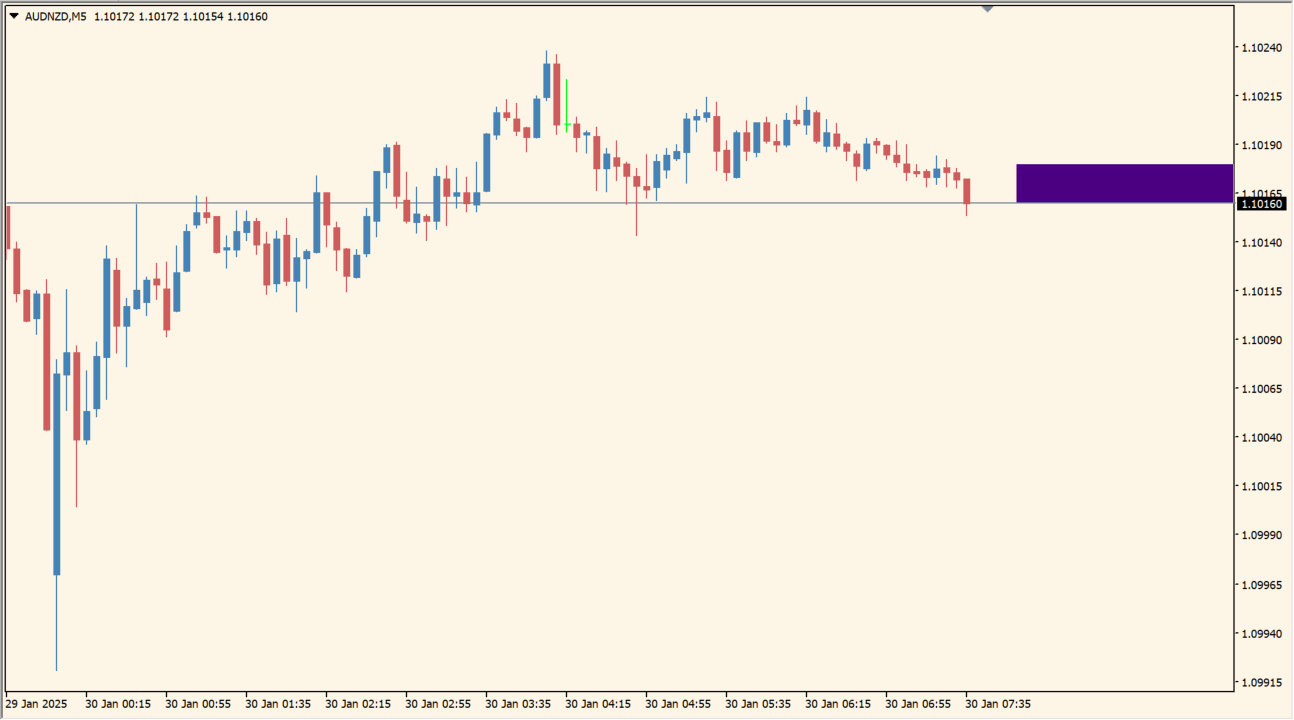
Apply BlueSpread to an MT4 chart and watch the bar change as the distance between Bid and Ask changes.
Review the available display inputs in the Inputs dialog and compare spread width during the chart conditions you normally monitor.
Where it helps
Shows a cost that is not obvious from ordinary candles alone.
Places the two quote positions into a simple visual comparison.
Keeps spread changes visible while the rest of the chart remains in view.
MT4 Indicator Parameters
The table below lists the available MT4 indicator parameters. You can customize these options in the MetaTrader Inputs dialog to match your trading preferences.
| Parameter | Description |
|---|---|
| hcol1 | Sets the display color for this option. Default: clrNONE. |
| hcol2 | Sets the display color for this option. Default: clrIndigo. |
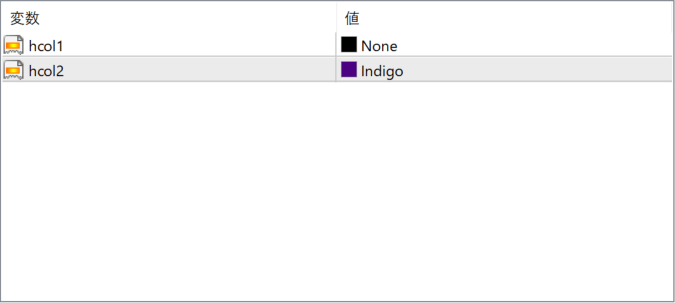
The screenshot above shows the default input parameters in the MT4 settings window.
How to Install .ex4 Indicator in MetaTrader 4
- Download the ZIP file and extract it.
- In MT4, select File → Open Data Folder.
- Open MQL4 → Indicators and copy the EX4 or MQ4 file into it.
- If the package includes library files, copy them to MQL4 → Libraries. Copy TPL files to the top-level templates folder.
- Restart MT4, find the indicator in the Navigator, and drag it onto a chart.
Test the tool on a demo account first. File contents and required folders can vary between packages.


