What is Boll_PocketV1.1 Indicator?
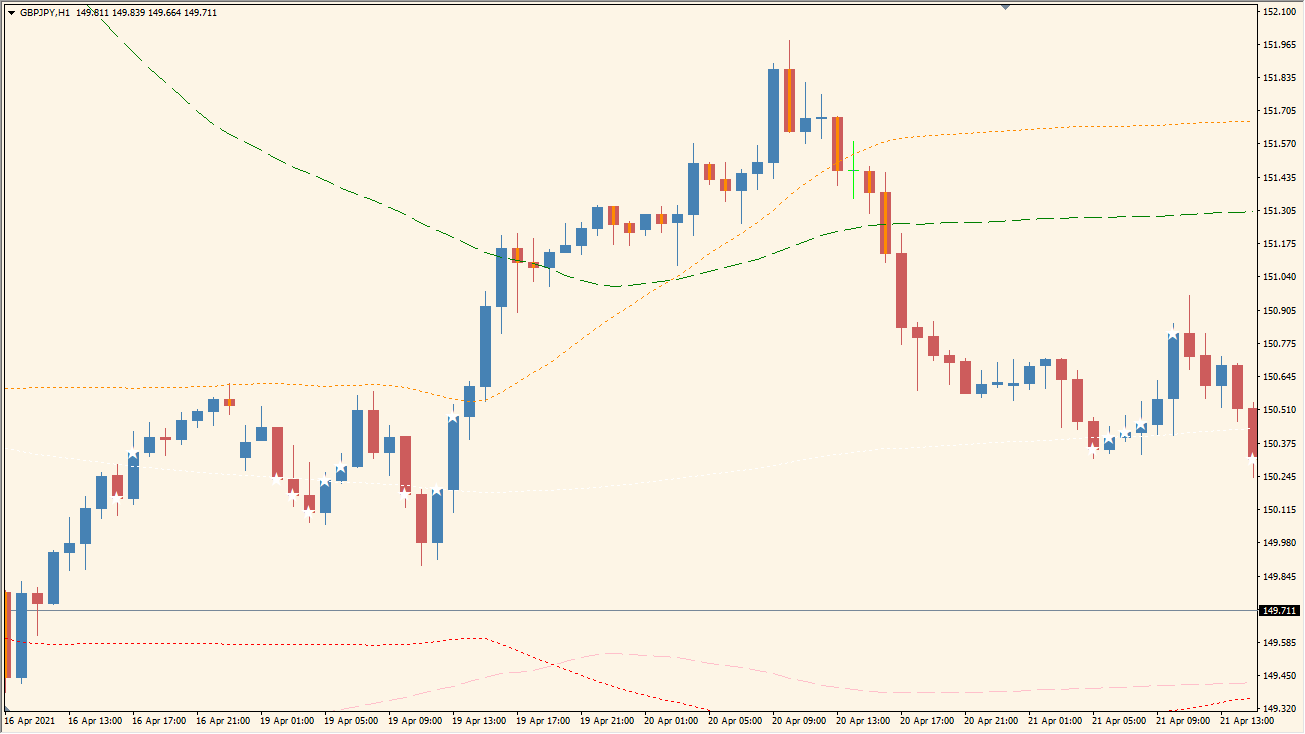
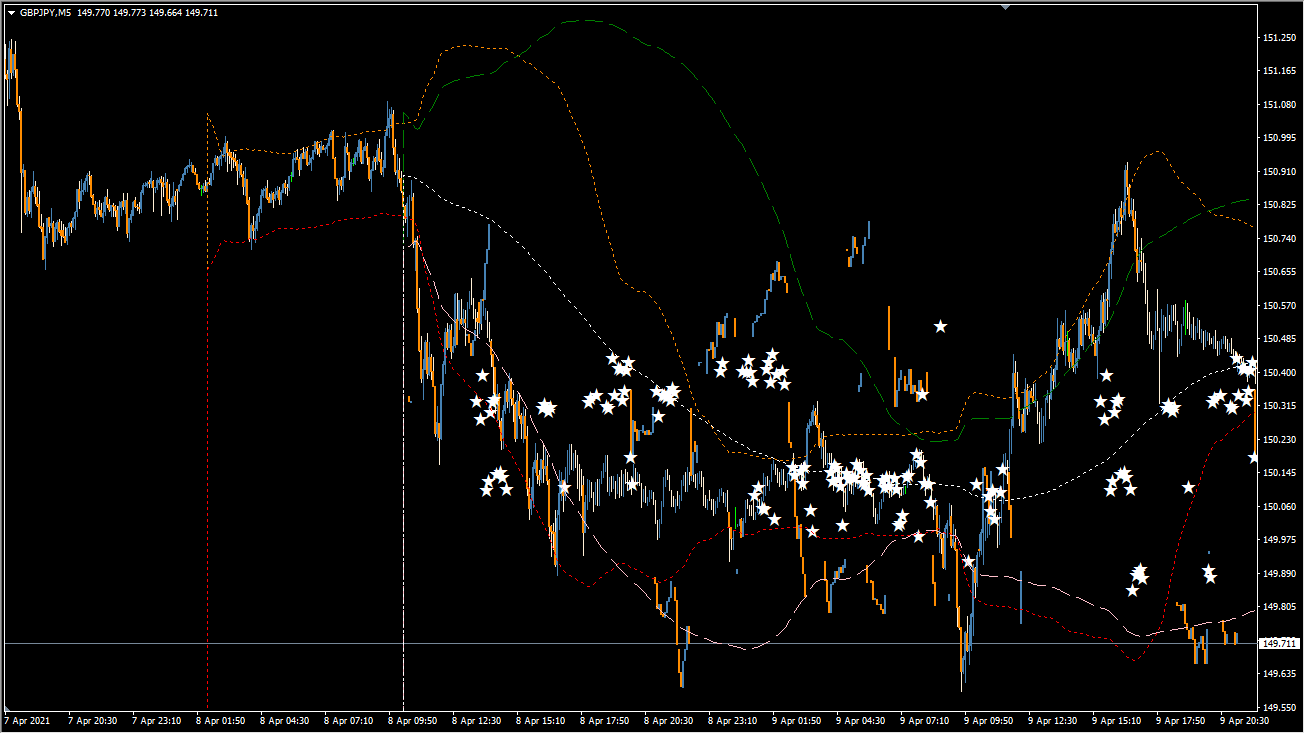
Boll_PocketV1.1 is an MT4 indicator that displays long-period and short-period Bollinger Bands in one chart view. Candle colors highlight movement beyond the outer band areas, while star markers identify candles that touch the long-period centerline.
The combined display helps separate wider volatility context from shorter-period movement. The colors and markers are visual annotations for reviewing price behavior, not forecasts or required actions.
How to Use It in Practice
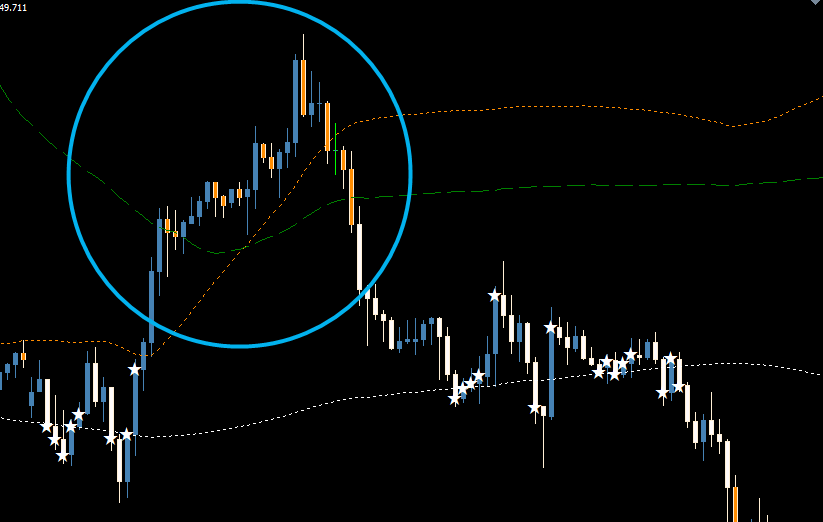
Use the band display and candle markers as visual references:
- Add Boll_PocketV1.1 to an MT4 chart and review both Bollinger Band ranges.
- Compare colored candles with the outer bands and star markers with the long-period centerline.
- Review the relationship between short-period and long-period volatility in the same chart view.
- Use the existing parameter settings to keep the displayed bands and markers readable.
Two Bollinger Band ranges provide separate volatility context, candle colors make outer-band movement easy to locate, and centerline stars mark the configured long-period reference.
MT4 Indicator Parameters
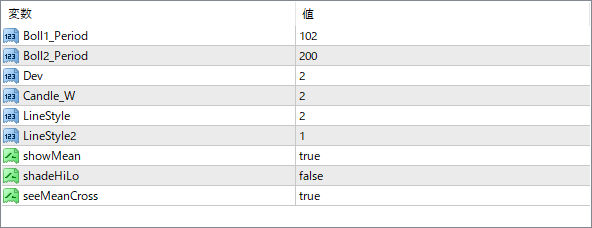
The screenshot above shows the default input parameters in the MT4 settings window.
| Parameter | Description |
|---|---|
| Boll1_Period | First Bollinger period. Default: 102. |
| Boll2_Period | Second Bollinger period. Default: 200. |
| Dev | Band deviation. Default: 2. |
| Candle_W | Candle width. Default: 2. |
| LineStyle | First band line style. Default: 2. |
| LineStyle2 | Second band line style. Default: 1. |
| showMean | Displays the mean line. Default: true. |
| shadeHiLo | Shades the high/low area. Default: false. |
| seeMeanCross | Displays mean-cross markers. Default: true. |


