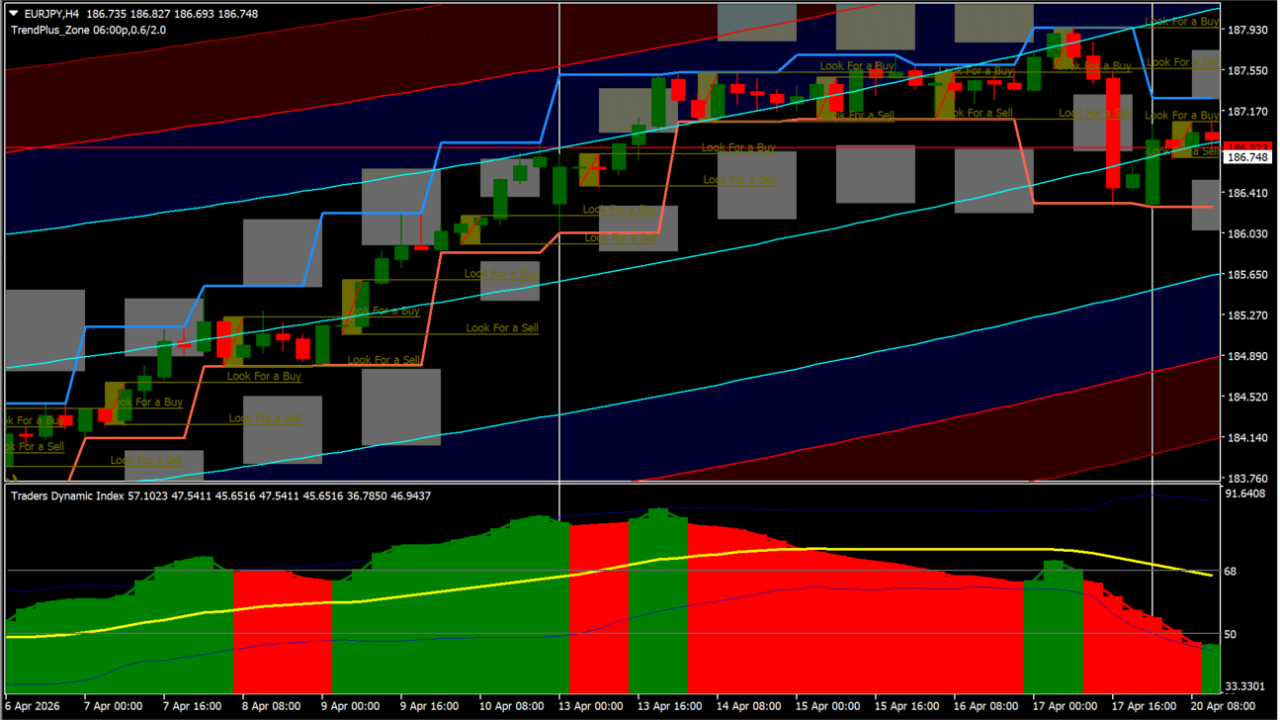
What is breakout-trading-system?
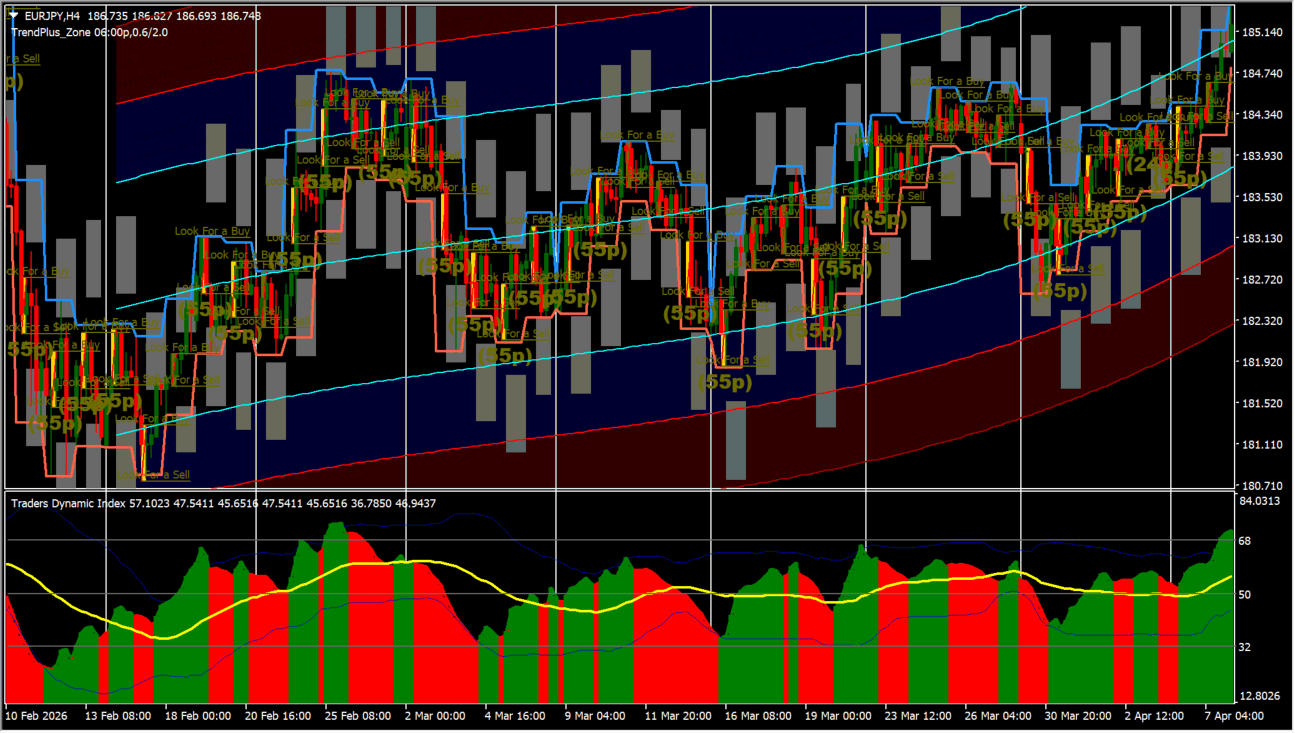
breakout-trading-system combines Traders Dynamic Index (TDI) Cloud analysis with trendline channels and volatility bands.
It helps traders distinguish true momentum breakouts from low-volatility consolidation ranges.
How to use breakout-trading-system
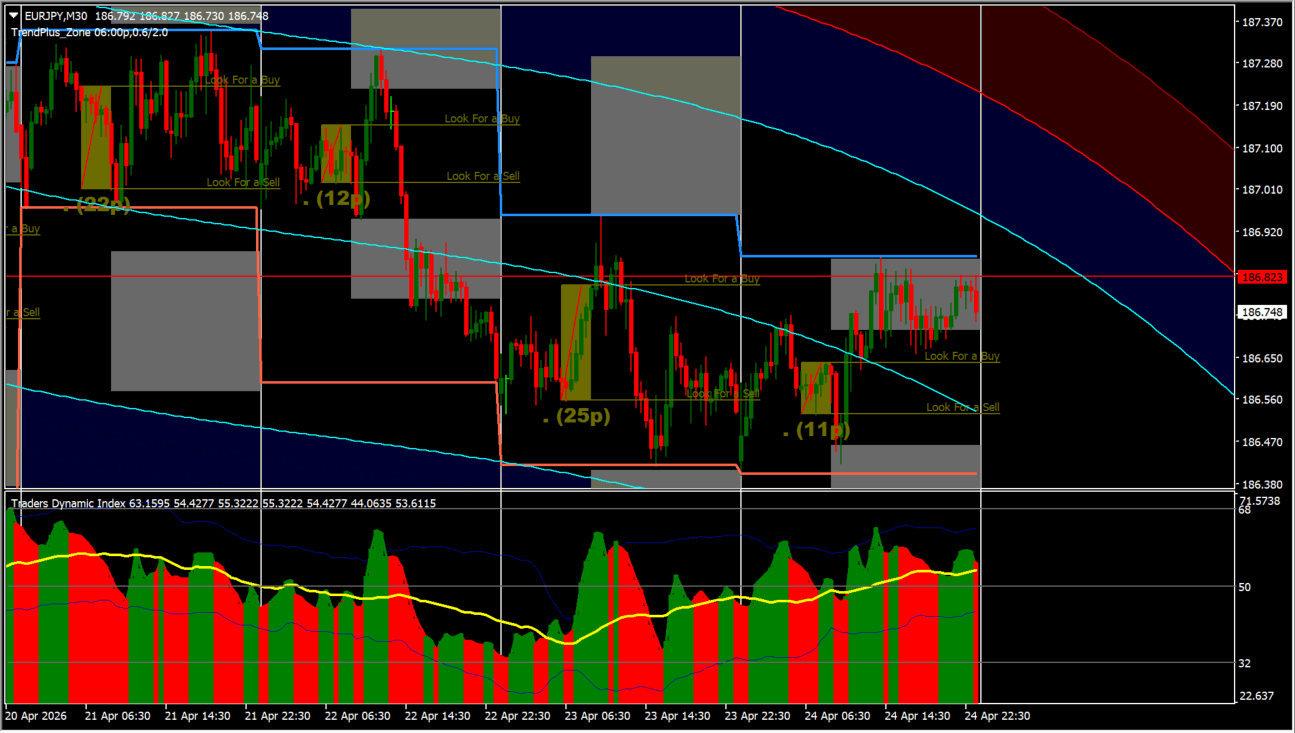
Load the Breakout Trading System template on your MT4 chart to view cloud trends, trendlines, and breakout zones.
Filter trade entries when price breaks out beyond key volatility bands with aligned TDI momentum.
Where it helps
Visualizes RSI momentum and volatility channels on the chart.
Helps identify strong breakout moves away from consolidation.
Provides pre-configured templates for single-click installation.
MT4 Indicator Parameters
This trading system package includes multiple .ex4 indicator files and .tpl template files. Copy all .ex4 files to your MQL4\Indicators folder and apply the template file via Chart -> Template.
How to Install .ex4 Indicator in MetaTrader 4
- Download the ZIP file and extract it.
- In MT4, select File → Open Data Folder.
- Open MQL4 → Indicators and copy the EX4 or MQ4 file into it.
- If the package includes library files, copy them to MQL4 → Libraries. Copy TPL files to the top-level templates folder.
- Restart MT4, find the indicator in the Navigator, and drag it onto a chart.
Test the tool on a demo account first. File contents and required folders can vary between packages.


