What is camarilladt_w_toggle Indicator?
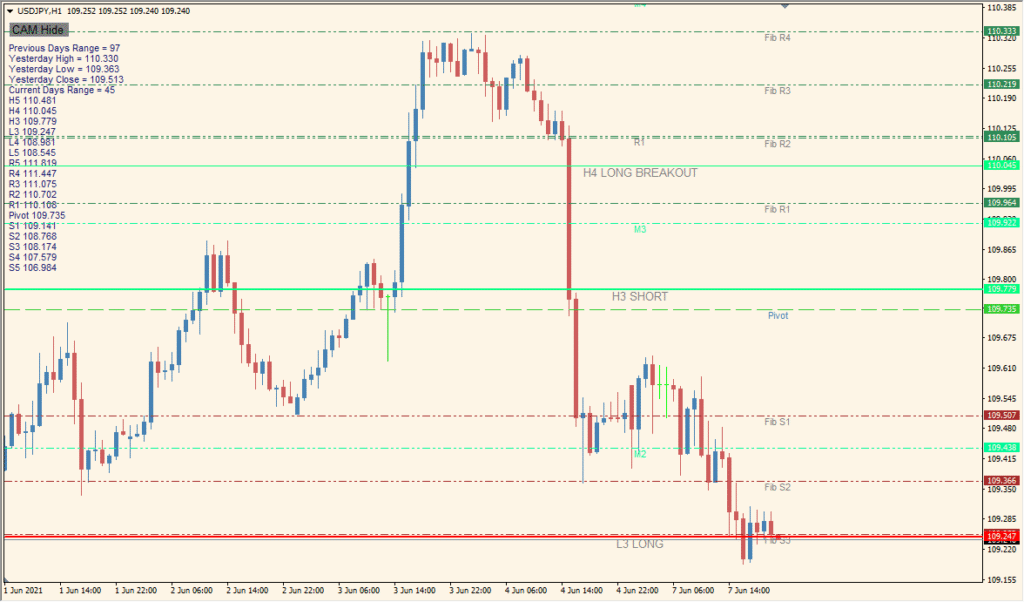
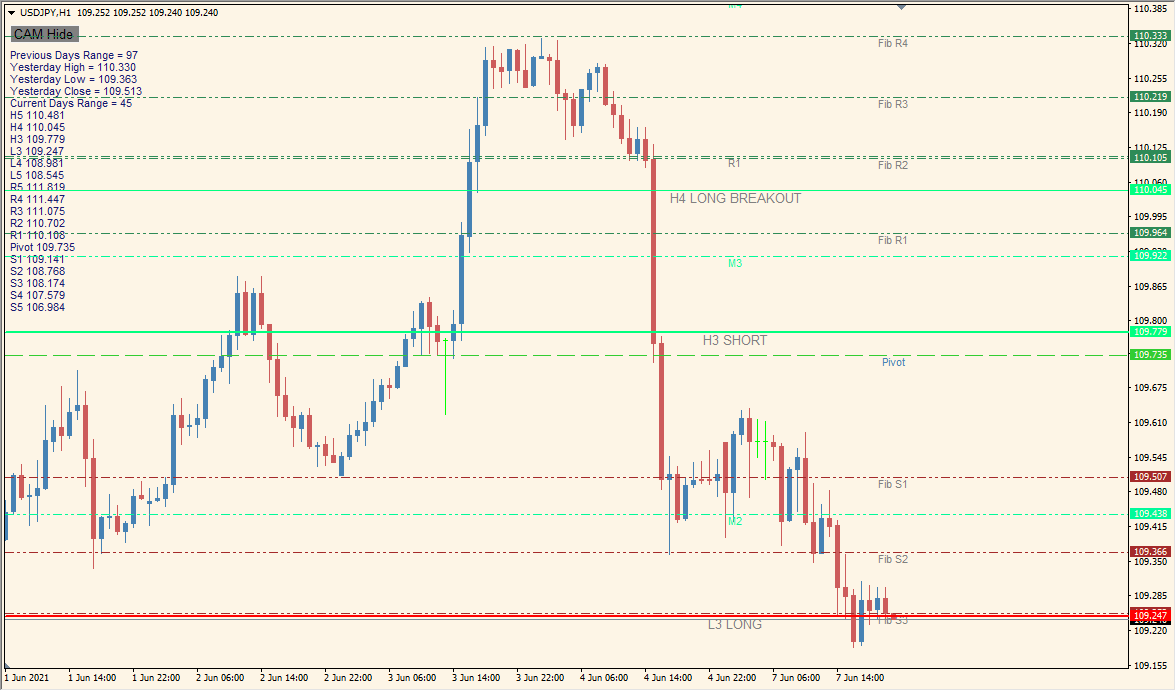
The camarilladt_w_toggle indicator combines classic Camarilla pivot levels with optional Fibonacci retracement zones and central pivot points. It is designed to help traders identify key support and resistance levels, breakout zones, and potential reversal areas. This visual aid is especially useful for intraday and swing traders who rely on structured price levels for decision-making.
The indicator displays customizable Camarilla levels (H3, H4, H5, L3, L4, L5), pivot lines, and Fibonacci retracements. It includes options for color, label visibility, and level configuration to suit different trading styles.
How to Use It in Practice
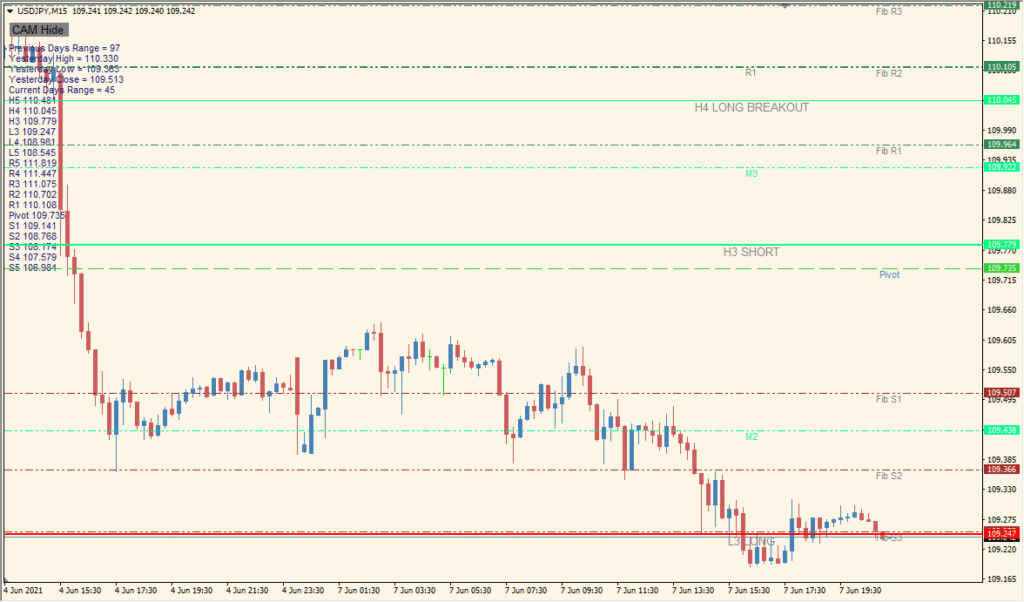
In real-world trading scenarios, use this indicator to:
- Identify key turning points based on Camarilla equations and Fibonacci retracements.
- Spot breakout zones at H4/L4 and reversal zones at H3/L3 or H5/L5.
- Use pivot points as equilibrium or reference zones for trend continuation or pullbacks.
- Combine with candlestick or price action signals for confirmation.
This tool is ideal for technical traders who prefer price structure over indicators like oscillators or trend lines. Its modular display makes it suitable for scalpers, day traders, and swing traders alike.
Best Settings & MT4 Parameters for camarilladt_w_toggle
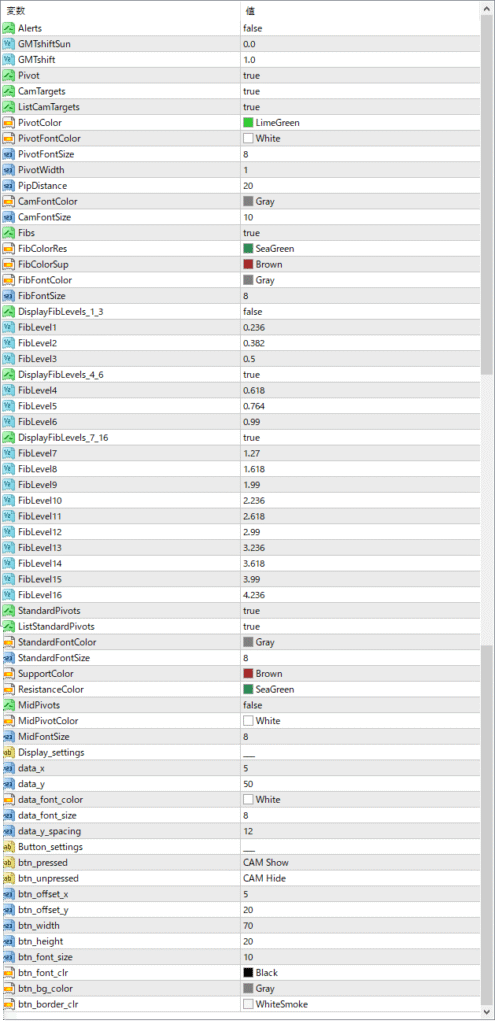
Alerts
Enables or disables alert notifications when price reaches key levels.
GMTshiftSun
Applies a GMT time shift specifically for Sunday candles.
GMTshift
Sets the general GMT time shift to align levels with your broker’s server time.
Pivot
Turns the central pivot point display on or off.
CamTargets
Shows or hides Camarilla target labels.
ListCamTargets
Enables a list display of Camarilla targets on the chart.
PivotColor
Sets the color of the central pivot line.
PivotFontColor
Defines the text color for the pivot line label.
PivotFontSize
Controls the font size of the pivot label.
PivotWidth
Adjusts the thickness of the pivot line.
PipDistance
Sets vertical spacing (in pips) between labels and price levels.
CamFontColor
Changes the color of Camarilla level text labels.
CamFontSize
Sets the font size for Camarilla level labels.
Fibs
Turns Fibonacci retracement levels on or off.
FibColorRes
Color for Fibonacci resistance levels.
FibColorSup
Color for Fibonacci support levels.
FibFontColor
Text color for Fibonacci labels.
FibFontSize
Font size of Fibonacci level labels.
DisplayFibLevels1_3
Show or hide the first three Fibonacci levels (Level1 to Level3).
FibLevel1
Defines the ratio used for the first Fibonacci level.
FibLevel2
Defines the ratio for the second Fibonacci level.
FibLevel3
Defines the ratio for the third Fibonacci level.
DisplayFibLevels4_6
Show or hide Fibonacci levels 4 through 6.
FibLevel4
Ratio for the fourth Fibonacci level.
FibLevel5
Ratio for the fifth Fibonacci level.
FibLevel6
Ratio for the sixth Fibonacci level.
DisplayFibLevels7_16
Enable or disable the display of extended Fibonacci levels (7 to 13).
FibLevel7 to FibLevel13
Set the ratios for additional Fibonacci extensions from level 7 to 13.


