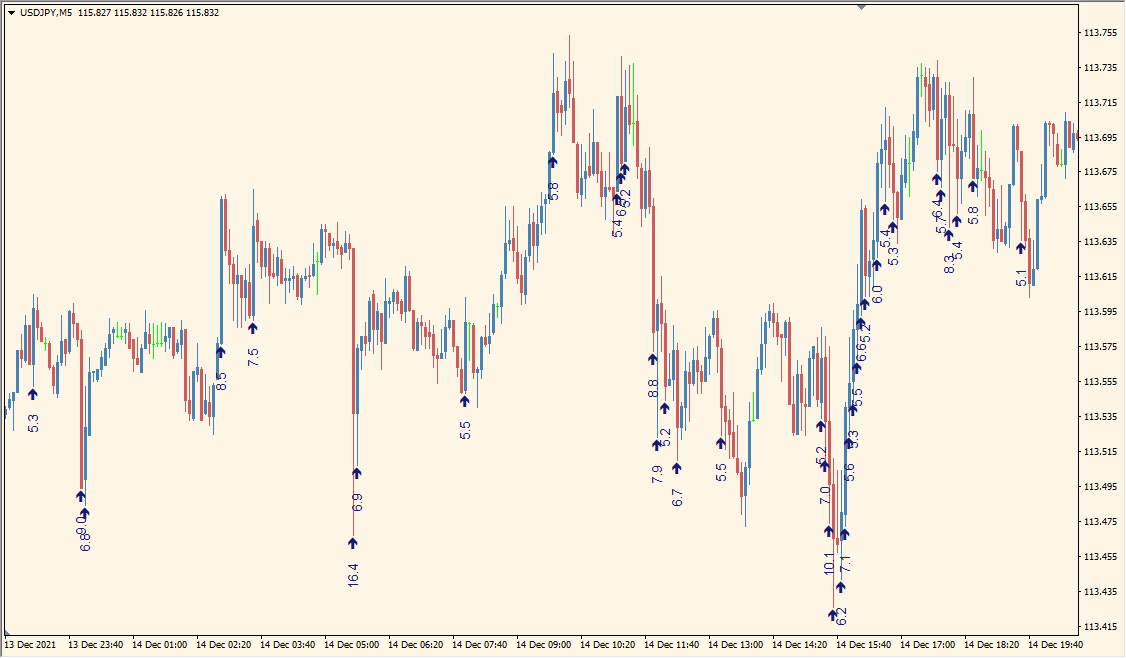
What is Candle_Size_wLabel_wAlert Indicator?
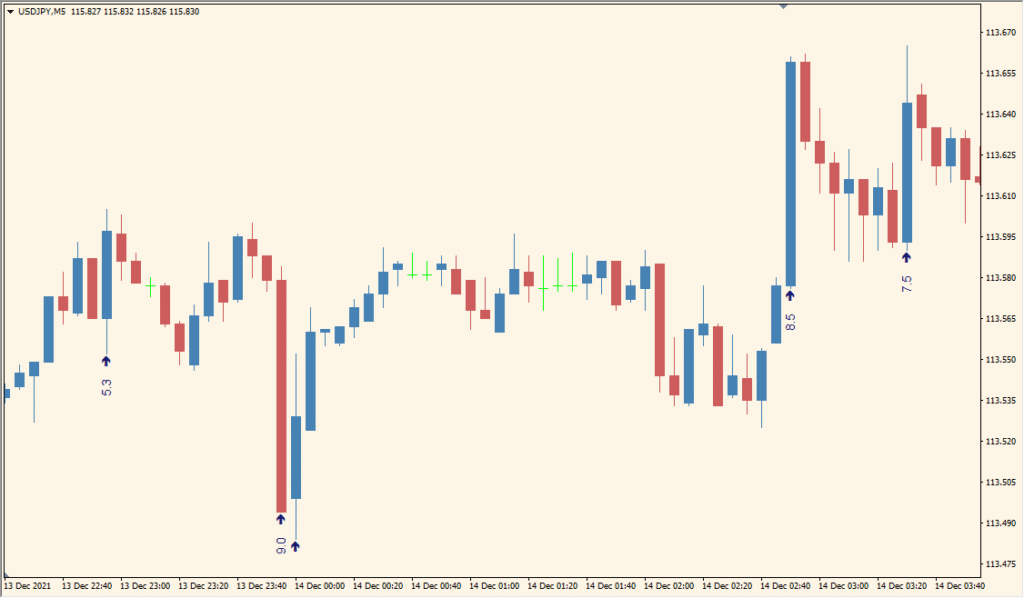
Candle_Size_wLabel_wAlert for MT4 measures each candle and can display its size directly on the chart. The measurement can use the full high-to-low range or the open-to-close body, according to the selected setting.
A pip threshold controls when an alert is issued, while label visibility, font size, colors, and sound options control the presentation. The display makes changes in candle range easier to compare across sessions.
How to Use It in Practice
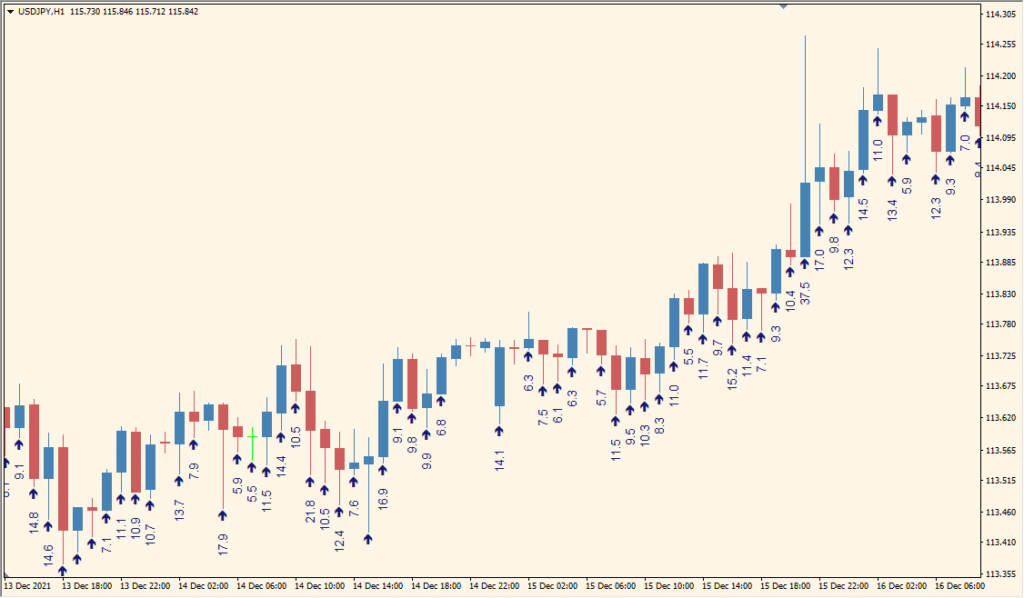
Use the printed pip value to compare absolute candle size when chart auto-scaling makes volatility less obvious. A full high-to-low measurement and an open-to-close body measurement are separate options, and calculating every historical candle can become heavy when a low pip threshold is used on longer timeframes.
- Compare the printed pip values across the candles that are visible on the chart.
- Choose high-to-low range or open-to-close body measurement according to the size comparison required.
- Set the pip threshold, label, and optional alert settings with the active timeframe in mind.
- Avoid an overly low threshold on H1 or daily charts if nearly every historical candle would receive a label, because this can slow MT4.
- Adjust font and color settings only to keep the selected labels legible.
Candle size can be measured in two ways, pip labels make the range visible, and optional alerts can call attention to larger-than-selected candles.
MT4 Indicator Parameters
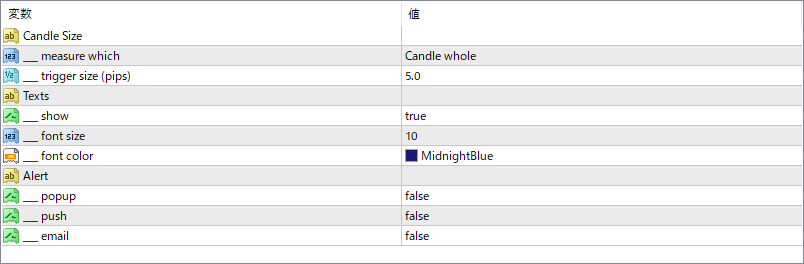
The screenshot above shows the default input parameters in the MT4 settings window.
| Parameter | Description |
|---|---|
| __ measure which | Defines how candle size is calculated. Options include the whole candle (high to low) or just the body (open to close). |
| __ trigger size (pips) | Sets the pip size that will trigger an alert. If a candle exceeds this size, it is considered significant. |
| __ show | If true, the indicator displays the pip size of each candle on the chart. |
| __ font size | Specifies the font size of the displayed text labels on the chart. |
| __ font color | Sets the color of the text label used to show candle sizes. |
| __ popup | If true, a popup alert will appear when a candle exceeds the trigger size. |
| __ push | When enabled, a push notification is sent to the mobile device via the MetaTrader app. |
| __ email | If true, the indicator will send an email alert when a large candle is detected. |


