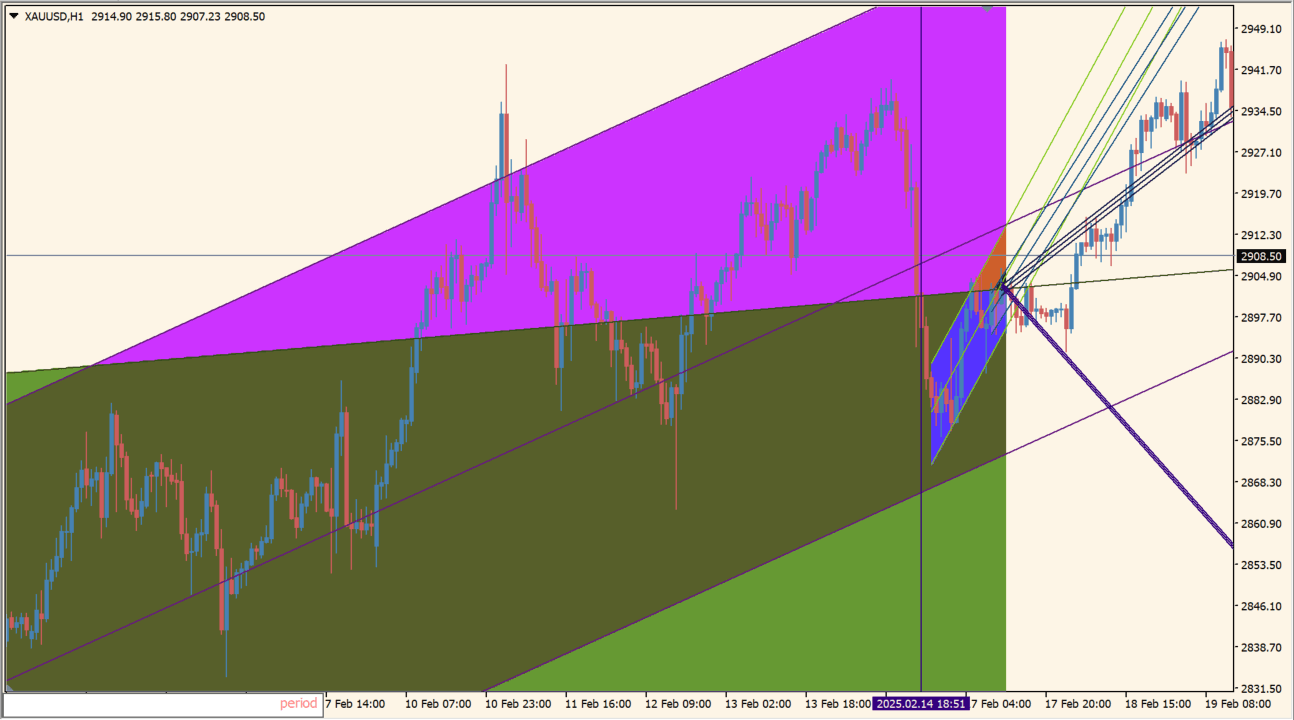
What is Channels?
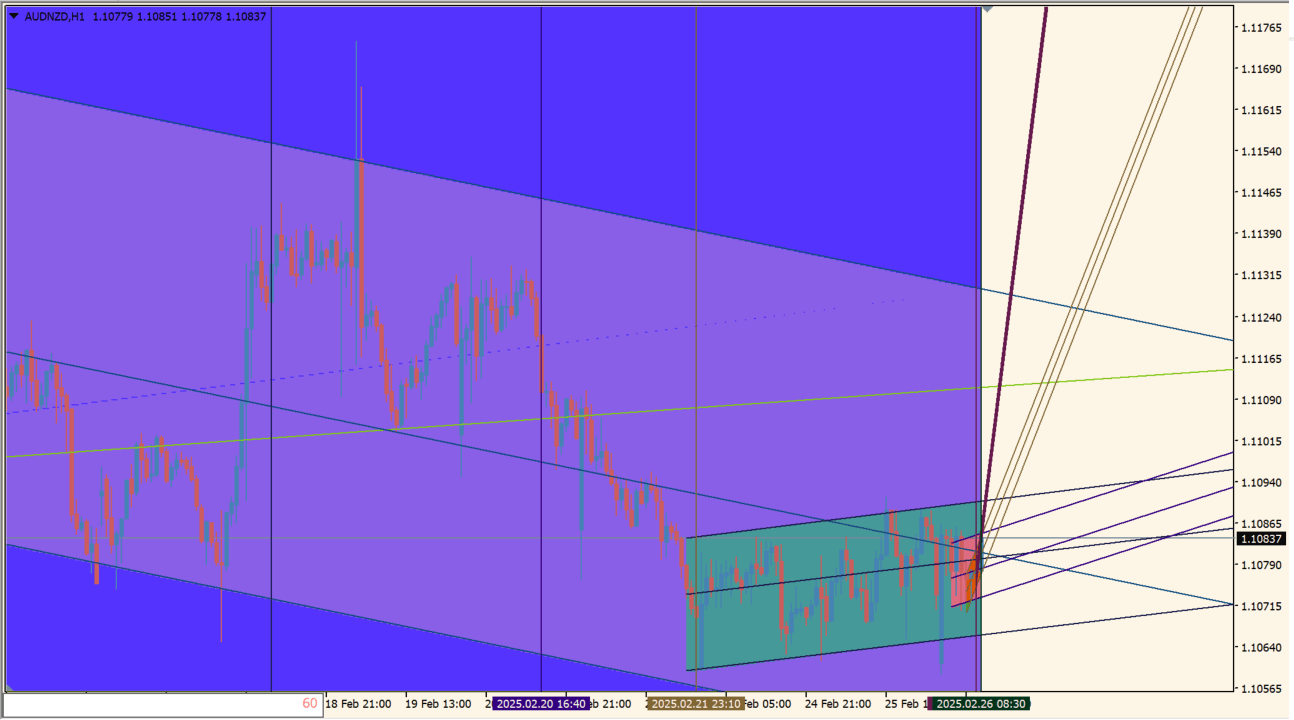
Channels uses price movement to draw a trend channel and provides a manual endpoint workflow. Holding Ctrl makes the calculation endpoint follow the cursor, and pressing Enter confirms the selected position.
The main channel suits reviewing directional price movement, though recalculation can take time on older computers.
How to use Channels
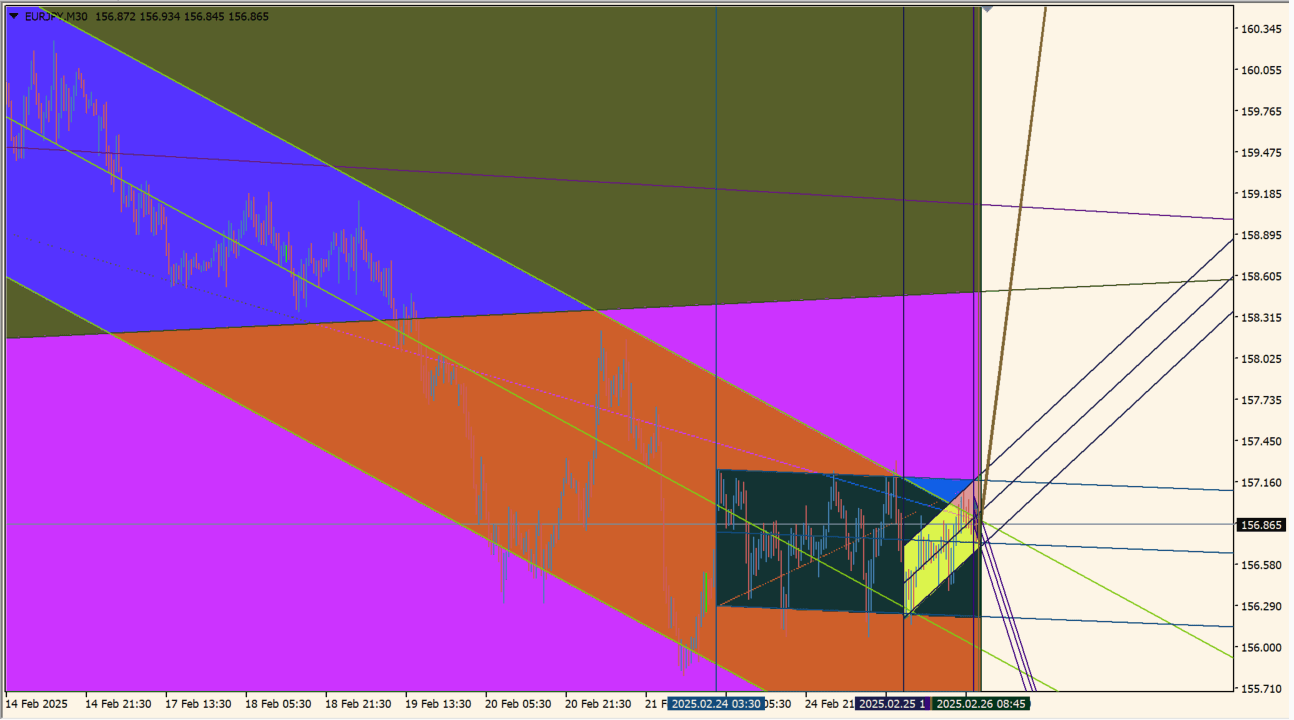
Apply Channels to an MT4 chart, hold Ctrl to move the calculation endpoint to the desired location, and press Enter to confirm it.
Recalculate only when needed on older hardware, then compare the channel boundaries with the price path and recent swings.
Where it helps
Builds a trend channel from the selected price movement.
Allows the analysis window to be placed interactively before confirmation.
Keeps the main channel visible for reviewing the broader path of price.
MT4 Indicator Parameters
The table below lists the available MT4 indicator parameters. You can customize these options in the MetaTrader Inputs dialog to match your trading preferences.
| Parameter | Description |
|---|---|
| StartBar | Sets this calculation or display option. Default: 0. |
| BarAnalys | Sets this calculation or display option. Default: 400. |
| k_width | Sets the display width or text size. Default: 4. |
| accuracy | Controls this indicator option. Default: 50. |
| Filter | Controls this indicator option. Default: 0.55. |
| MinWidth | Sets the display width or text size. Default: 0. |
| MaxWidth | Sets the display width or text size. Default: 10000. |
| Ray | Enables or disables this display option. Default: true. |
| MaxMin | Enables or disables this display option. Default: true. |
| color_fill | Sets the display color for this option. Default: true. |
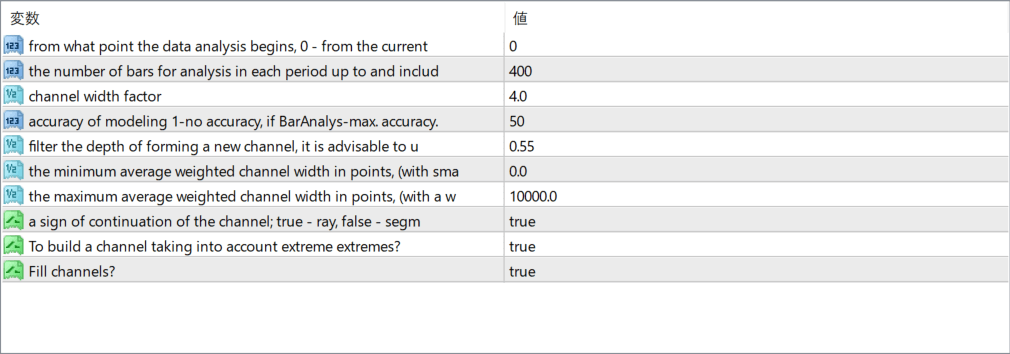
The screenshot above shows the default input parameters in the MT4 settings window.
How to Install .ex4 Indicator in MetaTrader 4
- Download the ZIP file and extract it.
- In MT4, select File → Open Data Folder.
- Open MQL4 → Indicators and copy the EX4 or MQ4 file into it.
- If the package includes library files, copy them to MQL4 → Libraries. Copy TPL files to the top-level templates folder.
- Restart MT4, find the indicator in the Navigator, and drag it onto a chart.
Test the tool on a demo account first. File contents and required folders can vary between packages.


