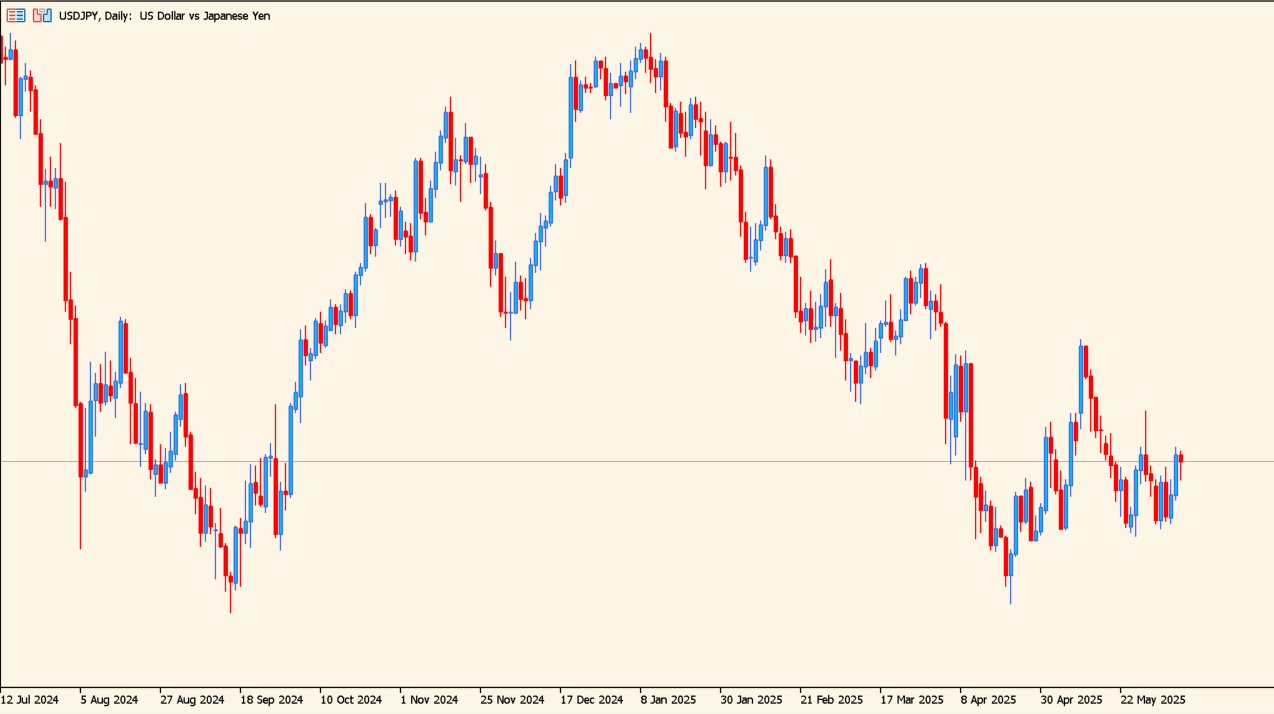
What is ChartRefresher?
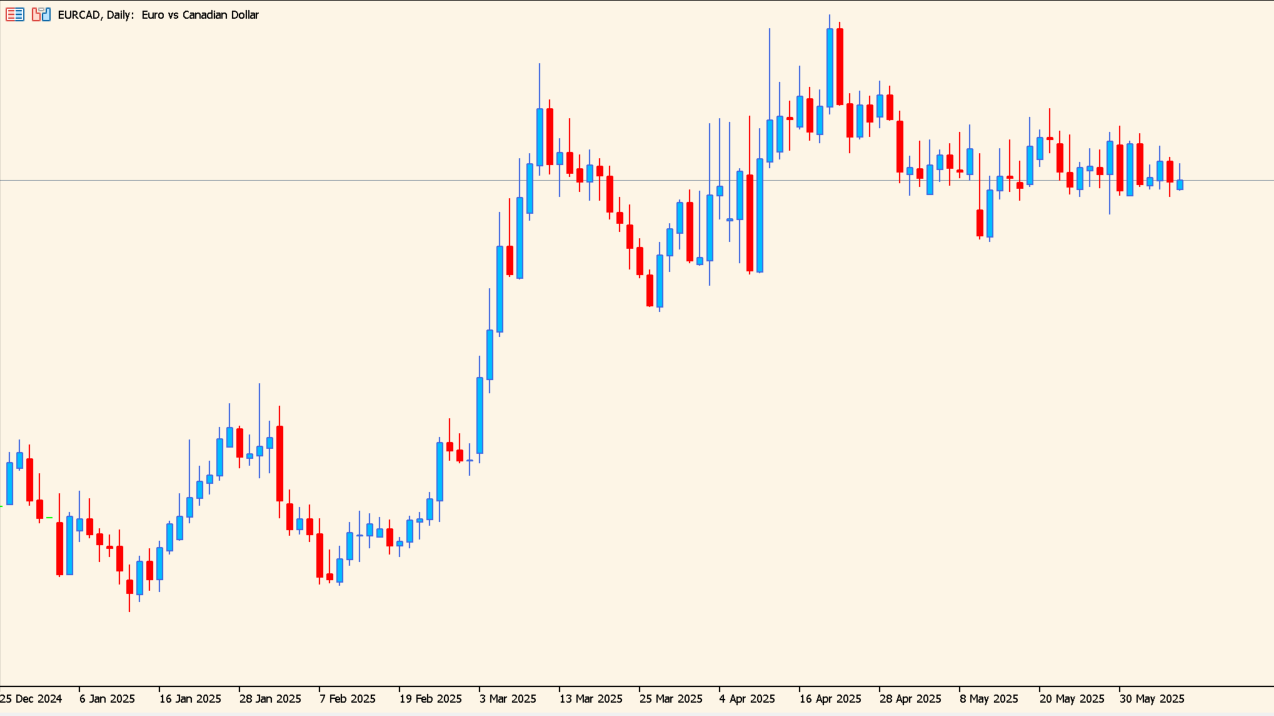
ChartRefresher repeats the normal chart Refresh action on a timer. The default interval is one minute, but the timing can be changed from the Inputs dialog.
There are two main uses: comparing two charts to detect a signal that moves after refresh, and updating tools that calculate statistics only through the currently visible data.
How to use ChartRefresher
Apply ChartRefresher to an MT5 chart and set Interval in minutes to the refresh frequency needed for the tool you are checking.
For a repaint check, run the same signal tool on two charts and add ChartRefresher to only one. Compare the signal positions after several refreshes.
Where it helps
Repeats a chart refresh without requiring a manual right-click action.
Makes changes in historical signal positions easier to notice.
Helps data-dependent tools update their visible resistance or statistics view.
MT5 Indicator Parameters
The table below lists the available MT5 indicator parameters. You can customize these options in the MetaTrader Inputs dialog to match your trading preferences.
| Parameter | Description |
|---|---|
| RefreshIntervalMinutes | Enables or disables this display option. Default: 1. |
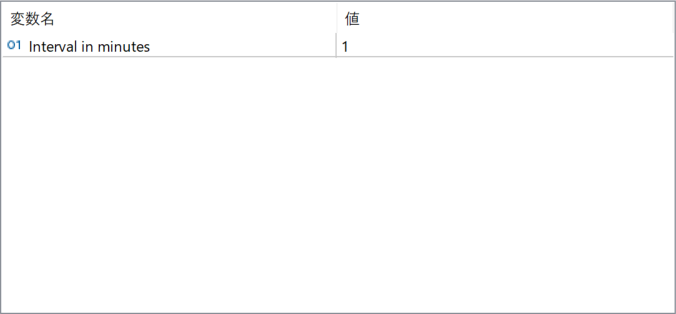
The screenshot above shows the default input parameters in the MT5 settings window.
How to Install .ex5 Indicator in MetaTrader 5
- Download the ZIP file and extract it.
- In MT5, select File → Open Data Folder.
- Open MQL5 → Indicators and copy the EX5 or MQ5 file into it.
- If the package includes library files, copy them to MQL5 → Libraries. Copy TPL files to the top-level templates folder.
- Restart MT5, find the indicator in the Navigator, and drag it onto a chart.
Test the tool on a demo account first. File contents and required folders can vary between packages.


