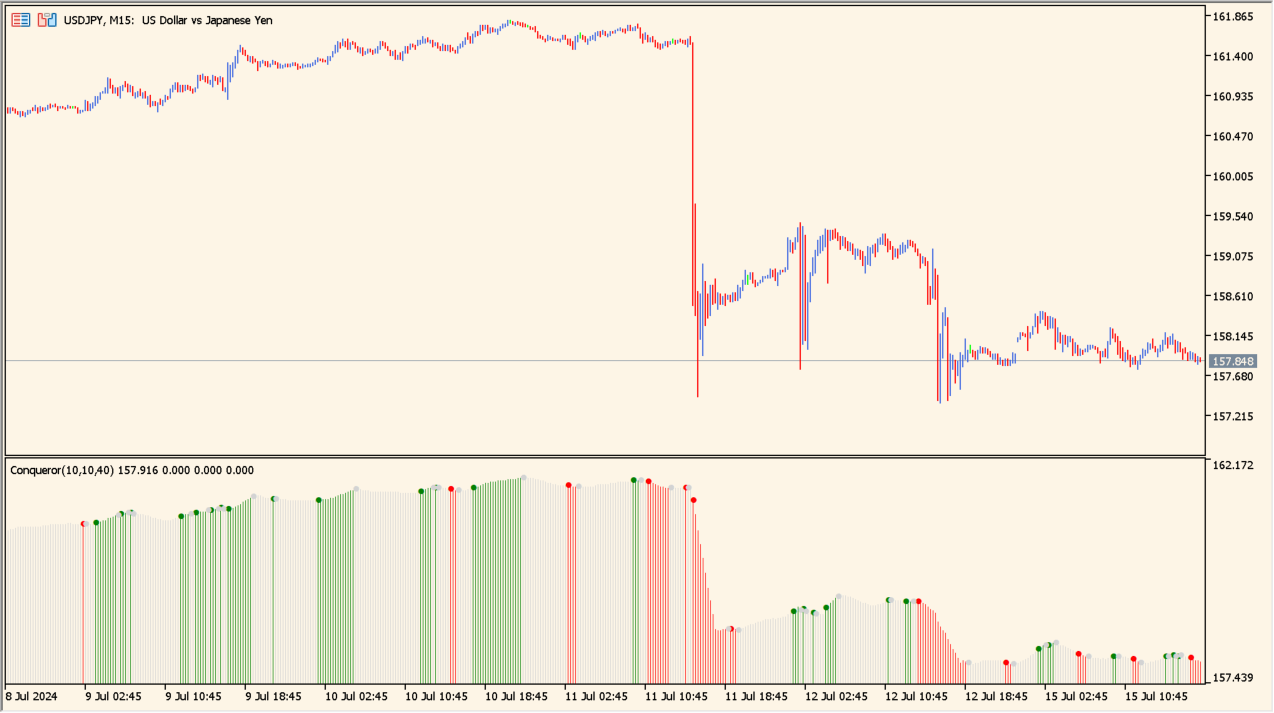
What is Conqueror 1.00?
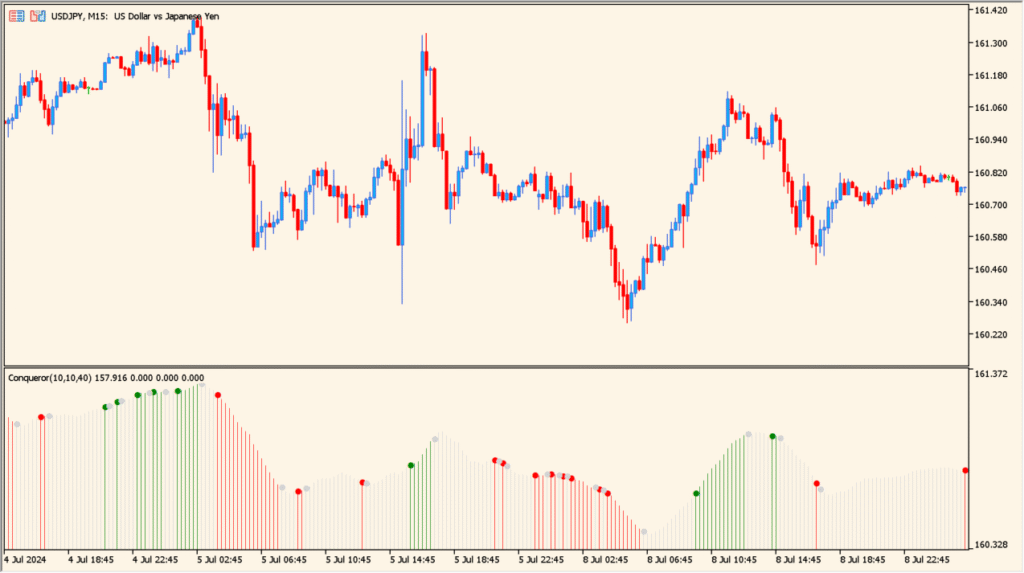
Conqueror 1.00 is an MT5 oscillator that measures momentum speed and directional pressure across price bars.
It displays dual-color histogram bars relative to a zero centerline to highlight bullish versus bearish control.
How to use Conqueror 1.00
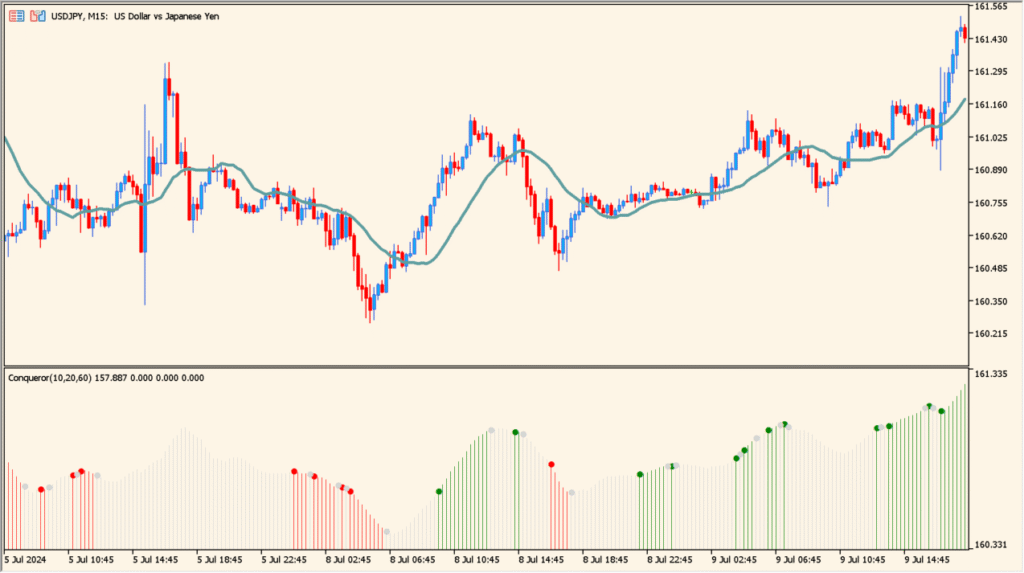
Monitor histogram zero-line crossovers to confirm short-term momentum transitions.
Watch for divergence between price swings and histogram peaks to identify potential momentum exhaustion.
Where it helps
Histogram bars oscillate around zero to distinguish bullish and bearish pressure.
Filters short-term noise to present clean directional momentum waves.
MT5 Indicator Parameters
The table below lists the available MT5 indicator parameters. You can customize these options in the MetaTrader Inputs dialog to match your trading preferences.
| Parameter | Description |
|---|---|
| Fast Momentum Period | Sets the fast period for calculating short-term momentum. Default: 10. |
| Slow Momentum Period | Sets the slow period for filtering range pressure. Default: 30. |
| Signal Smoothing | Sets the smoothing period applied to the Conqueror line. Default: 5. |
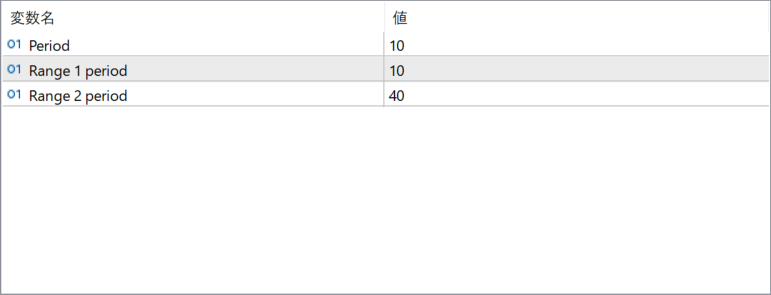
The screenshot above shows the default input parameters in the MT5 settings window.
How to Install .ex5 Indicator in MetaTrader 5
- Download the ZIP file and extract it.
- In MT5, select File → Open Data Folder.
- Open MQL5 → Indicators and copy the EX5 or MQ5 file into it.
- If the package includes library files, copy them to MQL5 → Libraries. Copy TPL files to the top-level templates folder.
- Restart MT5, find the indicator in the Navigator, and drag it onto a chart.
Test the tool on a demo account first. File contents and required folders can vary between packages.


