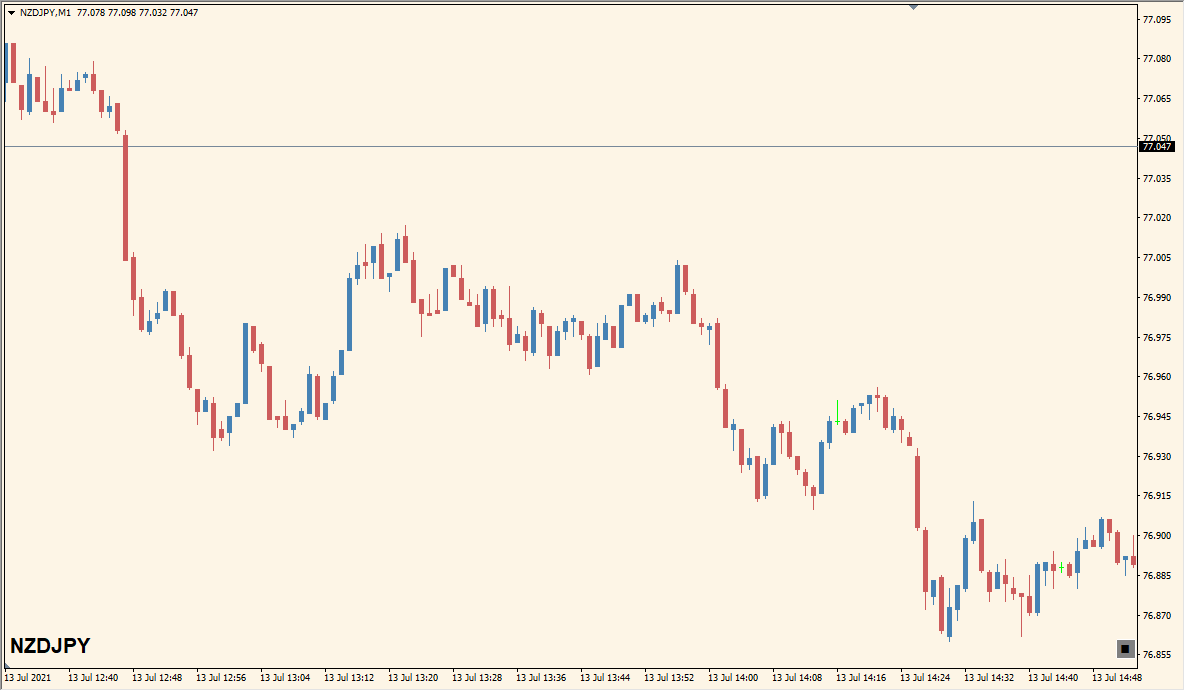
What is Custom List Slideshow Indicator?
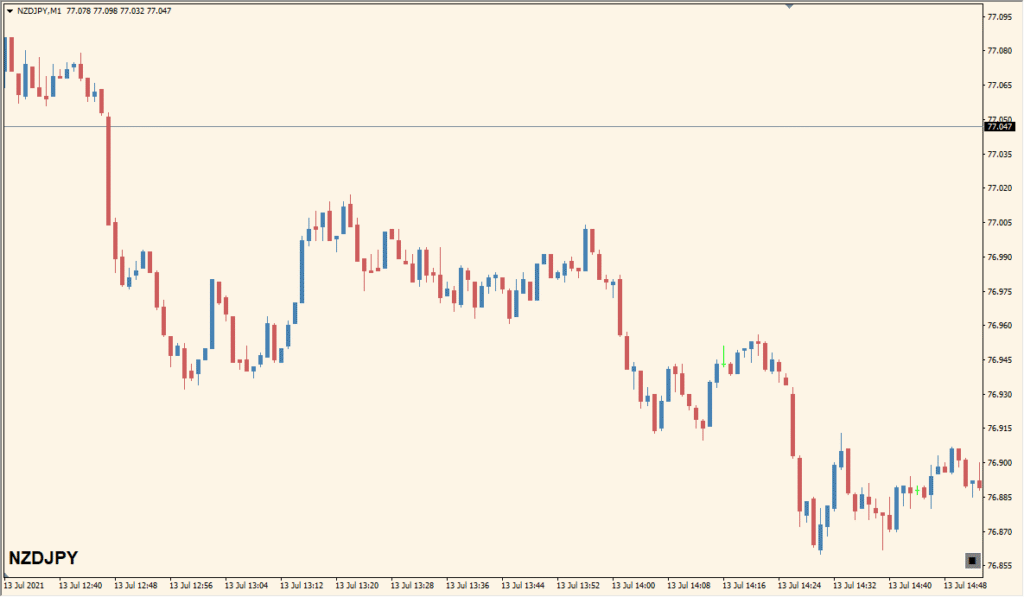
Custom List Slideshow is an MT4 panel that cycles through a user-defined list of symbols at a selected interval. It can display information such as the current symbol name and price change without requiring a separate chart for every instrument.
The label and button settings control where the information appears and how it looks. Up to 20 symbol slots can be configured for the rotating display.
How to Use It in Practice
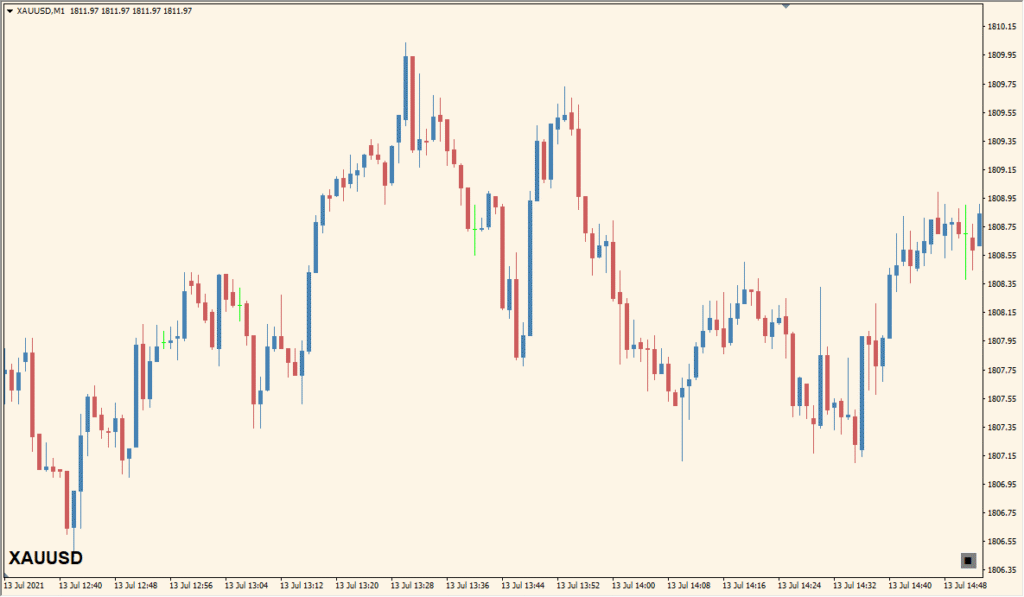
Use the panel as a compact visual reference for a selected watchlist:
- Add the indicator to an MT4 chart and list the symbols to include in the existing Symbols settings.
- Set Timer (sec) to control how long each symbol remains on display.
- Review the symbol name and price-change information as the panel cycles through the list.
- Adjust the label and button corner, offset, font, and color settings for chart readability.
A rotating list of up to 20 symbols fits in one chart workspace, symbol information remains visible at a glance, and label and button settings support a cleaner layout.
MT4 Indicator Parameters
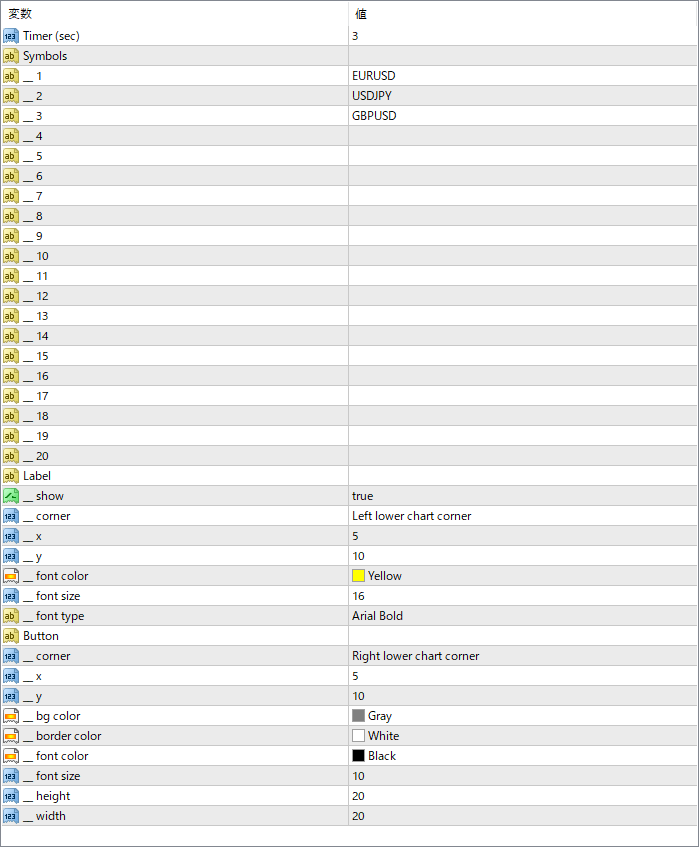
The screenshot above shows the default input parameters in the MT4 settings window.
| Parameter | Description |
|---|---|
| Timer (sec) | Sets the interval time in seconds before switching to the next symbol in the list. |
| Symbols | Defines the custom list of symbols to cycle through. Up to 20 slots are available (e.g., EURUSD, USDJPY). |
| Label > show | Enables or disables the text display on the chart showing current symbol info. |
| Label > corner | Sets the position of the label (e.g., left lower chart corner). |
| Label > x / y | Adjusts the offset position of the label in pixels from the chosen corner. |
| Label > font color | Specifies the font color for the label text. |
| Label > font size | Sets the size of the font used in the label. |
| Label > font type | Defines the font type used in the display (e.g., Arial Bold). |
| Button > corner | Specifies where the button (if included) is placed on the chart. |
| Button > x / y | Sets the horizontal and vertical offset of the button in pixels from the chart corner. |


