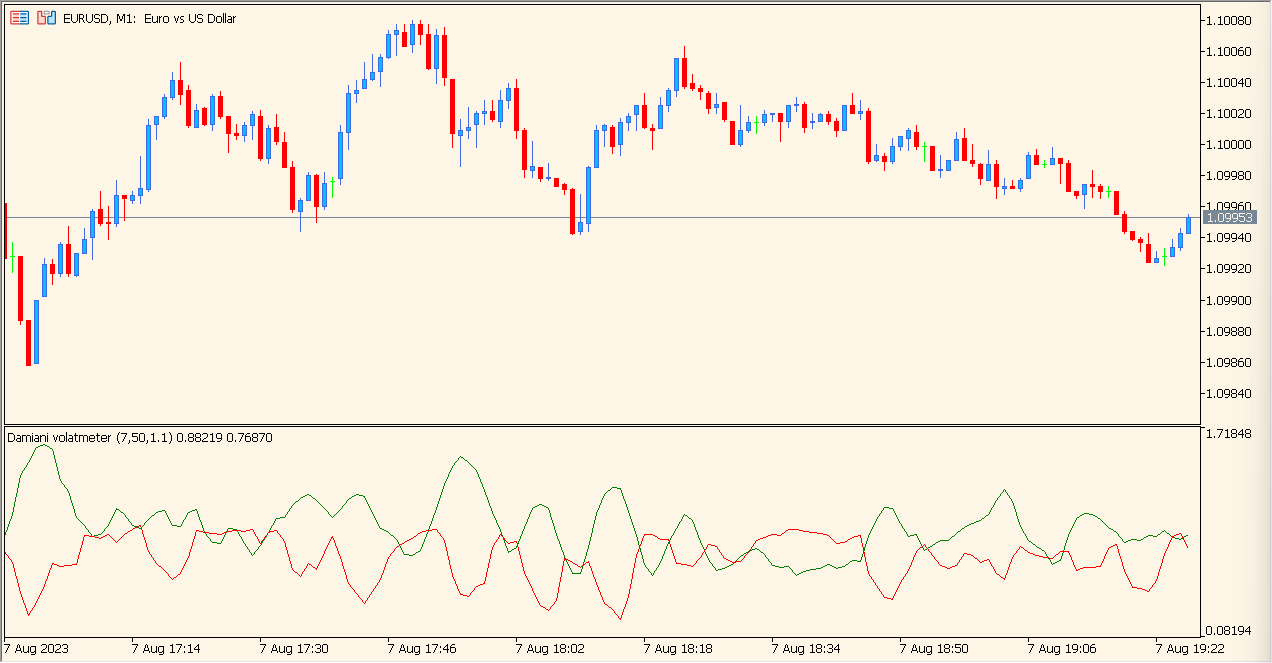
What is Damiani Volatmeter Indicator?
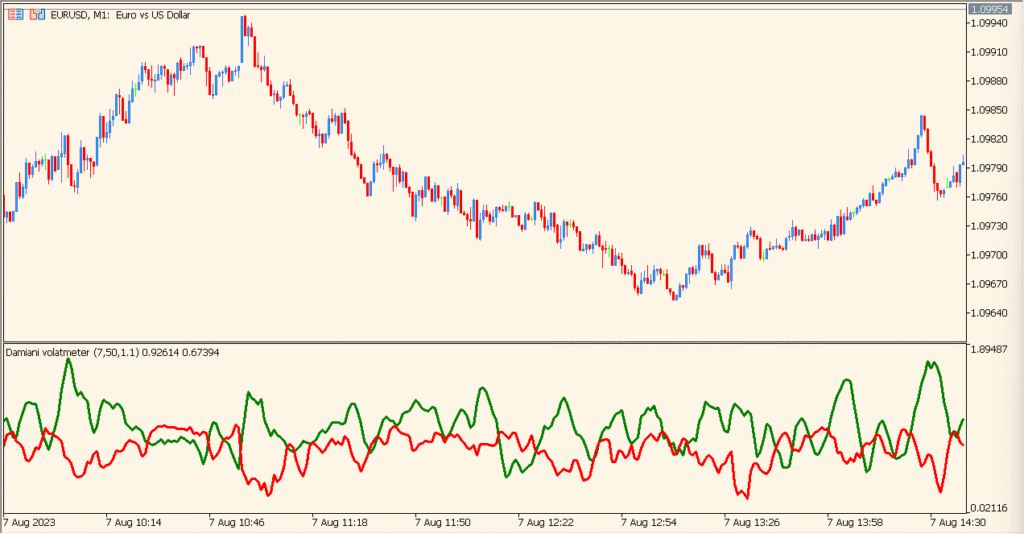
Damiani Volatmeter is an MT5 subwindow indicator that displays volatility and noise as two comparable lines. Viscosity, sedimentation, threshold, lag suppression, and color settings control the visual response.
The comparison helps organize quieter and more active chart conditions for review. It describes the selected volatility sample and does not prescribe whether a position should be taken.
How to Use It in Practice
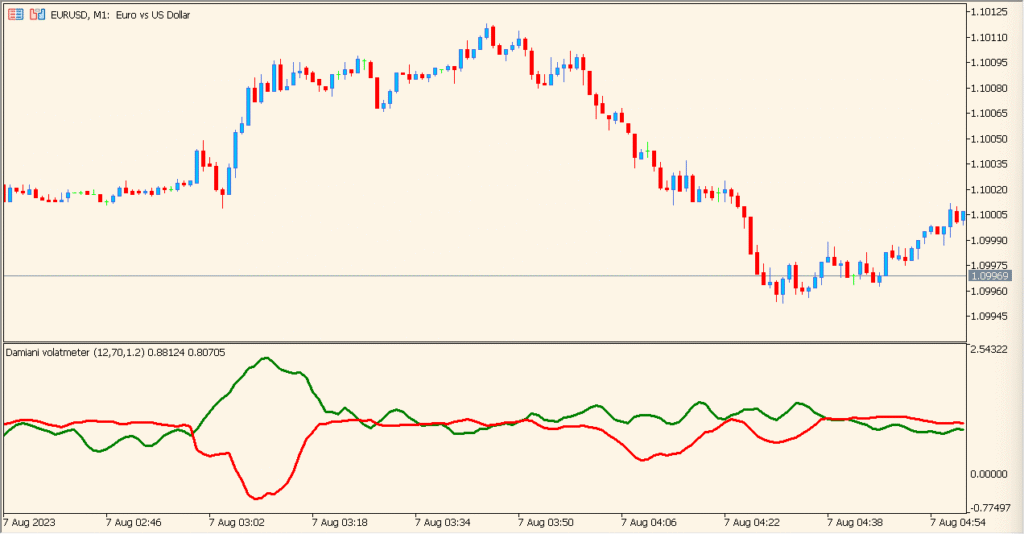
Compare the green and red lines in the subwindow. Green above red is the displayed volatile-trend condition, and green below red is the quieter range condition; a wider gap between the two lines represents a stronger displayed separation.
- Review whether the green line is above or below the red line, then compare the spacing between them with the current chart range.
- Use Viscosity, Sedimentation, Threshold, and lag-suppression settings to compare a different response for the selected symbol or timeframe.
- Keep the two-line relationship as volatility and noise context while checking the actual candles and wider structure.
Volatility and noise share one pane, smoothing inputs organize the display, and threshold settings provide a consistent comparison reference.
MT5 Indicator Parameters
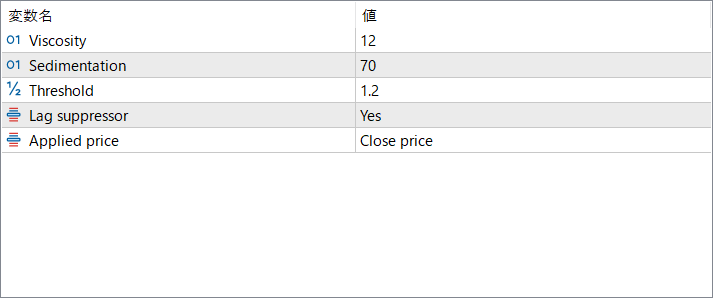
The screenshot above shows the default input parameters in the MT5 settings window.
| Parameter | Description |
|---|---|
| Viscosity | Controls how sensitively the indicator reacts to changes in volatility. Higher values smooth the lines, while lower values make them more responsive. |
| Sedimentation | Defines the smoothing depth applied when calculating noise. Increasing this value reduces fluctuations and highlights broader volatility conditions. |
| Threshold | Sets the minimum ratio between volatility and noise required for the indicator to signal favorable conditions. |
| Lag suppressor | Enables an algorithm designed to reduce signal delay. Turning it on helps the indicator respond faster to changing market conditions. |
| Applied price | Selects which price value is used in calculations, such as Close, Open, High/Low, or Median price. |


