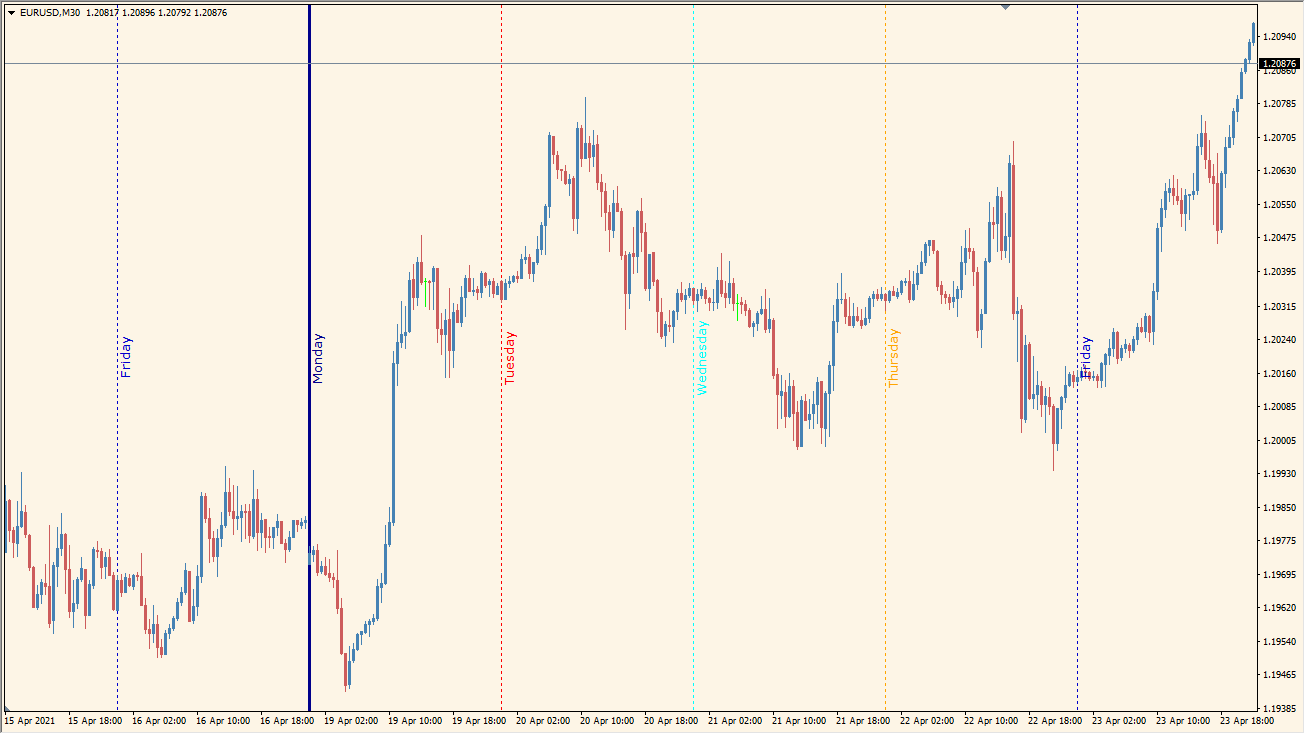
What is Days of the Week Indicator?
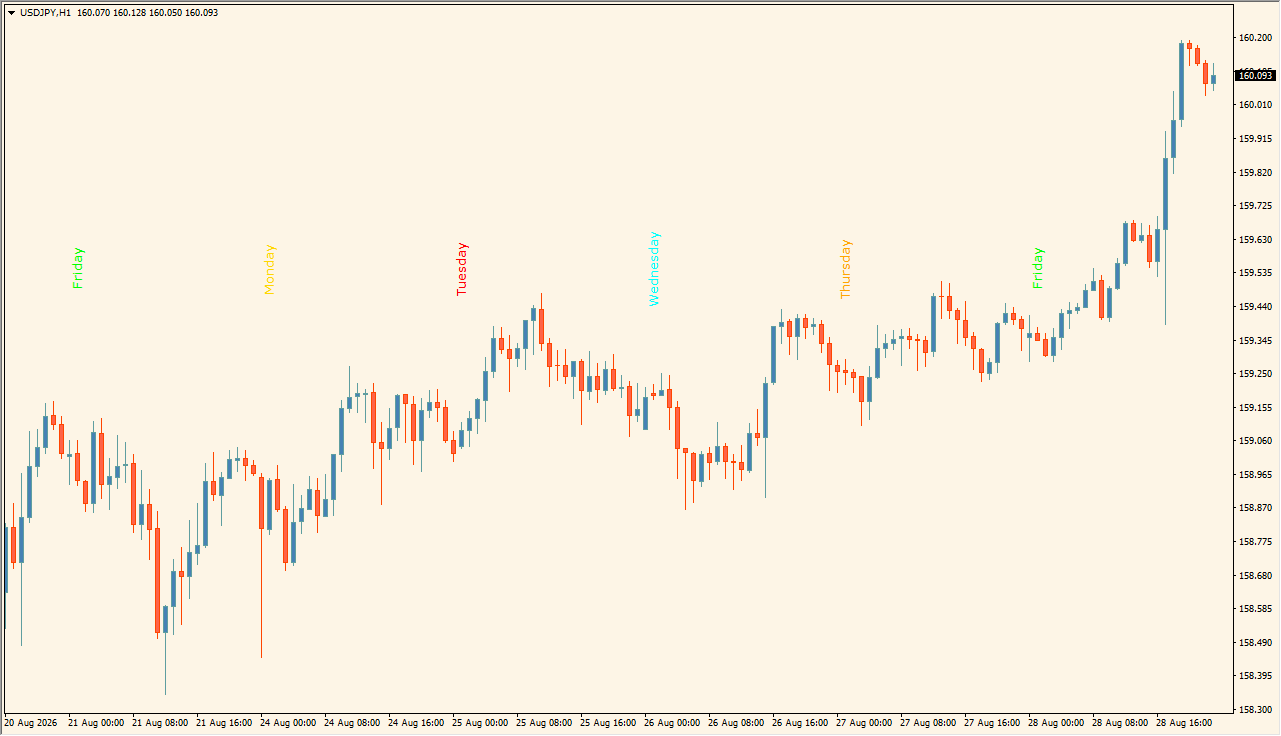
Days of the Week is an MT4 indicator that separates weekdays with vertical lines and optional day labels. The display can show up to five weekday names with configurable colors, line styles, widths, fonts, and a maximum number of days.
The separators organize the chart into recurring weekly sections, making it easier to compare price behavior by day. They provide calendar context only and do not imply a recurring outcome for any particular weekday.
How to Use It in Practice
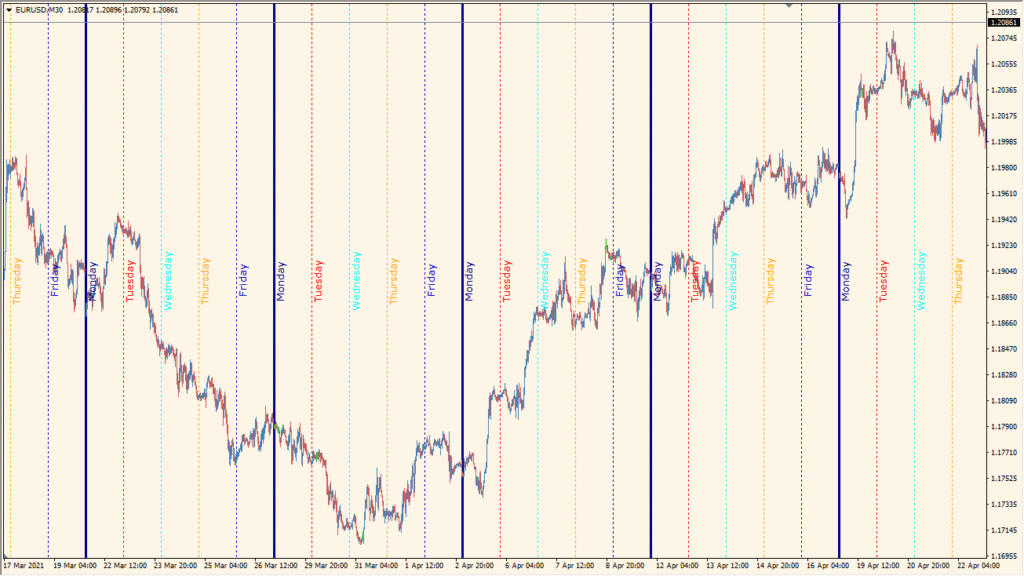
Use the vertical separator drawn at the chart's midnight candle to divide the history into individual weekdays. Line color, style, and text can be changed, but the indicator's weekday text does not support Japanese; treat the labels as calendar orientation rather than a claim about a weekday outcome.
- Locate the midnight separators first, then compare price movement within each marked day.
- Set Maximum Days to Display and the label font settings for the amount of weekday history that remains visible.
- Choose the line display type and the labels or lines options in the existing Inputs.
- Customize the weekday names, colors, styles, and widths while allowing for the lack of Japanese text support.
Weekday boundaries make recurring chart sections easier to scan, labels and colors support quick orientation, and display limits keep historical context manageable.
MT4 Indicator Parameters
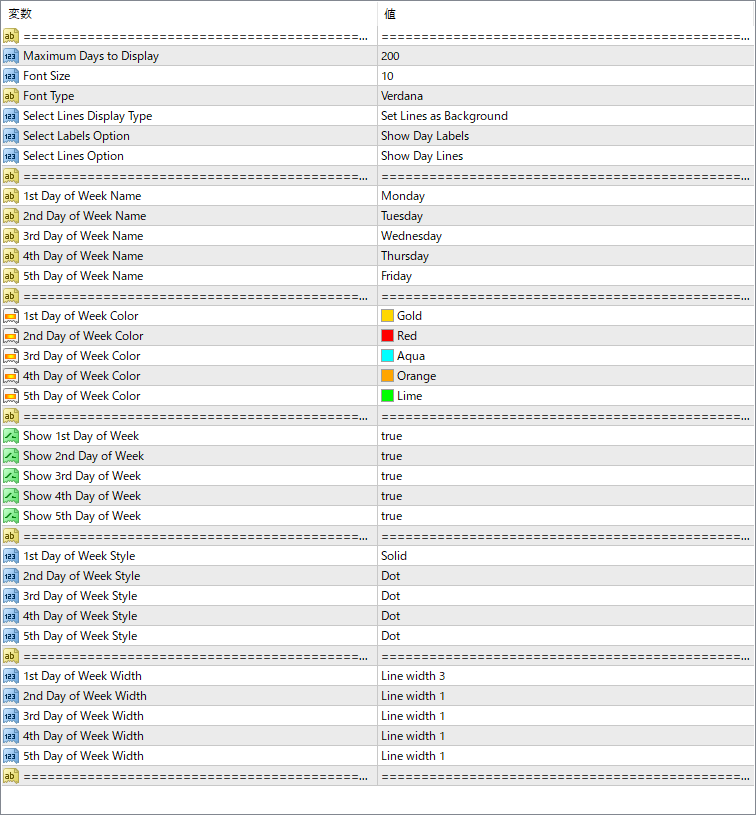
The screenshot above shows the default input parameters in the MT4 settings window.
| Parameter | Description |
|---|---|
| Maximum Days to Display | Controls how many past days are displayed with vertical lines. |
| Font Size | Sets the size of the weekday name text displayed on the chart. |
| Font Type | Specifies the font used for day labels. |
| Select Lines Display Type | Defines whether the vertical lines appear behind the chart candles or on top. |
| Select Labels Option | Controls whether to show labels for the days of the week. |
| Select Lines Option | Controls whether the vertical lines for each day are drawn. |
| 1st–5th Day of Week Name | Sets the weekday name (Monday to Friday) that corresponds to each slot. |
| 1st–5th Day of Week Color | Defines the line and label color for each weekday. |
| Show 1st–5th Day of Week | Toggle each weekday line and label on or off. |
| 1st–5th Day of Week Style | Choose the line style for each day (solid, dot, etc.). |
| 1st–5th Day of Week Width | Sets the line thickness for each day. |


