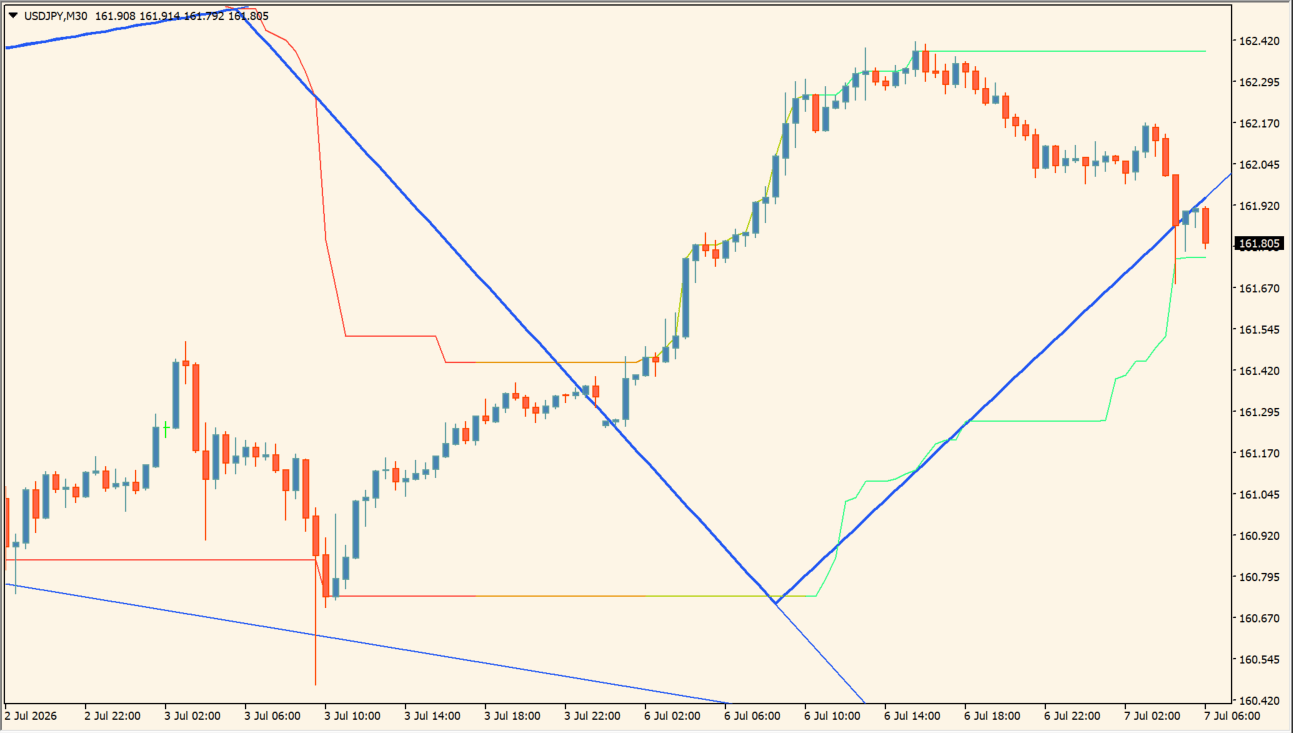
What is Donchian Zig-Zag?
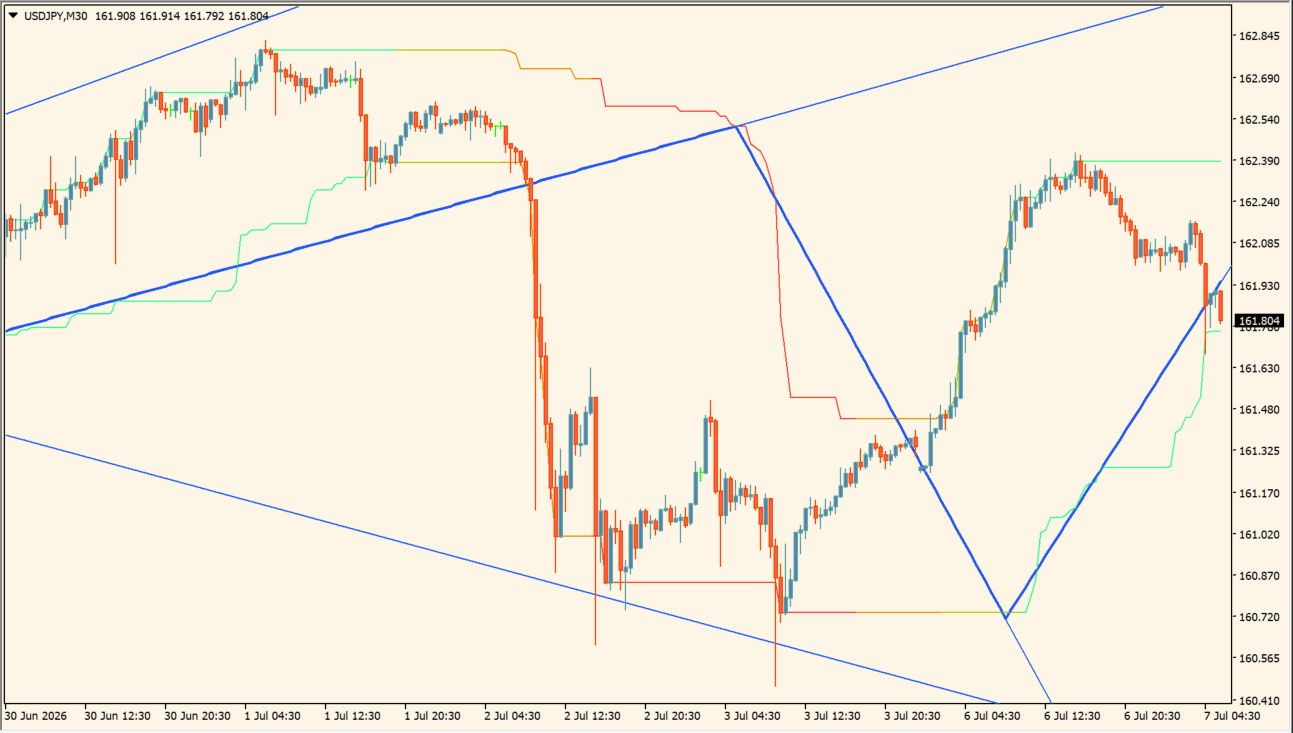
Donchian Zig-Zag is an MT4 indicator that displays stepped upper and lower Donchian boundaries together with a ZigZag line connecting selected swing highs and lows.
The combined view helps organize nearby channel levels and broader swing structure. Recent ZigZag points can change as new extremes form, so the display is best used for chart review rather than fixed conclusions.
How to use Donchian Zig-Zag
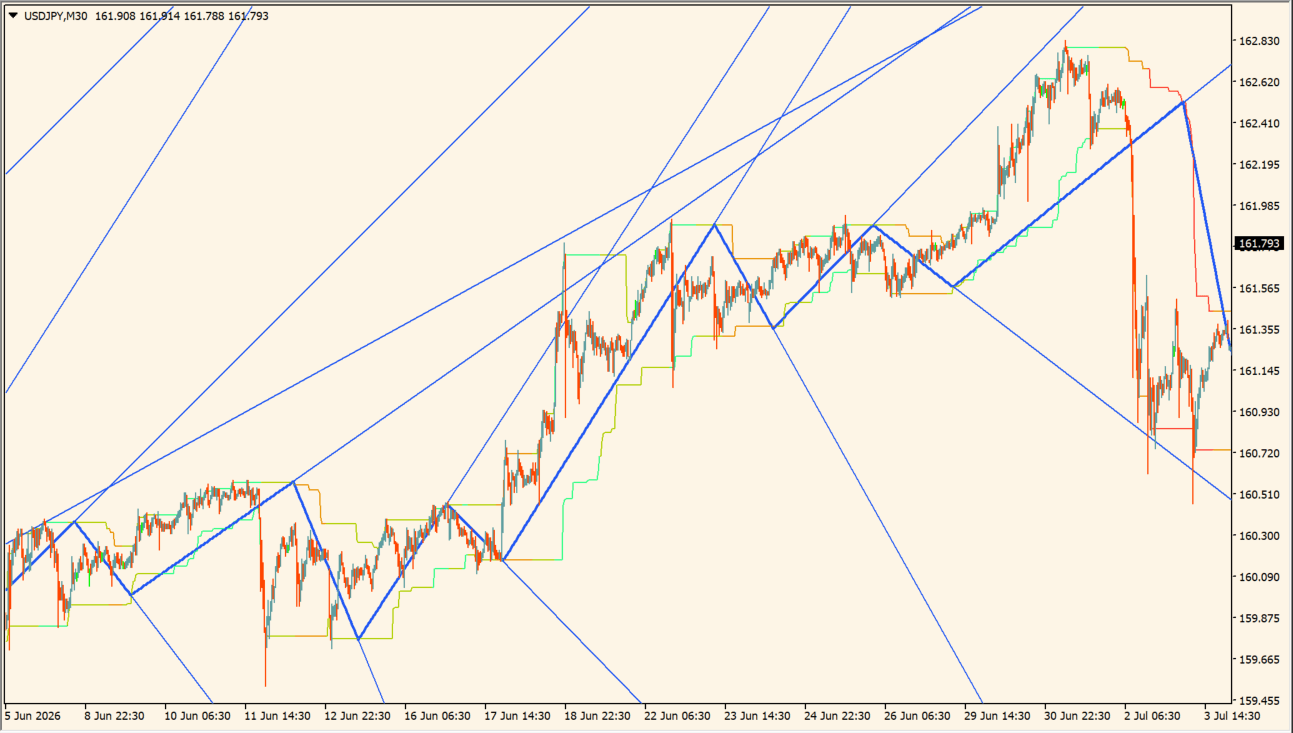
Compare the stepped Donchian lines with the ZigZag line that joins the larger swing highs and lows:
- Add the indicator and separate the upper and lower stepped lines from the ZigZag swing path.
- Use the ZigZag path to organize larger waves while checking how price behaves near the surrounding stepped lines.
- Adjust the displayed calculation length to change the amount of price history used for the stepped structure.
- Treat newly forming swing points as evolving chart structure, because the most recent ZigZag leg can change as later bars appear.
Where it helps
Stepped boundaries frame the channel, the swing line simplifies turning-point review, and configurable length or line limits help keep the chart readable.
MT4 Indicator Parameters
The table below lists the available MT4 indicator parameters. You can customize these options in the MetaTrader Inputs dialog to match your trading preferences.
| Parameter | Description |
|---|---|
| Length | Controls the calculation lookback period length for Donchian channel steps. Default: 50. |
| Source | Selects the price field used for Donchian boundary calculations. Default: Close. |
| Bounce Speed | Adjusts the response sensitivity of the bounce logic connecting swing points. Default: 1.0. |
| Maximum Extended Lines | Limits the maximum number of extended horizontal levels retained on chart. Default: 50. |
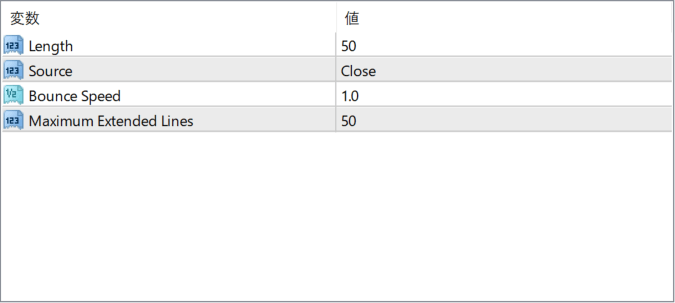
The screenshot above shows the default input parameters in the MT4 settings window.
How to Install .ex4 Indicator in MetaTrader 4
- Download the ZIP file and extract it.
- In MT4, select File → Open Data Folder.
- Open MQL4 → Indicators and copy the EX4 or MQ4 file into it.
- If the package includes library files, copy them to MQL4 → Libraries. Copy TPL files to the top-level templates folder.
- Restart MT4, find the indicator in the Navigator, and drag it onto a chart.
Test the tool on a demo account first. File contents and required folders can vary between packages.


