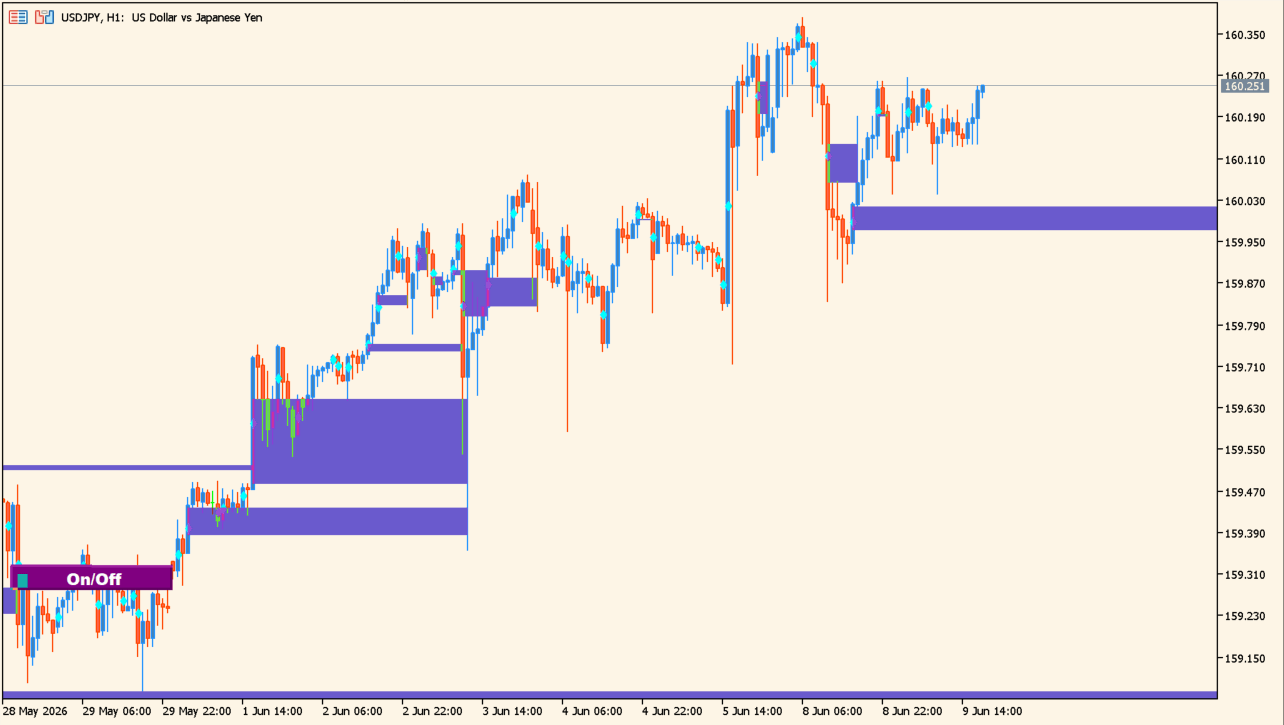
What is Fair Value Gap Indicator?
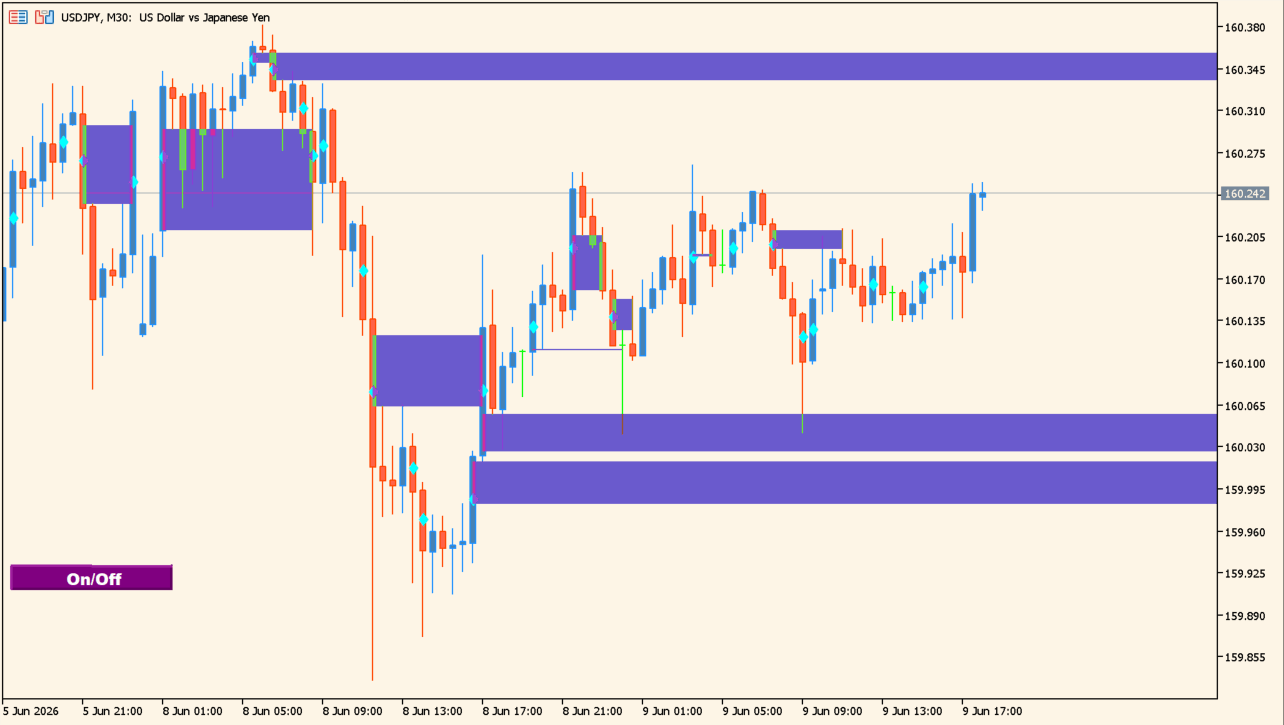
Fair Value Gap Indicator marks configured gap and wide-range-bar areas on an MT5 chart. Separate zone colors, a box style, optional alerts, and an on-chart button are available.
The zones record conditions detected by the chosen settings. They are contextual areas to review with completed candles and broader structure, not a prediction of future price behavior.
How to use Fair Value Gap Indicator
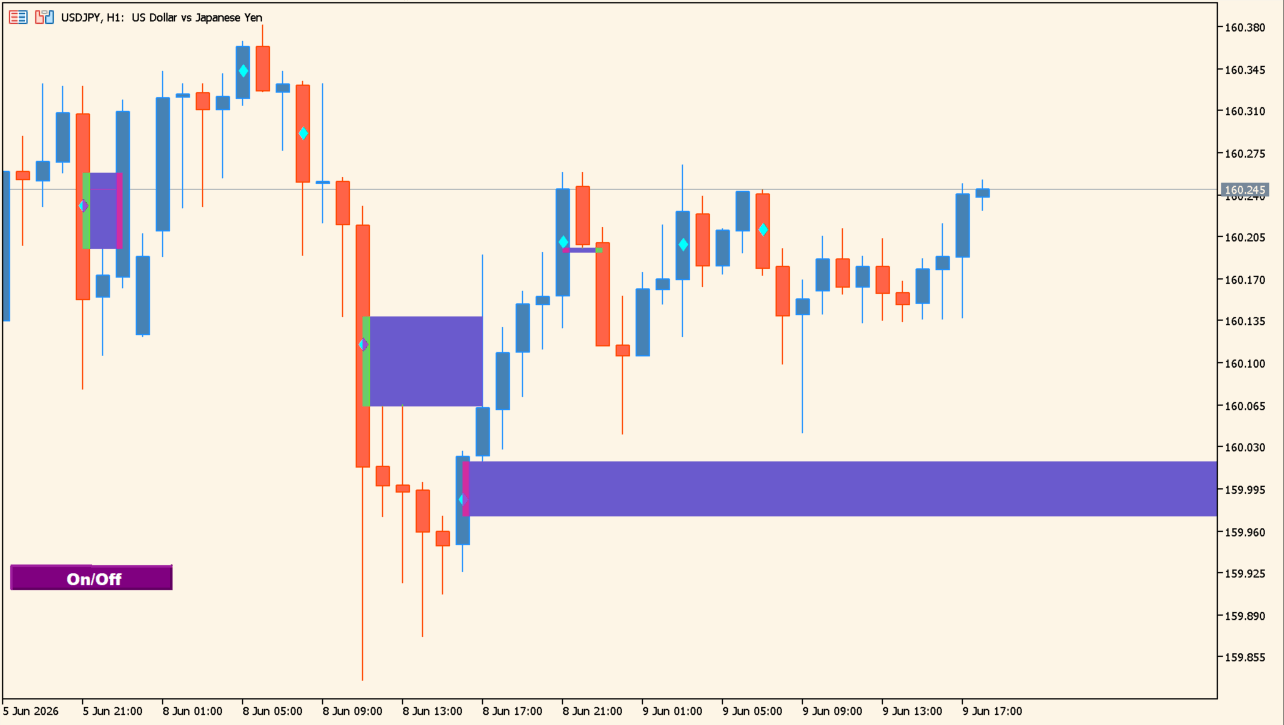
Compare each displayed area with the candles surrounding it, then distinguish the two configured zone colors and the selected box style. The calculation start bar and lookback count control the historical scope.
Notification switches and button settings only change the delivery or presentation of the indicator output.
Where it helps
Start and lookback inputs control the portion of chart history reviewed.
Two colors, box style, and hollow-box display settings are available.
Native, sound, email, and push alerts have independent switches.
MT5 Indicator Parameters
The table below lists the available MT5 indicator parameters. You can customize these options in the MetaTrader Inputs dialog to match your trading preferences.
| Parameter | Description |
|---|---|
| StartCalculationFromBar | Sets the bar position where calculation begins. Default: 567. |
| UsedPrices | Selects the price type used by the calculation. Default: Close/Close. |
| WRB_LookBackBarCount | Sets the number of bars used for the wide-range-bar lookback. Default: 3. |
| WRB_WingDingsSymbol | Sets the Wingdings symbol used for the mark. Default: 115. |
| HollowBoxes | Shows filled or hollow boxes. Default: false. |
| HGcolor1 | Sets the first gap-zone color. Default: SlateBlue. |
| HGcolor2 | Sets the second gap-zone color. Default: Blue. |
| HGstyle | Sets the box line style. Default: Solid. |
| EnableNativeAlerts | Enables or disables native MT5 alerts. Default: true. |
| EnableSoundAlerts | Enables or disables sound alerts. Default: true. |
| EnableEmailAlerts | Enables or disables email alerts. Default: false. |
| EnablePushAlerts | Enables or disables push alerts. Default: false. |
| SoundFile | Sets the sound file used for sound alerts. Default: alert2.wav. |
| Button text color | Sets the chart-button text color. Default: White. |
| Button text width | Sets the chart-button text width. Default: 10. |
| Button background color | Sets the chart-button background color. Default: Purple. |
| Button X axis | Sets the chart-button horizontal position. Default: 0. |
| Button Y axis | Sets the chart-button vertical position. Default: 444. |
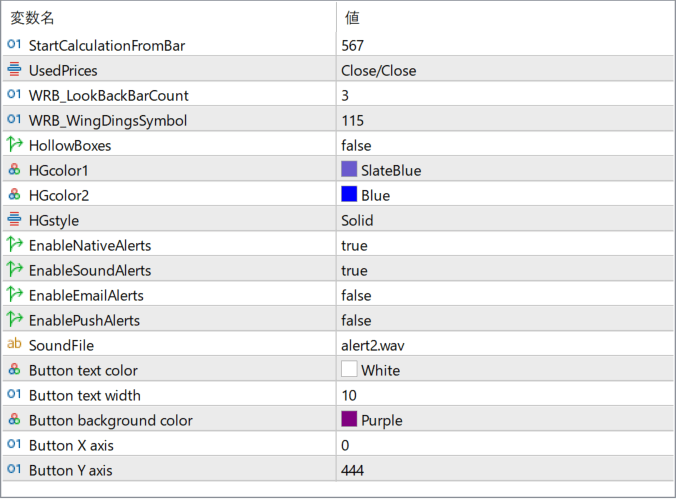
The screenshot above shows the default input parameters in the MT5 settings window.
How to Install .ex5 Indicator in MetaTrader 5
- Download the ZIP file and extract it.
- In MT5, select File → Open Data Folder.
- Open MQL5 → Indicators and copy the EX5 or MQ5 file into it.
- If the package includes library files, copy them to MQL5 → Libraries. Copy TPL files to the top-level templates folder.
- Restart MT5, find the indicator in the Navigator, and drag it onto a chart.
Test the tool on a demo account first. File contents and required folders can vary between packages.


