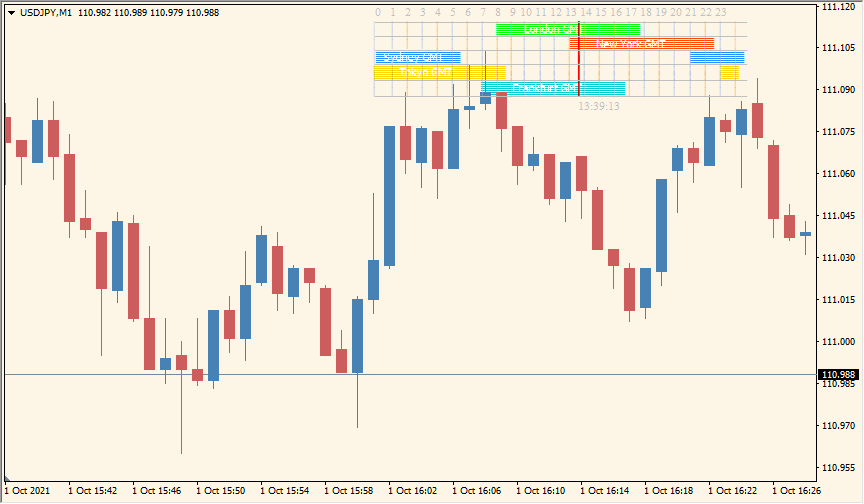
What is forex-market-hours-gmt Indicator?
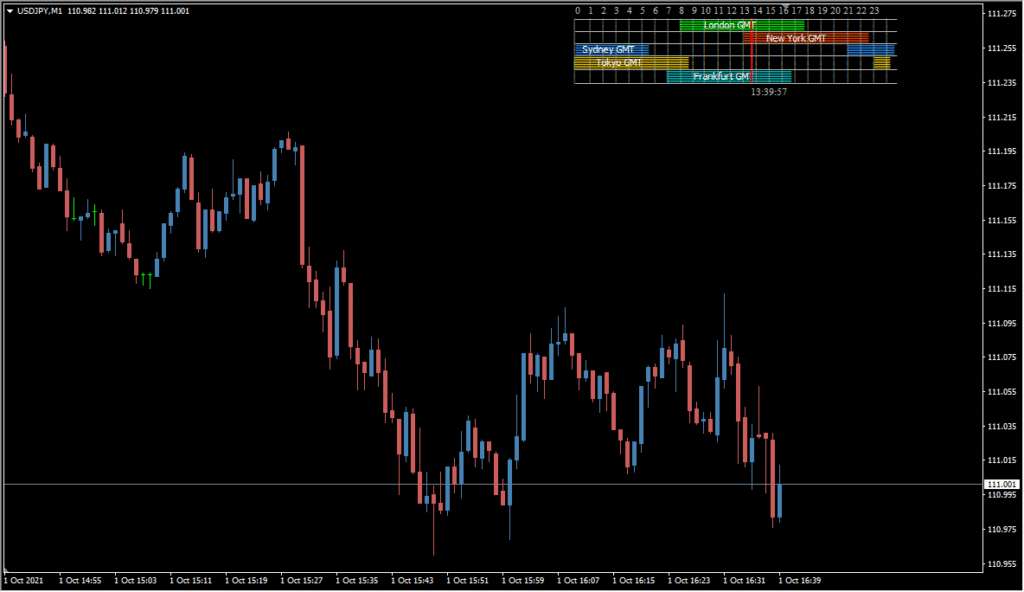
The forex-market-hours-gmt indicator displays the global Forex market session times directly on your chart. This tool is helpful for identifying which sessions are currently active and aligning your trading strategy with peak market hours. It offers a simple visual panel, adjusted based on your GMT offset.
By visually showing session overlaps or quiet periods, it helps traders avoid low-liquidity zones or take advantage of high-volatility overlaps like London–New York.
How to Use It in Practice
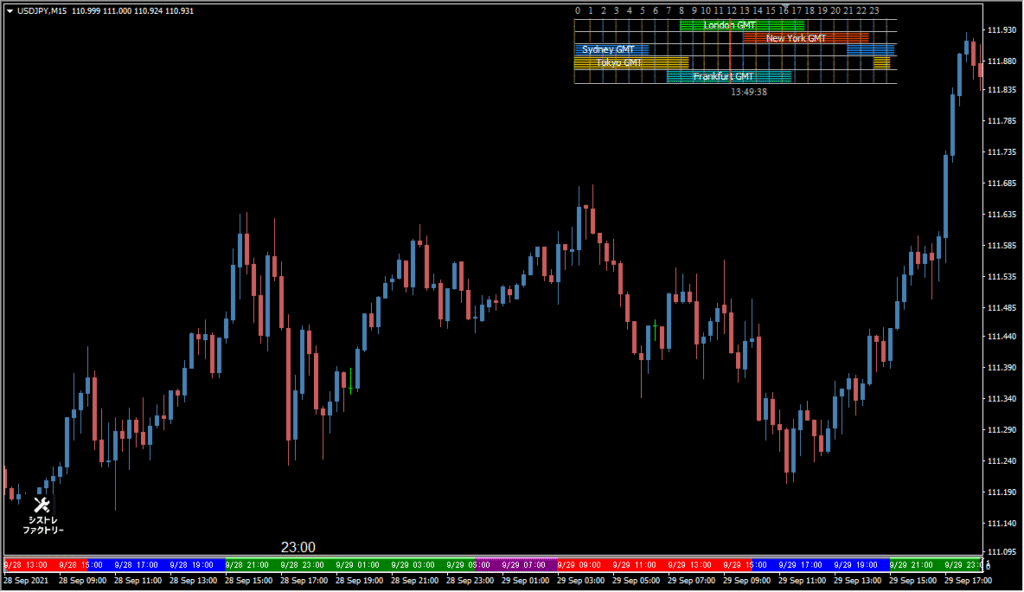
In live trading, use this indicator to:
- Quickly check which global markets are open.
- Time entries and exits to coincide with overlapping sessions for higher volume and better spreads.
- Visually separate sessions for backtesting or identifying patterns tied to session-specific behavior.
It’s especially useful for scalpers and intraday traders who rely on high activity periods to optimize performance.
Best Settings & MT4 Parameters for forex-market-hours-gmt
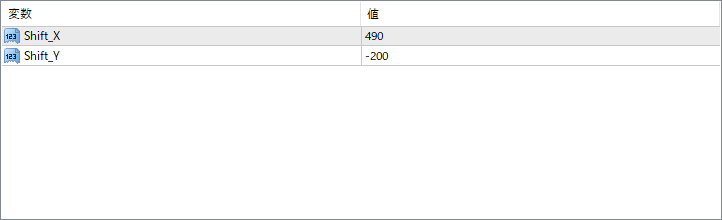
Shift_X
Controls the horizontal position of the session panel. A higher value moves the panel further to the right.
Shift_Y
Controls the vertical position of the session panel. Negative values move the panel higher on the chart.


