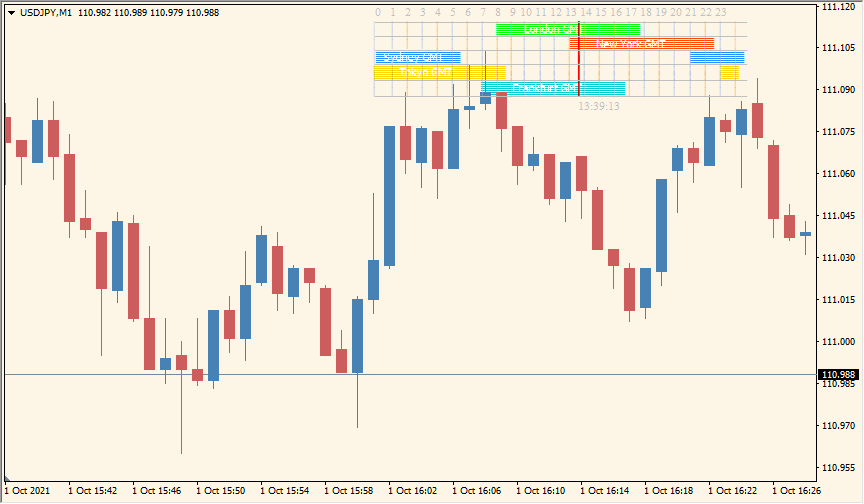
What is forex-market-hours-gmt Indicator?
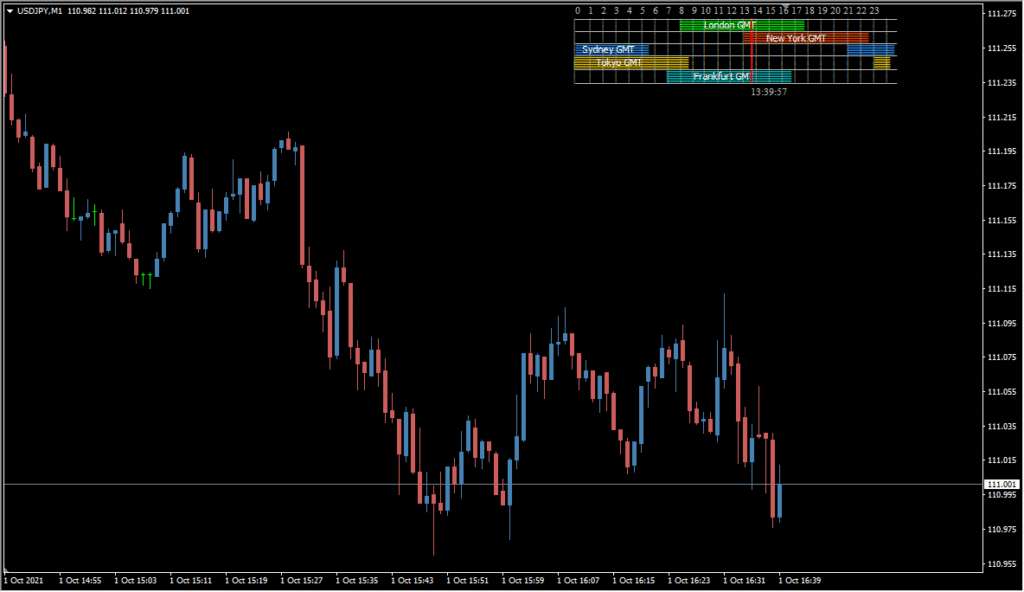
Forex Market Hours GMT for MT4 displays the scheduled ranges of major forex sessions on the chart. The session blocks provide a time-based reference that can be aligned with the selected local GMT offset.
The time method, broker or manual offset, session start and end times, labels, and session colors are configurable. These settings allow the display to match different chart clocks and preferred session layouts.
How to Use It in Practice
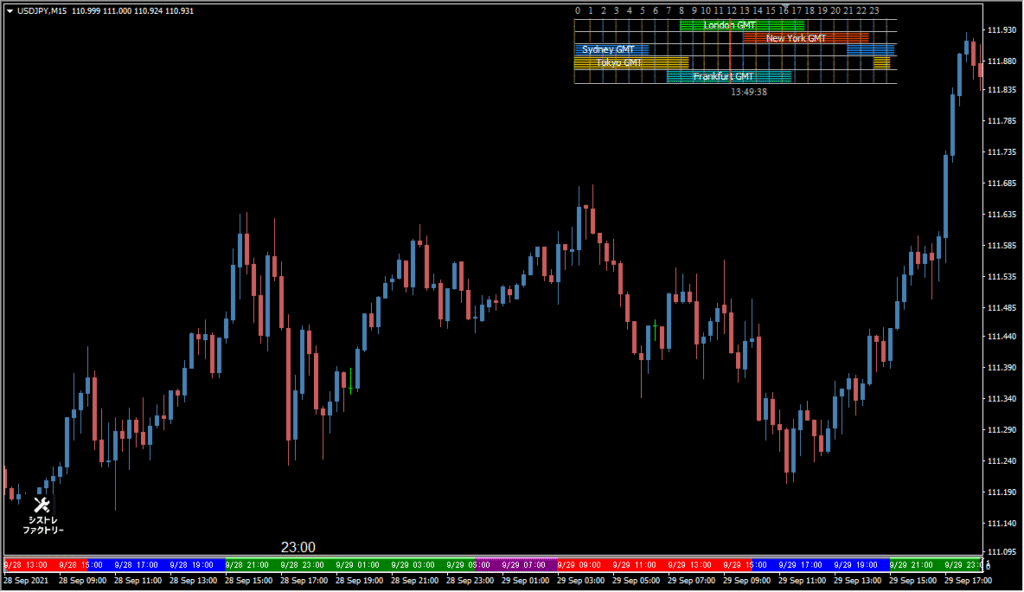
Forex Market Hours GMT writes the Oceania-to-New York market hours directly on the chart and includes Frankfurt in the session list, making overlapping hours visible in the same row.
- Read the session names and their overlapping time spans on the chart instead of switching to a separate time panel.
- Use Shift_X to move the label row horizontally and Shift_Y to move it vertically, keeping it away from the newest candles.
- The rendered size depends on the computer display resolution, so adjust the two offsets after checking the actual chart.
Major forex session ranges are shown directly on the chart, timezone handling is configurable, and manual times and colors support different schedule views.
MT4 Indicator Parameters
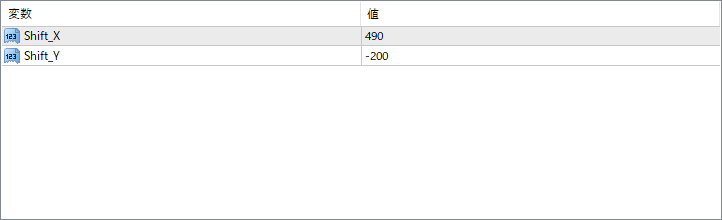
The screenshot above shows the default input parameters in the MT4 settings window.
| Parameter | Description |
|---|---|
| Shift_X | Controls the horizontal position of the session panel. A higher value moves the panel further to the right. |
| Shift_Y | Controls the vertical position of the session panel. Negative values move the panel higher on the chart. |


