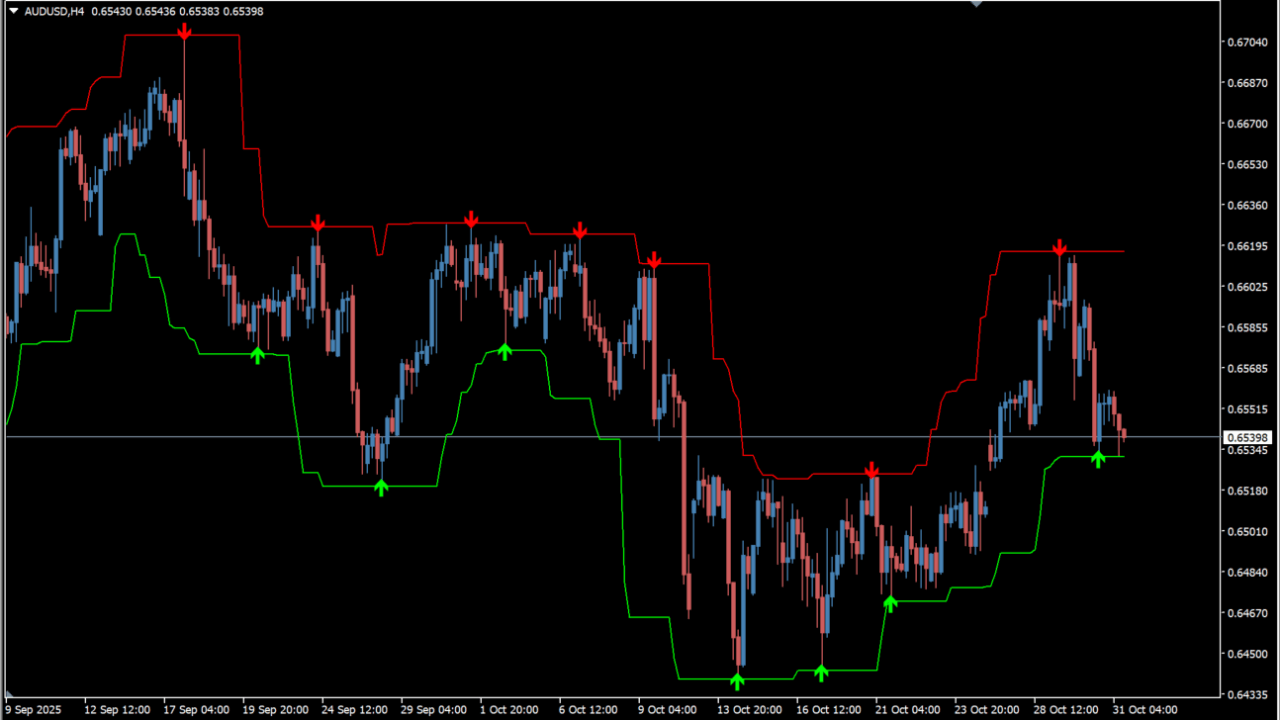
What is Forex Signals?
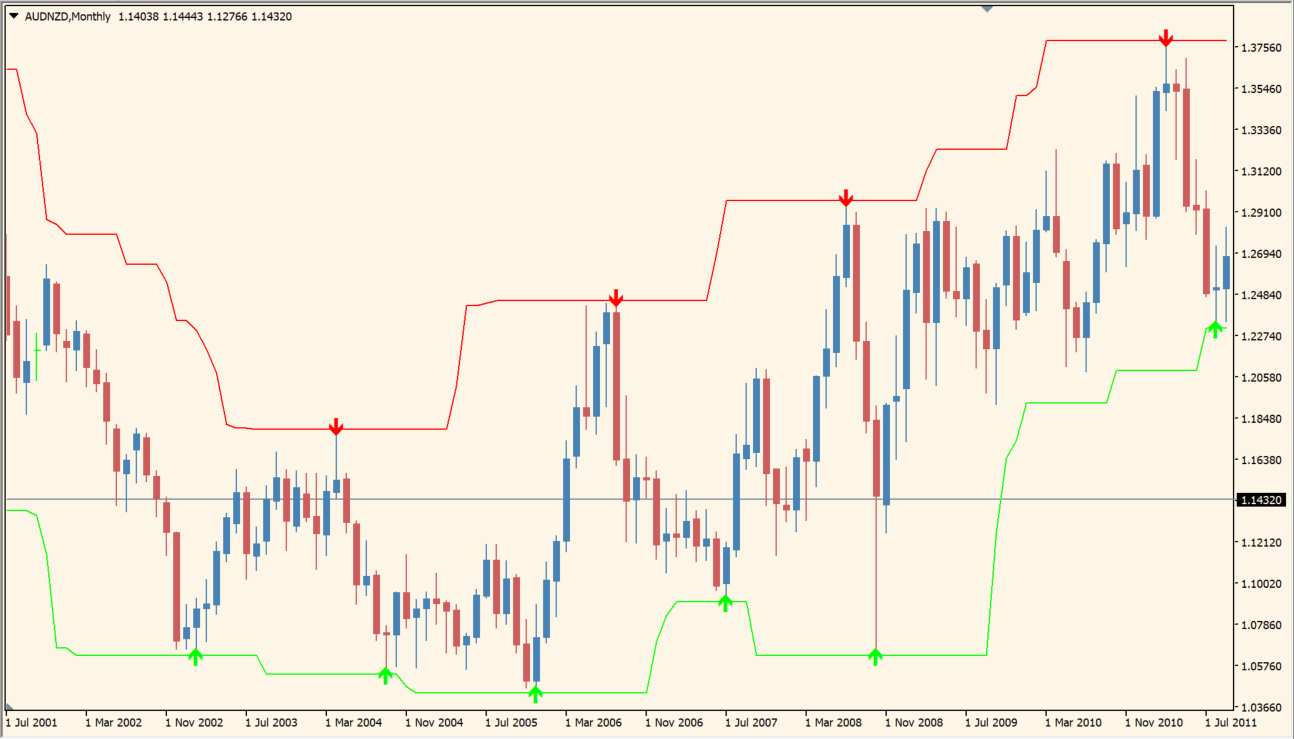
Forex Signals is an MT4 channel indicator that displays two channel lines and arrows. Green arrows mark buy signals and red arrows mark sell signals, and the channel lines are drawn as stop-loss and take-profit reference levels.
How to use Forex Signals
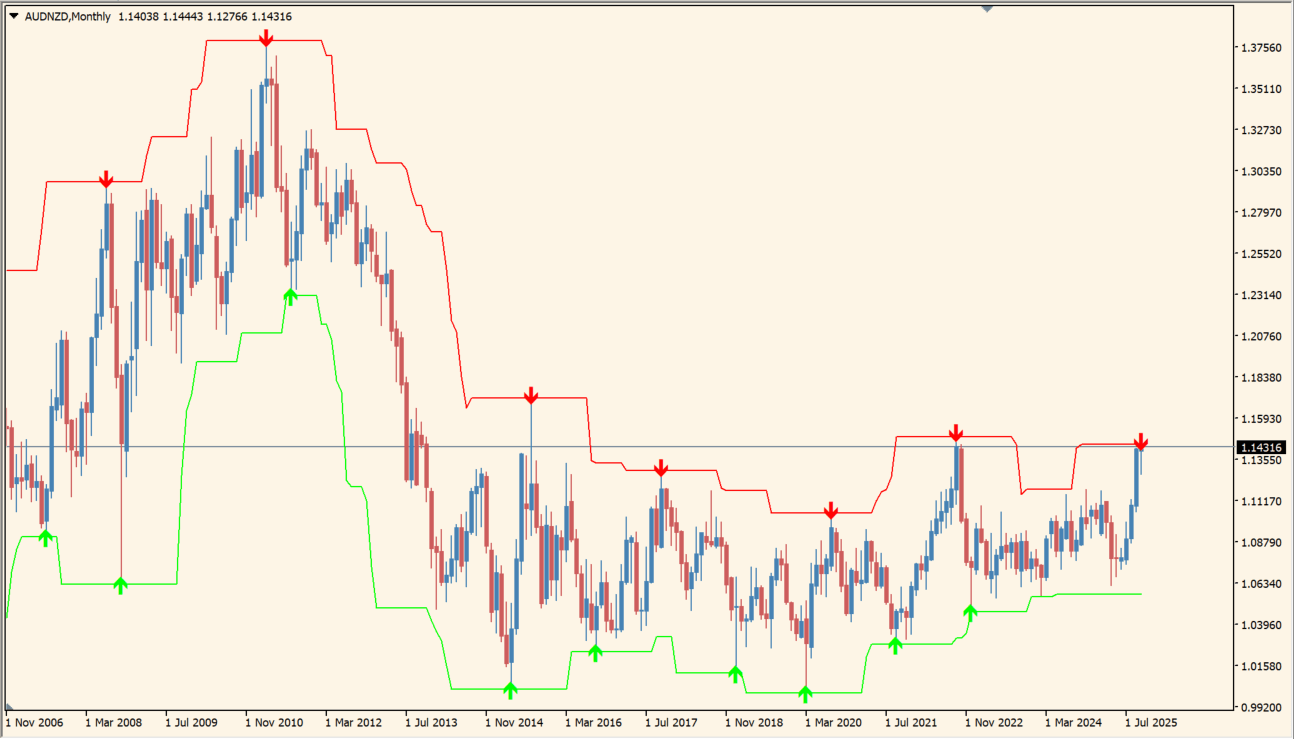
Green and red arrow signals appear when price touches a channel line. Compare an arrow with the position of the two channel lines and with the candles around it. The indicator is used on short-term M1–M15 charts, while other timeframes and currency pairs are also supported.
Where it helps
MT4 Indicator Parameters
The table below lists the available MT4 indicator parameters. You can customize these options in the MetaTrader Inputs dialog to match your trading preferences.
| Parameter | Description |
|---|---|
| SignalGap | Sets arrow-signal sensitivity; larger values widen the interval between signals and reduce noise. Default: 4. |
| ShowBars | Sets the number of chart bars shown by the indicator; larger values include more historical data in the line drawing. Default: 500. |
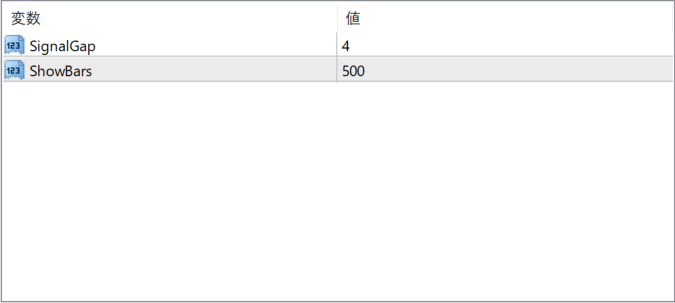
The screenshot above shows the default input parameters in the MT4 settings window.
How to Install .ex4 Indicator in MetaTrader 4
- Download the ZIP file and extract it.
- In MT4, select File → Open Data Folder.
- Open MQL4 → Indicators and copy the EX4 or MQ4 file into it.
- If the package includes library files, copy them to MQL4 → Libraries. Copy TPL files to the top-level templates folder.
- Restart MT4, find the indicator in the Navigator, and drag it onto a chart.
Test the tool on a demo account first. File contents and required folders can vary between packages.


