What is fx5-self-adjusting-wpr Indicator?
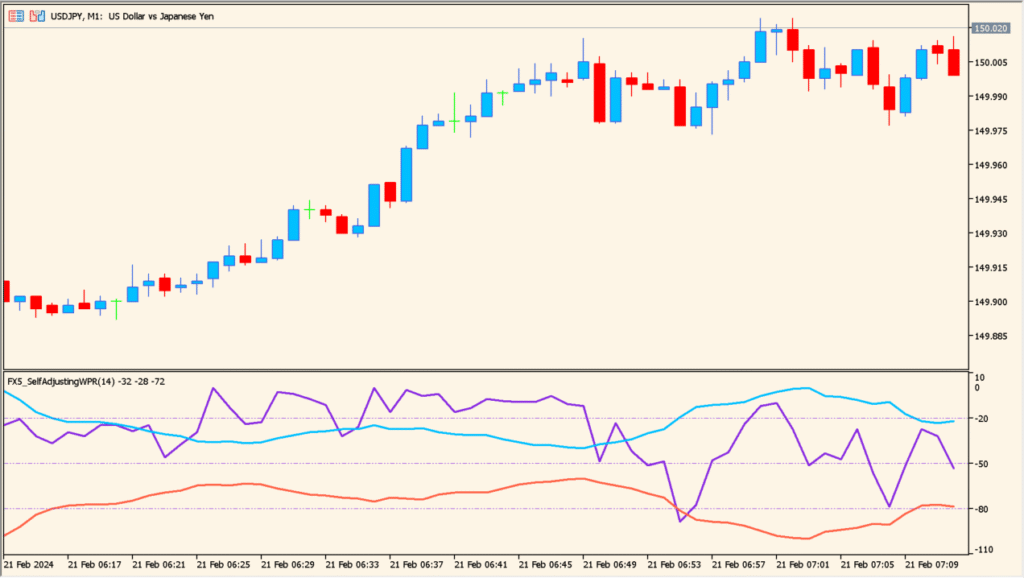
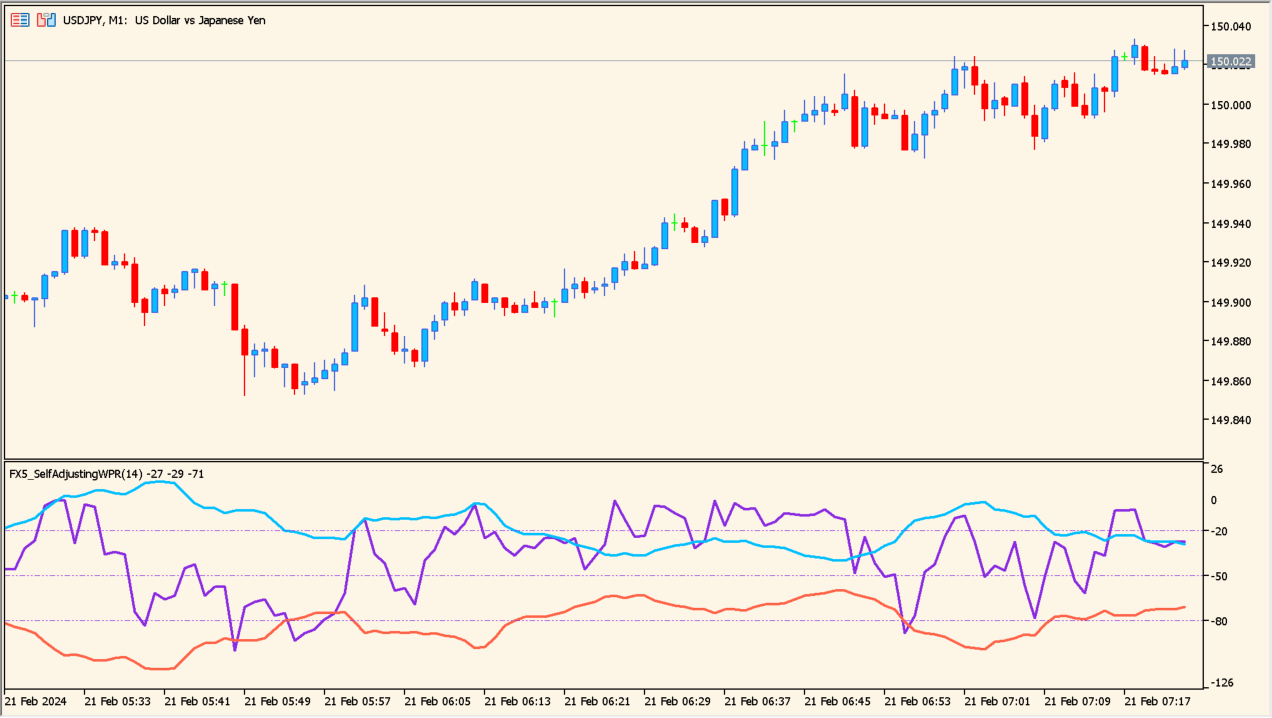
FX5 Self-Adjusting WPR is an MT5 oscillator that displays a smoothed Williams %R reading with adaptive behavior. Period, smoothing, levels, colors, and display options control the visible oscillator response.
The line and reference areas help compare momentum conditions across bars. They are visual context and do not establish that a price turn will follow an extreme reading.
How to Use It in Practice
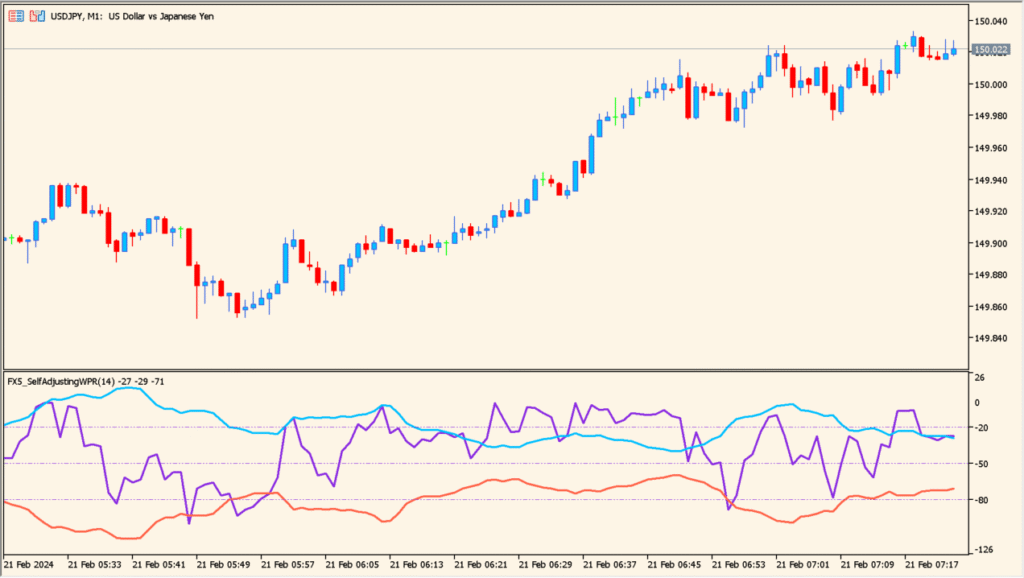
Read the Williams %R line against the familiar -20 and -80 areas, then compare its position with the adaptive blue and red lines that widen or narrow with volatility.
- Check whether the WPR line is above, between, or below the adaptive blue and red references rather than relying only on a fixed threshold.
- Increase the calculation period to review a longer Williams %R sample.
- Use Deviation to change the smoothing and distance behavior of the adaptive references.
- Use the response-speed option and horizontal-shift option to compare how the oscillator is drawn on the pane.
Adaptive smoothing keeps Williams %R readable, reference areas organize the pane, and inputs support different visual responses.
MT5 Indicator Parameters
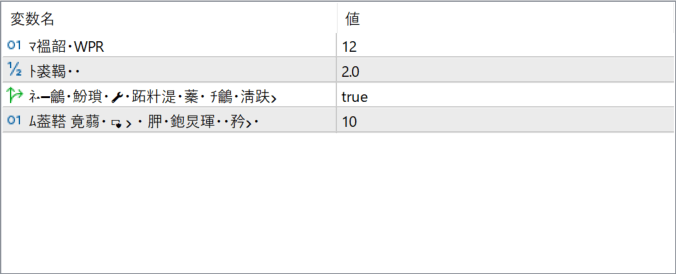
The screenshot above shows the default input parameters in the MT5 settings window.
| Parameter | Description |
|---|---|
| Period: WPR | Defines the calculation period for the Williams %R logic. Shorter periods react faster to price changes, while longer periods provide smoother momentum readings. |
| Smoothing Factor | Controls the level of smoothing applied to the oscillator. Higher values reduce noise but may introduce more lag. |
| Auto Adjust (Filtering / Smoothing) | Enables or disables the self-adjusting behavior that adapts the indicator to current market conditions. When enabled, the indicator adjusts its sensitivity automatically. |
| Window Shift | Shifts the indicator display horizontally by a specified number of bars. This is for visual alignment only and does not affect calculations. |


