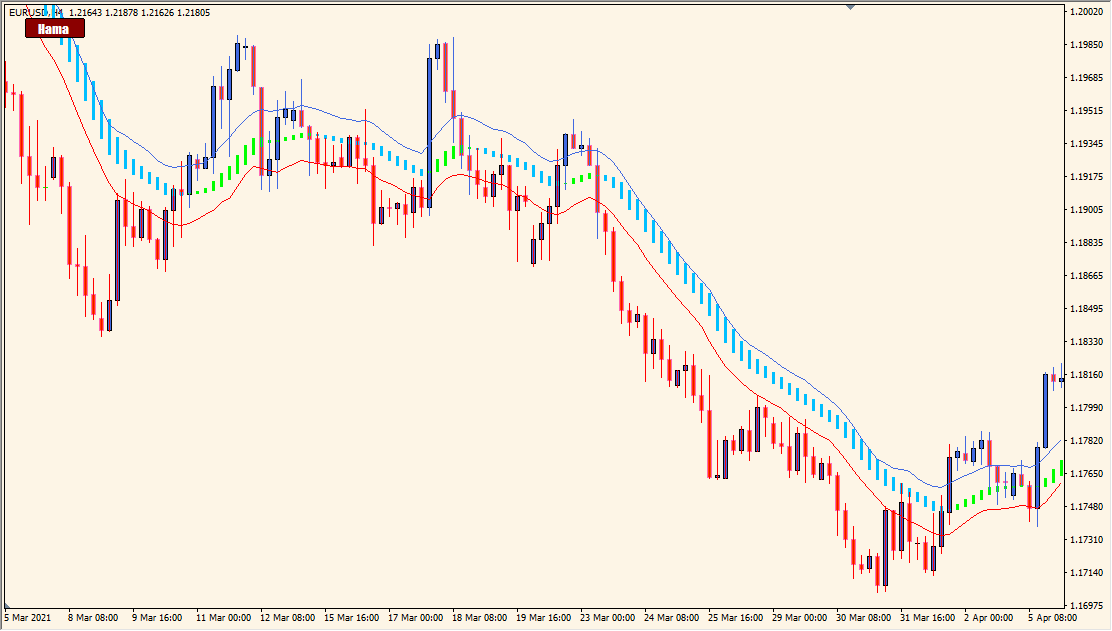
What is HamaSystem button Indicator?
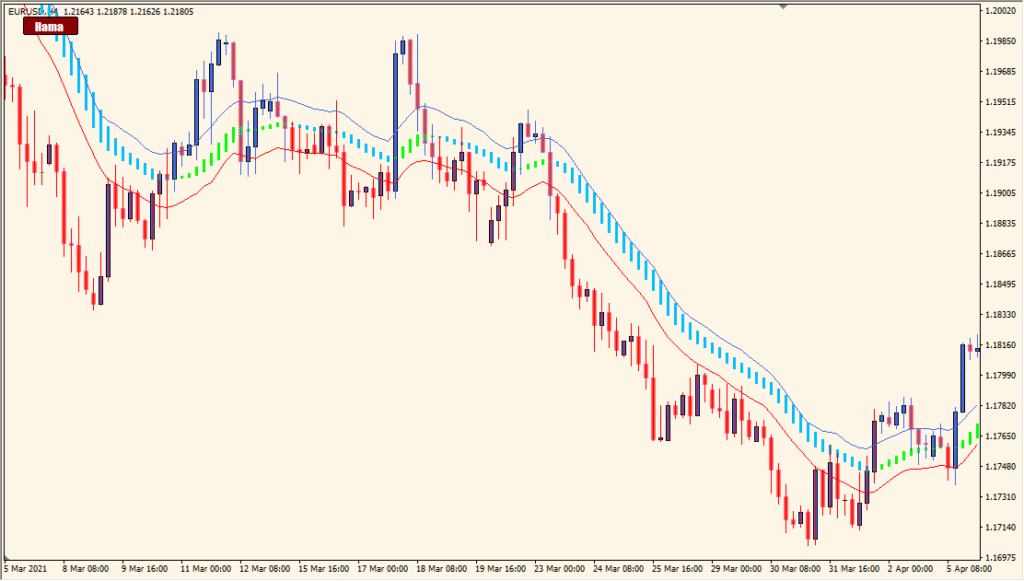
HamaSystem button is an MT4 indicator that displays a HAMA moving-average system with an on-chart button for showing or hiding the lines. The Hama MA period controls the smoothing used for the displayed average.
The indicator also includes optional screen, sound, push, and email notifications, along with settings for button text, colors, size, and position. These options organize chart review without adding a fixed interpretation to the display.
How to Use It in Practice
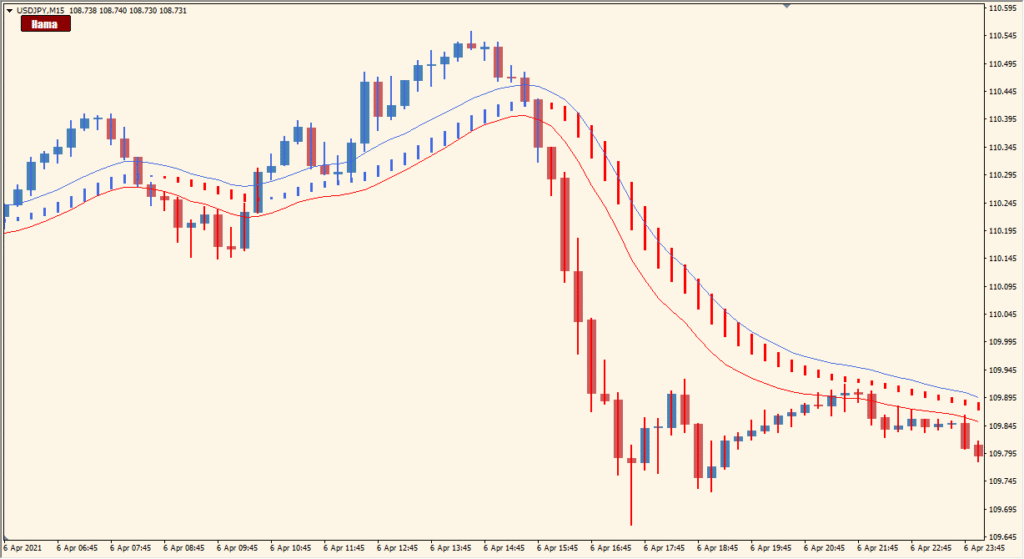
Use the HAMA display and button as chart-review controls:
- Add HamaSystem button to an MT4 chart and review the displayed HAMA lines.
- Use the chart button to show or hide the moving-average display.
- Adjust Hama MA period when a different smoothing level is preferred.
- Enable the existing alert options and customize the button position, text, colors, and size as needed.
The HAMA display can be toggled without removing the indicator, notification options cover several delivery methods, and the button layout is configurable for different chart workspaces.
MT4 Indicator Parameters
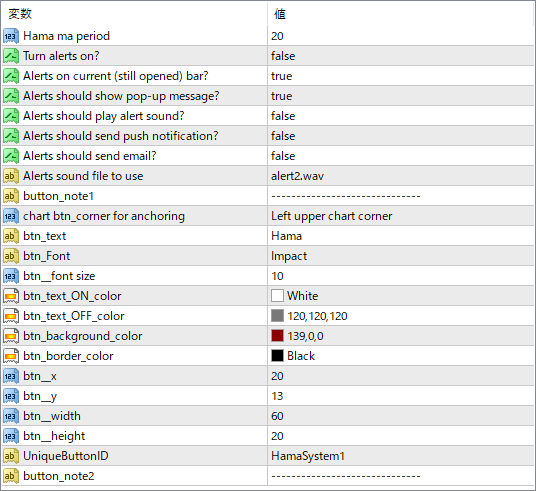
The screenshot above shows the default input parameters in the MT4 settings window.
| Parameter | Description |
|---|---|
| Hama MA period | Sets the period used for the HAMA smoothing. A larger value makes the MA smoother and less reactive to short-term fluctuations. |
| Turn alerts on? | Enables or disables the alert system. Set to true to receive notifications when the conditions are met. |
| Alerts on current (still opened) bar? | If true, alerts are triggered even if the current bar hasn’t closed yet. Useful for early signals. |
| Alerts should show pop-up message? | Enables a pop-up alert window when conditions are met. |
| Alerts should play alert sound? | Controls whether a sound is played along with the alert. |
| Alerts should send push notification? | If true, sends alerts to your mobile MT4 app using push notifications. |
| Alerts should send email? | Sends an alert via email if your MT4 platform is configured to send mails. |
| Alerts sound file to use | Specifies which .wav file to play when alerts are triggered. Can be customized with other available sound files. |
| button_note1 | A text field for internal notes or developer use. Has no impact on performance or display. |
| chart_btn_corner for anchoring | Sets where on the chart the button is placed. Options include corners like “Left upper chart corner”. |
| btn_text | Defines the text shown on the button (e.g., “Ham”). |
| btn_Font | Font used for the button text (e.g., Impact). |
| btn_font size | Sets the size of the button text. |
| btn_text_ON_color | Text color when the button is active. |
| btn_text_OFF_color | Text color when the button is inactive. |
| btn_background_color | Background color of the button. |
| btn_border_color | Border color of the button. |
| btn_x | Horizontal offset in pixels from the anchor corner. |
| btn_y | Vertical offset in pixels from the anchor corner. |
| btn_width | Width of the button in pixels. |
| btn_height | Height of the button in pixels. |
| UniqueButtonID | ID used to differentiate multiple buttons. Required if you plan to load more than one instance of the indicator. |
| button_note2 | Another optional field for comments or versioning notes. |


