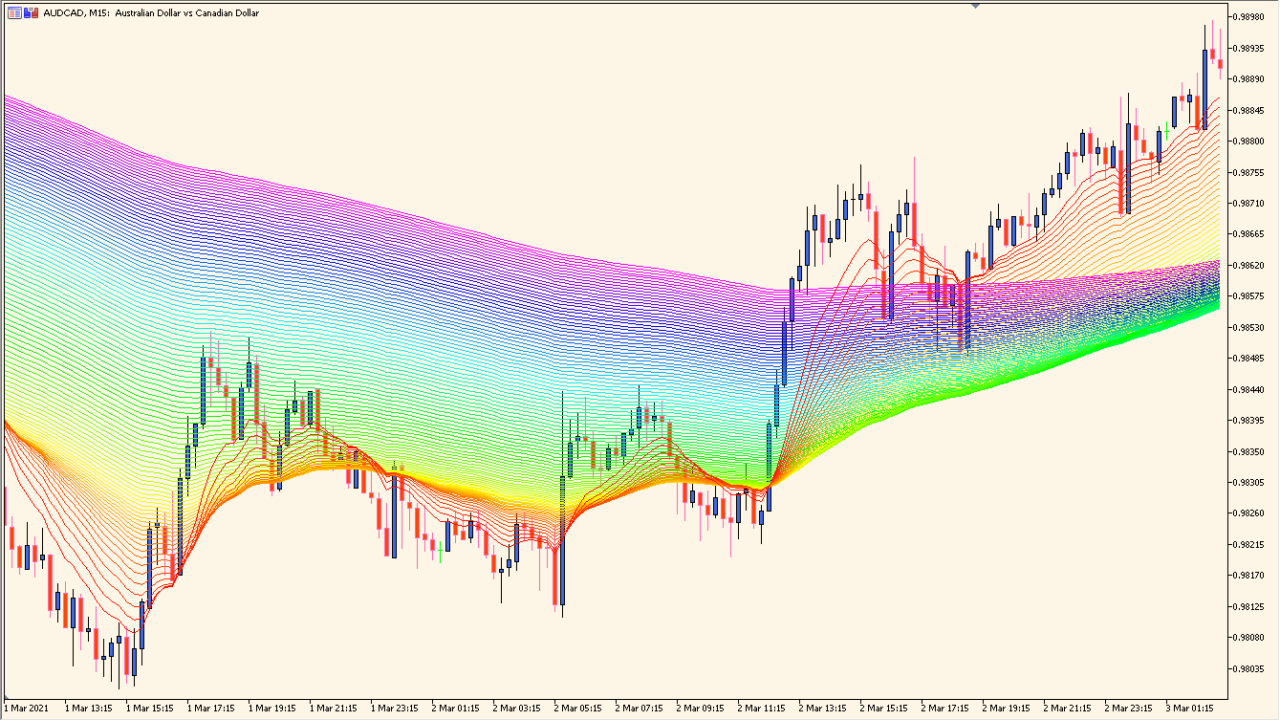
What is imafan Indicator?
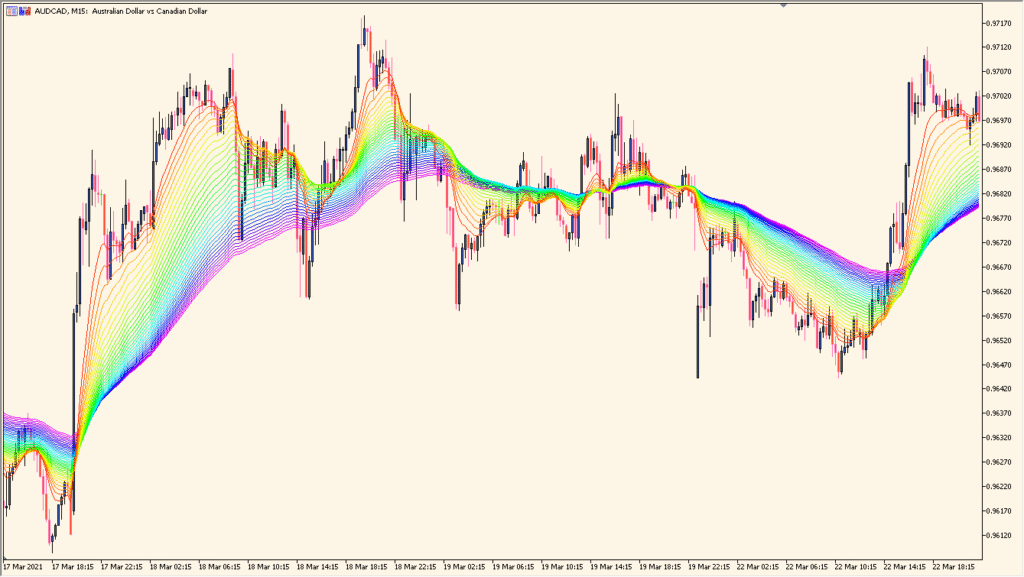
imafan is an MT5 indicator that displays a series of moving averages with increasing periods, creating a layered fan on the chart. The existing inputs control the moving-average method, price source, starting period, period step, count, and colors.
The layered lines provide visual context for comparing smoothing lengths and the way price sits relative to them. The fan is a display aid and does not establish a fixed market direction.
How to Use It in Practice
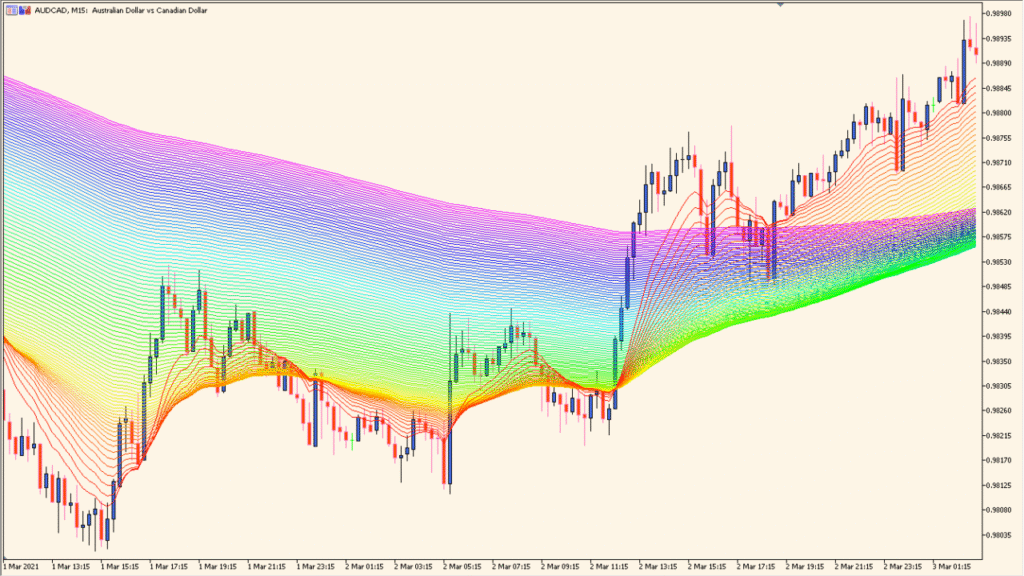
Read imafan as a sequence of moving averages whose periods increase by the configured step; the fan spacing shows how those individual smoothing lengths are separating or converging.
- Start with the colored layers and their spacing rather than treating one line as the whole display.
- Set PeriodFrom for the first average, PeriodStep for the increase between lines, and Count for the number of layers.
- Choose MAMethod and MAPrice before comparing the fan with the active chart.
- Keep Count modest when chart performance or legibility declines; a large number of lines can become heavy.
Several smoothing lengths are visible in one chart view, color layers make spacing easier to scan, and period controls support comparisons across different display depths.
MT5 Indicator Parameters
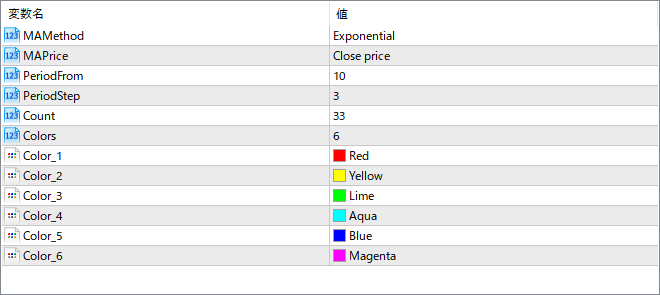
The screenshot above shows the default input parameters in the MT5 settings window.
| Parameter | Description |
|---|---|
| MAMethod | Sets the type of moving average used (e.g., Exponential, Simple). This controls how responsive the fan is to price changes. |
| MAPrice | Chooses the price source for the moving averages, such as Close price or Open price. |
| PeriodFrom | Defines the starting MA period from which the fan begins. |
| PeriodStep | Sets how much each subsequent MA period increases. A larger step spreads the fan more widely. |
| Count | Specifies how many moving averages are drawn to create the full fan. |
| Colors | Sets how many colors are used before repeating the sequence across the fan layers. |
| Color_1 | First color applied to the moving average sequence. |
| Color_2 | Second color in the sequence. |
| Color_3 | Third color in the sequence. |
| Color_4 | Fourth color in the sequence. |
| Color_5 | Fifth color in the sequence. |
| Color_6 | Sixth color in the sequence. The colors repeat as needed based on the number of MAs. |


