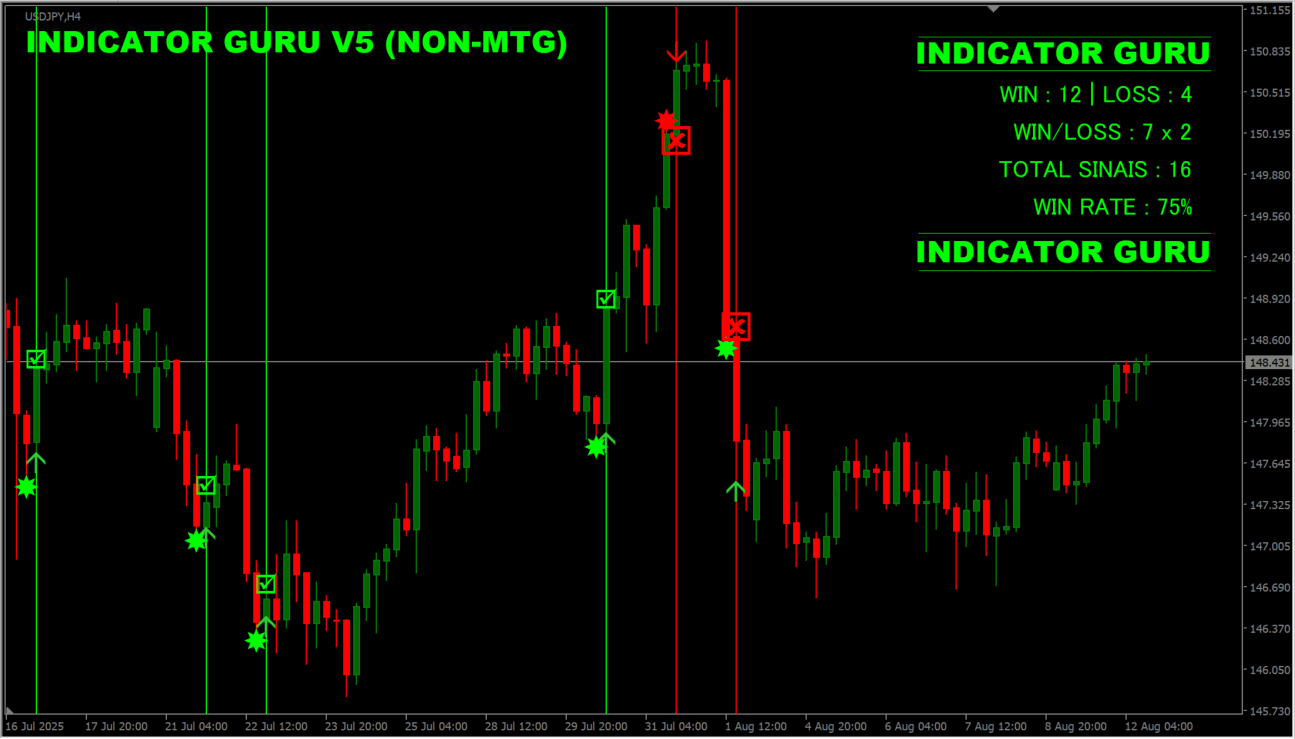
What is INDICATOR GURU V5?
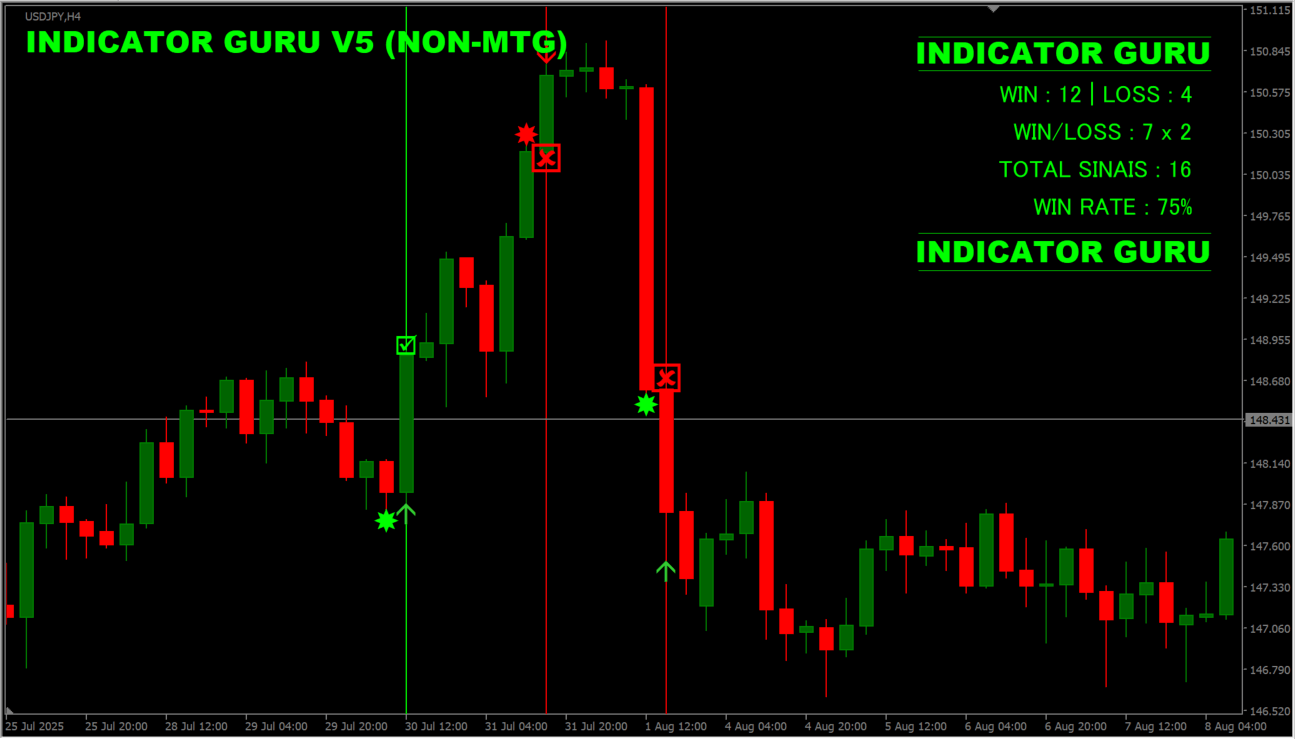
INDICATOR GURU V5 is an MT4 indicator that combines the buy and sell signals of up to two other named indicators and prints them on the chart together with the result recorded for each signal.
How to use INDICATOR GURU V5
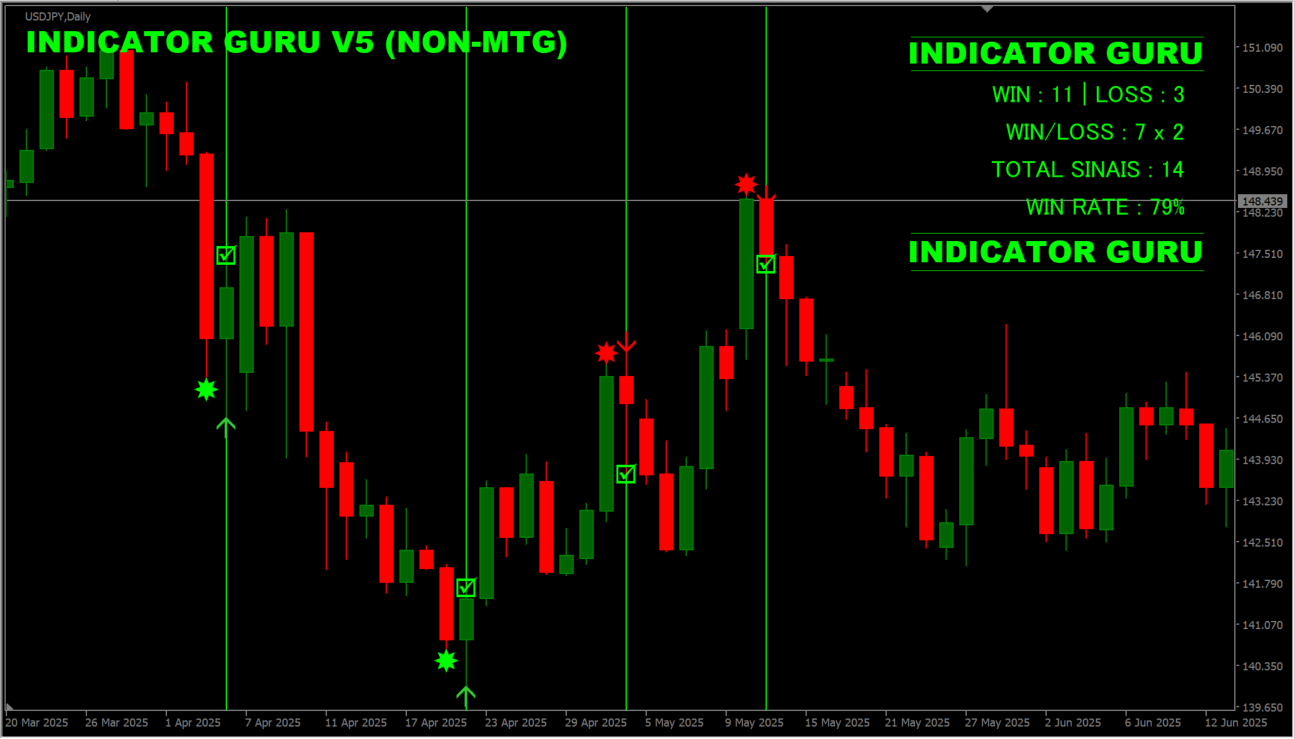
The chart draws green buy signals and red sell signals, a check or cross on each completed signal, and an upper-right panel listing the win count, the loss count, the total signal count, and the win rate. The panel updates as new signals complete, so the counts it shows are the tally the indicator has recorded up to that point.
Where it helps
MT4 Indicator Parameters
The table below lists the available MT4 indicator parameters. You can customize these options in the MetaTrader Inputs dialog to match your trading preferences.
| Parameter | Description |
|---|---|
| Ativar este indicador? | Turns the first indicator on or off. |
| Nome do Indicador ? | Names the indicator that signals are read from. |
| Buffer Call ? | Sets the buffer number the buy signal is read from. |
| Buffer Put ? | Sets the buffer number the sell signal is read from. |
| Tipo de Entrada ? | Specifies the entry type, such as Intrabar. |
| Ativar este indicador? | Turns the second indicator on or off. |
| Nome do Indicador ? | Names the second indicator. |
| Buffer Call ? | Sets the buffer number the second indicator buy signal is read from. |
| Buffer Put ? | Sets the buffer number the second indicator sell signal is read from. |
| Tipo de Entrada ? | Specifies the entry type for the second indicator. |
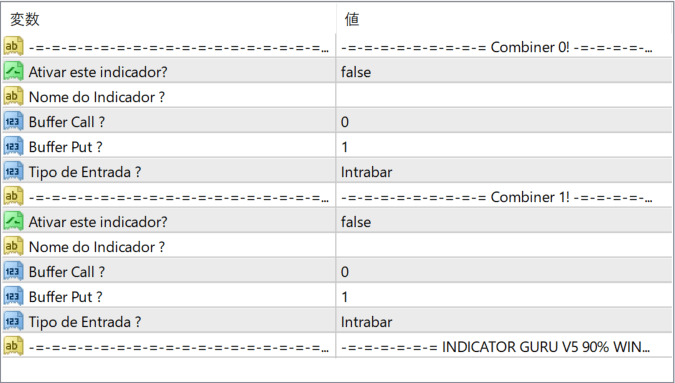
The screenshot above shows the default input parameters in the MT4 settings window.
How to Install .ex4 Indicator in MetaTrader 4
- Download the ZIP file and extract it.
- In MT4, select File → Open Data Folder.
- Open MQL4 → Indicators and copy the EX4 or MQ4 file into it.
- If the package includes library files, copy them to MQL4 → Libraries. Copy TPL files to the top-level templates folder.
- Restart MT4, find the indicator in the Navigator, and drag it onto a chart.
Test the tool on a demo account first. File contents and required folders can vary between packages.


