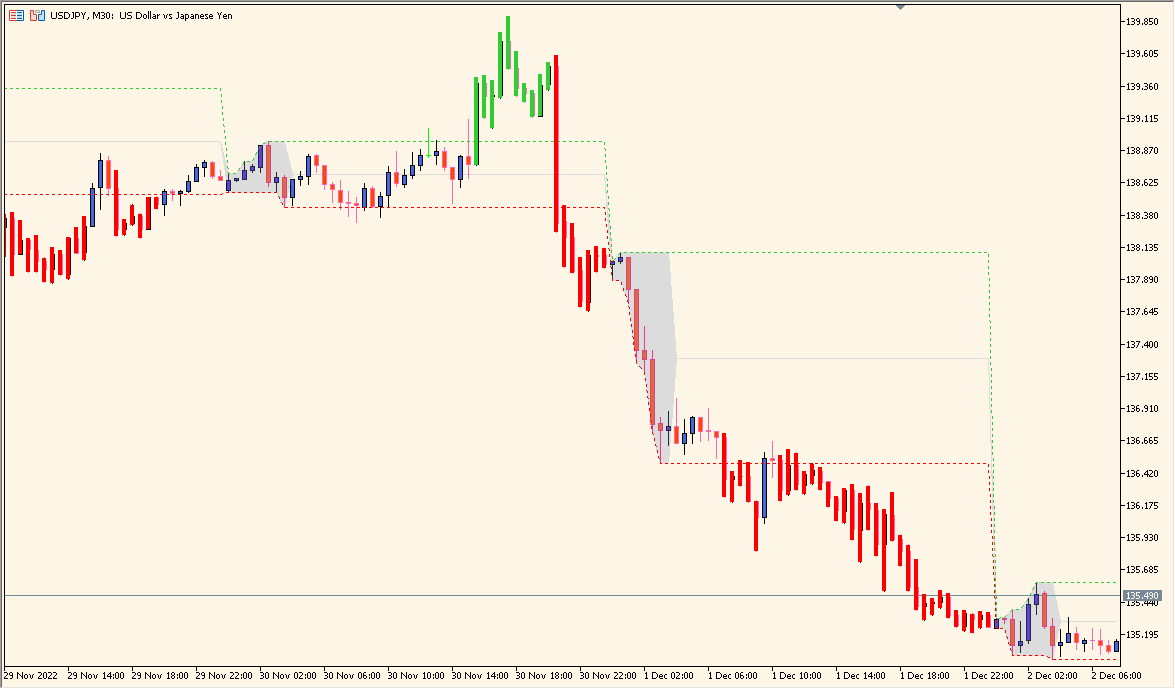
What is Intraday Channel Breakout Indicator?
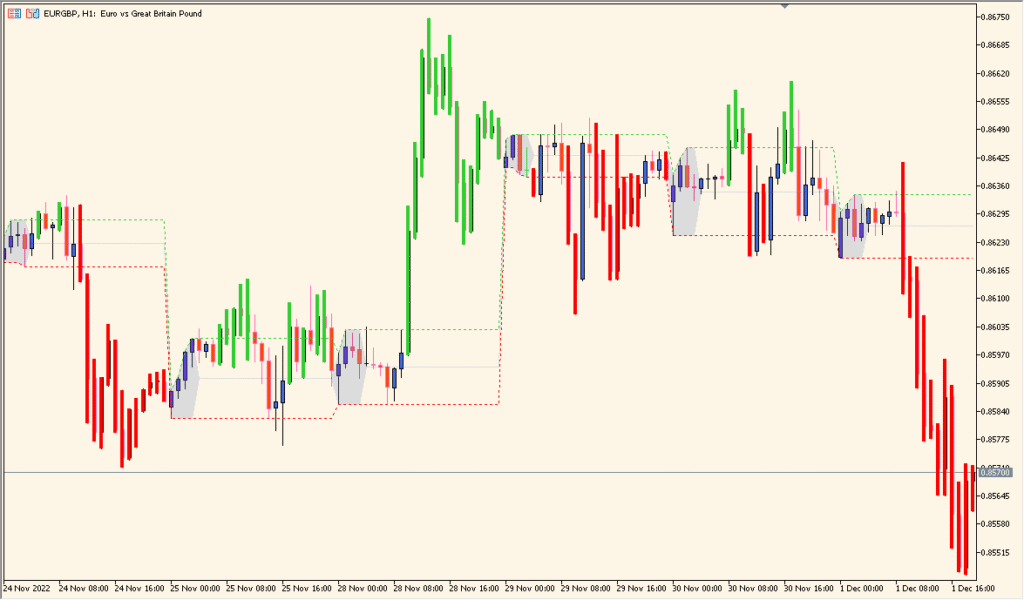
Intraday Channel Breakout is an MT5 chart indicator that marks the high and low of a configured early-session window and extends those references across the chart. Session times, colors, line styles, and history settings control the display.
The channel organizes the selected range so later price behavior can be compared with its boundaries. It is a session reference and does not recommend a response when a line is crossed.
How to Use It in Practice
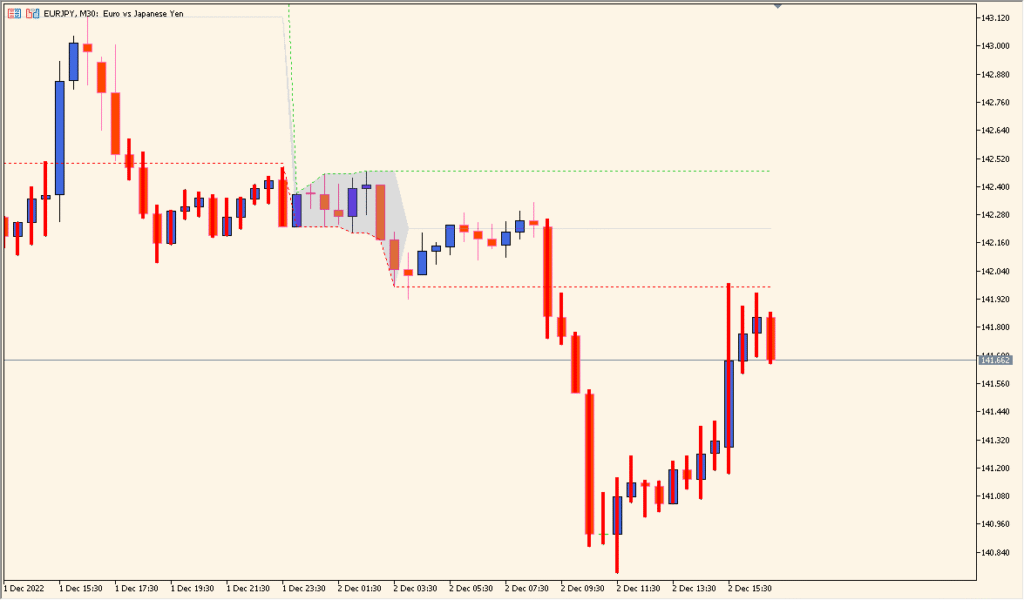
Locate the gray block for the configured time window, then read the horizontal high and low lines that extend from that block across the chart:
- Enter the start and end times as four half-width digits.
- Choose a window such as the Tokyo or London session when comparing the resulting high and low with later candles.
- Set the window to 00:00 through 23:55 when reviewing the day's high-low band instead of a shorter session range.
The early range is marked automatically, lines remain visible for session comparison, and time settings support different market windows.
MT5 Indicator Parameters
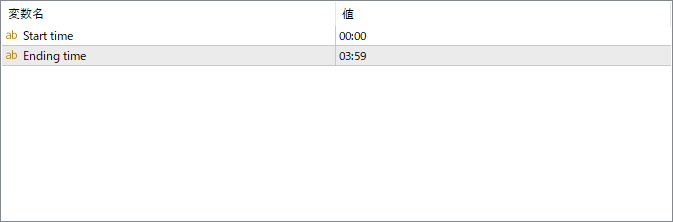
The screenshot above shows the default input parameters in the MT5 settings window.
| Parameter | Description |
|---|---|
| Start time | Specifies the beginning of the time window used to define the intraday range. The indicator records the high and low from this point. |
| Ending time | Sets the end of the time range. The high and low between the start and end time form the breakout channel displayed on the chart. |


