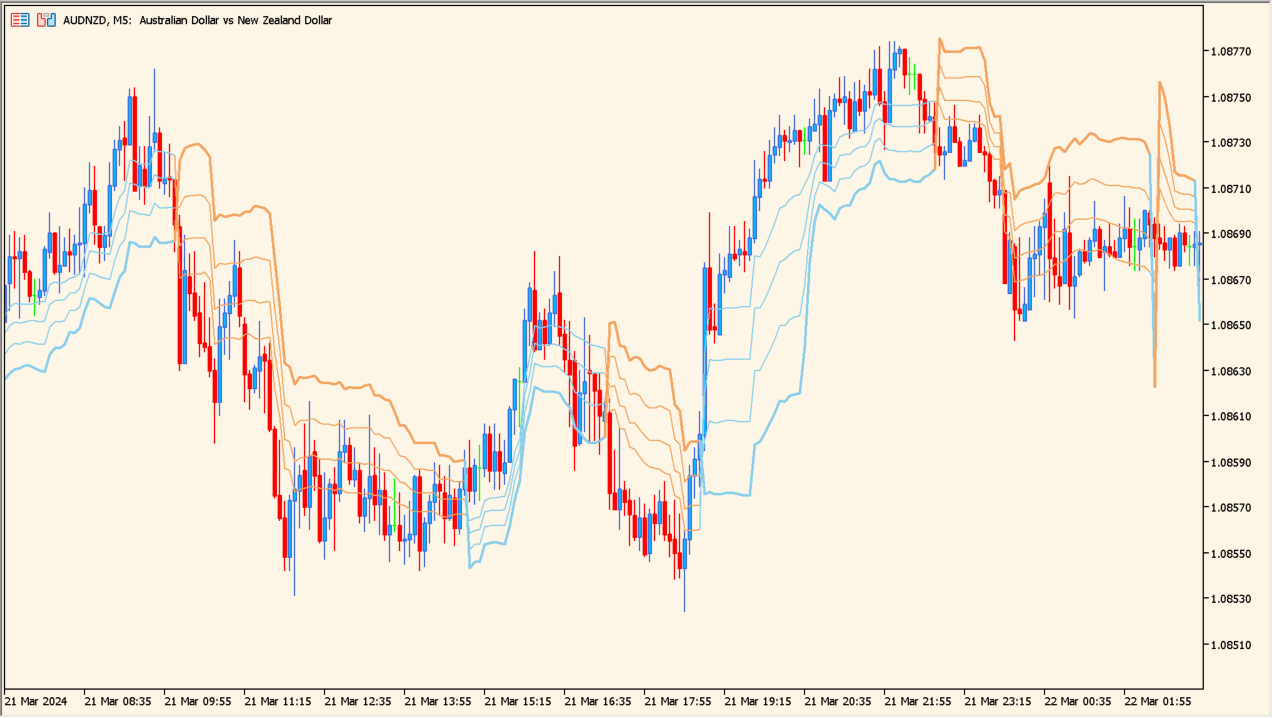
What is kase-dev-stops-indicator?
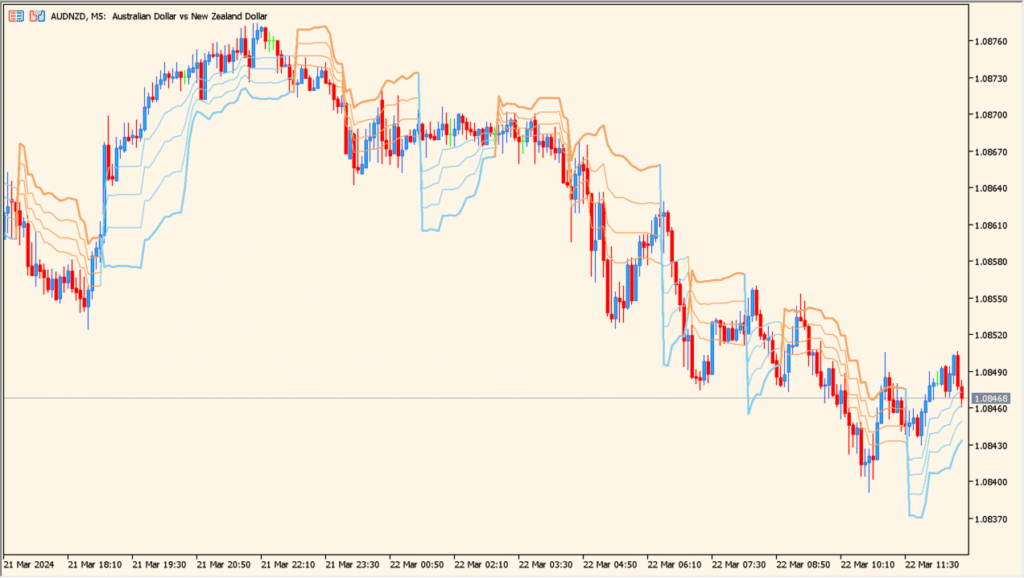
Kase Dev Stops is an MT5 indicator that displays adaptive lines based on price deviation. Fast and slow periods, deviation levels, price source, and line settings control the visible references above or below price.
The plotted lines provide volatility and distance context for reviewing chart structure. They can be compared with price behavior but are not instructions to enter, exit, or manage a position.
How to Use It in Practice
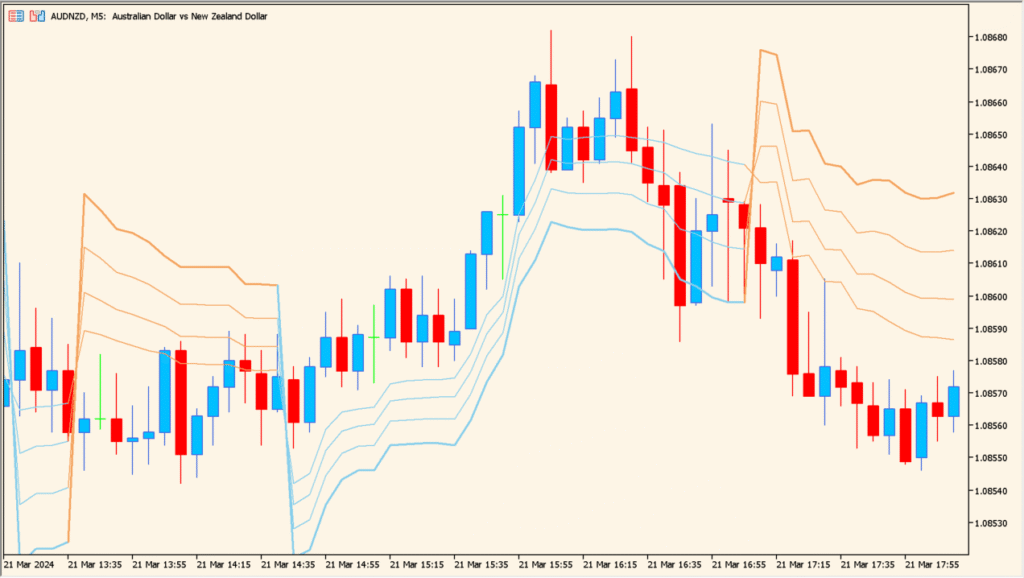
Read the blue and orange states with the short and long deviation lines, then compare the distance of the outer and inner levels with the amount of volatility visible on the chart.
- Compare the blue rising state and orange falling state with the crossover relationship of the fast and slow periods.
- In more volatile sections, inspect the wider outer levels; in quieter sections, compare the inner levels as closer references.
- Adjust Dev-stop period for the overall response, then compare Dev-stop slow period and Dev-stop fast period to change the state-switch timing.
- Use Deviation to alter the width of the displayed levels and compare the result with recent price range.
Deviation-based lines add adaptive distance context, multiple levels can be compared, and display options support a readable chart.
MT5 Indicator Parameters
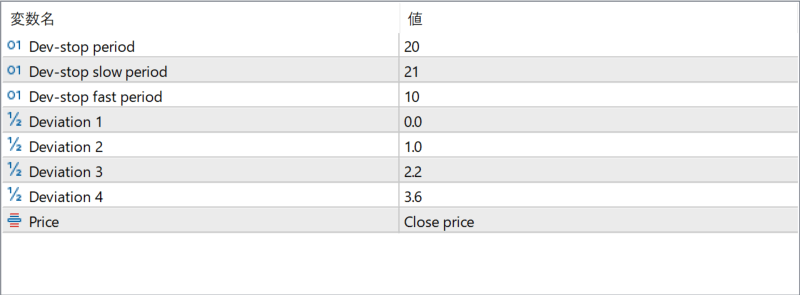
The screenshot above shows the default input parameters in the MT5 settings window.
| Parameter | Description |
|---|---|
| Dev-stop period | Defines the main calculation period used to determine the deviation-based stop levels. This controls the overall responsiveness of the indicator. |
| Dev-stop slow period | Sets the slower calculation period, producing smoother stop lines that react more gradually to price changes. |
| Dev-stop fast period | Sets the faster calculation period, allowing the stop line to react more quickly to short-term price movement. |
| Deviation 1 | Specifies the first deviation multiplier used to calculate the nearest stop level relative to price. |
| Deviation 2 | Defines the second deviation multiplier, creating a wider stop level for more conservative trade management. |
| Deviation 3 | Sets an additional deviation level that further expands the stop distance as volatility increases. |
| Deviation 4 | Defines the widest deviation level, often used as a long-term or emergency stop reference. |
| Price | Specifies which price type is used for calculations, such as close price, ensuring consistency with the trader’s analysis style. |


