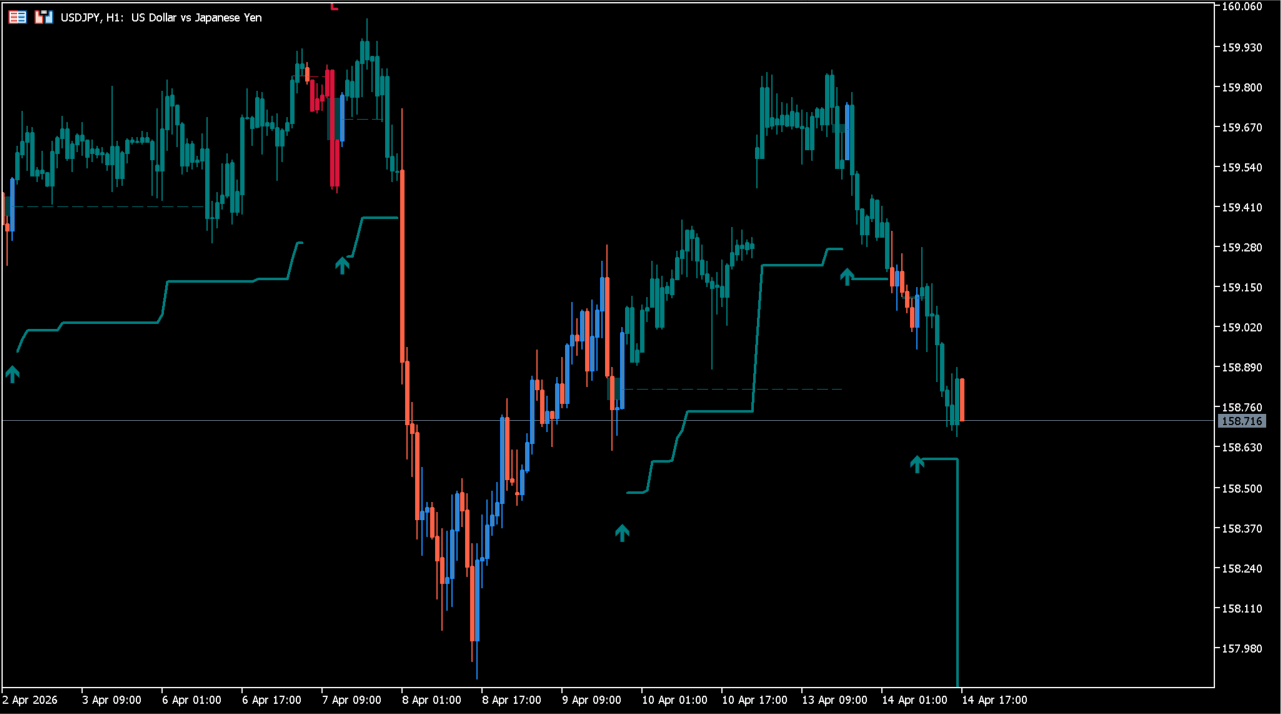
What is LuxAlgo – FVG Instantaneous Mitigation Signals?
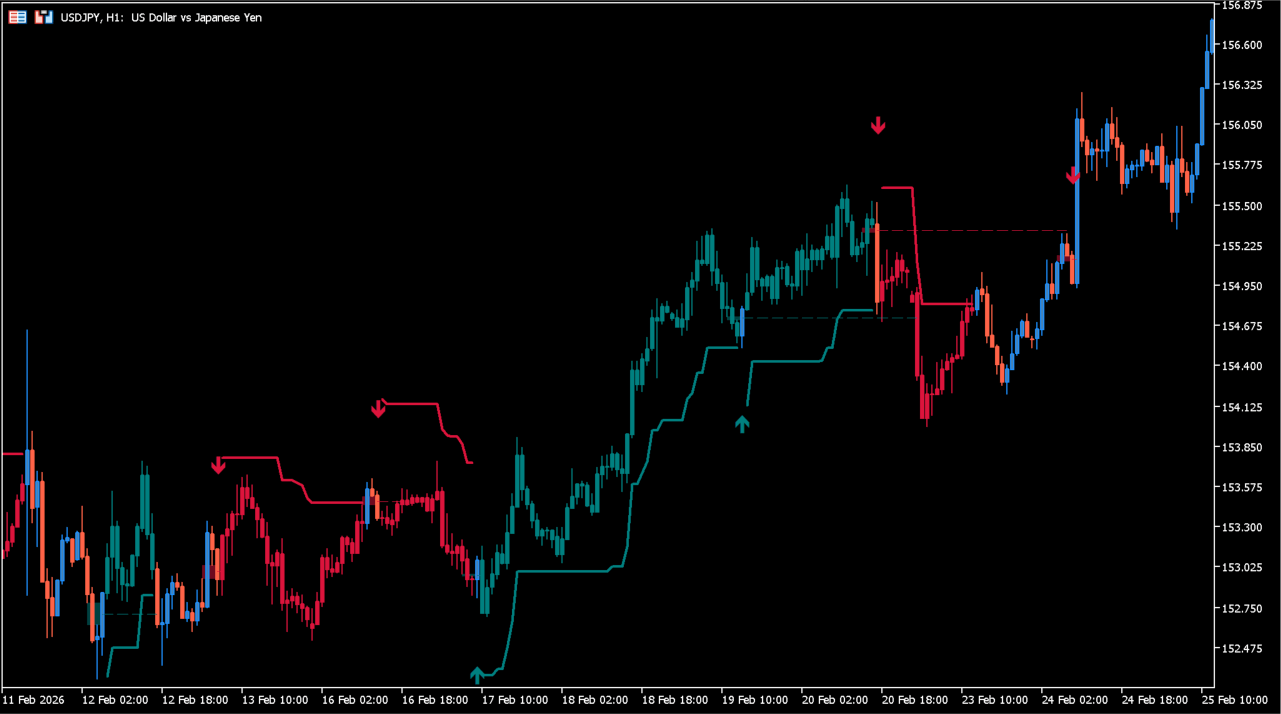
Arrows mark the mitigation points, with a trailing line drawn from each one.
LuxAlgo – FVG Instantaneous Mitigation Signals marks the point at which a Fair Value Gap is mitigated, placing an arrow on the chart and drawing a trailing line from it.
Bullish and bearish elements carry separate colors, and the TP, SL, and trailing-stop areas can each be shown or hidden.
How to use LuxAlgo – FVG Instantaneous Mitigation Signals
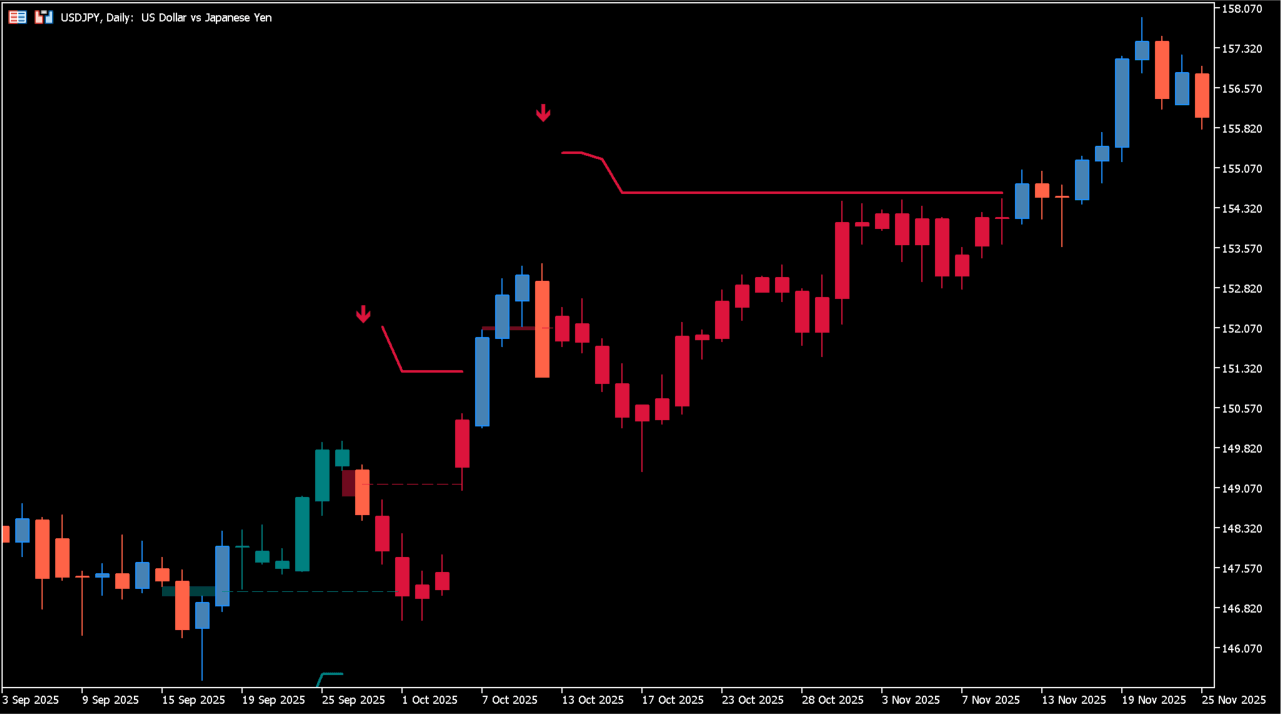
The candles take the signal color while the marked state continues.
Add the indicator to an MT5 chart and read each arrow against the price structure around it to see where the gap was mitigated. Raise FVG Width Filter to leave narrower gaps unmarked when the chart fills with arrows.
TP Multiplier, SL Multiplier, and Trailing Stop Multiplier set how far the drawn levels sit from the mark. Bullish Color, Bearish Color, and Draw Candlesticks control how the elements appear.
Where it helps
The moment of mitigation is marked on the chart, so the point does not have to be measured out of the candles by hand.
FVG Width Filter sets the minimum width for a gap to be marked, which controls how much appears on the chart.
The TP, SL, and trailing-stop settings place their levels next to the arrow, so both stay in one chart view.
MT5 Indicator Parameters
The table below lists the available MT5 indicator parameters. You can customize these options in the MetaTrader Inputs dialog to match your trading preferences.
| Parameter | Description |
|---|---|
| Parameters Section | Labels the primary parameter section. |
| FVG Width Filter | Sets the Fair Value Gap width filter. |
| TP/SL Section | Labels the TP and SL section. |
| TP Area | Shows or hides the TP area. |
| TP Multiplier | Sets the TP multiplier. |
| TP Color | Sets the TP display color. |
| SL Area | Shows or hides the SL area. |
| SL Multiplier | Sets the SL multiplier. |
| SL Color | Sets the SL display color. |
| Trailing Stop Section | Labels the trailing-stop section. |
| Reset Trailing Stop | Selects when the trailing stop is reset. |
| Trailing Stop Multiplier | Sets the trailing-stop multiplier. |
| Style Section | Labels the style section. |
| Bullish IMFVG | Shows or hides bullish IMFVG elements. |
| Bullish Color | Sets the bullish display color. |
| Bullish Average | Shows or hides the bullish average. |
| Bearish IMFVG | Shows or hides bearish IMFVG elements. |
| Bearish Color | Sets the bearish display color. |
| Bearish Average | Shows or hides the bearish average. |
| Draw Candlesticks | Shows or hides the candlestick display. |
| Candle Width | Sets the candlestick display width. |
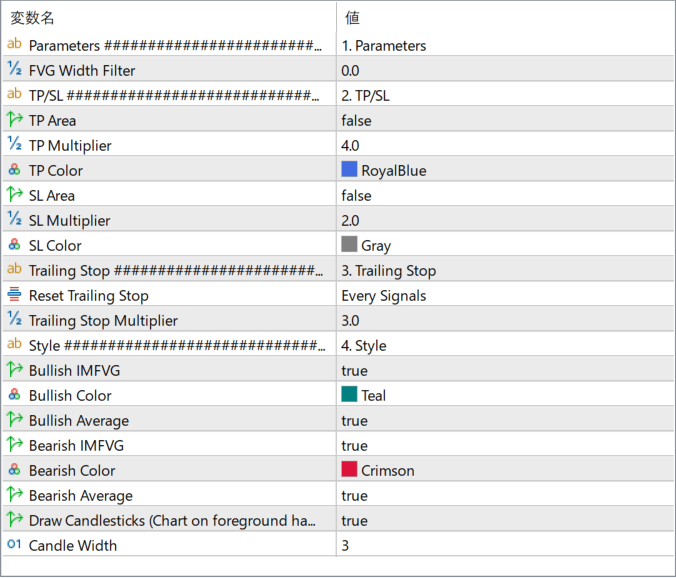
The screenshot above shows the default input parameters in the MT5 settings window.
How to Install .ex5 Indicator in MetaTrader 5
- Download the ZIP file and extract it.
- In MT5, select File → Open Data Folder.
- Open MQL5 → Indicators and copy the EX5 or MQ5 file into it.
- If the package includes library files, copy them to MQL5 → Libraries. Copy TPL files to the top-level templates folder.
- Restart MT5, find the indicator in the Navigator, and drag it onto a chart.
Test the tool on a demo account first. File contents and required folders can vary between packages.


