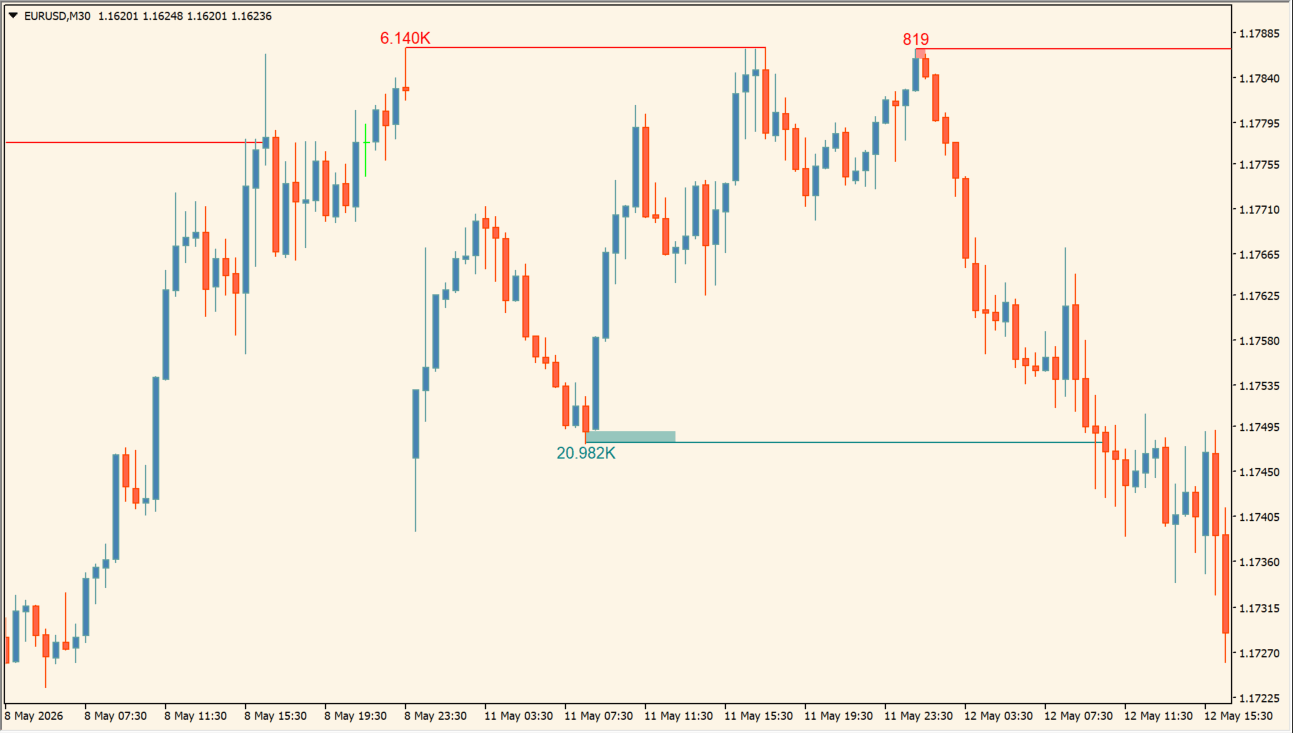
What is LuxAlgo - Liquidity Swings?
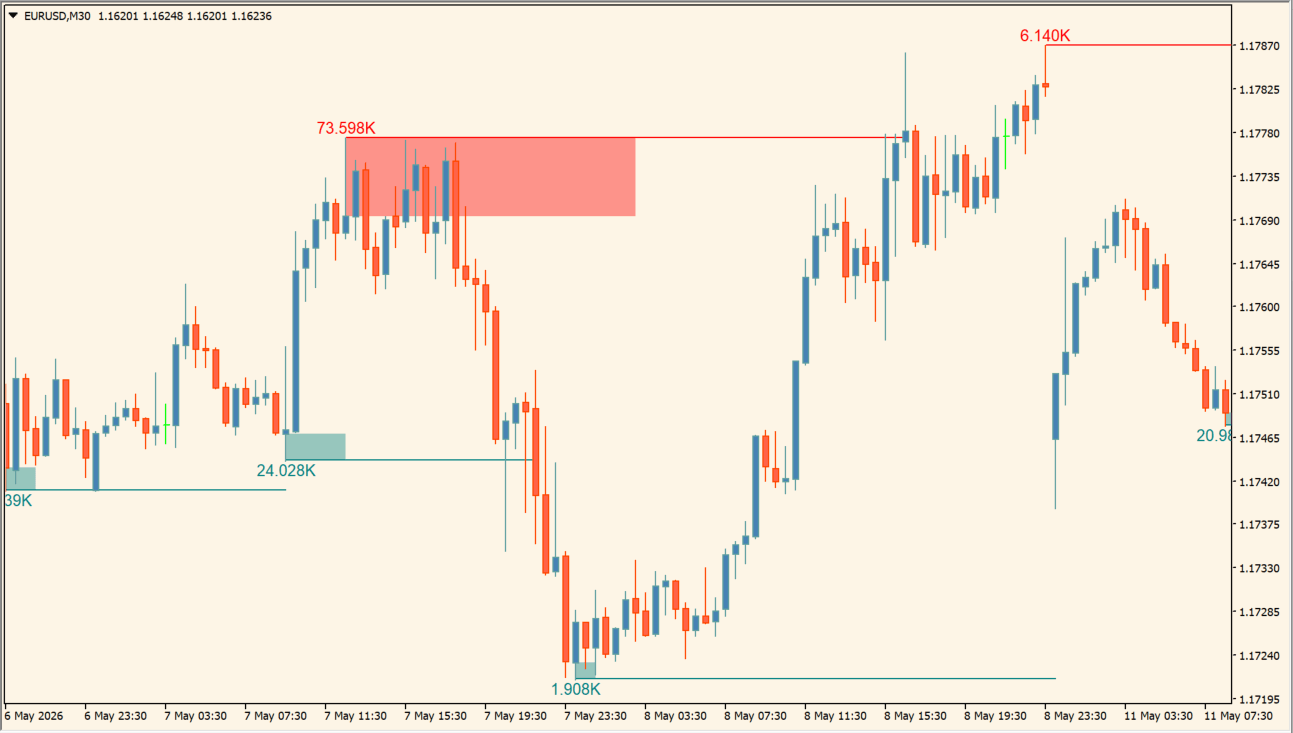
LuxAlgo - Liquidity Swings analyzes highs and lows over a configured history and marks swing-high and swing-low liquidity areas. Upper areas are drawn in red and lower ones in teal, each carrying a label with the calculated strength of that area.
A line and its fill are separate parts of the display. The plotted zones are reference areas rather than signals, so their appearance can be compared with surrounding price behavior rather than treated as a certainty.
How to use LuxAlgo - Liquidity Swings
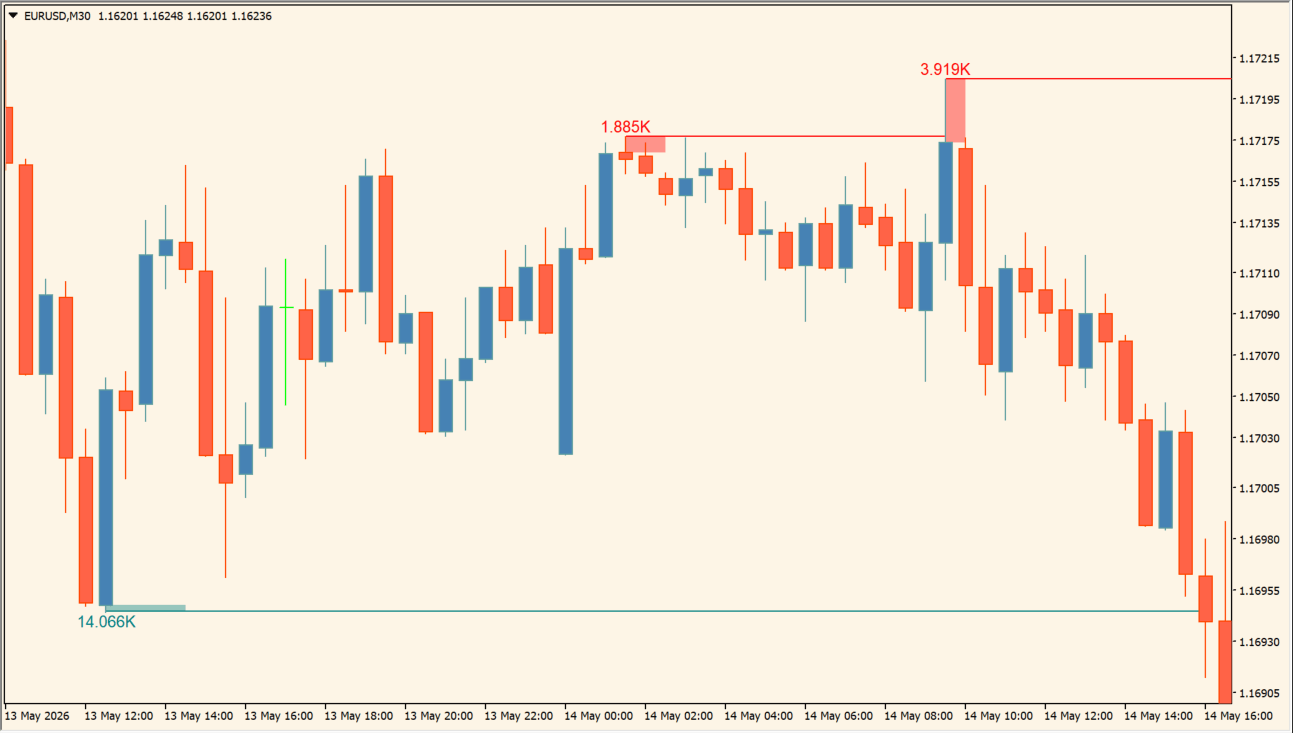
Review the red swing-high areas and teal swing-low areas with the corresponding lines, fills, and strength labels. Compare the marked areas with the surrounding highs and lows instead of reading a single line in isolation.
Candles to calculate sets the history examined, Pivot Lookback changes swing detection, and Swing Area selects the swing-area method. Intrabar Precision TF, Filter Areas By, and Value refine the calculation, while the Swing High and Swing Low controls change the visible lines, fills, colors, and label size.
Where it helps
Upper and lower swing areas have independent visibility and color controls.
Labels Font Size controls the text used for the displayed area values.
History, pivot, intrabar, and filter inputs affect the marked areas.
MT4 Indicator Parameters
The table below lists the available MT4 indicator parameters. You can customize these options in the MetaTrader Inputs dialog to match your trading preferences.
| Parameter | Description |
|---|---|
| Candles to calculate | Sets the number of candles analyzed. |
| Pivot Lookback | Sets the lookback used to identify swing highs and lows. |
| Swing Area | Selects the swing-area calculation method. |
| Intrabar Precision TF | Selects the timeframe used for intrabar precision. |
| Filter Areas By | Selects the criterion used to filter areas. |
| Value | Sets the filter threshold. |
| Style | Area-style settings section. |
| Swing High | Shows or hides swing-high areas. |
| Swing High Css | Sets the swing-high line color. |
| Swing High Area Css | Sets the swing-high fill color. |
| Swing Low | Shows or hides swing-low areas. |
| Swing Low Css | Sets the swing-low line color. |
| Swing Low Area Css | Sets the swing-low fill color. |
| Labels Font Size | Sets the font size for area labels. |
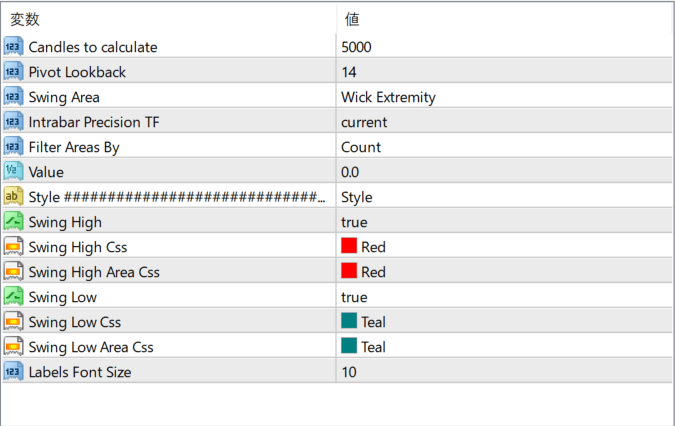
The screenshot above shows the default input parameters in the MT4 settings window.
How to Install .ex4 Indicator in MetaTrader 4
- Download the ZIP file and extract it.
- In MT4, select File → Open Data Folder.
- Open MQL4 → Indicators and copy the EX4 or MQ4 file into it.
- If the package includes library files, copy them to MQL4 → Libraries. Copy TPL files to the top-level templates folder.
- Restart MT4, find the indicator in the Navigator, and drag it onto a chart.
Test the tool on a demo account first. File contents and required folders can vary between packages.


