What is ma_chanels_fibo Indicator?
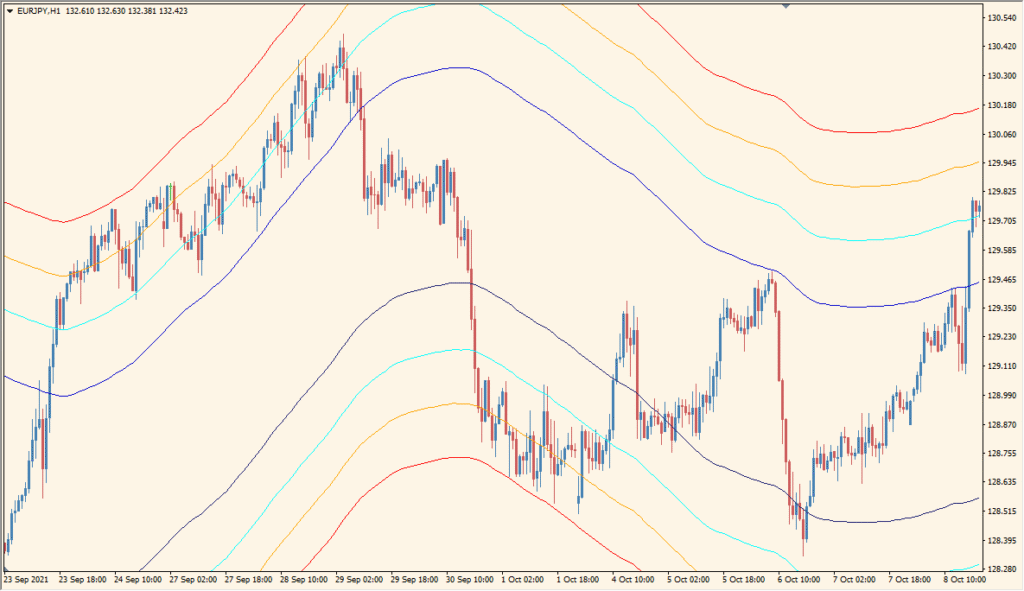
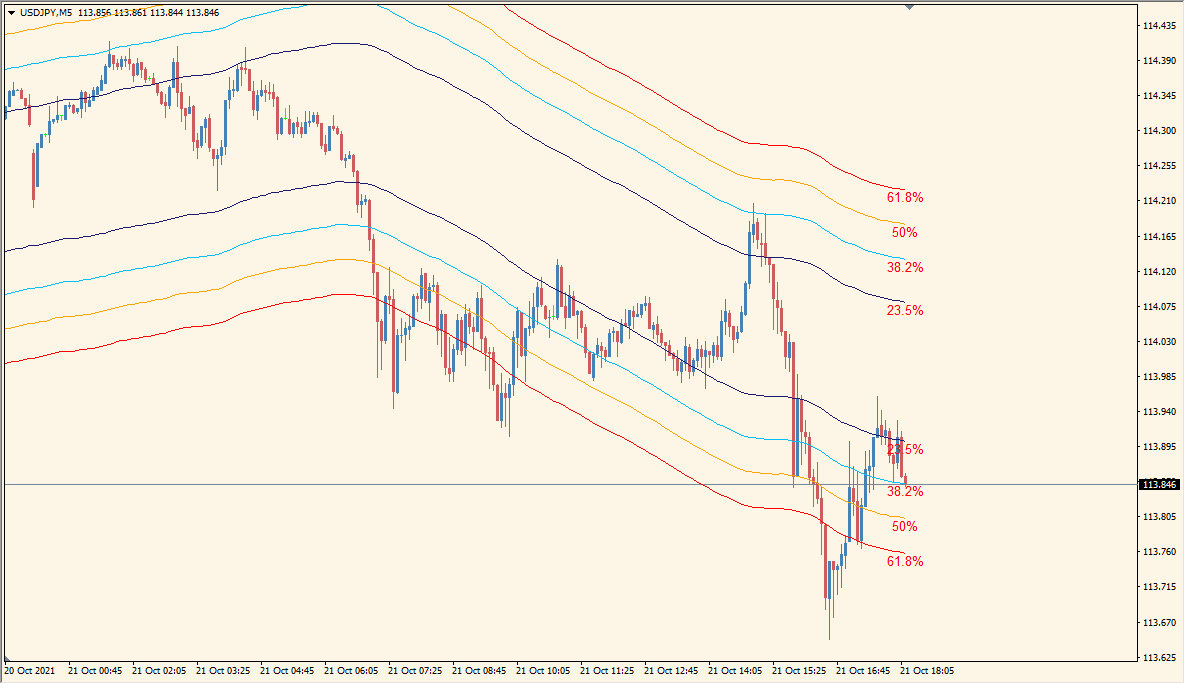
MA Channels Fibo for MT4 plots a moving-average center line and projects percentage references above and below it. The displayed levels use Fibonacci-style percentages to create a structured channel around the selected average.
BarsCount, MAPeriod, MAMethod, MAPrice, and label-size settings control the calculation range and presentation. The lines offer a compact way to compare price location with the moving-average zone.
How to Use It in Practice
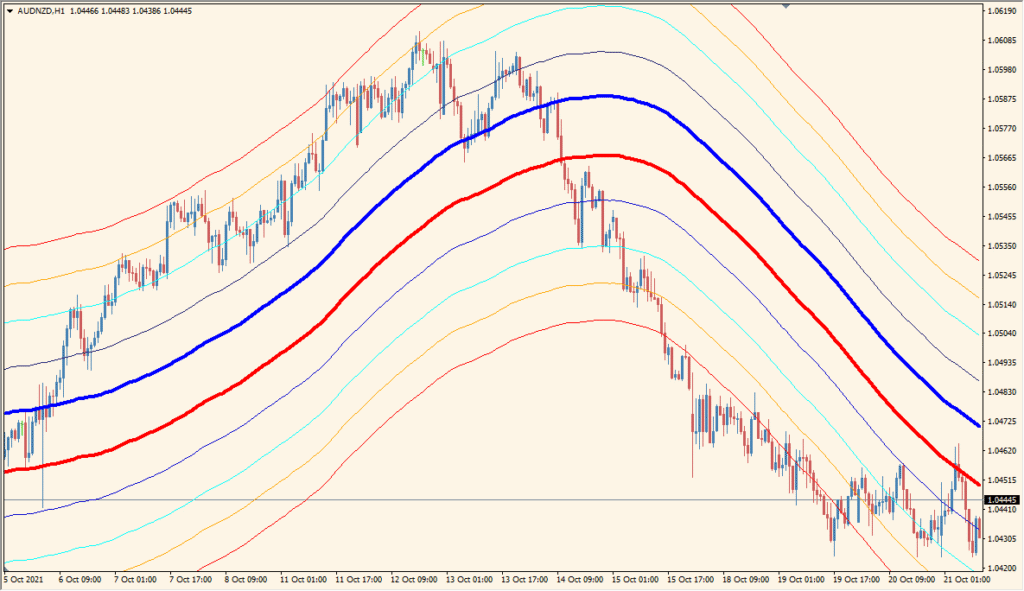
MA Channels Fibo lays moving averages out in Fibonacci-number spacing; the two darker middle lines are accompanied by envelope-style references.
- Read the parallel average lines together, including the darker central pair, rather than treating the display as an expanding and contracting band.
- Set BarCount for the number of past candles measured and MAPeriod for the moving-average period.
- Use MAMethod values 0 through 3 to change the moving-average response.
- Set MAPrice from 0 through 6 to choose the applied price, such as the opening or closing price, used by the averages.
Moving-average and Fibonacci-style references appear together, the calculation window is configurable, and the layout can be adjusted through the existing display settings.
MT4 Indicator Parameters
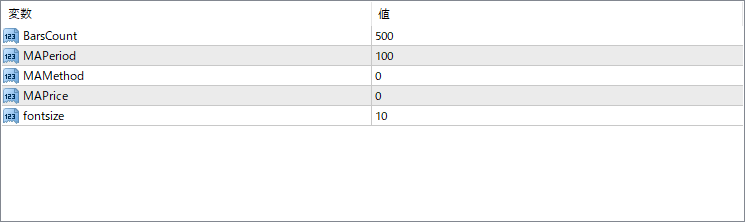
The screenshot above shows the default input parameters in the MT4 settings window.
| Parameter | Description |
|---|---|
| BarsCount | Defines how many candles (bars) to process on the chart. A higher number extends the indicator’s visual range into the past. |
| MAPeriod | Sets the period of the moving average used to build the central line of the channel. |
| MAMethod | Determines the type of moving average (e.g., 0 = Simple, 1 = Exponential, etc.). |
| MAPrice | Selects the price used in the moving average calculation (e.g., close, open, high, low). |
| fontsize | Adjusts the size of the Fibonacci percentage labels displayed on the chart. |


