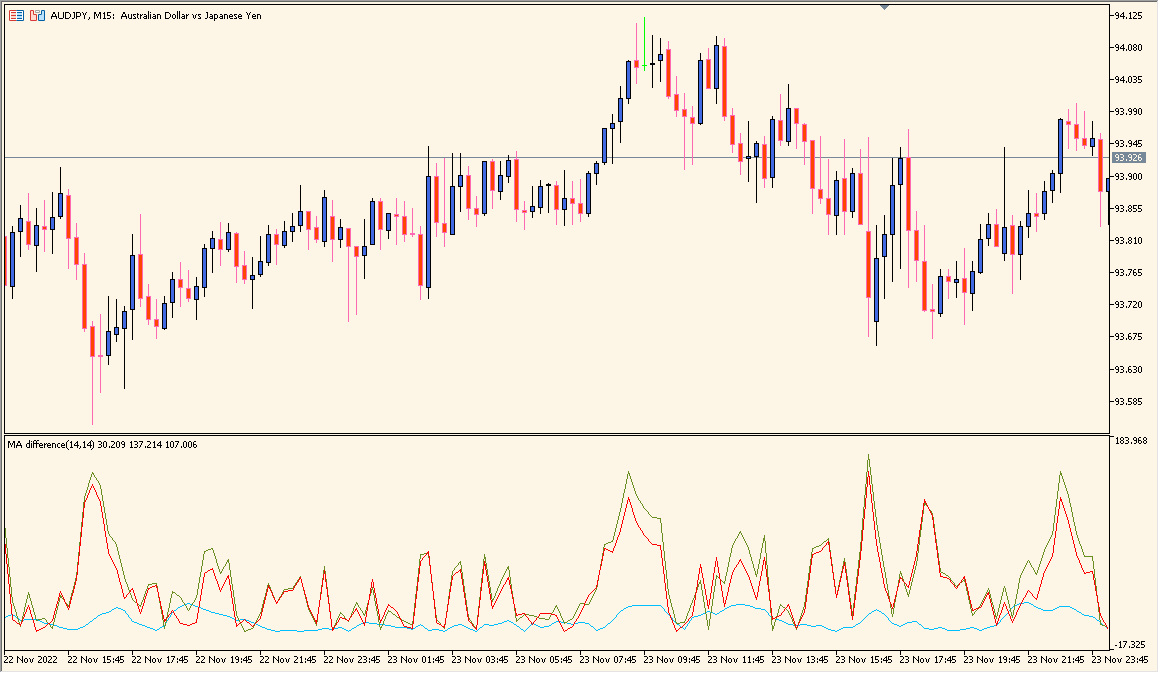
What is MA_Difference Indicator?
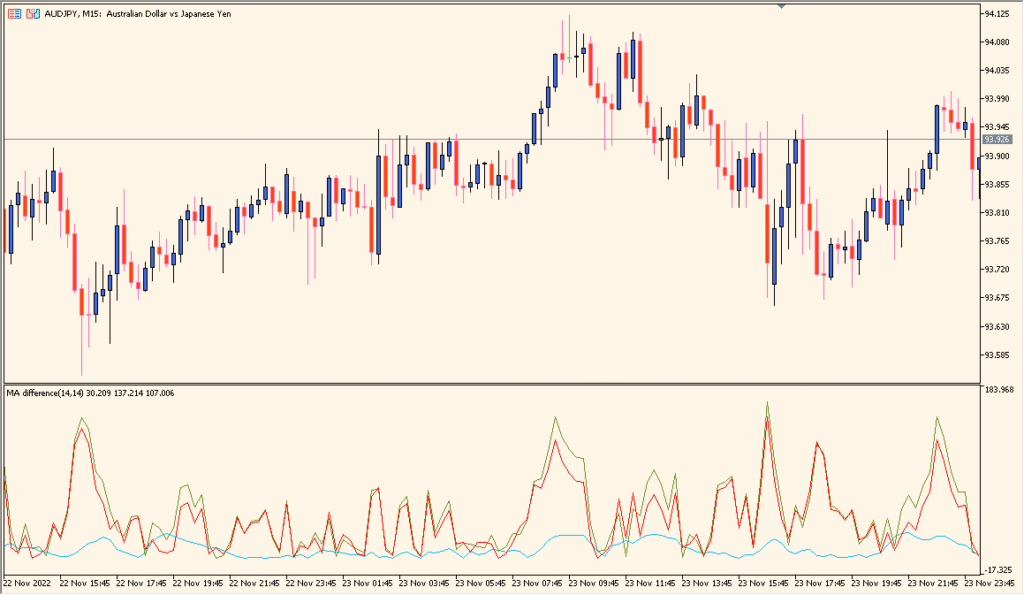
MA_Difference is an MT5 subwindow indicator that compares two moving averages and displays their distance as a line or histogram. Periods, methods, price source, colors, and levels control the comparison view.
The displayed gap helps review whether the averages are moving closer together or farther apart. It is a momentum and spacing reference, not a fixed directional conclusion.
How to Use It in Practice
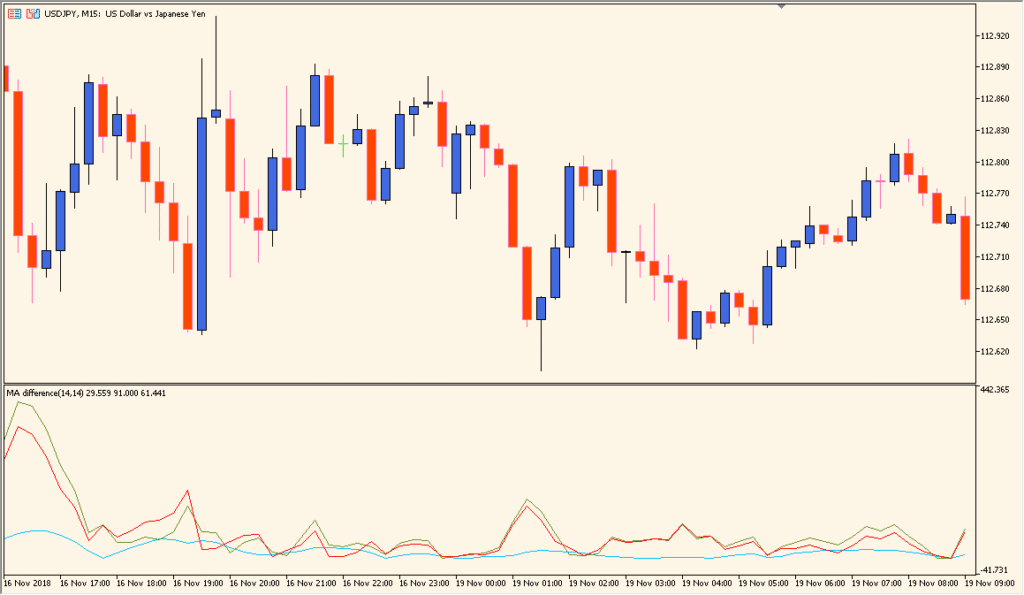
Read the three displayed distances separately: red for price versus the long moving average, green for price versus the short moving average, and light blue for the distance between the two averages:
- Compare higher and lower sections of all three lines with the corresponding price range rather than inferring direction from one line alone.
- Use Period to adjust the averaging sample, but avoid excessive optimisation; overfitting a symbol can fail when conditions change.
- Keep lower readings in view as an example of a period with little directional separation.
Average spacing is condensed into one pane, making changes easier to compare across bars and timeframes.
MT5 Indicator Parameters
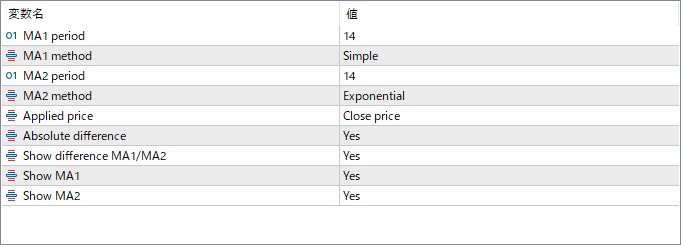
The screenshot above shows the default input parameters in the MT5 settings window.
| Parameter | Description |
|---|---|
| MA1 Period | Sets the period of the first moving average. Usually represents the faster MA used to capture short-term market movement. |
| MA1 Method | Defines the calculation type of the first moving average (e.g., Simple, Exponential, Smoothed, or Linear Weighted). |
| MA1 Applied Price | Specifies which price data to use for the first moving average (Close, Open, High, Low, etc.). |
| MA2 Period | Sets the period of the second moving average. Usually represents the slower MA used to identify longer-term trends. |
| MA2 Method | Defines the calculation type of the second moving average, similar to MA1. |
| MA2 Applied Price | Specifies the price type for the second moving average calculation. |
| Difference Color | Sets the color of the line that represents the difference between the two moving averages. |
| MA1 Color | Defines the display color of the first moving average line for clear distinction. |
| MA2 Color | Defines the display color of the second moving average line. |


