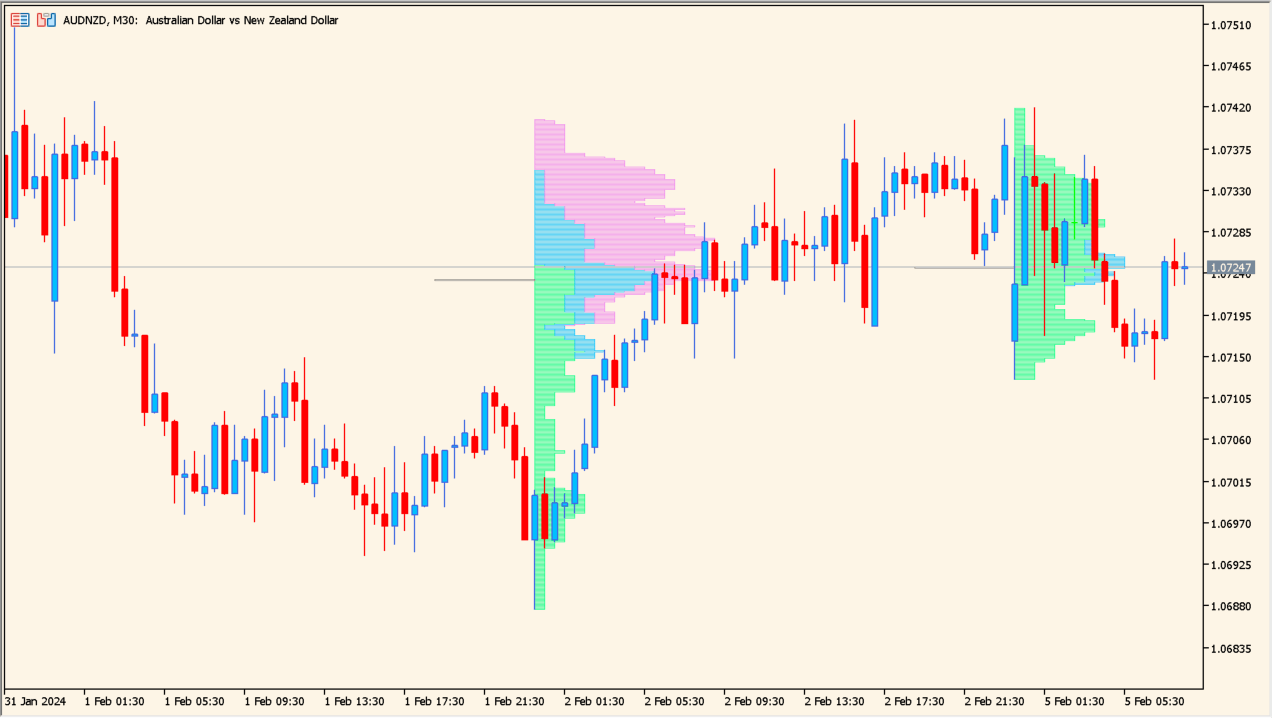
What is market-profile 1.00 Indicator?
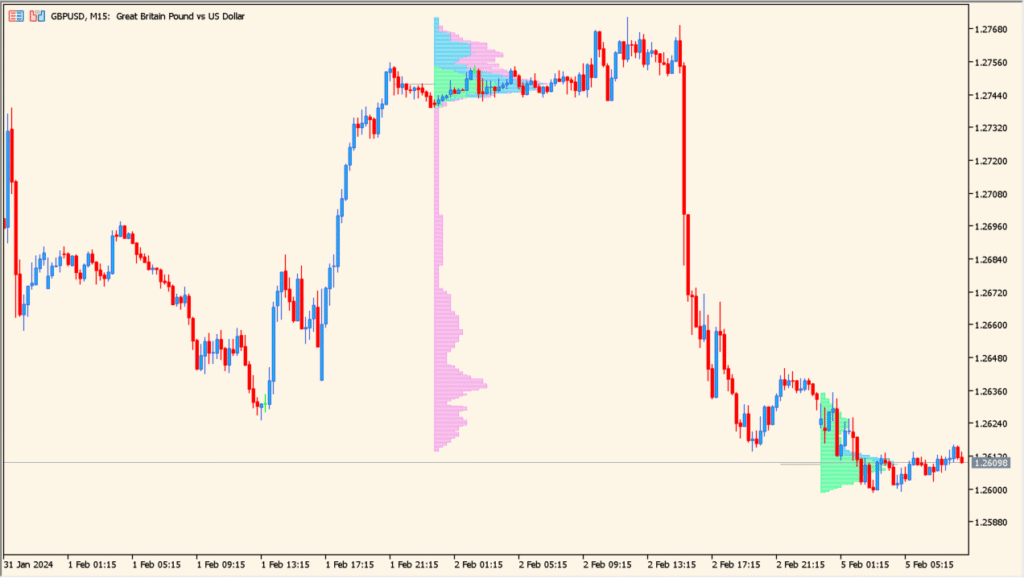
Market Profile 1.00 is an MT5 indicator that displays how price activity is distributed across levels for selected sessions or days. Session ranges, profile width, value areas, and median references organize the visible distribution.
The profile provides historical context for comparing acceptance, balance, and activity around price levels. It is a visual record of the selected sample, not a statement about future behavior.
How to Use It in Practice
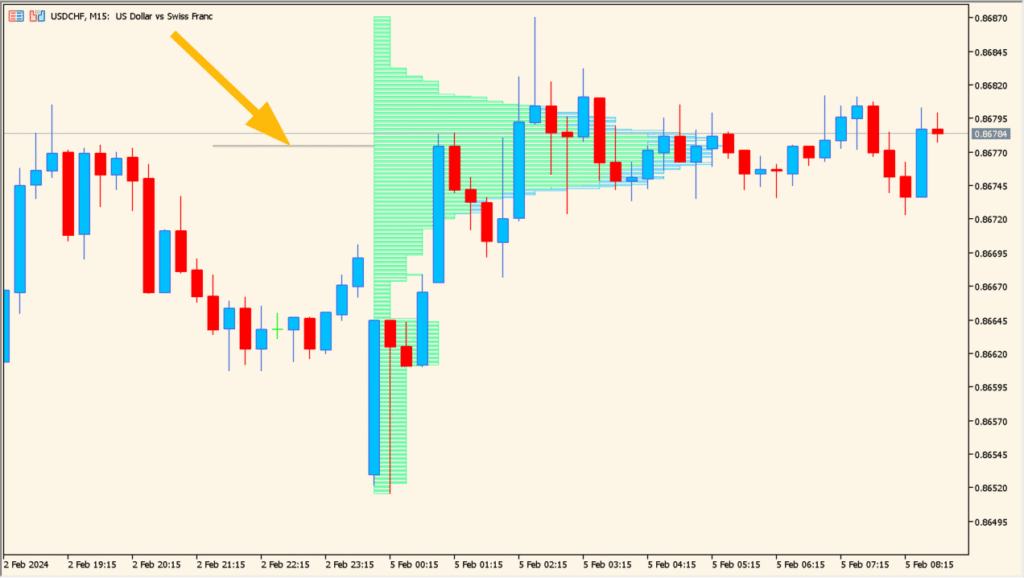
Read the profile horizontally: longer histogram rows show more counted activity at that price, and the short line marks the row with the largest count:
- Separate the pink, blue, and green rows, which correspond to U.S., Japanese, and London trading hours respectively.
- Keep the distinction between tick counts and exchange volume visible; the profile is calculated from ticks because FX lacks a consolidated volume measure.
- Use CountProfile to choose how many past days are included and use lastdayStart to show or hide the histogram display.
Session distributions make price activity easier to compare, value references add structure, and configurable ranges support different review windows.
MT5 Indicator Parameters
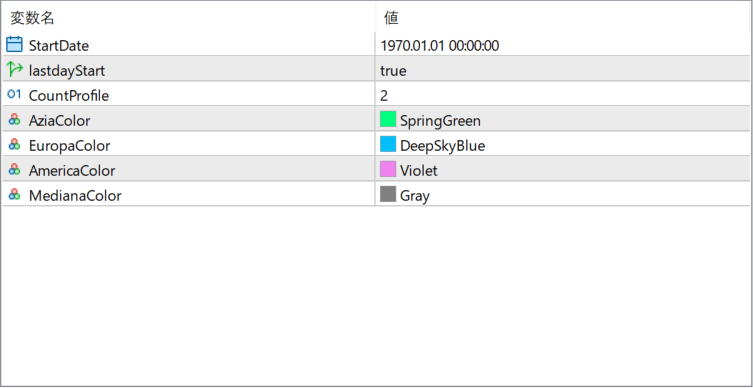
The screenshot above shows the default input parameters in the MT5 settings window.
| Parameter | Description |
|---|---|
| StartDate | Defines the starting point from which the market profile calculation begins. |
| lastdayStart | When enabled, the indicator automatically starts profiling from the most recent trading day. |
| CountProfile | Specifies how many market profiles are displayed on the chart at the same time. |
| AziaColor | Sets the color of the market profile for the Asian trading session. |
| EuropaColor | Defines the color used for the European trading session profile. |
| AmericaColor | Defines the color used for the American trading session profile. |
| MedianaColor | Sets the color of the median or point-of-control line within each profile. |


