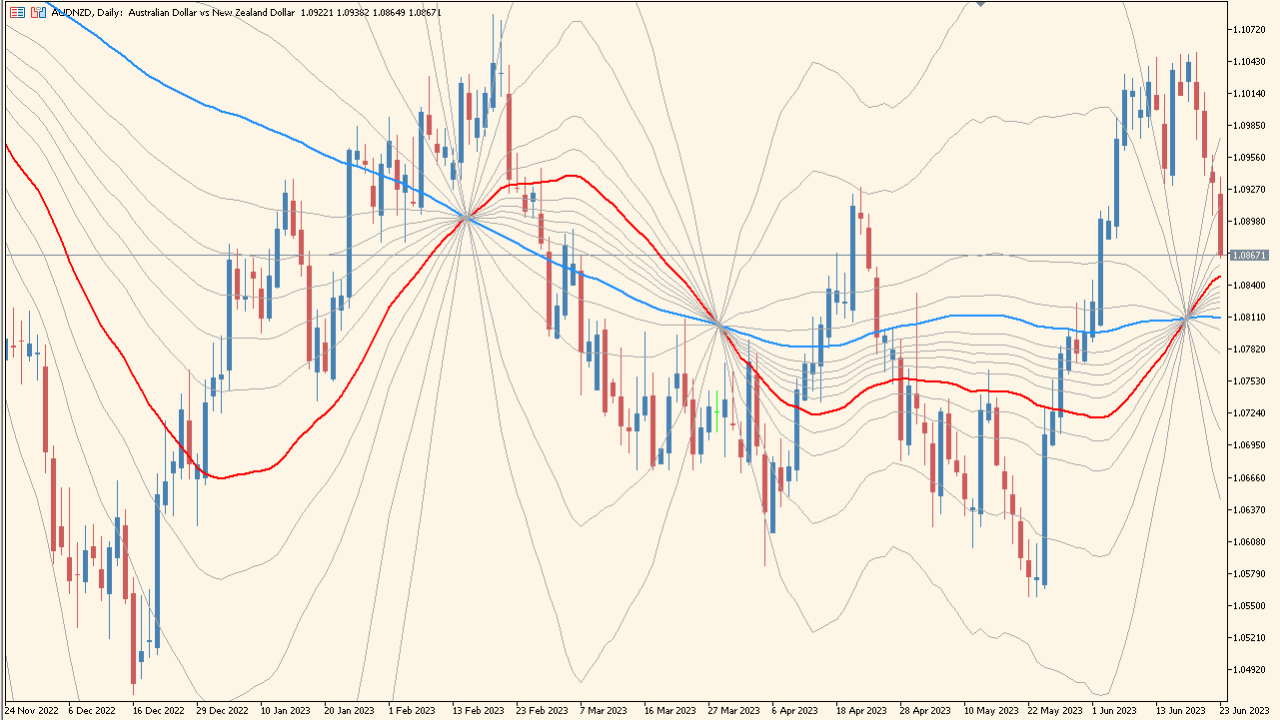
What is MicroPivots Indicator?
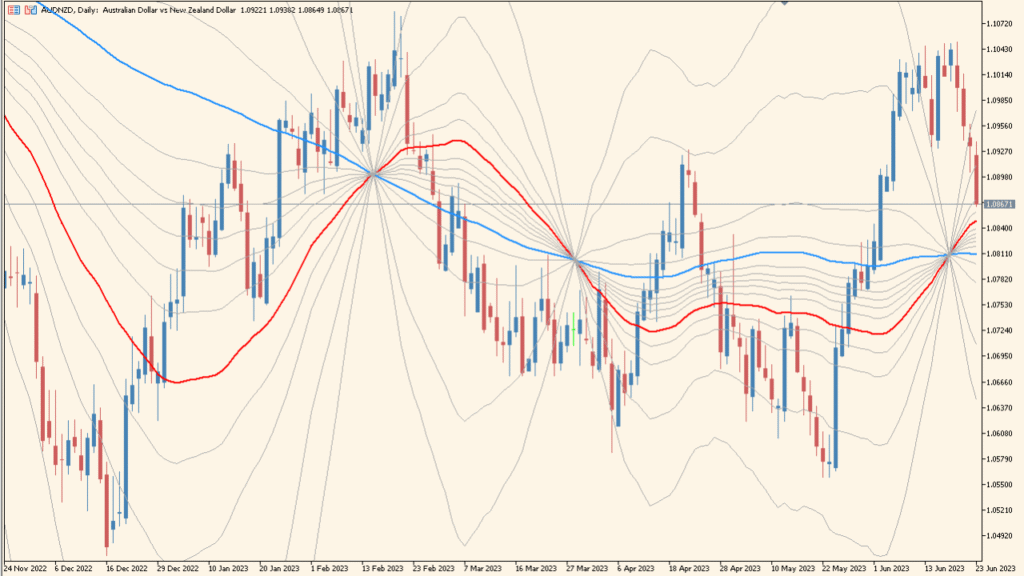
MicroPivots is an MT5 chart indicator that uses two moving-average references to display multiple levels above and below price. Average periods, methods, price sources, Fibonacci values, and colors control the fan-like layout.
The levels provide visual context for comparing price with a moving-average structure and selected ratios. They are displayed references without assuming a reaction, arrival, or return.
How to Use It in Practice
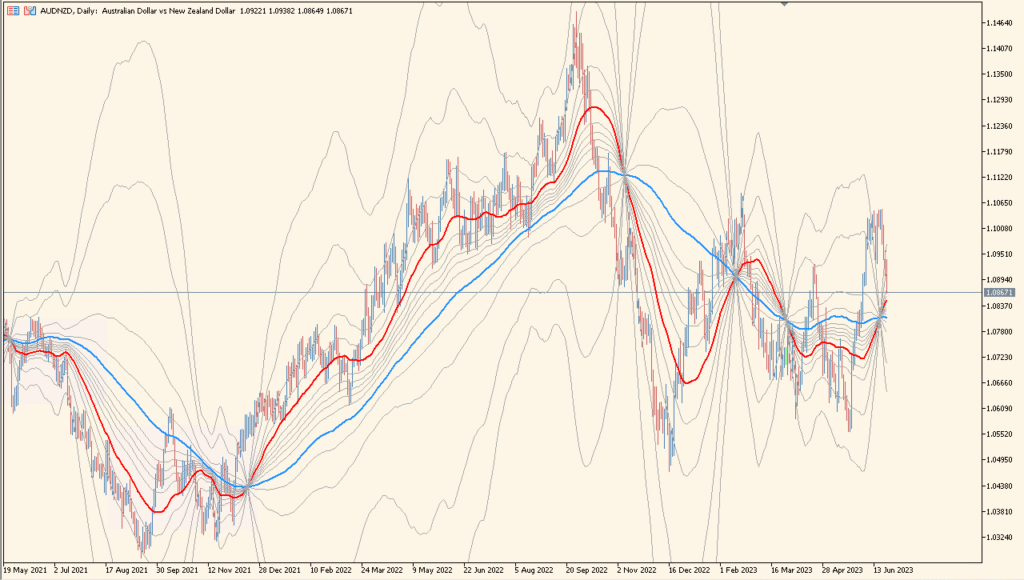
Read MicroPivots from its two moving averages outward: the blue long average and red short average form the structure from which the surrounding Fibonacci-ratio bands begin to spread.
- Compare the red and blue averages first, then review how the multiple bands widen as their separation changes.
- Read the band positions as the configured Fibonacci-ratio layout rather than as manually confirmed levels.
- Use MA period and MA method to change the moving-average references, and Show Fibo-level to control the ratio-band display.
- Compare the changing average separation and band width with recent price activity; this is volatility context that merits separate validation.
Moving-average references and ratio levels share one view, and configurable styling keeps the dynamic grid easy to compare.
MT5 Indicator Parameters
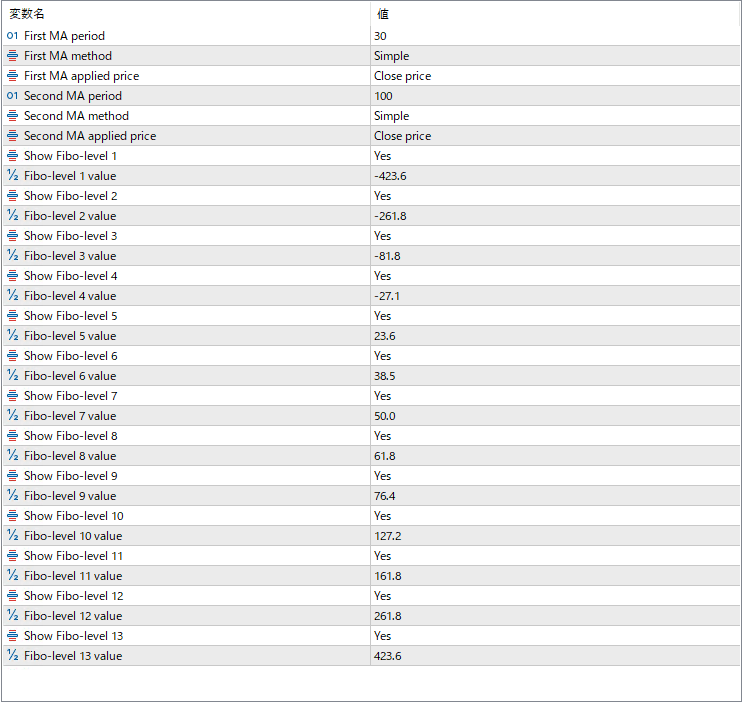
The screenshot above shows the default input parameters in the MT5 settings window.
| Parameter | Description |
|---|---|
| First MA period | Sets the period for the first moving average used as a central reference. |
| First MA method | Specifies the calculation method of the first moving average, such as Simple or Exponential. |
| First MA applied price | Determines which price value the first moving average is calculated from (e.g., close price). |
| Second MA period | Sets the period for the second moving average, which provides an additional smoothing reference. |
| Second MA method | Specifies the calculation method for the second moving average. |
| Second MA applied price | Determines the price source used for the second moving average. |
| Show Fibo-level 1 | Enables or disables the display of the first Fibonacci projection level. |
| Fibo-level 1 value | Sets the Fibonacci ratio used for the first projection level. |
| Show Fibo-level 2 | Controls visibility of the second Fibonacci projection level. |
| Fibo-level 2 value | Defines the ratio for the second Fibonacci level. |
| Show Fibo-level 3 | Turns the third Fibonacci projection level on or off. |
| Fibo-level 3 value | Sets the ratio for the third Fibonacci level. |
| Show Fibo-level 4 | Enables the fourth Fibonacci projection level. |
| Fibo-level 4 value | Specifies the ratio used for the fourth level. |
| Show Fibo-level 5 | Controls visibility of the fifth Fibonacci level. |
| Fibo-level 5 value | Defines the ratio for the fifth level. |
| Show Fibo-level 6 | Enables or disables the sixth Fibonacci projection. |
| Fibo-level 6 value | Sets the ratio for the sixth projection. |
| Show Fibo-level 7 | Turns visibility of the seventh Fibonacci level on or off. |
| Fibo-level 7 value | Specifies the ratio for the seventh level. |
| Show Fibo-level 8 | Controls the eighth Fibonacci projection level. |
| Fibo-level 8 value | Defines the ratio used for level eight. |
| Show Fibo-level 9 | Enables the ninth Fibonacci projection level. |
| Fibo-level 9 value | Sets the ratio for level nine. |
| Show Fibo-level 10 | Turns the tenth Fibonacci level on or off. |
| Fibo-level 10 value | Defines the ratio used for the tenth level. |


