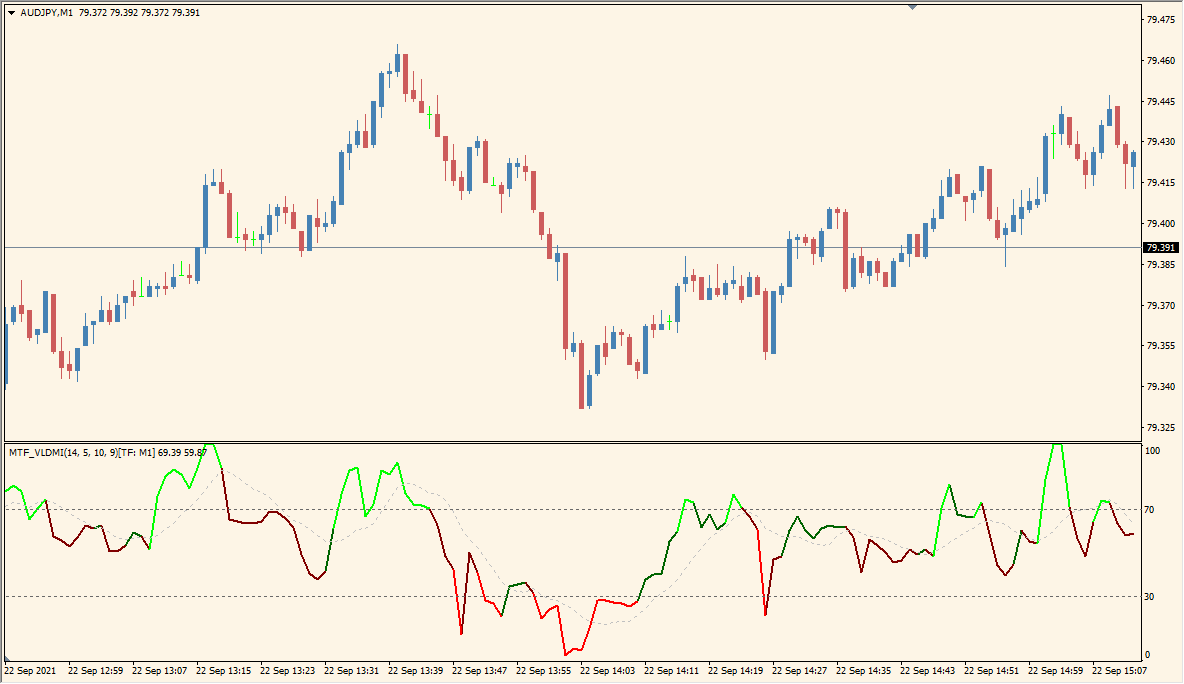
What is MTF_VLDMI Indicator?
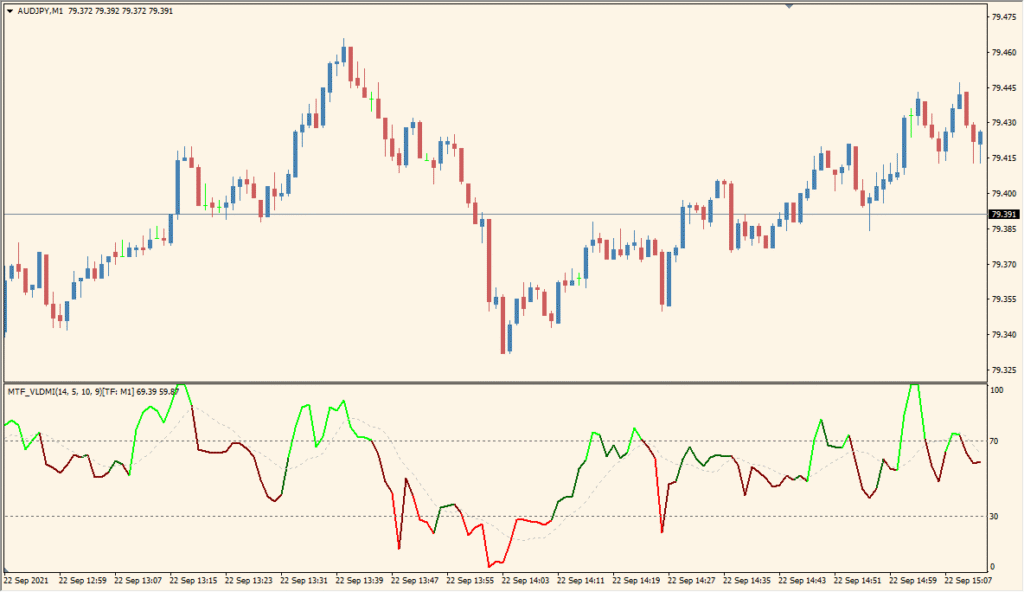
MTF VLDMI for MT4 displays a momentum oscillator built around volatility and linear-deviation calculations. It includes a main line, signal line, optional overbought and oversold references, and a selectable timeframe.
VLDMIPeriod, applied price, deviation periods, moving-average methods, SignalMAPeriod, thresholds, and ColorOnSlope control the calculation and presentation. The oscillator can be compared with price movement across the selected timeframe.
How to Use It in Practice
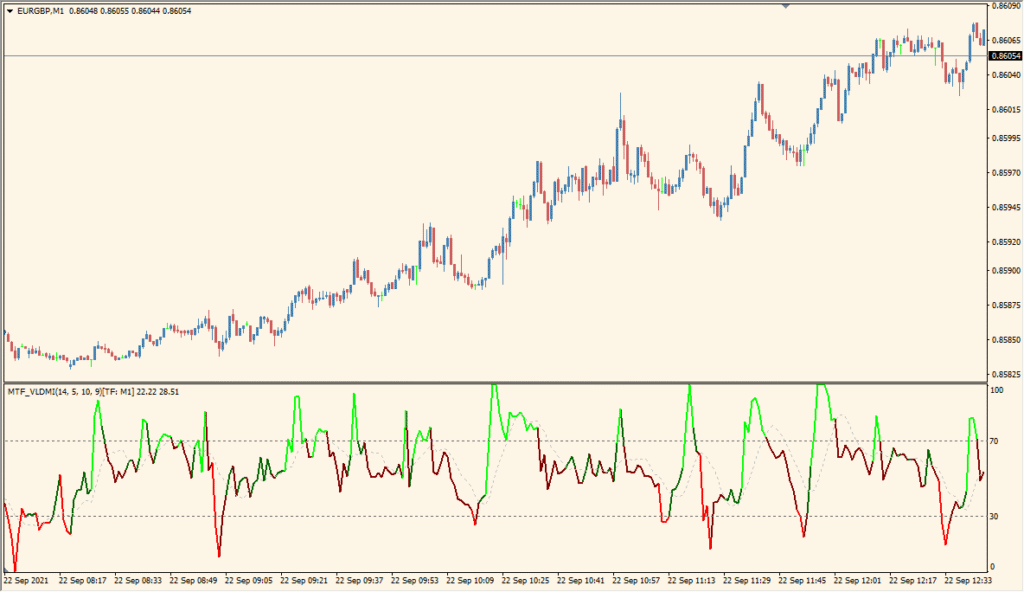
Read MTF VLDMI as a volatility-responsive oscillator: its response changes with volatility, while the green and red areas mark the displayed 70 and 30 overbought or oversold zones.
- Compare the oscillator with ordinary RSI to see how the VLDMI response changes when volatility shifts.
- Review the 70 and 30 areas together with the main line, noting that abrupt movement after a quiet period can produce a large response.
- Choose TimeFrame for the multi-timeframe display, then increase VLDMIPeriod, DevPeriod, or DevMAPeriod when a slower response is required for comparison.
- Use the signal moving-average options and ColorOnSlope only to clarify the pane; rapid movement can also create false-looking swings.
MT4 Indicator Parameters
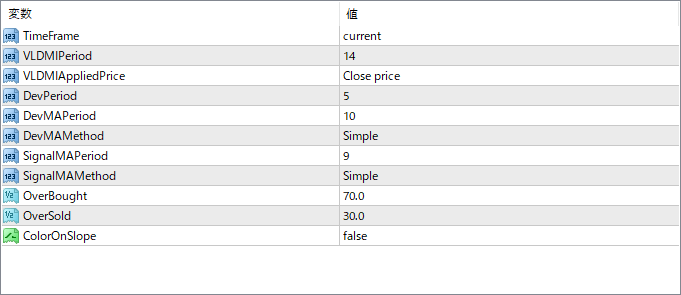
The screenshot above shows the default input parameters in the MT4 settings window.
| Parameter | Description |
|---|---|
| TimeFrame | Defines the timeframe used for calculation. Set to “current” to match the chart timeframe, or specify a higher timeframe for MTF analysis. |
| VLDMIPeriod | Sets the number of bars used for the core momentum calculation. |
| VLDMIAppliedPrice | Chooses the price type for calculation (e.g., close, open, high, etc.). |
| DevPeriod | Sets the number of bars used to calculate deviation from the mean for filtering. |
| DevMAPeriod | Specifies how many periods are used to smooth the deviation value. |
| DevMAMethod | Selects the moving average method used to smooth the deviation (e.g., Simple, EMA, etc.). |
| SignalMAPeriod | Defines the period for calculating the signal line. |
| SignalMAMethod | Sets the moving average method for the signal line smoothing. |
| OverBought | Specifies the upper threshold level used to signal an overbought condition. |
| OverSold | Specifies the lower threshold level used to signal an oversold condition. |
| ColorOnSlope | When set to true, the main line will change color depending on its slope (up or down), offering quick visual cues on momentum direction. |


