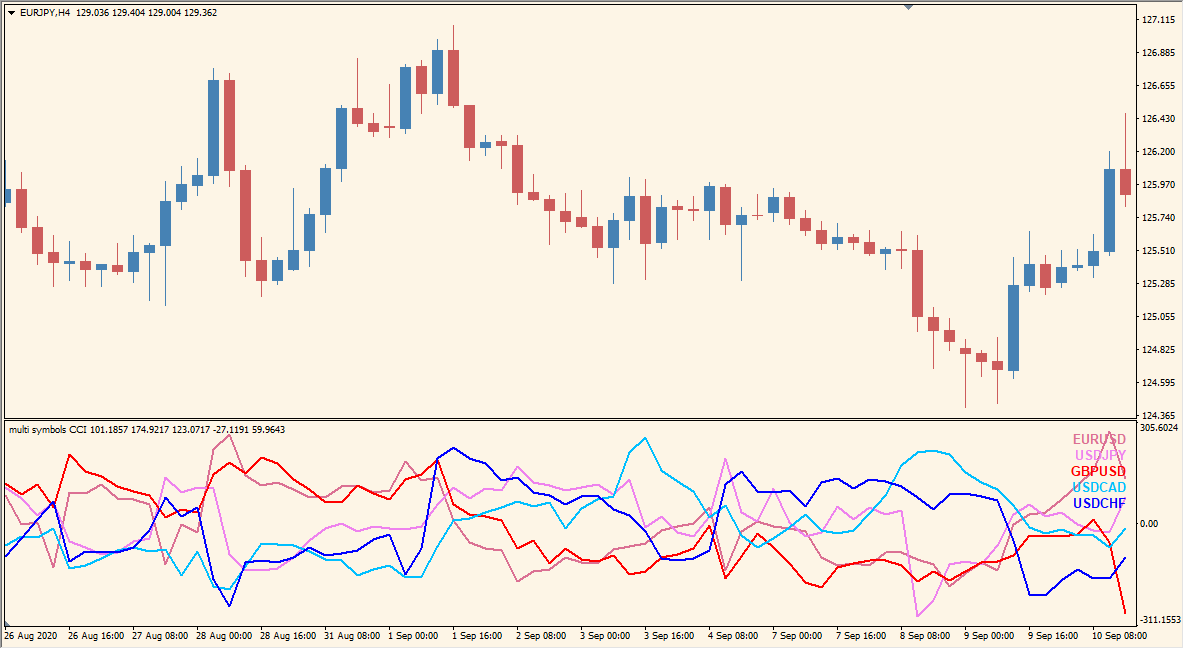
What is Multi Symbols CCI Indicator?
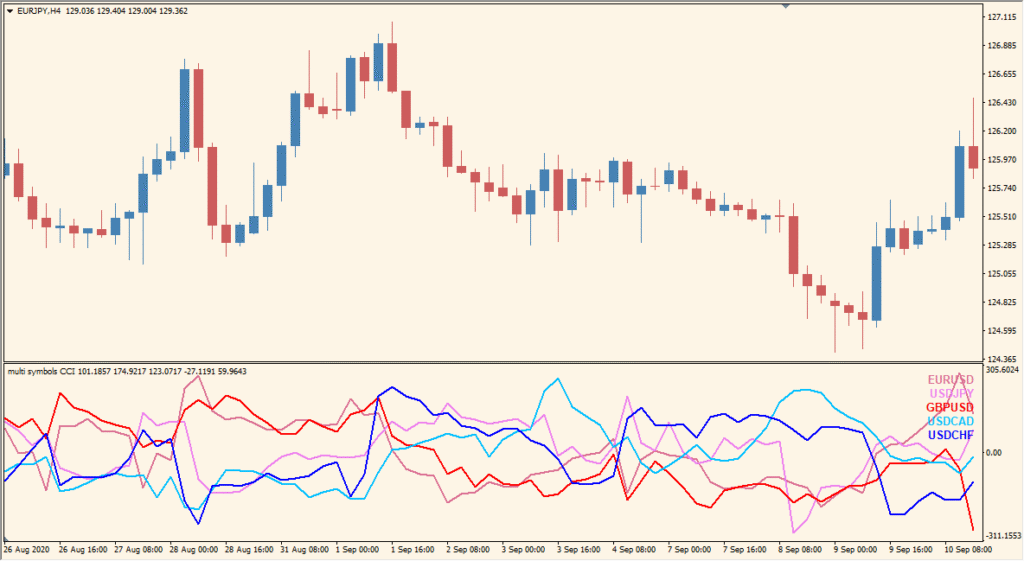
The Multi Symbols CCI indicator for MT4 displays Commodity Channel Index (CCI) values for multiple currency pairs in one subwindow. This helps traders quickly compare momentum across various markets without switching charts. Each symbol is color-coded for easy distinction, and the indicator plots CCI lines based on the same time and price data.
By monitoring several pairs simultaneously, this tool allows for faster decision-making and helps identify which pairs show stronger or weaker momentum based on CCI behavior.
How to Use It in Practice
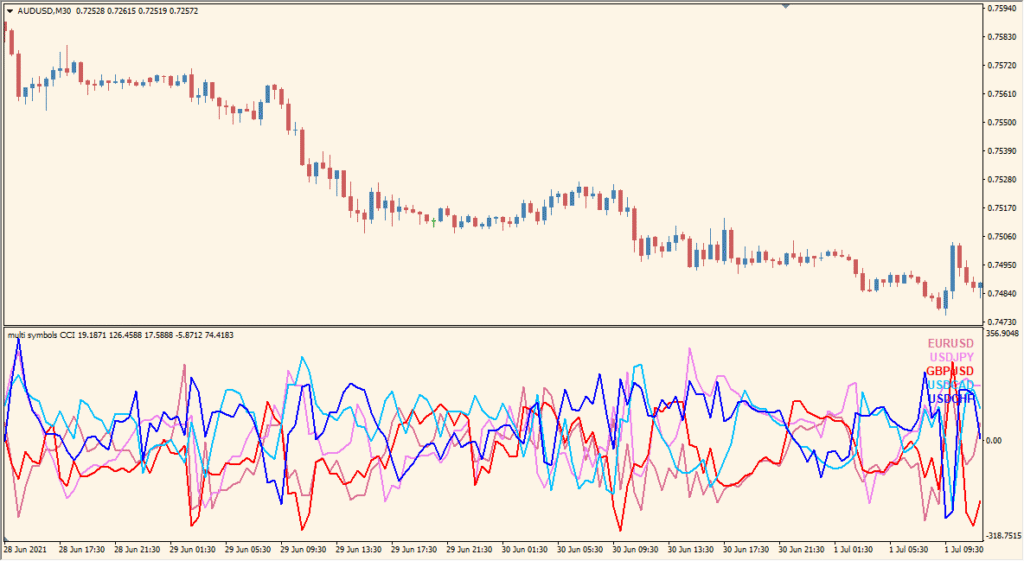
In live trading, the Multi Symbols CCI indicator can be used to:
- Compare momentum across multiple currency pairs in real time.
- Spot divergence between pairs or identify which currencies are leading.
- Use as a confirmation tool before entering trades, based on CCI signals across different pairs.
- Save screen space by analyzing multiple assets in one chart window.
Best Settings & MT4 Parameters for multi-symbols-cci
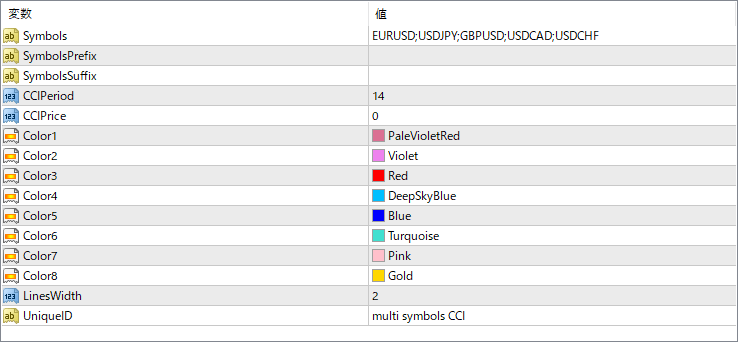
Symbols
List of currency pairs to be displayed, separated by semicolons.
SymbolsPrefix
Optional prefix added before symbol names (used if your broker uses non-standard symbols).
SymbolsSuffix
Optional suffix added after symbol names (used for brokers with suffixes like “.m” or “.pro”).
CCIPeriod
Sets the number of bars used to calculate the CCI value.
CCIPrice
Defines the price type used for CCI calculation (e.g., typical price, close, high, etc.).
Color1 ~ Color8
Assigns line colors for each symbol’s CCI line. Adjust these to distinguish symbols visually.
LinesWidth
Sets the line thickness for all plotted CCI lines.
UniqueID
Used to avoid conflicts when applying multiple instances of the indicator on the same chart.


