What is Multi Symbols CCI Indicator?
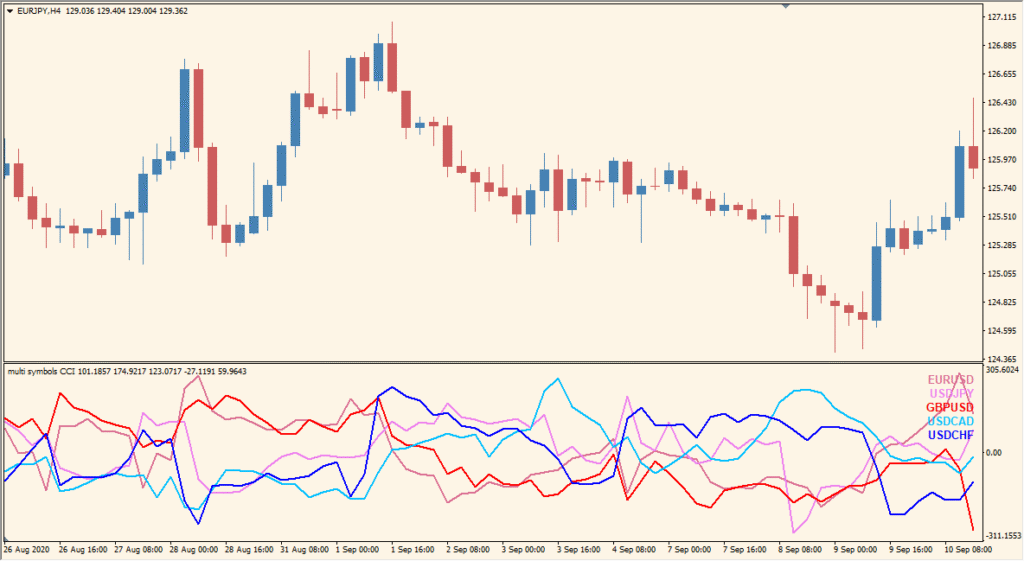
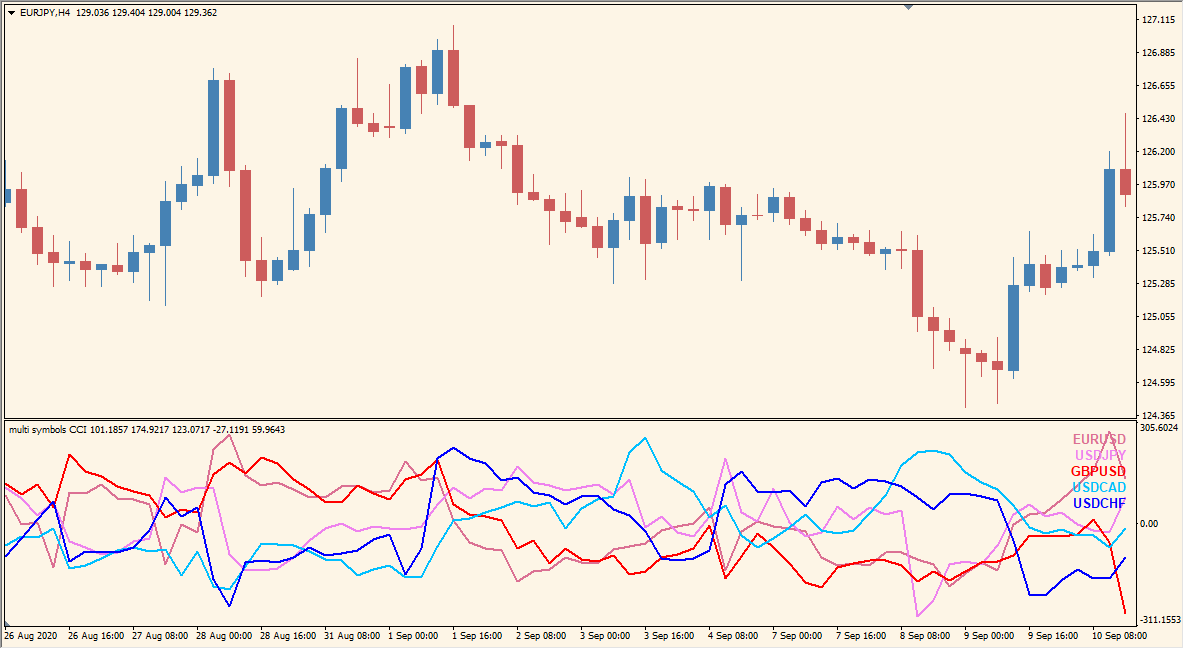
Multi Symbols CCI for MT4 plots CCI lines for the symbols listed in one subwindow. Each line uses its own color, making it possible to compare the selected pairs without opening multiple charts.
Symbols, broker prefix and suffix, CCIPeriod, CCIPrice, line colors, line width, and UniqueID control the data and display. The subwindow provides a compact multi-symbol momentum reference.
How to Use It in Practice
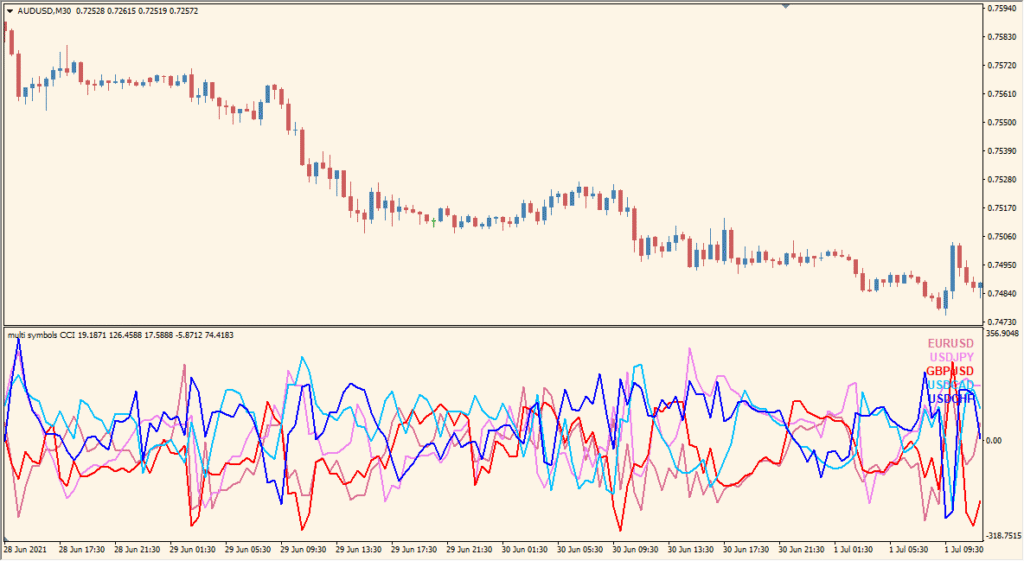
Multi Symbols CCI places the CCI lines for several symbols in one subwindow; the default shows five pairs together.
- Read each plotted CCI line as its configured symbol’s separate series in the common subwindow.
- Enter the MT4 Market Watch symbol names in the symbol field, separated with commas.
- Keep the selected set limited enough for the individual CCI lines to remain distinguishable in the panel.
MT4 Indicator Parameters
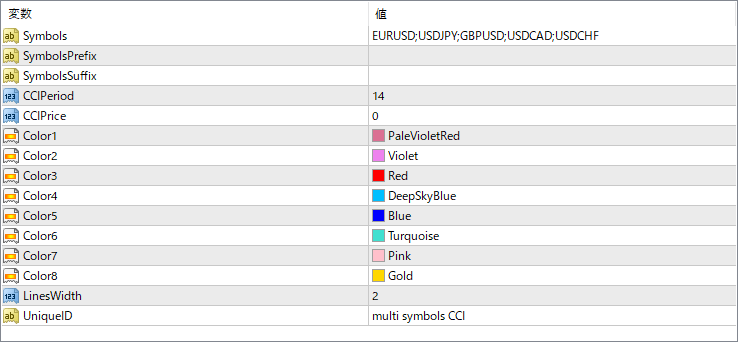
The screenshot above shows the default input parameters in the MT4 settings window.
| Parameter | Description |
|---|---|
| Symbols | List of currency pairs to be displayed, separated by semicolons. |
| SymbolsPrefix | Optional prefix added before symbol names (used if your broker uses non-standard symbols). |
| SymbolsSuffix | Optional suffix added after symbol names (used for brokers with suffixes like “.m” or “.pro”). |
| CCIPeriod | Sets the number of bars used to calculate the CCI value. |
| CCIPrice | Defines the price type used for CCI calculation (e.g., typical price, close, high, etc.). |
| Color1 ~ Color8 | Assigns line colors for each symbol’s CCI line. Adjust these to distinguish symbols visually. |
| LinesWidth | Sets the line thickness for all plotted CCI lines. |
| UniqueID | Used to avoid conflicts when applying multiple instances of the indicator on the same chart. |


