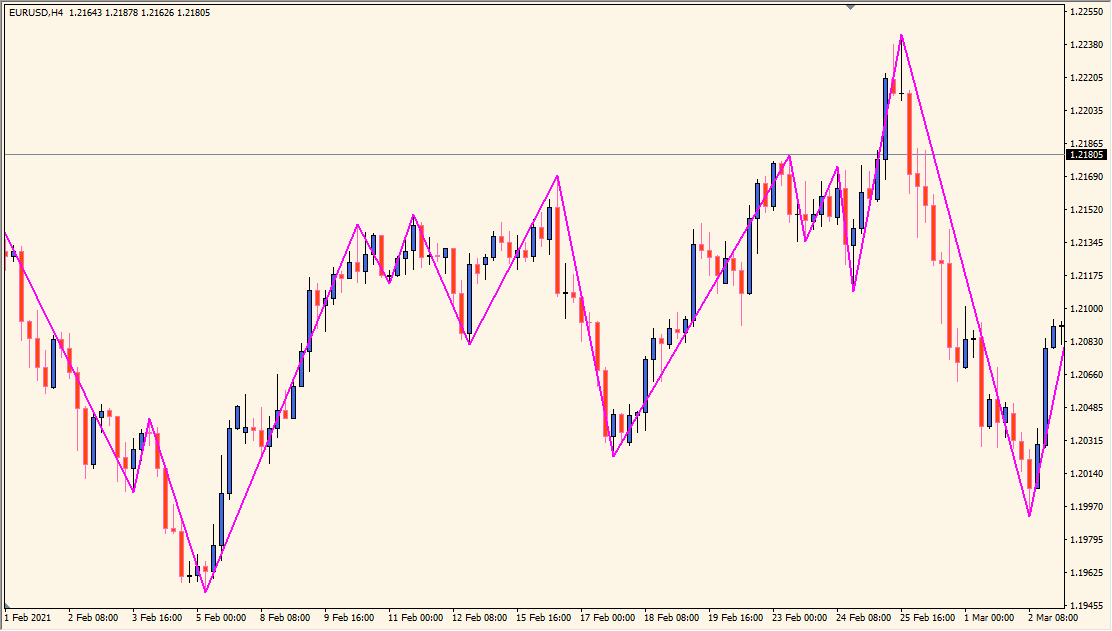
What is parabolic-zz-indicator?
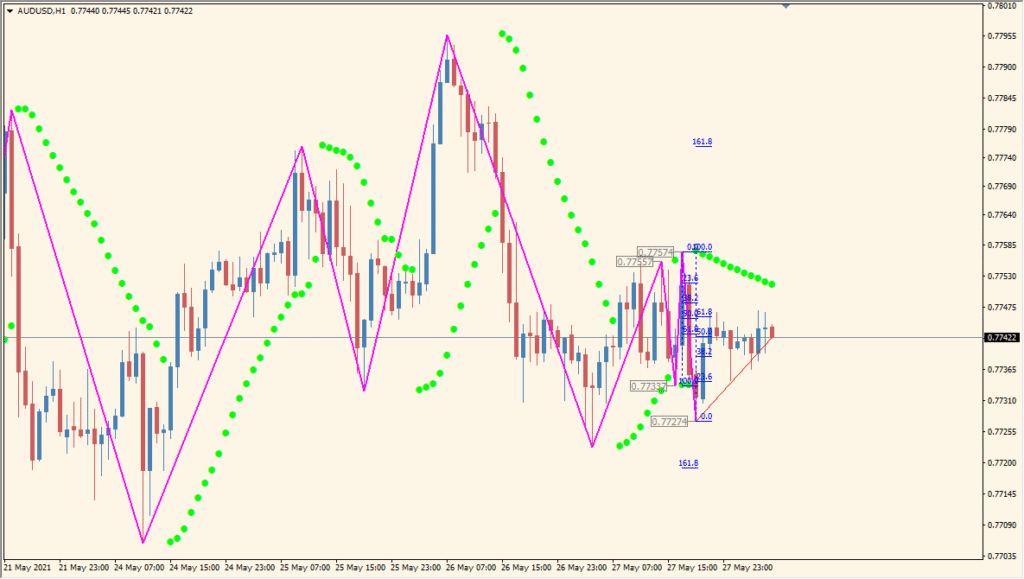
The parabolic-zz-indicator is a custom MT4 tool that combines ZigZag logic with the Parabolic SAR to detect major turning points on a chart. It helps identify swing highs and lows by applying SAR rules to price action, filtering out insignificant moves and focusing only on meaningful reversals.
Unlike a standard ZigZag, this indicator adds more structure by using SAR’s trending mechanism to draw only the most relevant swing points, making it easier to analyze market structure.
How to Use It in Practice
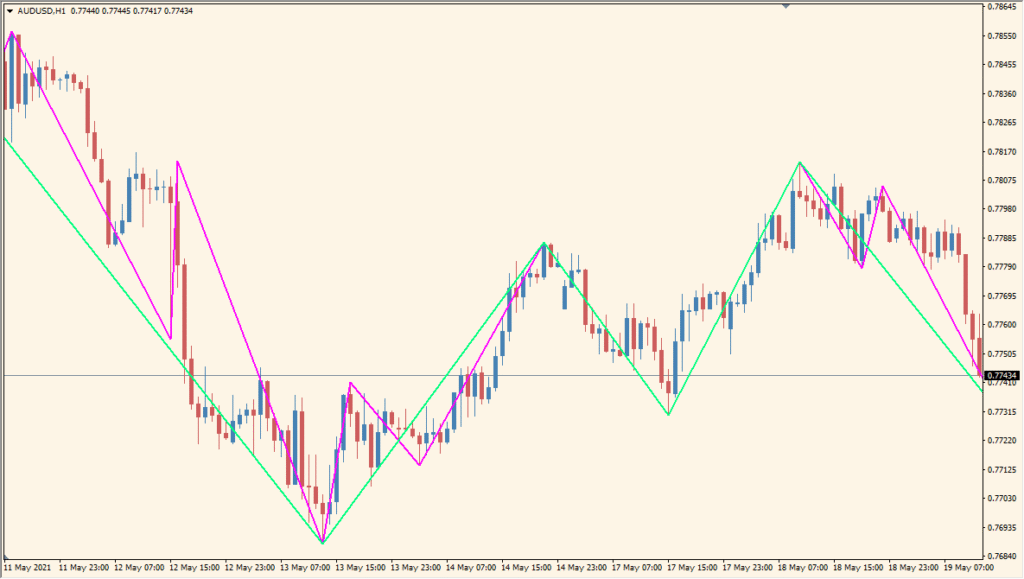
In trading, this indicator can be used to:
- Mark swing highs and lows clearly for price action or structure-based strategies.
- Support Fibonacci retracement or extension analysis with accurate anchor points.
- Validate entry or exit points in combination with trend indicators.
- Ignore market noise by focusing on key reversals only.
It works best on higher intraday timeframes (H1–H4), where price structure and clarity of turns matter more.
Best Settings & MT4 Parameters for parabolic-zz-indicator
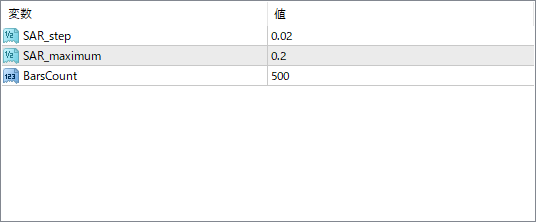
SAR_step
This sets the step size of the Parabolic SAR. A smaller value makes the indicator more sensitive, capturing more turning points. A larger value filters out smaller swings.
SAR_maximum
This defines the maximum acceleration of the SAR. Higher values make the SAR react faster to trends, which may reduce lag but increase false signals.
BarsCount
This limits how many candles back the indicator processes. It’s useful for controlling performance and keeping the chart clean.


