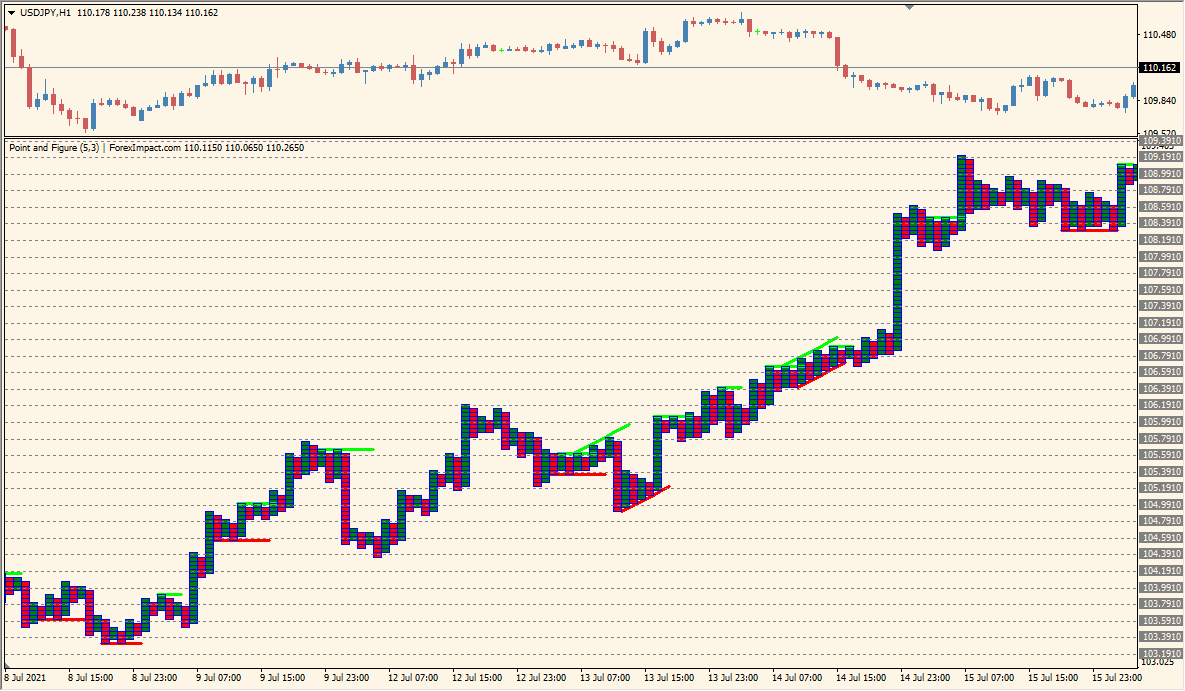
What is Point Figure Indicator?
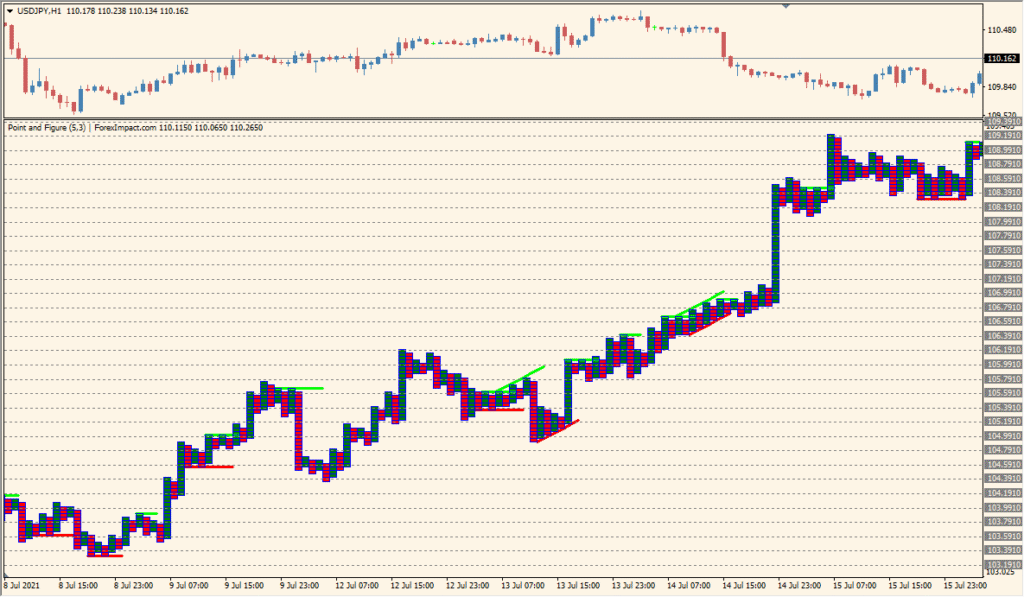
Point Figure Indicator for MT4 represents price movement with columns of X and O-style blocks rather than time-based candles. A new column forms after the configured price movement and reversal amount are reached.
optns, boxValue, Multiply, grid visibility, block colors, price-level color, and grid color control the calculation and presentation. The display provides a different view of support, resistance, and directional price structure.
How to Use It in Practice
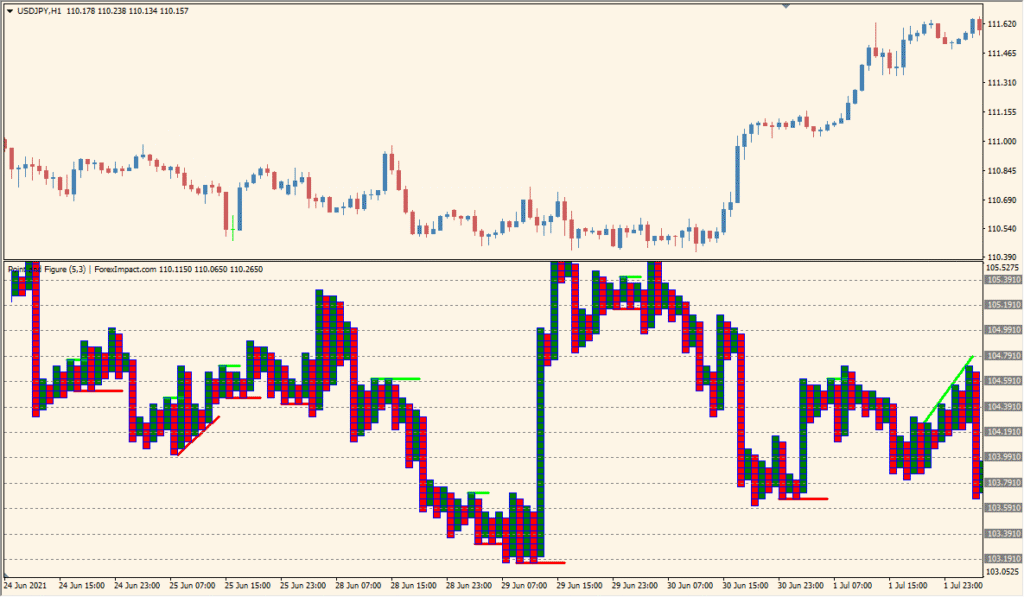
Point Figure Indicator builds a point-and-figure chart without time or volume, using its configured price boxes and reversal columns instead of ordinary time-based candles.
- Read the box columns as the indicator’s non-time-based representation of price movement.
- Set box value to define the price range represented by one box.
- Set Multiply to define how many boxes are required before an upward-to-downward or downward-to-upward reversal column is drawn.
The display separates price movement from time-based candles, box and reversal settings control the amount of filtering, and grid and color options support a clear layout.
MT4 Indicator Parameters
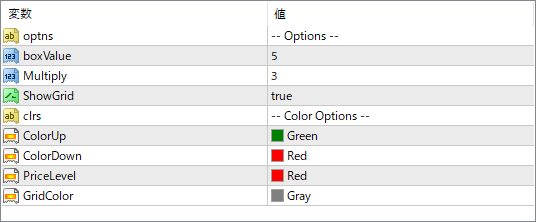
The screenshot above shows the default input parameters in the MT4 settings window.
| Parameter | Description |
|---|---|
| optns | Option selector for different visual or calculation styles, if supported by the indicator logic. |
| boxValue | Defines the box size (price unit) used to determine when a new X or O is plotted. A smaller value results in more detail; a larger value filters more noise. |
| Multiply | Specifies the reversal amount in multiples of the box size. This controls how much price must move in the opposite direction to start a new column. |
| ShowGrid | Turns the background grid lines on or off for better visual alignment. |
| ColorUp | Color used for upward price movement blocks (e.g., green columns). |
| ColorDown | Color used for downward price movement blocks (e.g., red columns). |
| PriceLevel | Color for horizontal price level lines on the chart. |
| GridColor | Color of the background grid lines, if enabled. |


