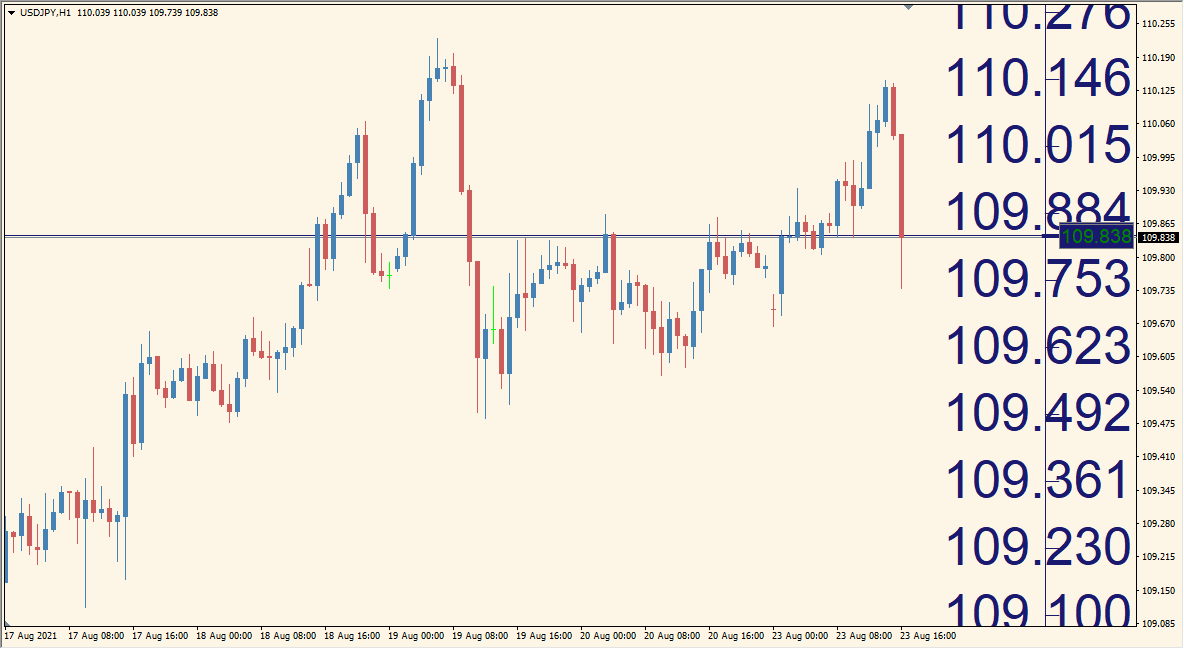
What is Price_Scale_Large_v1.1 Indicator?
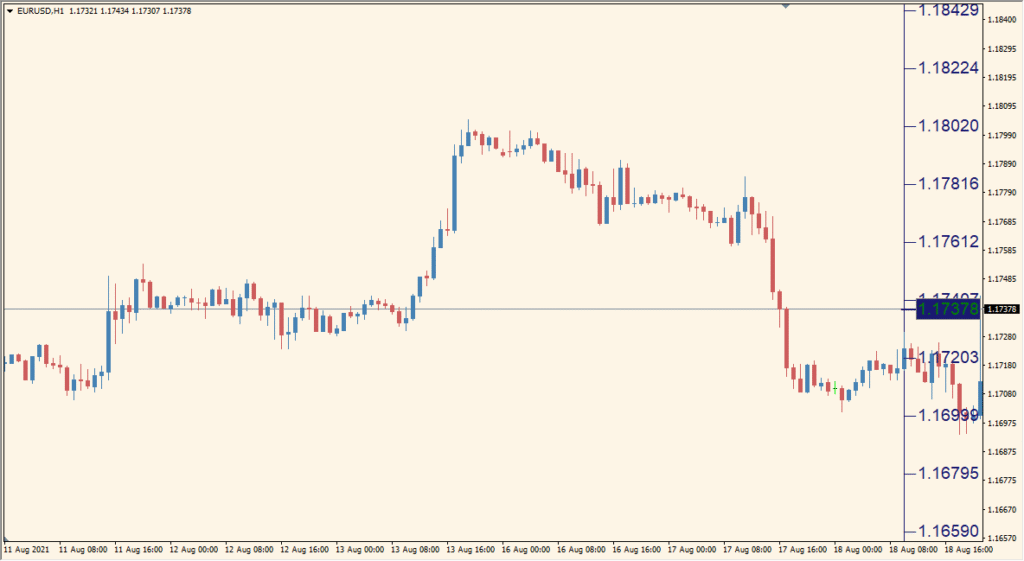
Price Scale Large v1.1 for MT4 enlarges the chart price scale and can display bid and ask tags beside the current price. Optional horizontal lines provide additional references for the two values.
The number of levels, font size, colors, right-side offset, tag dimensions, line visibility, line style, and line width are configurable. These display controls help adapt the price scale to different monitors and chart themes.
How to Use It in Practice
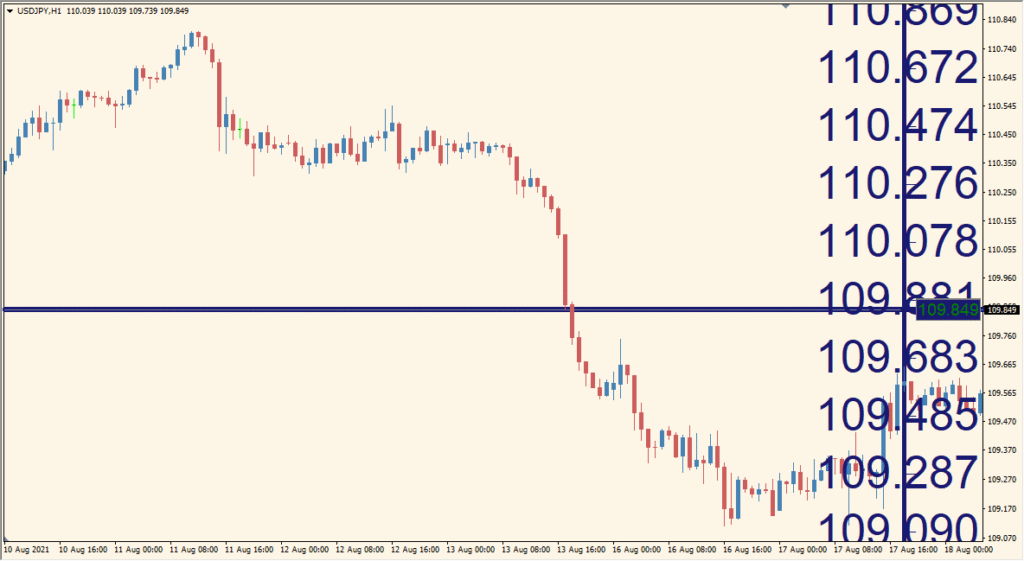
Use Price Scale Large v1.1 to make the right-side price labels legible at the intended viewing distance, particularly when many charts share a large monitor.
- Adjust the font size and color until the enlarged labels remain readable with the chosen chart layout.
- Use the displayed price-level and right-side-offset options to place the added scale without covering chart objects.
- Choose the bid and ask tag colors and dimensions when those values need to stay visible.
- Show or hide the bid and ask lines and set their style or width as part of the chart layout.
- Retain the platform price scale where it appears: MT4 itself does not remove the original right-side labels.
Price labels are easier to read, bid and ask values can be shown as tags or lines, and the scale layout is configurable for different chart sizes.
MT4 Indicator Parameters
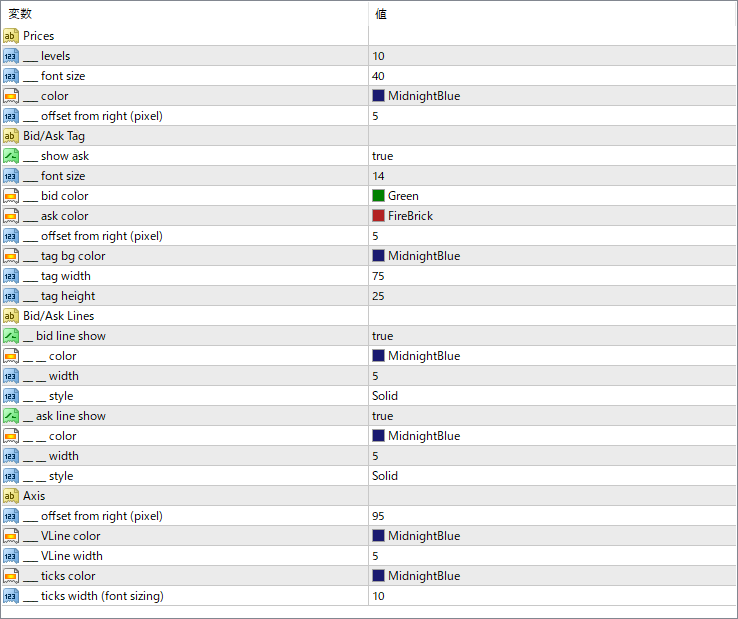
The screenshot above shows the default input parameters in the MT4 settings window.
| Parameter | Description |
|---|---|
| _levels | Defines how many horizontal price levels are displayed on the price scale. |
| _font size | Sets the font size for the displayed price levels to improve readability. |
| _color | Specifies the color of the price level labels. |
| _offset from right (pixel) | Controls the distance from the chart’s right edge to where the price labels appear. |
| _show ask | Enables or disables the display of the Ask price tag on the chart. |
| _bid color | Defines the color of the Bid price tag text. |
| _ask color | Defines the color of the Ask price tag text. |
| _tag bg color | Sets the background color of the bid/ask tags. |
| _tag width | Controls the width of the bid/ask tags displayed on the chart. |
| _tag height | Controls the height of the bid/ask tags displayed on the chart. |
| _bid line show | Turns on or off the line indicating the current Bid price. |
| _ask line show | Turns on or off the line indicating the current Ask price. |
| _line style / _width / _color | These control the style, thickness, and color of the bid/ask lines if enabled. |
| _offset from right (pixel) | Adjusts the distance of axis lines and ticks from the right edge of the chart. |
| _VLine color / _width | Set the color and thickness of the vertical guide lines on the price axis. |
| _ticks color / _ticks width | Configure the tick mark color and font size for the axis labels. |


